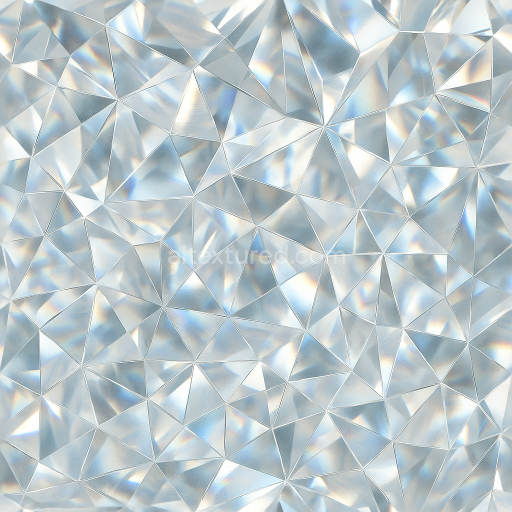
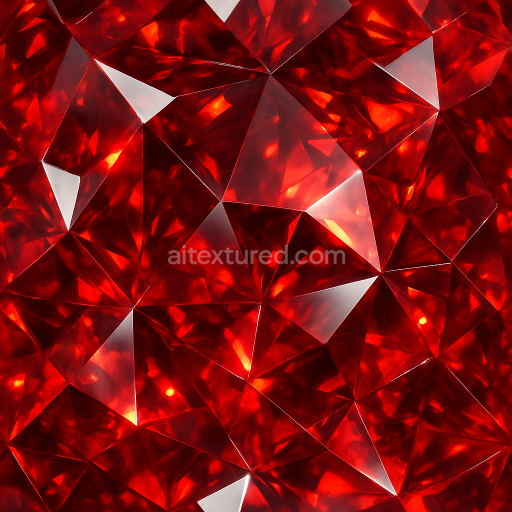
Diamond Facet Edges Sparkling Gemstone Cut Natural Crystal
Seamless texture (tileable) · PNG, WEBP, PBR ZIP.
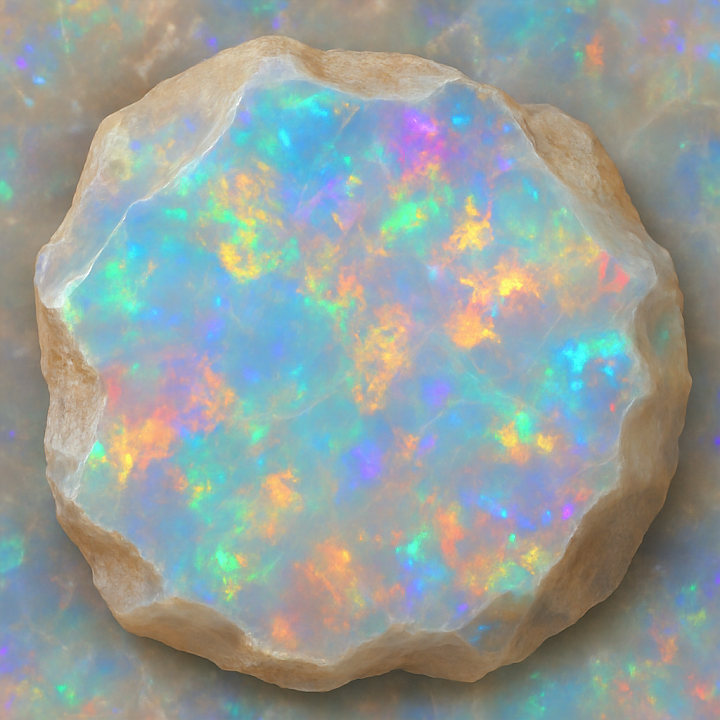
| ID | seamless-3d-texture-pbr-8k-opal-raw-crystal-with-iridescent-sheen-and-vitreous-luster-finishes |
|---|---|
| Category | Crystals |
| Formats | PNG, WEBP, PBR ZIP |
| Size | 1k (1024x1024px), 2k (2048x2048px), 4k (4096x4096px), 8k (8192x8192px) |
| Tileable | Yes |
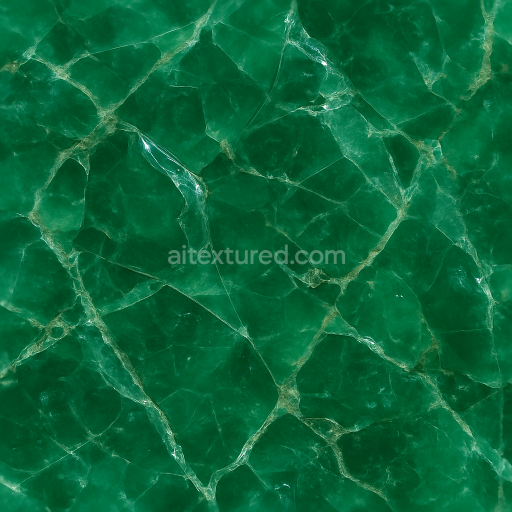
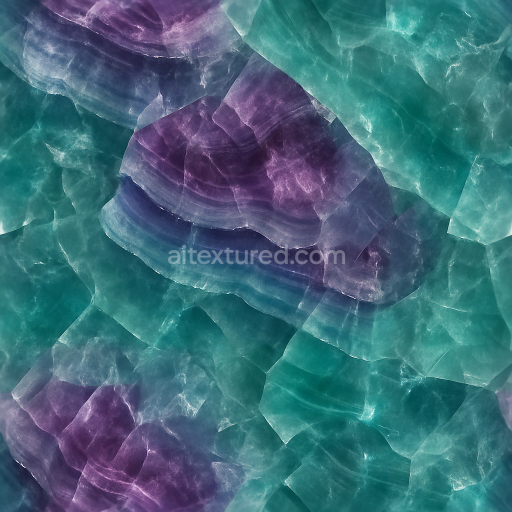
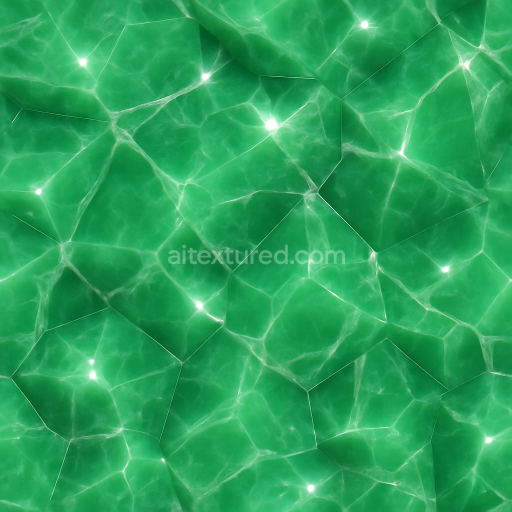
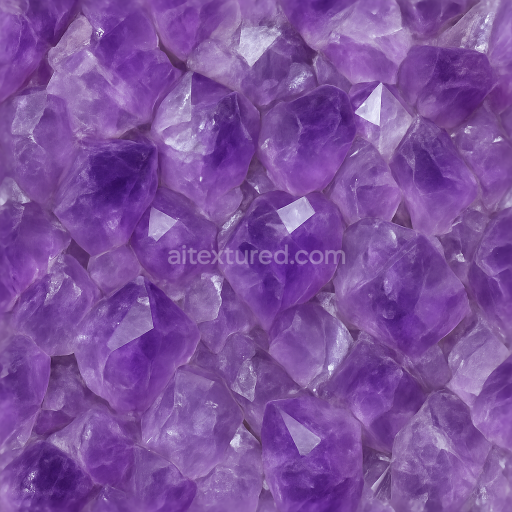
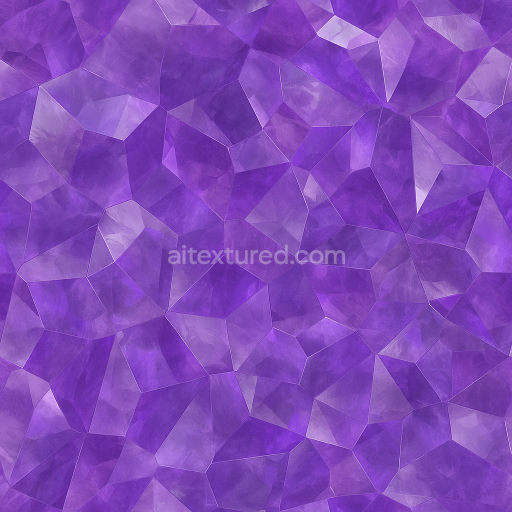
This seamless 3D texture represents a raw opal crystal surface, meticulously crafted to showcase the gemstone’s distinctive iridescent sheen and vitreous luster. The base material mimics opal’s hydrated silica composition, featuring a complex internal structure of microscopic silica spheres arranged in a regular pattern that produces the gemstone’s characteristic play of color. The texture captures subtle color zoning effects, where translucent layers of milky whites, soft blues, and flashes of vibrant reds and greens overlap, creating depth and natural gloss. The form is organic and irregular, emulating the fractured, jagged surfaces typical of unpolished raw crystals rather than uniform geometric tiling, yet the texture is seamless to allow continuous application across 3D models without visible repetition.
From a material composition perspective, the texture simulates a non-metallic substrate with low porosity, consistent with opal’s dense yet slightly hydrated structure. The vitreous luster is expressed through the Roughness channel, which balances smooth, glossy areas with micro-roughness to replicate natural surface imperfections and enhance light scattering. The Normal and Height maps accurately reproduce the fine facets and subtle undulations of the raw crystal surface, providing realistic relief and depth. Ambient Occlusion defines soft shadows in crevices, enriching the sense of volume and complexity. The Metallic channel remains near zero, reflecting opal’s non-metallic nature, while BaseColor conveys the gemstone’s translucent milky tones interspersed with iridescent color flashes resulting from light diffraction within the mineral’s internal layers.
Rendered at an ultra-high 8K resolution, this PBR texture delivers exceptional detail suitable for close-up renders in Blender, Unreal Engine, and Unity. It is optimized for physically based workflows, ensuring accurate responses to dynamic lighting conditions and realistic reflections. The seamless design facilitates flexible UV mapping, making it ideal for applications ranging from gemstone modeling and digital jewelry design to natural environment visualizations and artistic crystal formations. Due to the intricate play of color and subtle color zoning, it is recommended to carefully adjust the UV scale to avoid overly stretched or compressed patterns, preserving the natural randomness of the opal surface.
For enhanced realism, fine-tuning the Roughness channel can simulate varying degrees of polish or weathering, allowing the texture to represent anything from freshly broken raw specimens to slightly worn or heat-treated opal surfaces. Additionally, blending Height or Parallax maps with Normal maps can deepen the perceived surface complexity, accentuating the vitreous finish and iridescent highlights. This texture’s comprehensive channel setup ensures versatility and high fidelity in any physically based rendering pipeline, meeting the demands of detailed gemstone visualizations and sophisticated material studies.
Import the texture maps into Blender with sRGB color space for albedo/base color and Non-Color for normal, roughness, metallic, AO, height, and ORM maps. Connect normal maps through a Normal Map node, then adjust UV scale with a Mapping node so the material repeats naturally on your model.
For the full step-by-step setup, see How to Use Seamless Textures in Blender. Browse related material examples in wood, concrete, and metal.
Yes. This texture is designed as a seamless tileable PBR material, so it can repeat across large surfaces without visible borders.
Use the download controls on this page: they expose the available PNG, WEBP or engine ZIP choices and supported resolutions for this asset.
Use the engine ZIP choices to package compatible source maps for Blender, Unreal Engine or Unity, then verify the imported material in the target application.
Commercial-use permission is not verified for this record. Confirm the original source and license before production use.
Generate maps from existing images, preview materials, convert channels, and package compatible inputs for Blender, Unity, and Unreal Engine.
Choose a verified workflow for generating maps, previewing tiling, converting channels, or starting from the texture catalog.
Derive Normal, Roughness, AO, Metallic, Height and optional ORM maps from one or more source images, then review the results.
Instant WebGL viewer: inspect materials on a sphere, plane, and cube. Check tiling and lighting in real time.
Re-packages maps per engine: Unreal (BaseColor + ORM), Unity (Mask/MetallicSmoothness), Blender (separate channels).
PNG ↔ JPG ↔ SVG: fast convert, SVG rasterize, embed/trace options, quality & background controls.