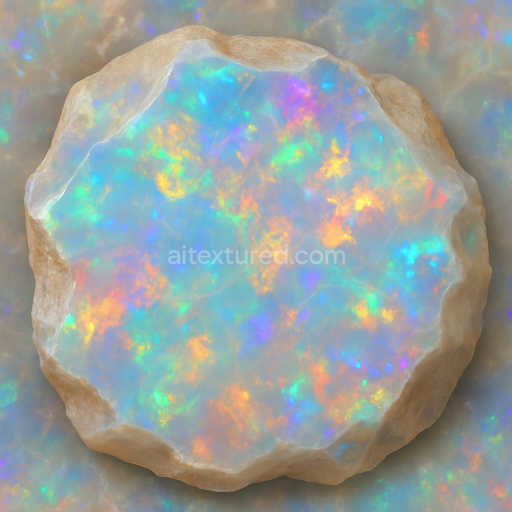
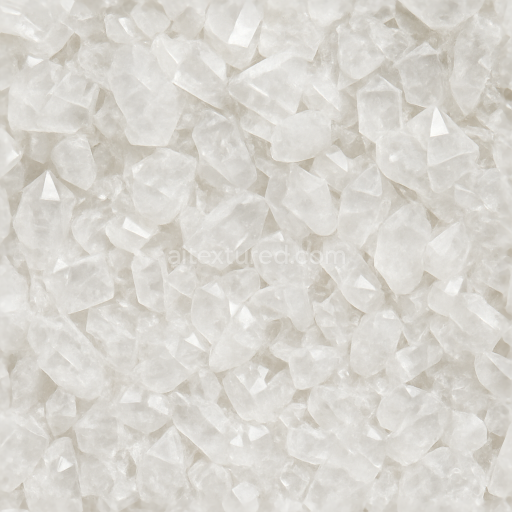
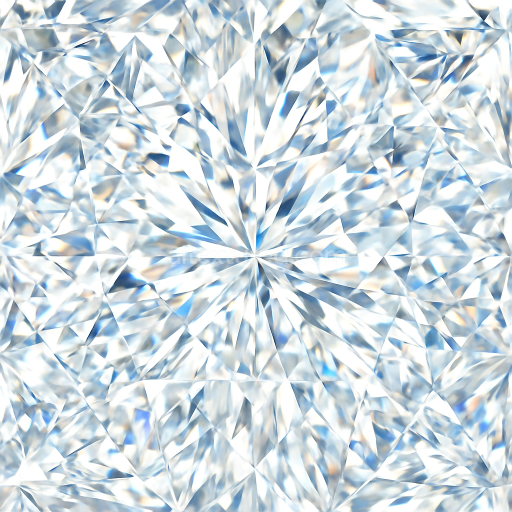
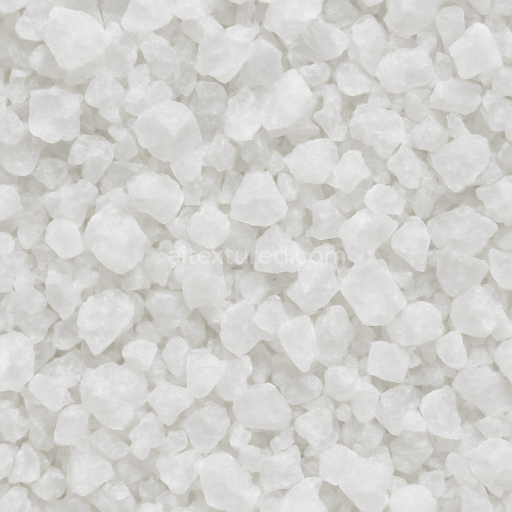
Opal Raw Crystal With Iridescent Sheen And Vitreous Luster Finishes
Seamless texture (tileable) · PNG, WEBP, PBR ZIP.
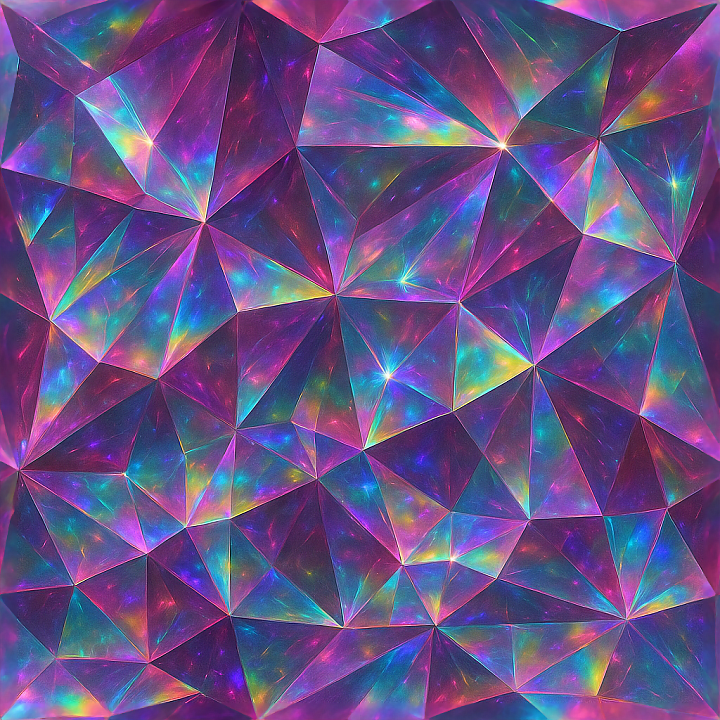
| ID | seamless-3d-texture-pbr-8k-spinel-prismatic-gemstone-cut-with-iridescent-sparkle-effect-and-crystal-twinning |
|---|---|
| Category | Crystals |
| Formats | PNG, WEBP, PBR ZIP |
| Size | 1k (1024x1024px), 2k (2048x2048px), 4k (4096x4096px), 8k (8192x8192px) |
| Tileable | Yes |
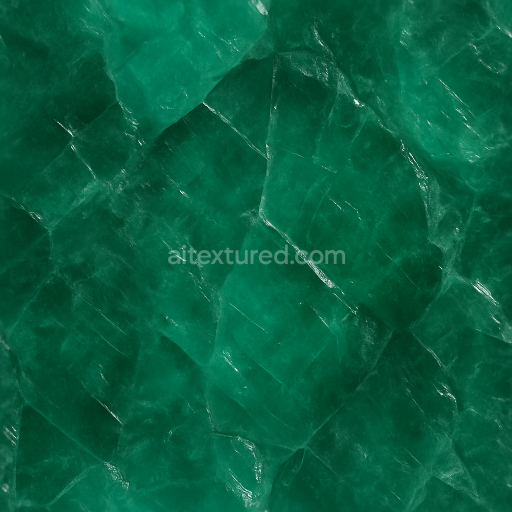
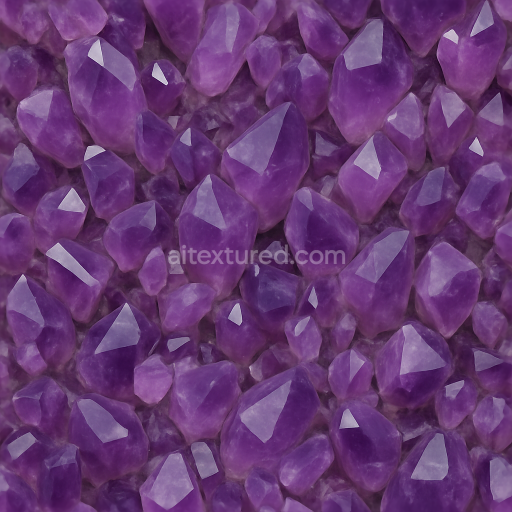
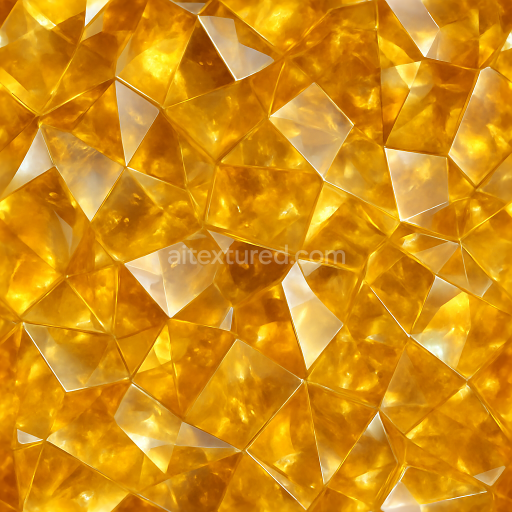
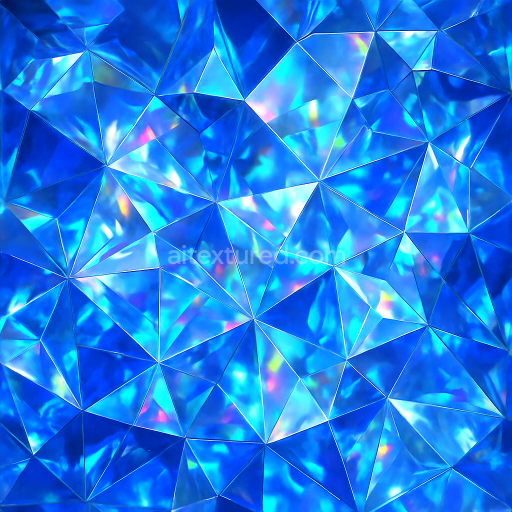
This seamless 3D texture features an intricately detailed representation of spinel crystals, expertly modeled with prismatic gemstone cuts that emulate the precise faceting found in natural gem specimens. The base material mimics high-purity spinel, a magnesium aluminum oxide mineral known for its vitreous luster and exceptional hardness. The geometric form is composed of tightly interlocking facets arranged in a crystalline lattice pattern, enhanced by subtle crystal twinning that introduces symmetrical, mirrored structures within the texture. This arrangement creates complex light dispersion effects, contributing to the texture’s iridescent sparkle and color-shifting qualities. The polished surface finish is smooth and glossy, capturing the reflective and refractive properties essential to realistic gemstone rendering.
From a materials science perspective, the texture simulates a dense, non-porous crystalline substrate with minimal inclusions or weathering, preserving a pristine appearance typical of cut gemstones. The spinel’s inherent transparency is suggested through the PBR channels by using a carefully balanced BaseColor map that integrates subtle color gradients and highlights, avoiding flatness. The Normal map emphasizes the sharp, angular facets and minute surface imperfections, while the Roughness map controls the glossy, mirror-like reflections versus softer light diffusion on less exposed crystal planes. Metallic values remain low to none, reflecting the non-metallic nature of spinel, while Ambient Occlusion adds depth along facet edges and intersections. The Height/Displacement map enhances the three-dimensional relief, accentuating the prismatic geometry and crystal twinning effects when used in conjunction with parallax or tessellation shading.
Rendered at an ultra-high 8K resolution, this texture delivers exceptional detail and clarity, making it ideal for photorealistic applications in Blender, Unreal Engine, and Unity. The seamless design ensures perfect tiling without visible borders, allowing for flexible coverage across large surfaces or close-up views without sacrificing quality. The subtle iridescence is achieved through complex shader setups that simulate light interference within the crystal matrix, enhancing realism in dynamic lighting environments. This texture excels in projects requiring authentic gemstone appearances, whether for jewelry visualization, architectural accents, or advanced material experiments.
For optimal results, it is recommended to carefully adjust the UV scale to maintain the natural size of the spinel facets relative to the 3D model, avoiding repetition artifacts. Additionally, fine-tuning the roughness channel can help balance between sharp specular highlights and softer diffuse reflections, depending on the desired visual style. When integrating with height or parallax mapping, blending normal details with displacement enhances the tactile sense of depth and complexity inherent to the prismatic gemstone cut.
Import the texture maps into Blender with sRGB color space for albedo/base color and Non-Color for normal, roughness, metallic, AO, height, and ORM maps. Connect normal maps through a Normal Map node, then adjust UV scale with a Mapping node so the material repeats naturally on your model.
For the full step-by-step setup, see How to Use Seamless Textures in Blender. Browse related material examples in wood, concrete, and metal.
Yes. This texture is designed as a seamless tileable PBR material, so it can repeat across large surfaces without visible borders.
Use the download controls on this page: they expose the available PNG, WEBP or engine ZIP choices and supported resolutions for this asset.
Use the engine ZIP choices to package compatible source maps for Blender, Unreal Engine or Unity, then verify the imported material in the target application.
Commercial-use permission is not verified for this record. Confirm the original source and license before production use.
Generate maps from existing images, preview materials, convert channels, and package compatible inputs for Blender, Unity, and Unreal Engine.
Choose a verified workflow for generating maps, previewing tiling, converting channels, or starting from the texture catalog.
Derive Normal, Roughness, AO, Metallic, Height and optional ORM maps from one or more source images, then review the results.
Instant WebGL viewer: inspect materials on a sphere, plane, and cube. Check tiling and lighting in real time.
Re-packages maps per engine: Unreal (BaseColor + ORM), Unity (Mask/MetallicSmoothness), Blender (separate channels).
PNG ↔ JPG ↔ SVG: fast convert, SVG rasterize, embed/trace options, quality & background controls.