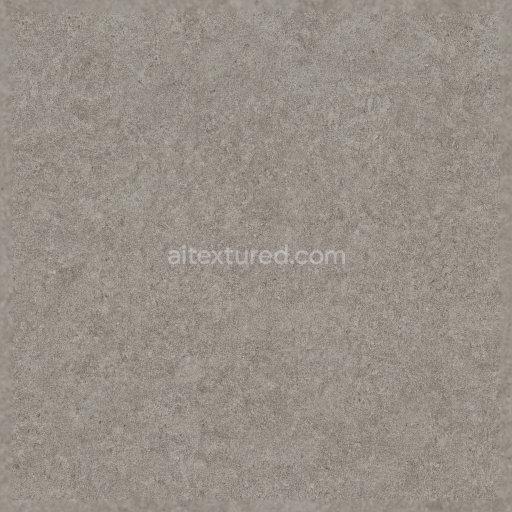
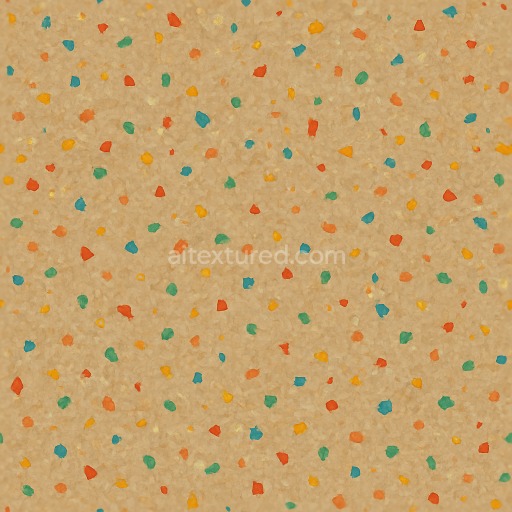
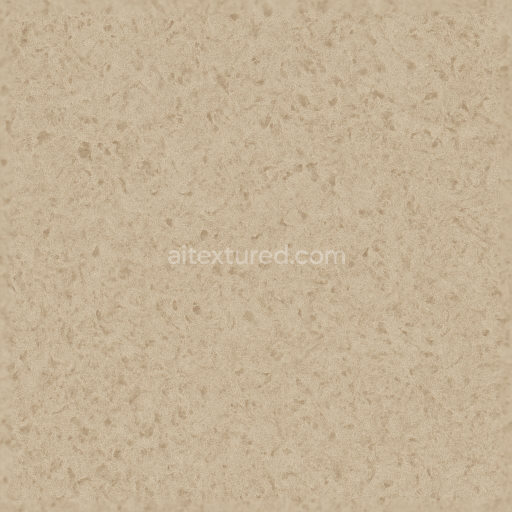
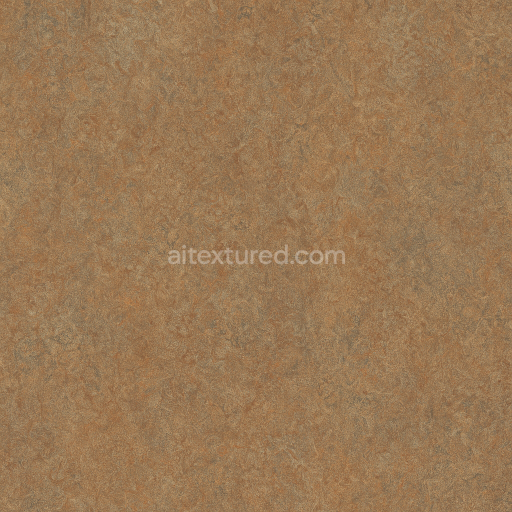
Industrial Linoleum Sheet With Textured Surface And Neutral Palette
Seamless texture (tileable) · PNG, WEBP, PBR ZIP. License: AITextured Free Commercial License (FCL) v1.1. Free personal and commercial use. Raw resale, standalone redistribution, mirroring/scraping, competing asset packs, and AI/ML training are not allowed without written permission. Attribution is not required, but appreciated..
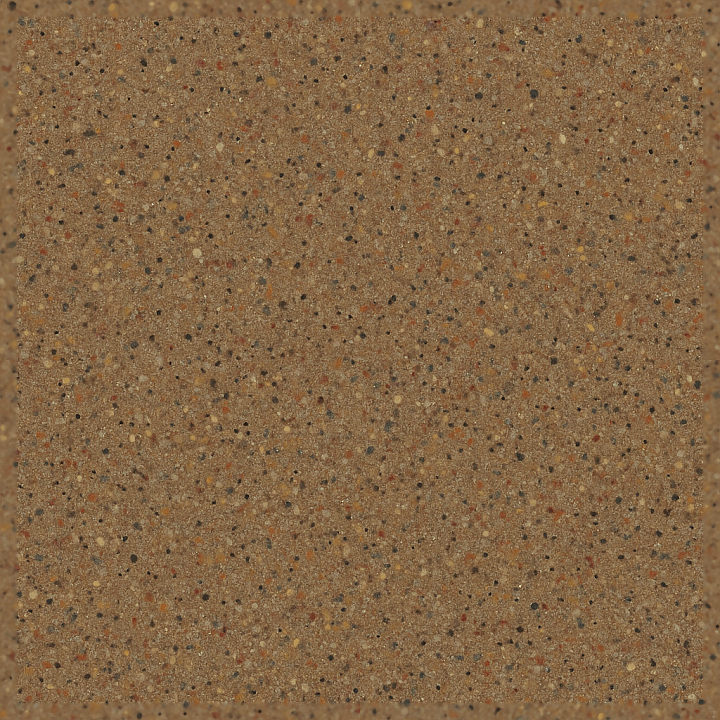
| ID | seamless-3d-texture-pbr-8k-speckle-scatter-linoleum-sheet-with-semi-gloss-and-earth-tones |
|---|---|
| Category | Linoleum |
| Formats | PNG, WEBP, PBR ZIP |
| Size | 1k (1024x1024px), 2k (2048x2048px), 4k (4096x4096px), 8k (8192x8192px) |
| Color | sRGB |
| Tileable | Yes |
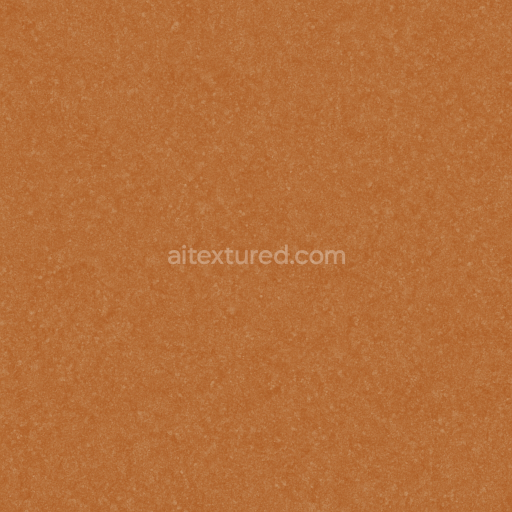
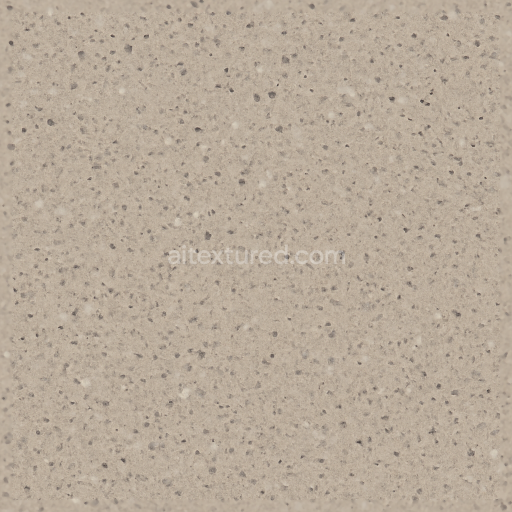
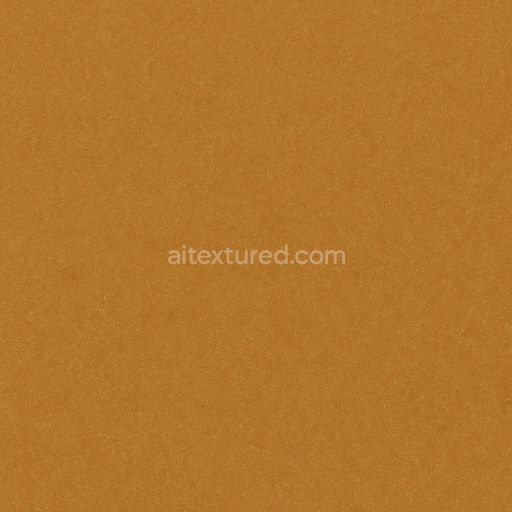
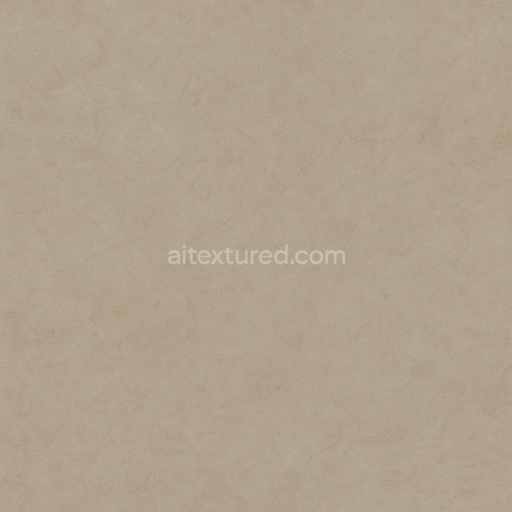
This seamless 3D texture represents a speckle scatter linoleum sheet with a semi-gloss finish, rendered in warm earth tones and enhanced by a subtle multi-color speckle pattern. The base material is a resilient linoleum flooring composed primarily of natural linseed oil, cork dust, wood flour, and mineral fillers bound together on a jute backing. This composition yields a fine grain surface with low porosity, contributing to its durability and slight elasticity. The sheet features an evenly dispersed speckled aggregate of tiny colored granules, creating natural variation without compromising uniformity, while the semi-gloss finish provides a balanced reflectivity that highlights the texture’s soft sheen without excessive glossiness.
Geometrically, the texture mimics a continuous linoleum sheet with a smooth, fine-grained pattern interrupted only by the delicate speckle scatter, avoiding any large-scale tiling or visible seams. The surface is predominantly flat with very subtle micro-elevations from the speckles, giving a slight tactile dimension. From a materials perspective, the texture’s substrate corresponds to the BaseColor (Albedo) channel, showcasing the warm earth tones and multi-color speckle details. The Normal map captures the gentle micro-relief of the speckles and fine grain, enhancing the perceived depth and realism under dynamic lighting conditions. Roughness is tuned to reflect the semi-gloss finish, balancing smoothness with a modest matte quality to prevent harsh reflections. The Metallic channel remains near zero, consistent with the organic, non-metallic linoleum base, while Ambient Occlusion subtly emphasizes the slight indentations around speckles and grain for natural shadowing. Height or Displacement maps encode the minimal surface variations caused by the aggregate scatter, useful for enhanced parallax or relief effects in 3D environments.
Rendered at an ultra-high 8K resolution, this texture is optimized for PBR workflows and fully compatible with Blender, Unreal Engine, and Unity, ensuring detailed close-up clarity and realistic material response across platforms. Its commercial-grade quality suits applications in architectural visualization, interior design, and game environments requiring authentic resilient flooring materials. The texture’s fine grain and speckle scatter pattern provide a versatile aesthetic that complements both modern and rustic design schemes.
For practical use, it is recommended to adjust the UV scale carefully to maintain the natural size of the speckles, avoiding overly large or minuscule patterns that could disrupt realism. Additionally, fine-tuning the roughness values can help match specific lighting setups or environmental conditions, while blending the height map subtly with the normal map can enhance perceived surface depth without introducing harsh geometric displacement artifacts.
Import the texture maps into Blender with sRGB color space for albedo/base color and Non-Color for normal, roughness, metallic, AO, height, and ORM maps. Connect normal maps through a Normal Map node, then adjust UV scale with a Mapping node so the material repeats naturally on your model.
For the full step-by-step setup, see How to Use Seamless Textures in Blender. Browse related material examples in wood, concrete, and metal.
Yes. This texture is designed as a seamless tileable PBR material, so it can repeat across large surfaces without visible borders.
You can download PNG/WEBP versions and use 1K, 2K, 4K and 8K download options when available on the page.
Yes. The download options and engine-mapped ZIP workflow are designed for Blender, Unreal Engine, Unity Standard, URP and HDRP material pipelines.
Yes. The texture is available under the AITextured free commercial license. Review the license page for redistribution and AI-training restrictions.
Generate, preview, and export seamless PBR materials for Blender, Unity, and Unreal Engine—directly in your browser.
AI text-to-texture: type a prompt and get a seamless, tileable base image ready for PBR workflows (great starting point for materials).
Create a full PBR set (Normal, Roughness, AO, Metallic, etc.) from a single image. Seamless and tiling-friendly.
Instant WebGL viewer: inspect materials on a sphere, plane, and cube. Check tiling and lighting in real time.
Re-packages maps per engine: Unreal (BaseColor + ORM), Unity (Mask/MetallicSmoothness), Blender (separate channels).
PNG ↔ JPG ↔ SVG: fast convert, SVG rasterize, embed/trace options, quality & background controls.