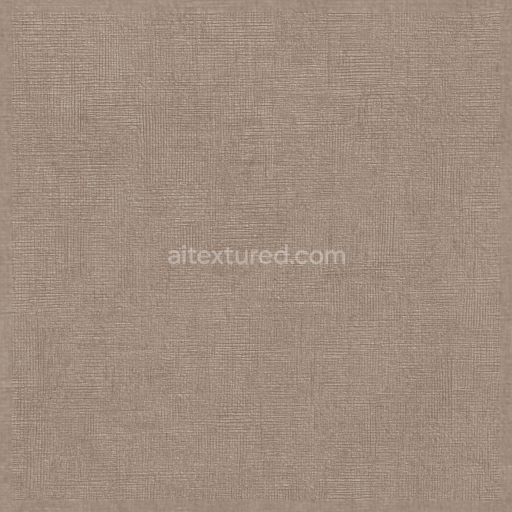
Textured Linoleum Sheet With Cross Hatch Pattern And Neutral Palette
Seamless texture (tileable) · PNG, WEBP, PBR ZIP. License: AITextured Free Commercial License (FCL) v1.1. Free personal and commercial use. Raw resale, standalone redistribution, mirroring/scraping, competing asset packs, and AI/ML training are not allowed without written permission. Attribution is not required, but appreciated..
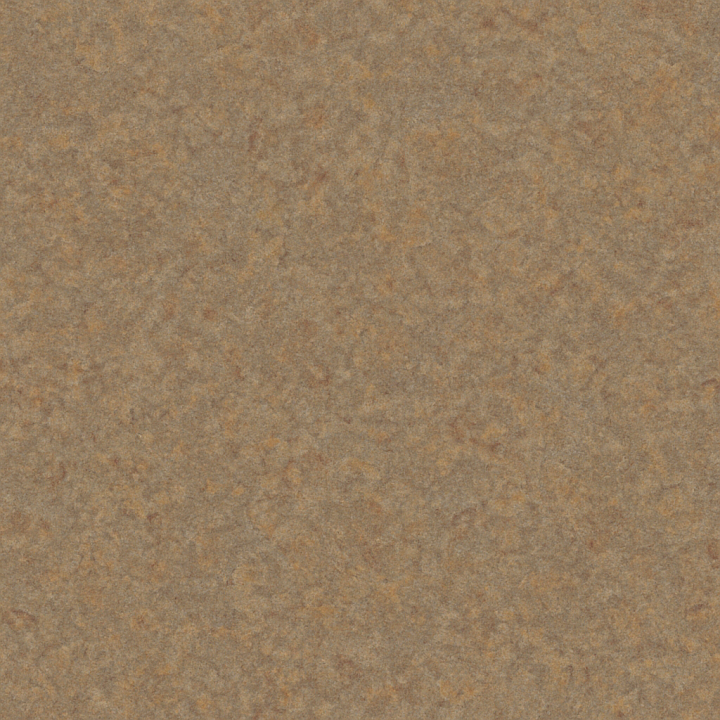
| ID | seamless-3d-texture-pbr-8k-linoleum-sheet-with-granular-surface-and-matte-finish-in-earth-tones |
|---|---|
| Category | Linoleum |
| Formats | PNG, WEBP, PBR ZIP |
| Size | 1k (1024x1024px), 2k (2048x2048px), 4k (4096x4096px), 8k (8192x8192px) |
| Color | sRGB |
| Tileable | Yes |
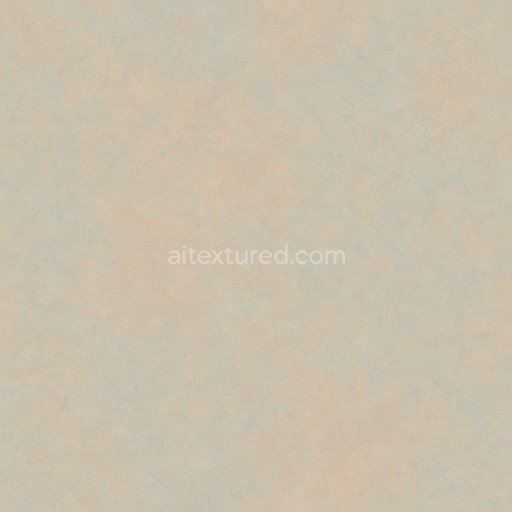
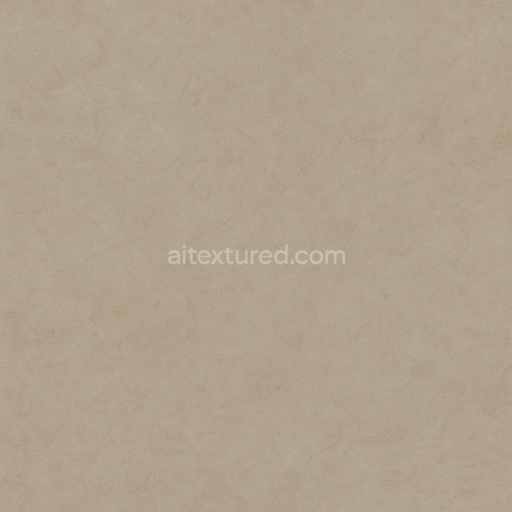
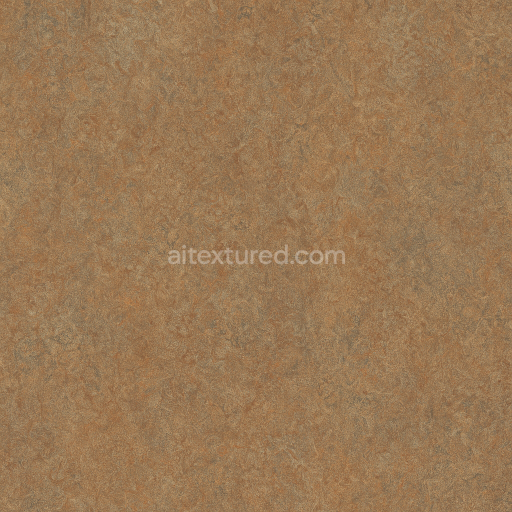
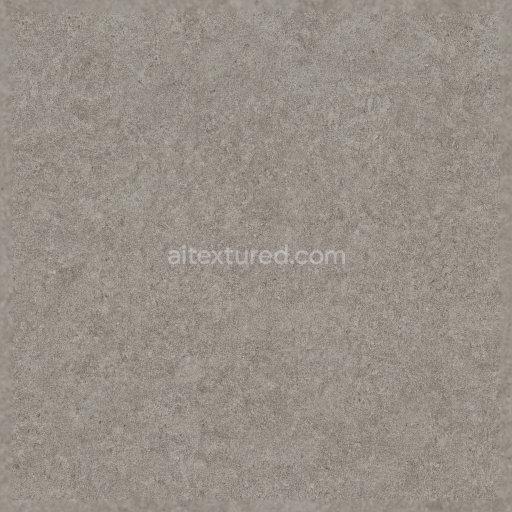
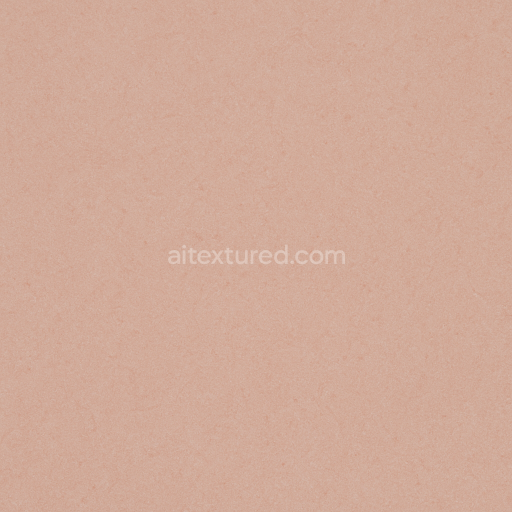
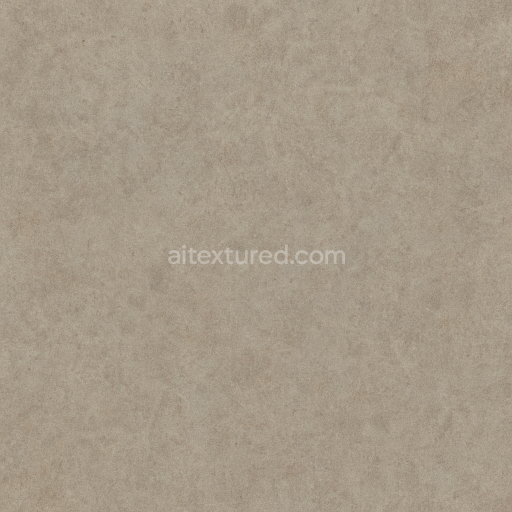
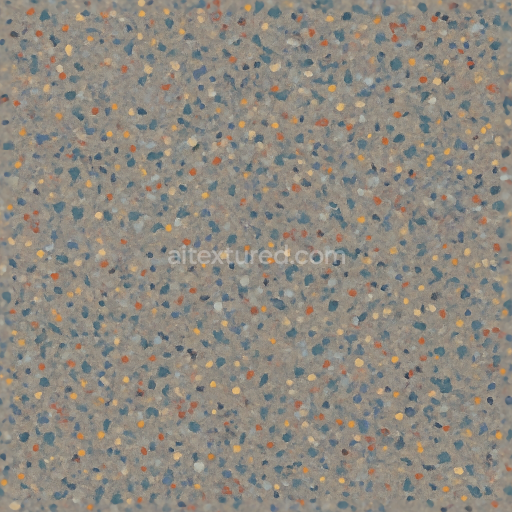
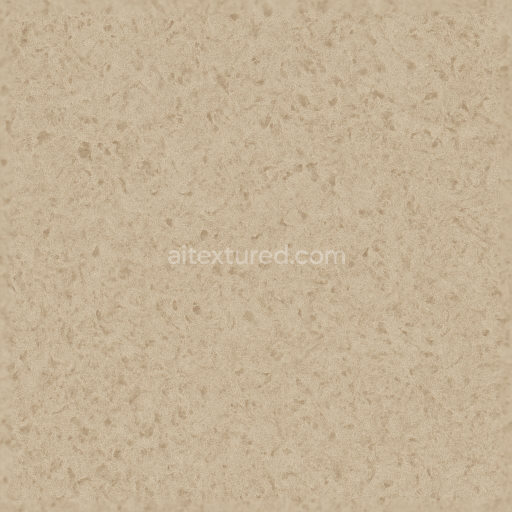
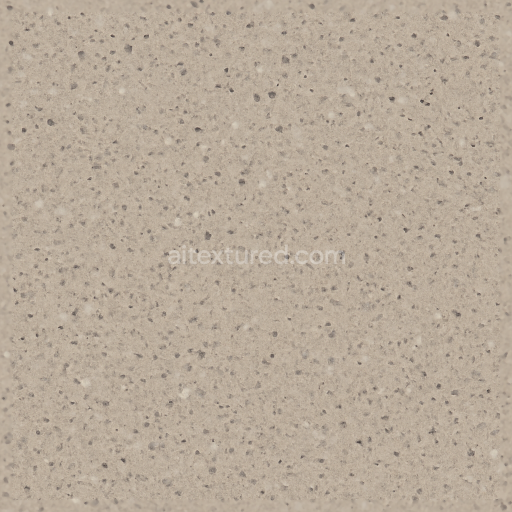
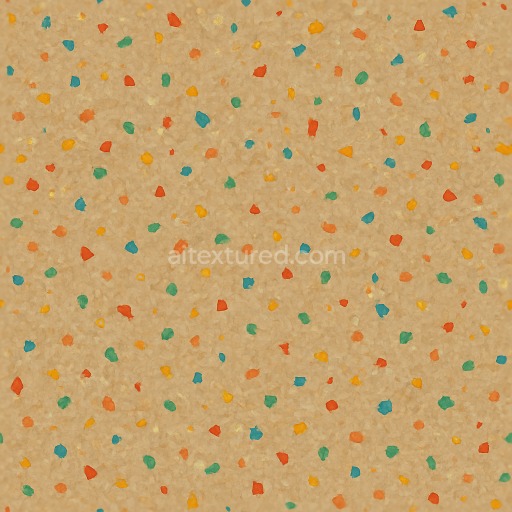
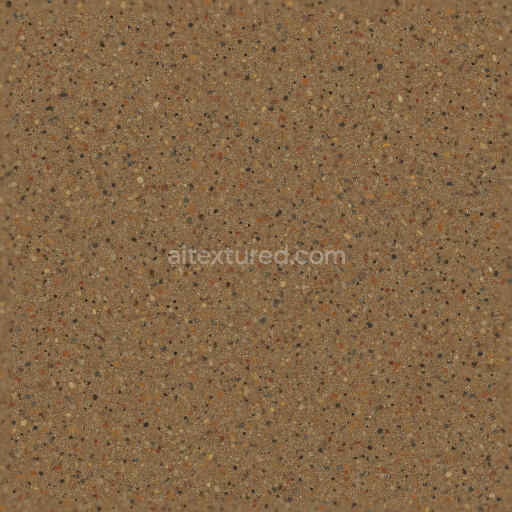
This seamless 3D texture represents a commercial-grade linoleum sheet characterized by a granular, coarse grain surface and a matte finish in warm earth tones with subtle multi-color variations. Linoleum, traditionally composed of natural materials such as linseed oil, cork dust, wood flour, and mineral fillers, is set on a durable jute fiber backing that provides structural support and dimensional stability. The texture simulates the fine particulate aggregates embedded within the resilient flooring substrate, creating a realistic porous surface that captures light diffusely. Pigments based on natural earth colors—ochres, siennas, and muted greens—are evenly distributed throughout the material, resulting in a visually rich, multi-hued matte appearance that enhances authenticity and depth.
Geometrically, the texture depicts a continuous linoleum sheet with a subtle, irregular granular pattern rather than repeating tiles or planks, emphasizing the material’s monolithic form. The coarse grain is modeled through a high-resolution normal map that conveys micro-surface variations and a slightly bumpy feel, while the roughness channel ensures a predominantly non-reflective, matte finish by scattering light softly across the surface. The base color (albedo) channel accurately captures the earth tone palette with natural pigment blending, and the ambient occlusion map adds depth by darkening recessed grain areas, enhancing the perception of surface complexity. The height/displacement map subtly emphasizes the granular relief without exaggerating height differences, contributing to a tactile realism suitable for close-up renders.
From a PBR workflow perspective, this 8K texture set is optimized for physically based rendering engines such as Blender’s Cycles and Eevee, Unreal Engine, and Unity. The metallic channel is kept at zero to reflect the non-metallic nature of linoleum, while the roughness map is calibrated to maintain the characteristic matte finish typical of resilient flooring. The texture’s high resolution allows for detailed close-ups and fine surface interaction under varying lighting conditions, making it ideal for architectural visualization, interior design, and product visualization projects that require photorealistic material fidelity.
For practical application, it is recommended to adjust the UV scale carefully to prevent the granular details from appearing either too repetitive or overly large relative to the scene scale. Additionally, fine-tuning the roughness value can help adapt the material’s tactile appearance to different lighting environments, while blending the height and normal maps subtly improves surface detail without causing shading artifacts. This ensures the linoleum texture maintains both its visual authenticity and performance efficiency across real-time and offline rendering workflows.
Import the texture maps into Blender with sRGB color space for albedo/base color and Non-Color for normal, roughness, metallic, AO, height, and ORM maps. Connect normal maps through a Normal Map node, then adjust UV scale with a Mapping node so the material repeats naturally on your model.
For the full step-by-step setup, see How to Use Seamless Textures in Blender. Browse related material examples in wood, concrete, and metal.
Yes. This texture is designed as a seamless tileable PBR material, so it can repeat across large surfaces without visible borders.
You can download PNG/WEBP versions and use 1K, 2K, 4K and 8K download options when available on the page.
Yes. The download options and engine-mapped ZIP workflow are designed for Blender, Unreal Engine, Unity Standard, URP and HDRP material pipelines.
Yes. The texture is available under the AITextured free commercial license. Review the license page for redistribution and AI-training restrictions.
Generate, preview, and export seamless PBR materials for Blender, Unity, and Unreal Engine—directly in your browser.
AI text-to-texture: type a prompt and get a seamless, tileable base image ready for PBR workflows (great starting point for materials).
Create a full PBR set (Normal, Roughness, AO, Metallic, etc.) from a single image. Seamless and tiling-friendly.
Instant WebGL viewer: inspect materials on a sphere, plane, and cube. Check tiling and lighting in real time.
Re-packages maps per engine: Unreal (BaseColor + ORM), Unity (Mask/MetallicSmoothness), Blender (separate channels).
PNG ↔ JPG ↔ SVG: fast convert, SVG rasterize, embed/trace options, quality & background controls.