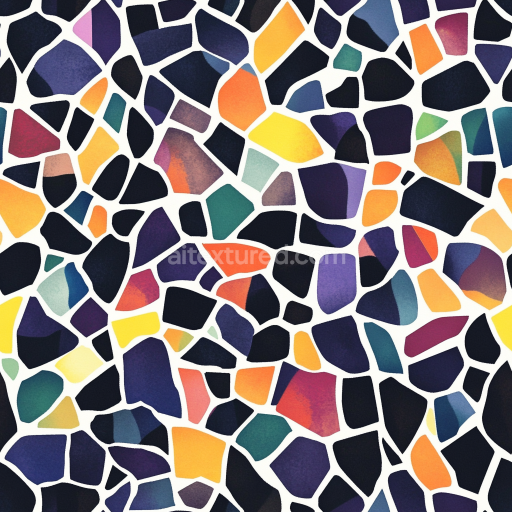
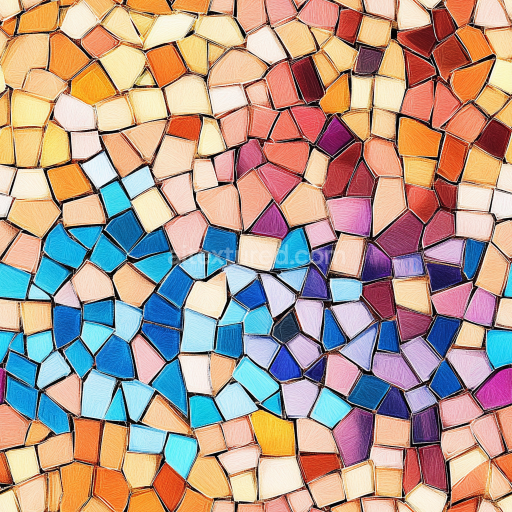
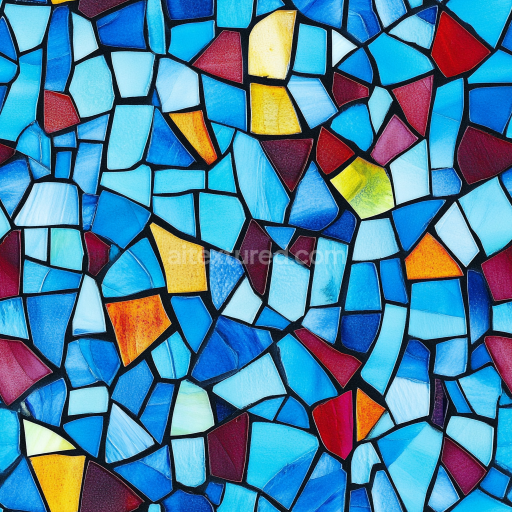
Mosaic PBR Texture with Multicolor Stone Chip Pattern and Bright Matte Finish
Seamless texture (tileable) · PNG, WEBP, PBR ZIP.
| ID | seamless-3d-texture-pbr-8k-basket-weave-mosaic-with-terracotta-tiles-and-rough-finish |
|---|---|
| Category | Mosaic |
| Formats | PNG, WEBP, PBR ZIP |
| Size | 1k (1024x1024px), 2k (2048x2048px), 4k (4096x4096px), 8k (8192x8192px) |
| Tileable | Yes |
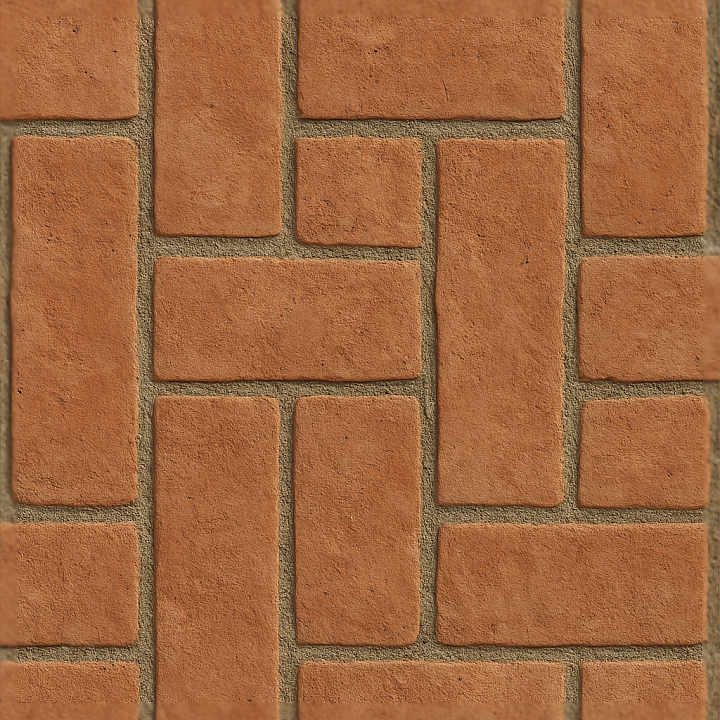
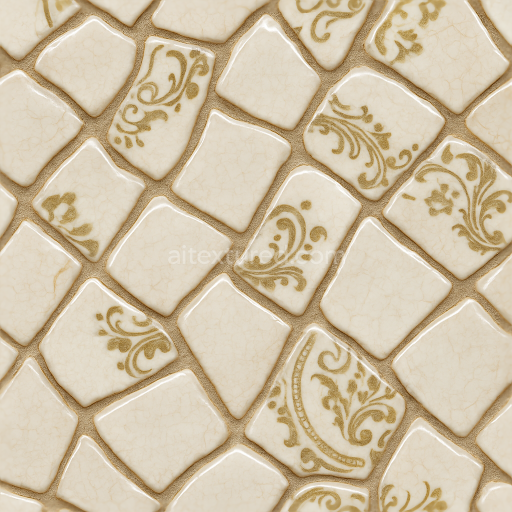
This seamless 3D texture showcases a meticulously crafted basket weave mosaic composed of terracotta tiles, rendered at an impressive 8K resolution for exceptional detail and clarity. The tiles exhibit a distinct rough finish, characteristic of traditional fired clay materials used in rustic architectural applications. Each tile's slightly irregular surface structure captures the natural porosity and subtle weathering typical of terracotta, with earthy red and orange pigments infused into the clay substrate. The composition reflects the interplay of a ceramic base, natural mineral aggregates, and iron oxide-based colorants, giving the tiles their warm, muted earth tones and authentic materiality.
The basket weave pattern forms a geometric arrangement where rectangular terracotta tiles interlace in alternating horizontal and vertical orientations, creating a visually engaging woven effect. Between the tiles, textured grout fills the joints, adding depth and tactile contrast. This grout layer simulates a cementitious binder rich in fine aggregates, with a slightly rough and matte surface that enhances the naturalistic feel of the mosaic. The grout’s subtle variations in height and roughness are accurately conveyed through height and normal maps, contributing to realistic shadowing and ambient occlusion effects.
From a physically based rendering (PBR) perspective, the BaseColor map captures the rich terracotta hues and grout tones without any metallic reflections, as the materials are non-metallic ceramics and mineral binders. The Normal map intricately defines the tile edges, surface imperfections, and grout texture, enhancing light interaction for a convincing three-dimensional appearance. The Roughness channel reflects the unpolished, matte finish of both tiles and grout, with higher roughness values ensuring diffuse light scattering typical of fired clay surfaces. Metallic maps are uniformly black (zero), consistent with the organic, non-metallic nature of the materials. Ambient Occlusion highlights crevices and grout lines, providing depth and realism, while the Height/Displacement maps enable subtle surface relief for use in parallax or tessellation workflows.
Designed for compatibility with Blender, Unreal Engine, and Unity, this texture supports seamless tiling without visible repetition, making it suitable for architectural visualizations, game environments, and virtual production. For optimal results, it is recommended to adjust the UV scale to maintain the natural proportion of the basket weave pattern relative to the modeled surface. Additionally, fine-tuning the roughness parameter can help tailor the tactile impression from slightly worn and matte to more polished, depending on the desired environmental context. When integrating with height or parallax mapping, blending the normal and height maps ensures smooth transitions and enhanced surface depth, elevating the overall photorealism of the material.
Import the texture maps into Blender with sRGB color space for albedo/base color and Non-Color for normal, roughness, metallic, AO, height, and ORM maps. Connect normal maps through a Normal Map node, then adjust UV scale with a Mapping node so the material repeats naturally on your model.
For the full step-by-step setup, see How to Use Seamless Textures in Blender. Browse related material examples in wood, concrete, and metal.
Yes. This texture is designed as a seamless tileable PBR material, so it can repeat across large surfaces without visible borders.
Use the download controls on this page: they expose the available PNG, WEBP or engine ZIP choices and supported resolutions for this asset.
Use the engine ZIP choices to package compatible source maps for Blender, Unreal Engine or Unity, then verify the imported material in the target application.
Commercial-use permission is not verified for this record. Confirm the original source and license before production use.
Generate maps from existing images, preview materials, convert channels, and package compatible inputs for Blender, Unity, and Unreal Engine.
Choose a verified workflow for generating maps, previewing tiling, converting channels, or starting from the texture catalog.
Derive Normal, Roughness, AO, Metallic, Height and optional ORM maps from one or more source images, then review the results.
Instant WebGL viewer: inspect materials on a sphere, plane, and cube. Check tiling and lighting in real time.
Re-packages maps per engine: Unreal (BaseColor + ORM), Unity (Mask/MetallicSmoothness), Blender (separate channels).
PNG ↔ JPG ↔ SVG: fast convert, SVG rasterize, embed/trace options, quality & background controls.