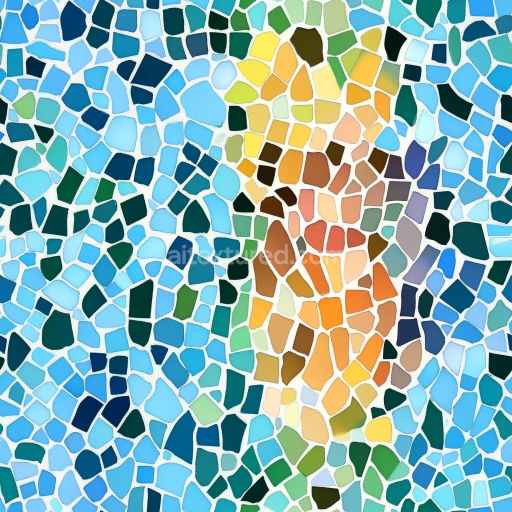
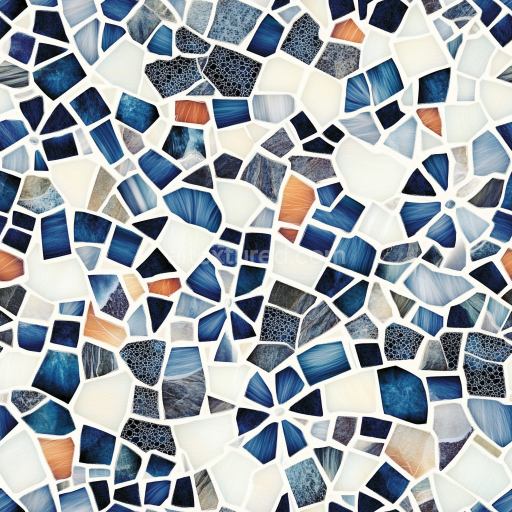
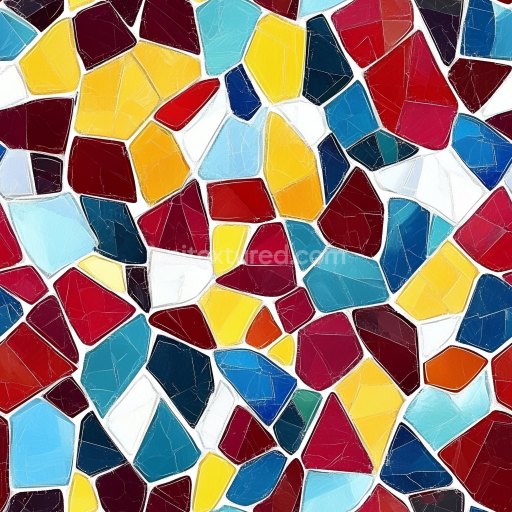
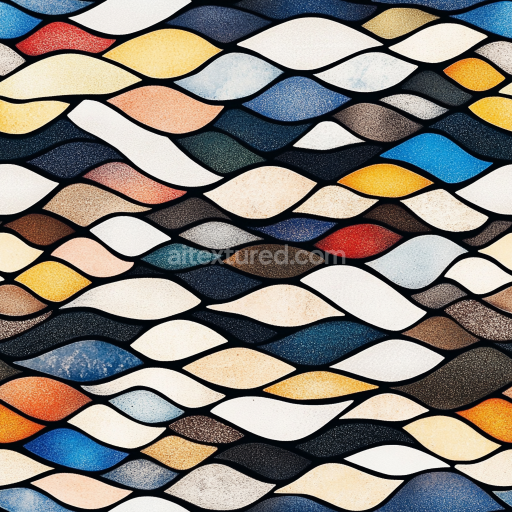
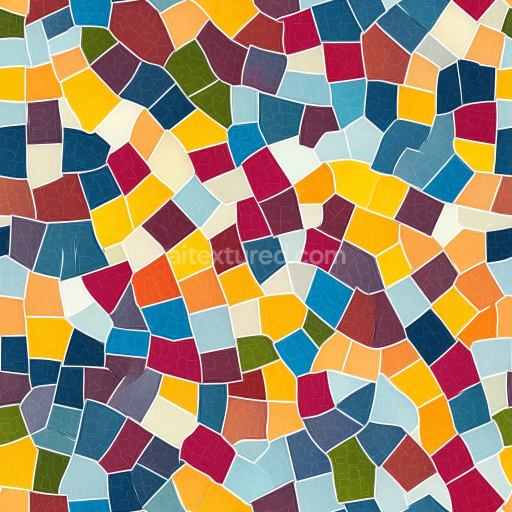
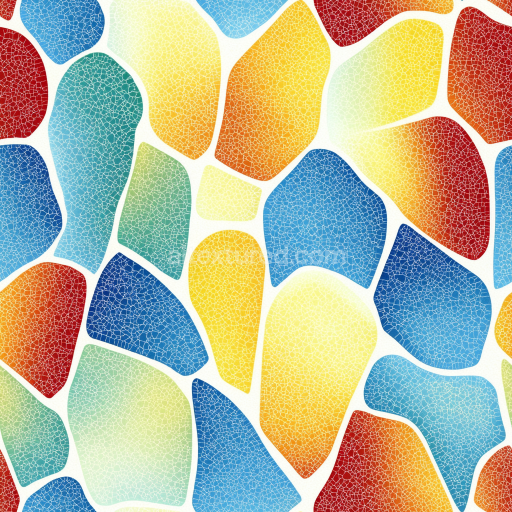
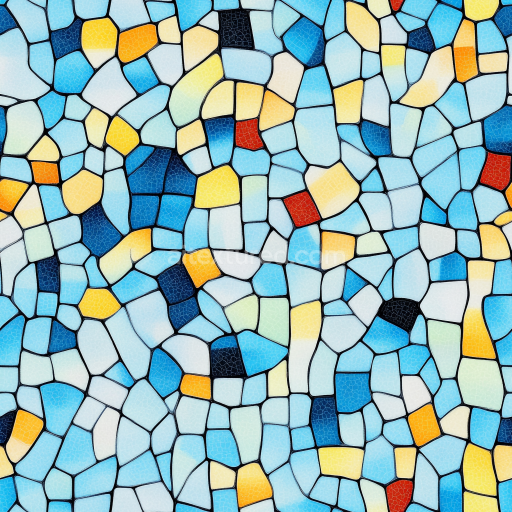
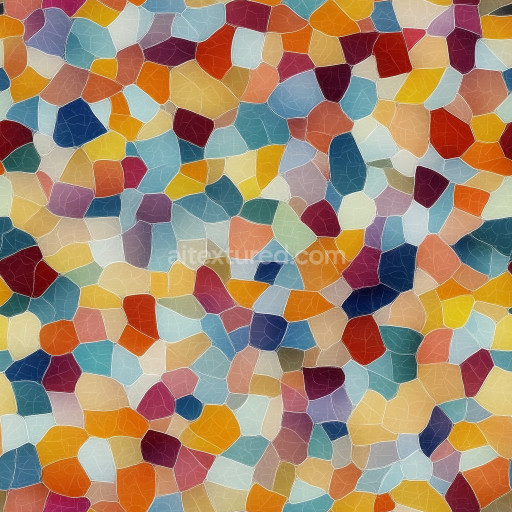
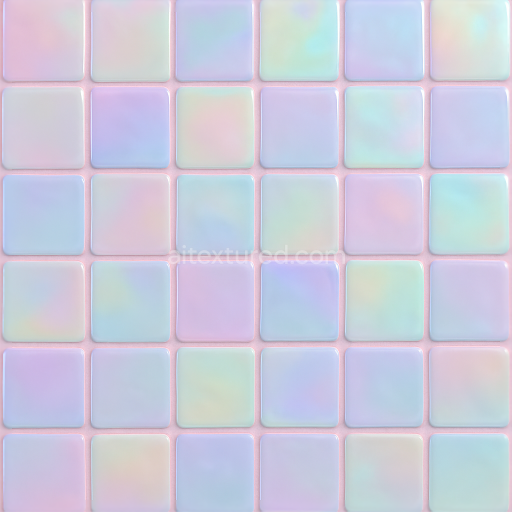
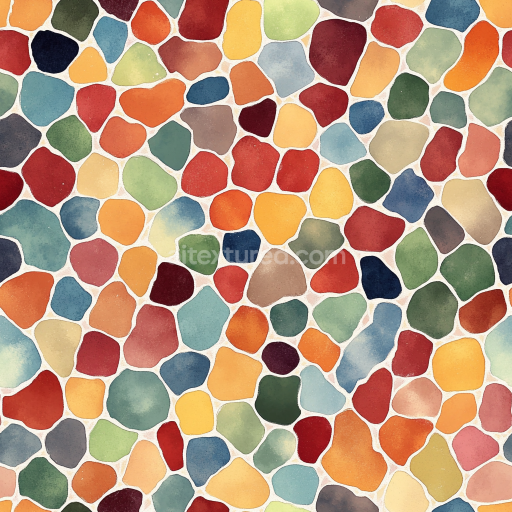
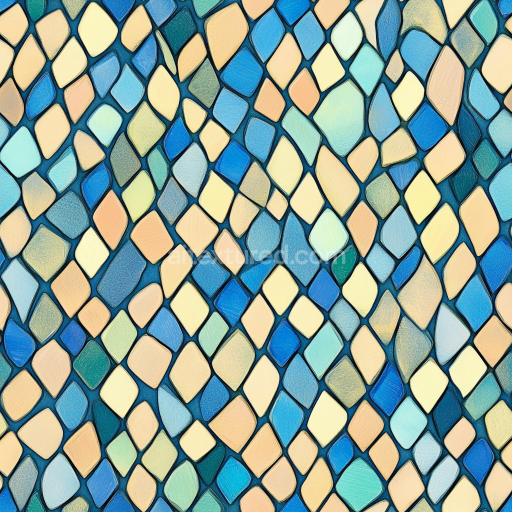
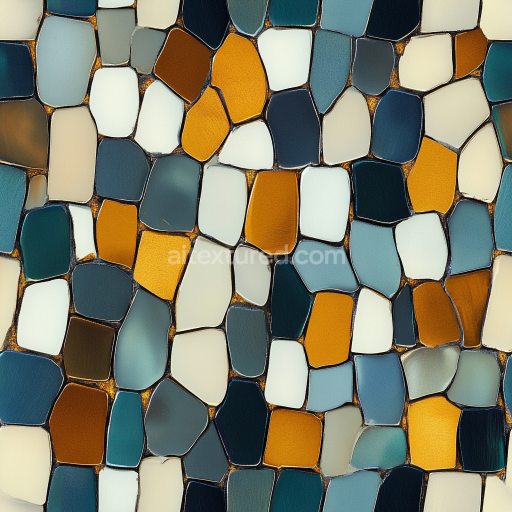
Mosaic PBR Texture Featuring Colorful Irregular Ceramic Tiles
Seamless texture (tileable) · PNG, WEBP, PBR ZIP.
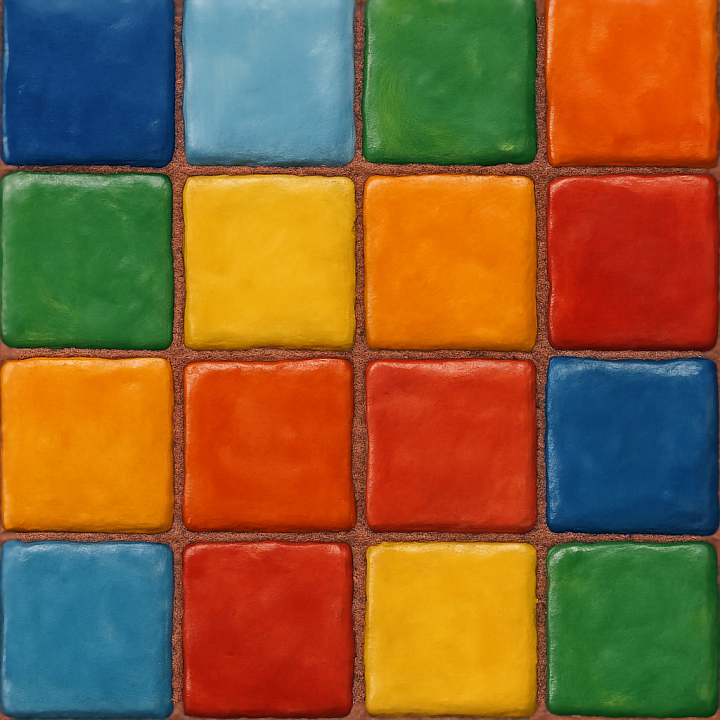
| ID | seamless-3d-texture-pbr-8k-hand-painted-tiles-mosaic-with-colorful-tiles-and-glossy-finish |
|---|---|
| Category | Mosaic |
| Formats | PNG, WEBP, PBR ZIP |
| Size | 1k (1024x1024px), 2k (2048x2048px), 4k (4096x4096px), 8k (8192x8192px) |
| Tileable | Yes |
This seamless 3D texture presents a meticulously crafted mosaic composed of hand painted ceramic tiles arranged in a classic square grid pattern. Each tile is formed from a fired clay substrate, providing a durable and slightly porous base that subtly influences the texture’s micro-roughness and ambient occlusion. The tiles feature vibrant, multicolored pigments that are embedded within a glossy, glazed surface finish, replicating the authentic look of hand-applied glazes with slight brushstroke variations and subtle color blending. The grout lines between tiles are rendered with a textured, colored mortar, adding depth and realism to the seams while simulating a slightly rougher, matte surface to contrast with the shiny tile faces.
From a materials standpoint, the ceramic tiles consist of a fine-grained clay body that is coated with a translucent vitreous glaze, which imparts the characteristic glossiness visible in the BaseColor and Roughness maps. The glaze layer is responsible for the high reflectivity and smooth specular highlights captured in the Metallic and Roughness channels of the PBR workflow. The grout, meanwhile, is modeled as a cementitious binder mixed with fine aggregate, exhibiting a more matte appearance and increased micro-surface detail, which is effectively represented in the Normal and Ambient Occlusion maps to enhance the perception of depth and tactile variation. The Height/Displacement map subtly exaggerates the relief between tiles and grout, emphasizing the mosaic’s three-dimensional form while maintaining seamless tiling compatibility.
Technically, this texture is created and optimized at an 8K resolution, ensuring exceptionally high fidelity suitable for close-up renders and detailed environments. The PBR channels are carefully calibrated for realistic light interaction: the BaseColor captures the rich, hand-painted hues; the Normal map simulates the fine surface undulations and brushstroke textures; the Roughness map balances the glossy tile finish against the rough grout; the Metallic map is minimal, reflecting the non-metallic ceramic material; the Ambient Occlusion map adds natural shadowing along edges and grout lines; and the Height map enhances the geometric depth. This comprehensive channel setup guarantees seamless integration with rendering engines such as Blender’s Cycles and Eevee, Unreal Engine, and Unity, supporting physically accurate shading and reflections.
For optimal results in 3D applications, it is advisable to adjust the UV scale to match the real-world size of the tiles, typically around 10–15 cm per tile, to preserve the detail and avoid texture stretching. Additionally, fine-tuning the Roughness parameter can help balance the glossiness depending on lighting conditions, while subtle blending of the Height map with Normal maps can improve surface realism without causing rendering artifacts. This texture is well-suited for decorative wall surfaces, interior design visualizations, and artistic digital environments where authentic, hand-crafted tile mosaics are desired.
Import the texture maps into Blender with sRGB color space for albedo/base color and Non-Color for normal, roughness, metallic, AO, height, and ORM maps. Connect normal maps through a Normal Map node, then adjust UV scale with a Mapping node so the material repeats naturally on your model.
For the full step-by-step setup, see How to Use Seamless Textures in Blender. Browse related material examples in wood, concrete, and metal.
Yes. This texture is designed as a seamless tileable PBR material, so it can repeat across large surfaces without visible borders.
Use the download controls on this page: they expose the available PNG, WEBP or engine ZIP choices and supported resolutions for this asset.
Use the engine ZIP choices to package compatible source maps for Blender, Unreal Engine or Unity, then verify the imported material in the target application.
Commercial-use permission is not verified for this record. Confirm the original source and license before production use.
Generate maps from existing images, preview materials, convert channels, and package compatible inputs for Blender, Unity, and Unreal Engine.
Choose a verified workflow for generating maps, previewing tiling, converting channels, or starting from the texture catalog.
Derive Normal, Roughness, AO, Metallic, Height and optional ORM maps from one or more source images, then review the results.
Instant WebGL viewer: inspect materials on a sphere, plane, and cube. Check tiling and lighting in real time.
Re-packages maps per engine: Unreal (BaseColor + ORM), Unity (Mask/MetallicSmoothness), Blender (separate channels).
PNG ↔ JPG ↔ SVG: fast convert, SVG rasterize, embed/trace options, quality & background controls.