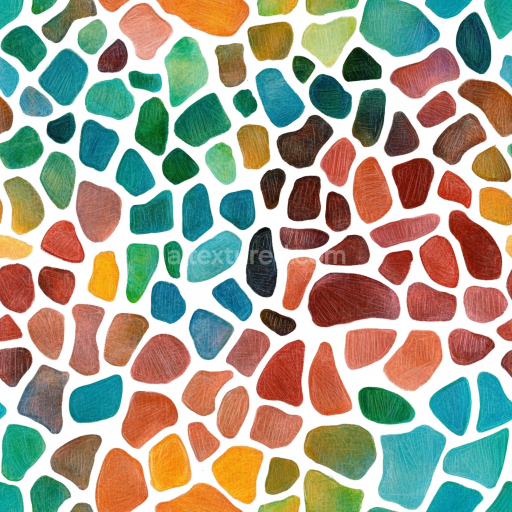
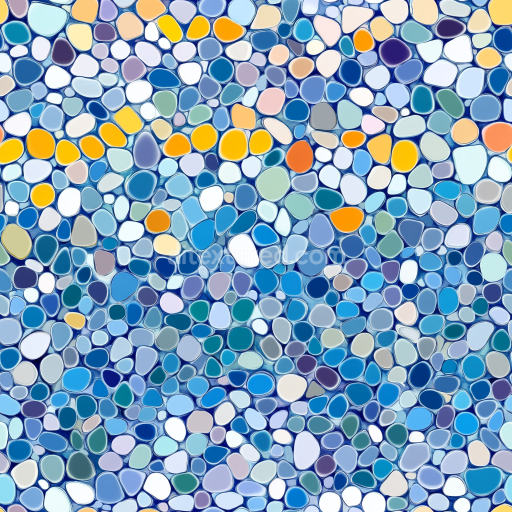
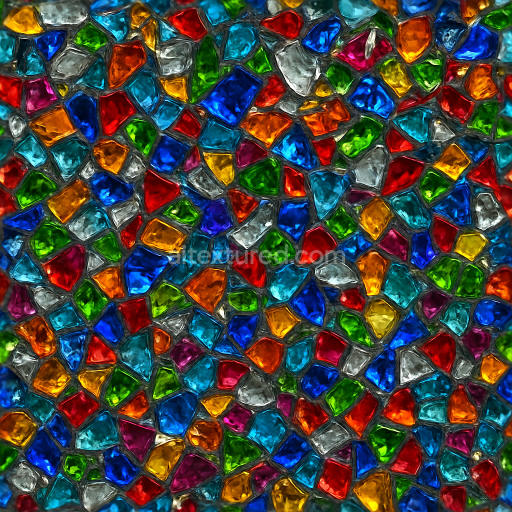
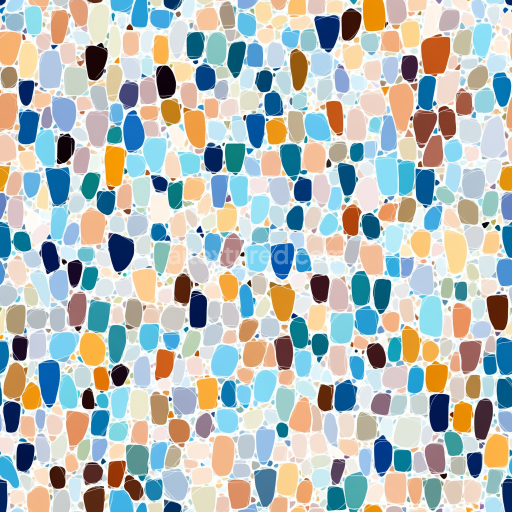
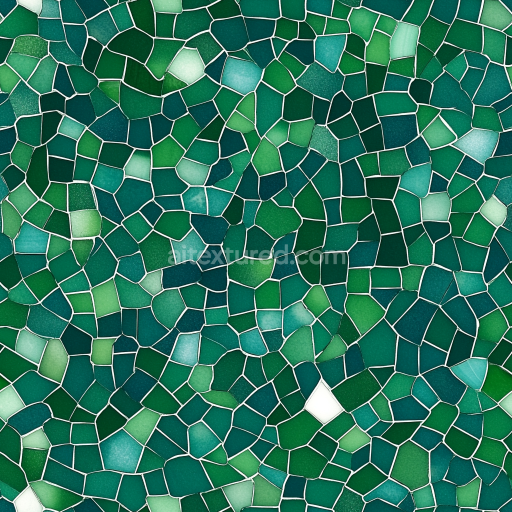
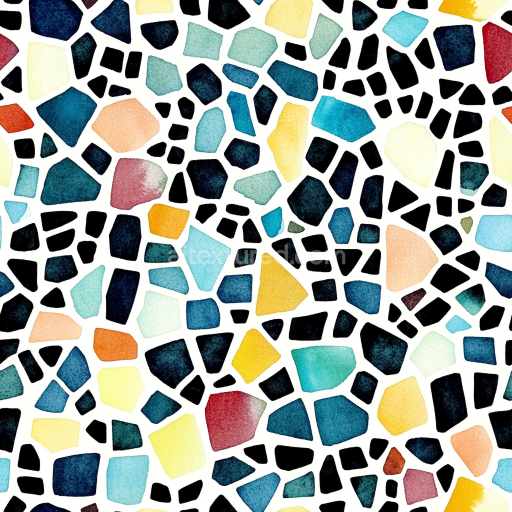
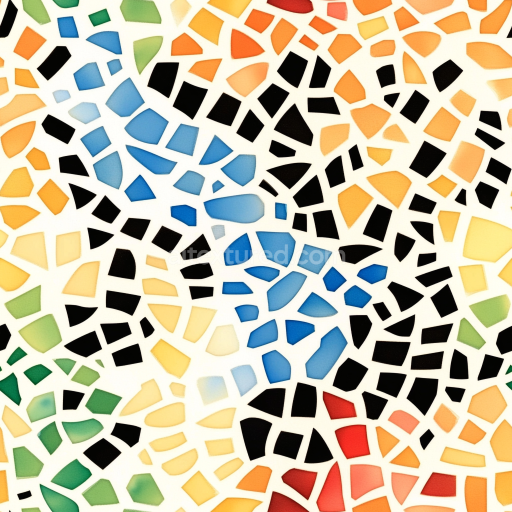
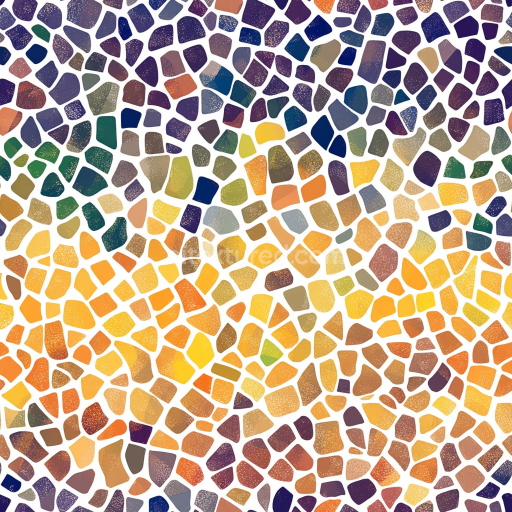
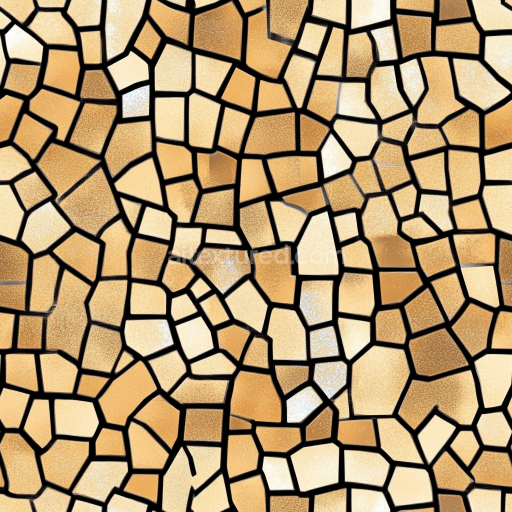
Mosaic PBR Texture of Colorful Irregular Stone Chips with Matte Finish
Seamless texture (tileable) · PNG, WEBP, PBR ZIP.
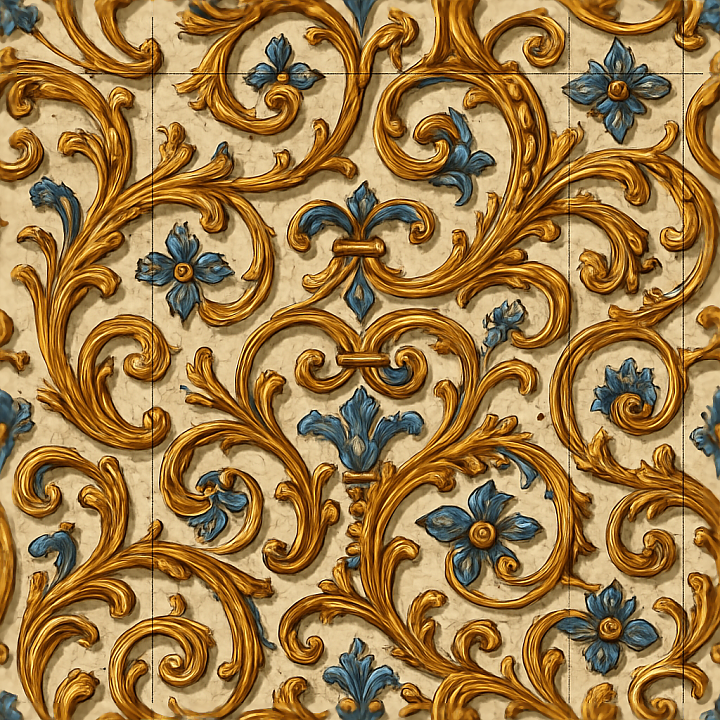
| ID | seamless-3d-texture-pbr-8k-antique-ceramic-mosaic-with-cracked-glaze-and-baroque-details |
|---|---|
| Category | Mosaic |
| Formats | PNG, WEBP, PBR ZIP |
| Size | 1k (1024x1024px), 2k (2048x2048px), 4k (4096x4096px), 8k (8192x8192px) |
| Tileable | Yes |
This seamless 3D texture presents an antique ceramic mosaic characterized by a refined baroque pattern composed of intricately shaped tiles arranged in a repeating geometric grid. Each tile features a subtly convex form with delicate surface relief, emulating hand-crafted ceramic inlays traditionally set into a stone or plaster substrate. The base material is a dense ceramic body, fired and glazed with natural clay minerals and silica binders, resulting in a robust yet slightly porous structure that exhibits fine network cracking in the glaze layer, known as crazing. This cracked glaze adds authentic aged character and depth, revealing subtle variations in the underlying ceramic tone and lending a tactile quality to the surface.
The texture’s surface finish is a glossy, polished ceramic glaze with faint iridescent highlights where light interacts with the microscopic imperfections and baroque flourishes. These decorative inlays are meticulously hand-painted with mineral-based pigments, producing nuanced color gradations across warm cream, ochre, and muted earth tones. The grout fills between tiles replicate aged mortar, showing slight discoloration and surface wear that enhances the historical authenticity. The physical depth and relief of the tiles are captured through detailed height and normal maps, emphasizing the raised edges and subtle depressions of the ornamental patterns, while ambient occlusion maps simulate natural shadowing within crevices and grout lines.
From a PBR perspective, the BaseColor (Albedo) channel faithfully reproduces the ceramic’s nuanced coloration and pigment distribution without baked lighting, ensuring realistic color response in various environments. The Normal map defines the intricate surface topography, highlighting cracks, baroque relief, and tile edges. Roughness maps control the glossy finish, balancing the reflective glaze with slightly matte grout areas for visual contrast. Metallic values remain near zero, consistent with ceramic non-metallic properties. Height or displacement maps provide accurate relief for parallax or tessellation effects, enhancing realism in close-up views. The ambient occlusion map adds subtle shadow depth, reinforcing the sense of surface complexity and aged wear.
Rendered at an impressive 8K resolution, this texture is optimized for use in Blender, Unreal Engine, and Unity, ensuring high fidelity across real-time and offline rendering workflows. Its seamless tiling capability allows for flexible application over large surfaces without visible repetition, making it suitable for heritage architectural visualizations, restoration simulations, or digital set dressing requiring authentic antique ceramic aesthetics. For practical implementation, adjusting the UV scale to maintain natural tile proportions and fine-tuning roughness values can help balance glossiness under different lighting conditions. Additionally, blending height and normal maps subtly can prevent exaggerated relief artifacts, preserving the delicate charm of the cracked glaze and baroque detailing.
Import the texture maps into Blender with sRGB color space for albedo/base color and Non-Color for normal, roughness, metallic, AO, height, and ORM maps. Connect normal maps through a Normal Map node, then adjust UV scale with a Mapping node so the material repeats naturally on your model.
For the full step-by-step setup, see How to Use Seamless Textures in Blender. Browse related material examples in wood, concrete, and metal.
Yes. This texture is designed as a seamless tileable PBR material, so it can repeat across large surfaces without visible borders.
Use the download controls on this page: they expose the available PNG, WEBP or engine ZIP choices and supported resolutions for this asset.
Use the engine ZIP choices to package compatible source maps for Blender, Unreal Engine or Unity, then verify the imported material in the target application.
Commercial-use permission is not verified for this record. Confirm the original source and license before production use.
Generate maps from existing images, preview materials, convert channels, and package compatible inputs for Blender, Unity, and Unreal Engine.
Choose a verified workflow for generating maps, previewing tiling, converting channels, or starting from the texture catalog.
Derive Normal, Roughness, AO, Metallic, Height and optional ORM maps from one or more source images, then review the results.
Instant WebGL viewer: inspect materials on a sphere, plane, and cube. Check tiling and lighting in real time.
Re-packages maps per engine: Unreal (BaseColor + ORM), Unity (Mask/MetallicSmoothness), Blender (separate channels).
PNG ↔ JPG ↔ SVG: fast convert, SVG rasterize, embed/trace options, quality & background controls.