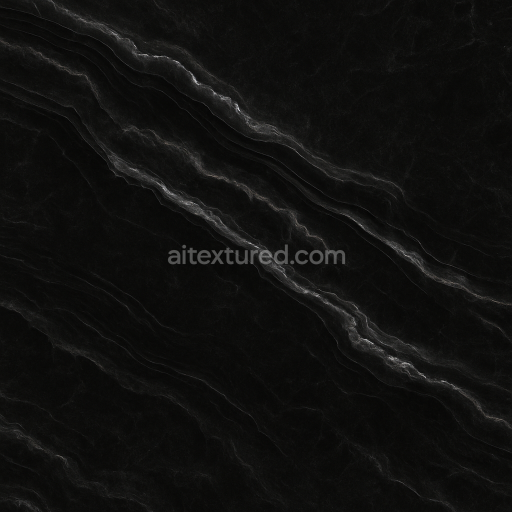
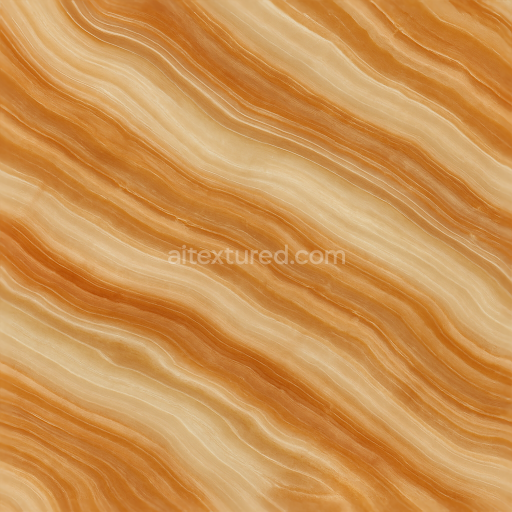
Onyx Grain With Onyx Polished Finish And Smooth Glossy Veins
Seamless texture (tileable) · PNG, WEBP, PBR ZIP.
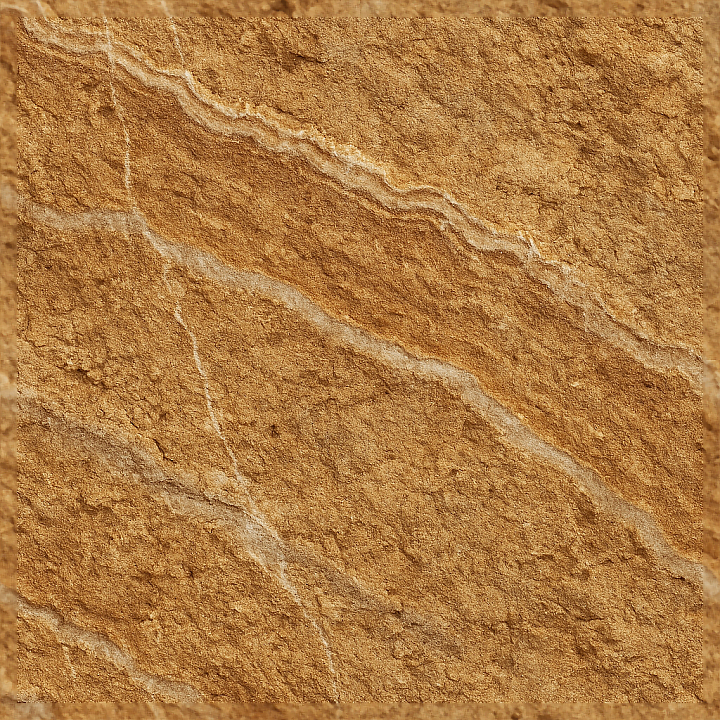
| ID | seamless-3d-texture-pbr-8k-brown-onyx-raw-surface-with-onyx-rough-texture-and-mineral-veins |
|---|---|
| Category | Onyx |
| Formats | PNG, WEBP, PBR ZIP |
| Size | 1k (1024x1024px), 2k (2048x2048px), 4k (4096x4096px), 8k (8192x8192px) |
| Tileable | Yes |
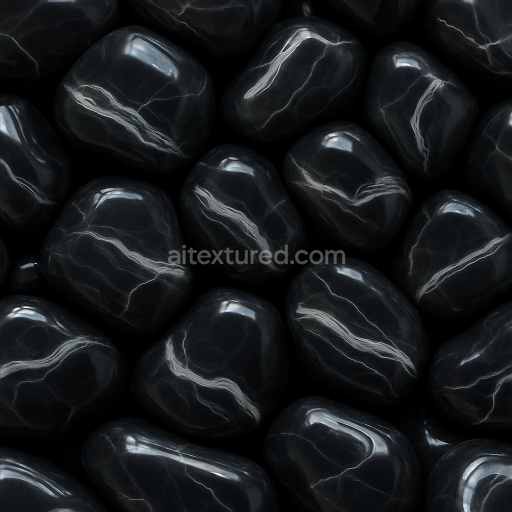
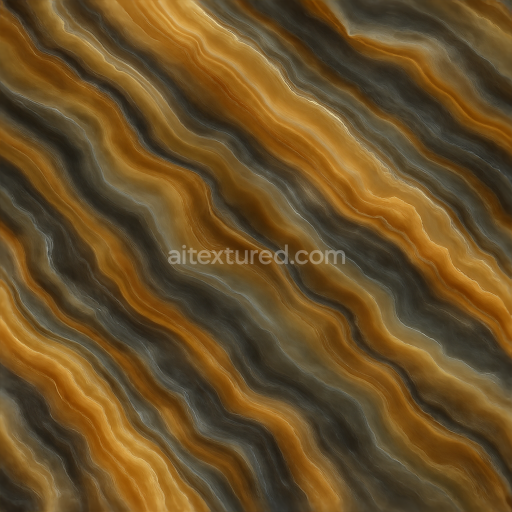
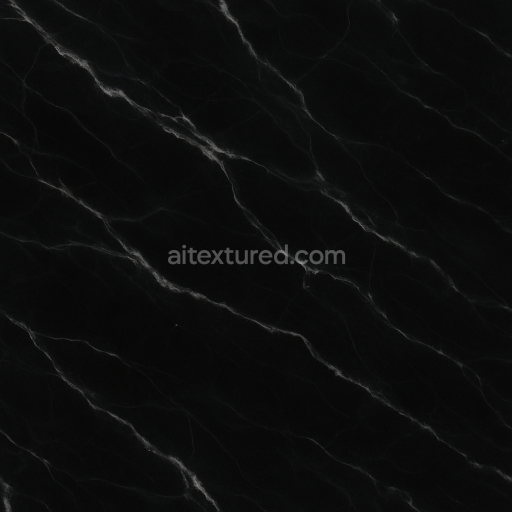
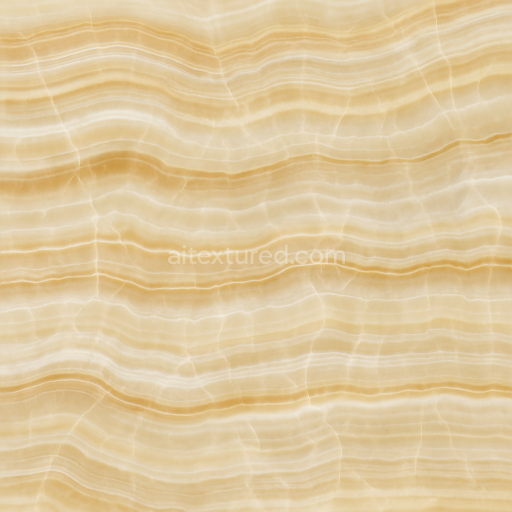
This seamless 3D PBR 8K texture captures the raw surface of brown onyx, a sedimentary stone known for its distinct coarse grain and natural veined patterns. The material composition primarily consists of microcrystalline quartz layered with calcite, creating an intricate substrate that exhibits earthy tones ranging from deep browns to subtle tans. These mineral veins, formed through natural sedimentation and mineralization processes, produce irregular linear and branching patterns that define the stone’s characteristic appearance. The texture emphasizes an unpolished, rough surface finish, where the natural porosity and slight weathering effects introduce subtle surface irregularities and micro-roughness, enhancing the tactile realism of the stone.
From a geometric perspective, the form reflects a veined, layered structure with organic undulations and coarse grain distribution typical of raw onyx slabs. The interplay between light and shadow across the mineral veins is captured through detailed height and displacement maps, which emphasize depth variations and natural fissures in the stone. The roughness channel conveys the matte, uneven surface reflecting light diffusely rather than specularly, while the normal map accentuates fine surface details such as micro-cracks and grain texture. The base color (albedo) channel accurately portrays the rich brown hues and subtle color gradients without any artificial saturation, maintaining the stone’s authentic earthy palette. Ambient occlusion maps further enhance the perception of depth within crevices and veins, providing a realistic shading effect at creased or recessed areas. The metallic channel is appropriately set to null, reflecting the stone’s non-metallic nature.
Optimized for 8K resolution, this texture offers exceptional detail and fidelity suitable for high-end rendering workflows. Its seamless design makes it ideal for large-scale applications without visible tiling artifacts. It is fully compatible and ready for integration within Blender, Unreal Engine, and Unity, supporting physically based rendering pipelines for accurate material response under varying lighting conditions. The comprehensive PBR channel set ensures a realistic portrayal of both the material’s color and surface geometry, making it highly versatile for architectural visualization, game environments, and digital asset creation requiring natural stone surfaces.
For practical usage, it is recommended to carefully adjust the UV scaling to match the real-world grain size of brown onyx, avoiding overly repetitive patterns. Additionally, tuning the roughness map can help simulate different degrees of surface wear or polishing, depending on the desired level of realism. When integrating height or parallax mapping, blending it subtly with the normal map can prevent harsh artifacts while preserving the natural depth cues of the mineral veins and coarse grain structure.
Import the texture maps into Blender with sRGB color space for albedo/base color and Non-Color for normal, roughness, metallic, AO, height, and ORM maps. Connect normal maps through a Normal Map node, then adjust UV scale with a Mapping node so the material repeats naturally on your model.
For the full step-by-step setup, see How to Use Seamless Textures in Blender. Browse related material examples in wood, concrete, and metal.
Yes. This texture is designed as a seamless tileable PBR material, so it can repeat across large surfaces without visible borders.
Use the download controls on this page: they expose the available PNG, WEBP or engine ZIP choices and supported resolutions for this asset.
Use the engine ZIP choices to package compatible source maps for Blender, Unreal Engine or Unity, then verify the imported material in the target application.
Commercial-use permission is not verified for this record. Confirm the original source and license before production use.






Generate maps from existing images, preview materials, convert channels, and package compatible inputs for Blender, Unity, and Unreal Engine.
Choose a verified workflow for generating maps, previewing tiling, converting channels, or starting from the texture catalog.
Derive Normal, Roughness, AO, Metallic, Height and optional ORM maps from one or more source images, then review the results.
Instant WebGL viewer: inspect materials on a sphere, plane, and cube. Check tiling and lighting in real time.
Re-packages maps per engine: Unreal (BaseColor + ORM), Unity (Mask/MetallicSmoothness), Blender (separate channels).
PNG ↔ JPG ↔ SVG: fast convert, SVG rasterize, embed/trace options, quality & background controls.