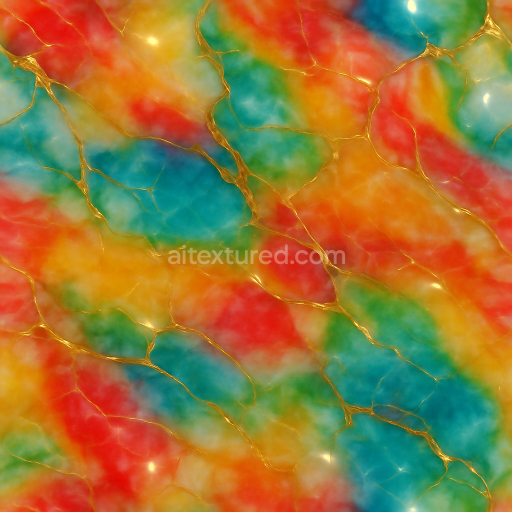
Polished Marble Smooth Surface Festive Colors Glow
Seamless texture (tileable) · PNG, WEBP, PBR ZIP.
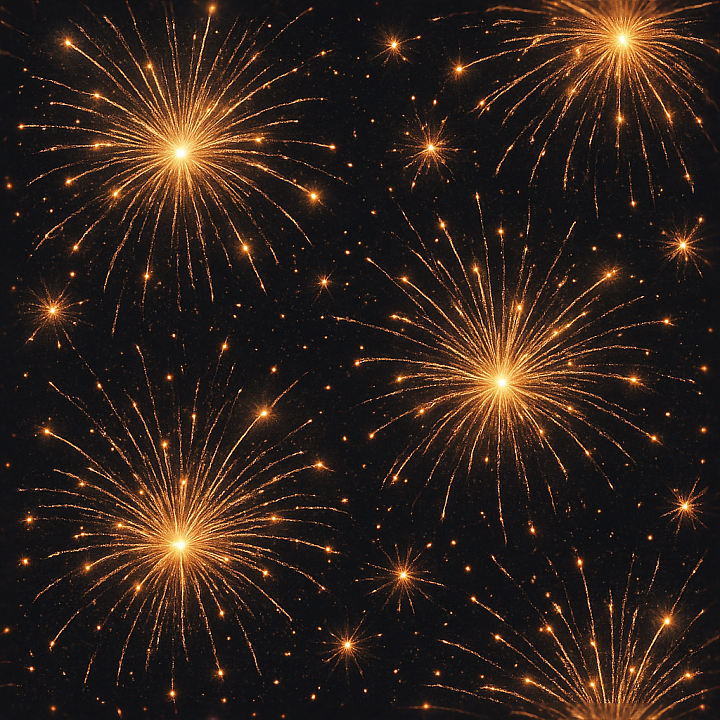
| ID | seamless-3d-texture-pbr-8k-sparkling-firework-explosions-with-sparkling-fireworks-sparks-for-new-year |
|---|---|
| Category | New Year |
| Formats | PNG, WEBP, PBR ZIP |
| Size | 1k (1024x1024px), 2k (2048x2048px), 4k (4096x4096px), 8k (8192x8192px) |
| Tileable | Yes |
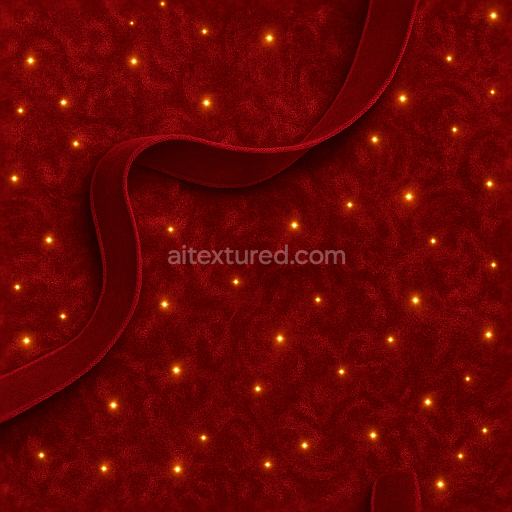
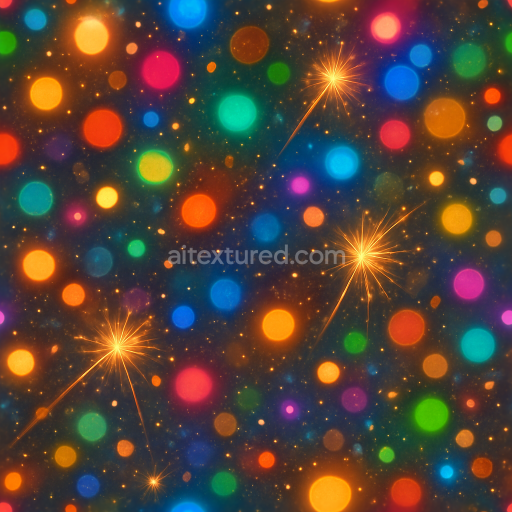
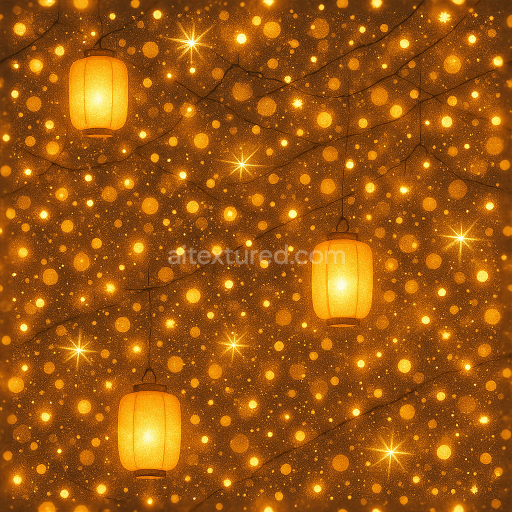
This seamless 3D texture showcases a high-fidelity depiction of firework explosions and sparkling fireworks sparks, rendered in an impressive 8K resolution. The base material can be interpreted as a complex composite of luminous gases and particulate matter suspended in the night sky, simulated through a layered volumetric approach. Geometrically, the pattern resembles an irregular yet balanced dispersion of light bursts and glowing embers, creating a dynamic and organic composition that mimics the chaotic yet beautiful formations of real firework displays. The texture’s underlying form is non-repetitive but engineered to tile seamlessly, allowing for continuous application across expansive digital canvases without visible seams or distortions.
From a material perspective, the substrate appears as a translucent smoky atmosphere with embedded fine particulate aggregates representing sparks and embers. These elements are visually bound by a subtle glow effect that functions like a luminous adhesive, simulating the energy and heat diffusion during an explosion. The surface finish is effectively matte with localized glossy highlights where the sparkle flare and light bursts occur, providing a nuanced interplay between rough and smooth regions. Pigmentation involves a palette of vibrant whites, yellows, oranges, and subtle hints of blues and purples to emulate real firework color gradations, distributed via the BaseColor (Albedo) channel. The Normal map enhances surface detail by creating micro-variations in light interaction that simulate the volumetric depth of the sparks and embers.
Roughness values vary across the texture to replicate areas of intense light emission and cooler, diffused smoke, with lower roughness in the bright sparkler light zones and higher roughness in the surrounding smoky regions. The Metallic channel remains minimal or neutral since the subject is non-metallic, but subtle specular reflections are achieved through the Roughness and Normal maps. Ambient Occlusion is used to deepen the contrast between clustered embers and the darker background, enhancing the perception of depth and layering. Height or Displacement maps provide slight surface relief to reinforce the three-dimensionality of the explosion forms, allowing for realistic parallax effects when applied in compatible engines.
This texture is fully optimized for use in Blender, Unreal Engine, and Unity, supporting physically based rendering workflows with all necessary PBR channels included. The 8K resolution ensures exceptional detail and clarity even on large-scale surfaces or close-up views, making it suitable for high-end visualizations and cinematic effects. For optimal results, it is recommended to carefully adjust the UV scale to maintain the balance between detail density and tiling repetition, and to fine-tune roughness maps to control the intensity of the celebration glow and sparkle flare. Additionally, blending height and normal maps can enhance the realism of light bursts and sparks without overburdening rendering performance.
Import the texture maps into Blender with sRGB color space for albedo/base color and Non-Color for normal, roughness, metallic, AO, height, and ORM maps. Connect normal maps through a Normal Map node, then adjust UV scale with a Mapping node so the material repeats naturally on your model.
For the full step-by-step setup, see How to Use Seamless Textures in Blender. Browse related material examples in wood, concrete, and metal.
Yes. This texture is designed as a seamless tileable PBR material, so it can repeat across large surfaces without visible borders.
Use the download controls on this page: they expose the available PNG, WEBP or engine ZIP choices and supported resolutions for this asset.
Use the engine ZIP choices to package compatible source maps for Blender, Unreal Engine or Unity, then verify the imported material in the target application.
Commercial-use permission is not verified for this record. Confirm the original source and license before production use.


Generate maps from existing images, preview materials, convert channels, and package compatible inputs for Blender, Unity, and Unreal Engine.
Choose a verified workflow for generating maps, previewing tiling, converting channels, or starting from the texture catalog.
Derive Normal, Roughness, AO, Metallic, Height and optional ORM maps from one or more source images, then review the results.
Instant WebGL viewer: inspect materials on a sphere, plane, and cube. Check tiling and lighting in real time.
Re-packages maps per engine: Unreal (BaseColor + ORM), Unity (Mask/MetallicSmoothness), Blender (separate channels).
PNG ↔ JPG ↔ SVG: fast convert, SVG rasterize, embed/trace options, quality & background controls.