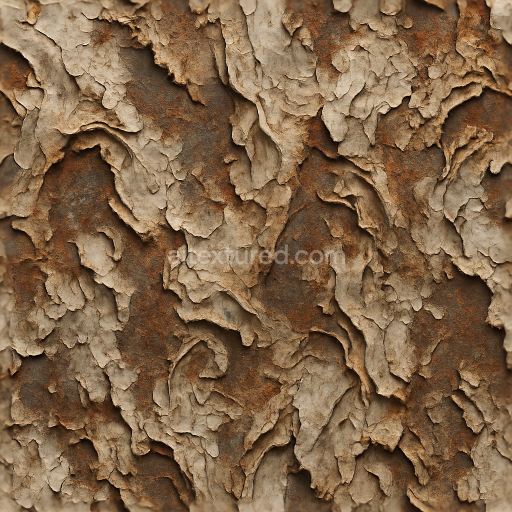
Corroded Peeling Weathered Distorted Warped Twisted Folded Crumpled Grunge Rough
Seamless texture (tileable) · PNG, WEBP, PBR ZIP.
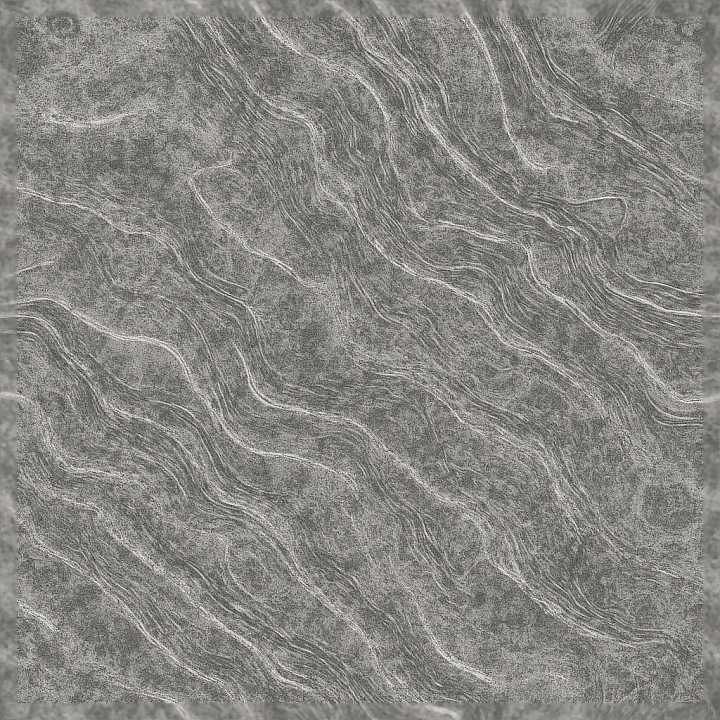
| ID | seamless-3d-texture-pbr-8k-dappled-etched-wavy-veined-pixelated-glitch-static-glossy-matte |
|---|---|
| Category | Abstract |
| Formats | PNG, WEBP, PBR ZIP |
| Size | 1k (1024x1024px), 2k (2048x2048px), 4k (4096x4096px), 8k (8192x8192px) |
| Tileable | Yes |
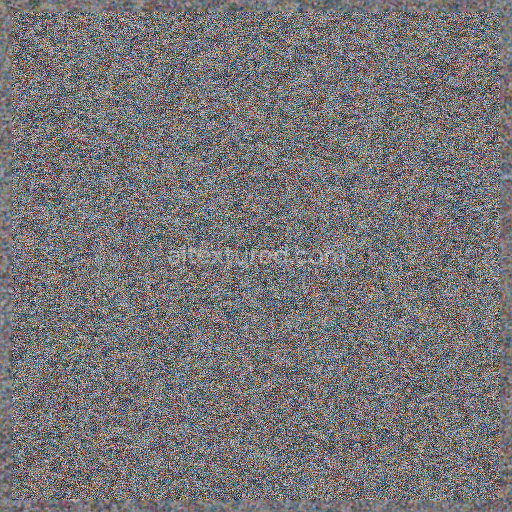
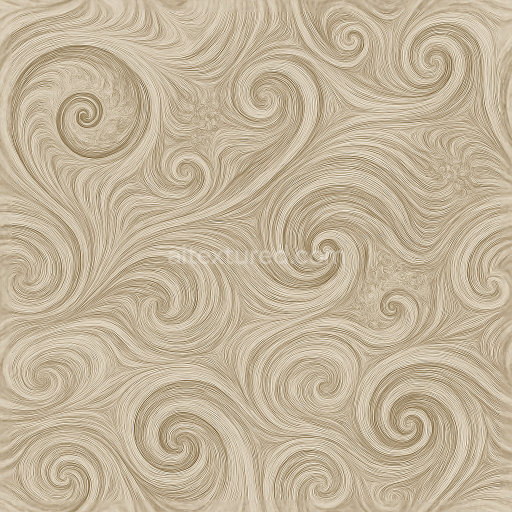
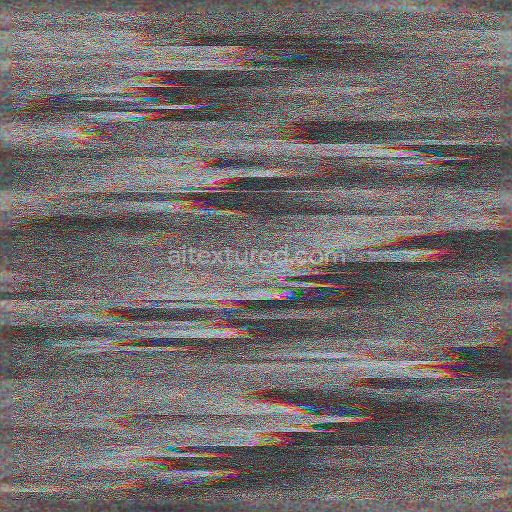
This seamless 3D texture presents a sophisticated fusion of organic and digital influences, rendered at an impressive 8K resolution for exceptional detail and clarity. The base material suggests a complex composite substrate combining finely etched stone or ceramic with subtle fiber inclusions, creating a dappled and veined surface that mimics natural mineral formations. The underlying geometry is characterized by flowing, wavy patterns interlaced with delicate veins, evoking a sense of dynamic movement and depth. These veins appear slightly raised or recessed, contributing to the intricate relief that enhances the texture’s tactile realism.
The material composition can be envisioned as a polished yet subtly weathered ceramic or stone tile, incorporating binders that mimic natural adhesives, such as silicate or resinous compounds, which stabilize embedded mineral grains and fine aggregates. The surface exhibits a dual finish: glossy areas that reflect light sharply, contrasting with matte zones that diffuse illumination softly, creating a balanced interplay between sheen and muted texture. The pixelated glitch and static effects introduce a modern, almost electronic distortion overlay, simulating digital noise or interference patterns on the surface. These visual disruptions are integrated seamlessly, providing a layered complexity that enriches the overall material without overpowering the naturalistic veining and waviness.
In terms of PBR workflow, the BaseColor (Albedo) channel carries nuanced color gradients derived from natural stone hues with subtle shifts caused by pixelated noise overlays, while the Normal map encodes finely detailed etched grooves and vein elevations, enhancing surface depth and light interaction. The Roughness channel varies between glossy low-roughness highlights and matte high-roughness areas, enabling realistic reflections and diffuse scattering. Metallic values remain minimal or near zero, consistent with non-metallic stone or ceramic substrates. Ambient Occlusion highlights recessed grooves and etchings to accentuate form, and the Height/Displacement maps provide precise control over waviness and vein relief, allowing for enhanced parallax effects in rendering engines.
This texture is fully optimized for use in Blender, Unreal Engine, and Unity, where its 8K resolution ensures crisp detail even at close camera distances. For practical application, it is recommended to carefully adjust UV scaling to maintain the natural flow of the wavy and veined patterns without distortion. Additionally, subtle tuning of the Roughness channel can emphasize either the glossy or matte aspects depending on lighting conditions and artistic goals. When combining height and normal maps, blending them thoughtfully can maximize surface realism, particularly for materials intended to simulate intricate etched or carved surfaces.
Import the texture maps into Blender with sRGB color space for albedo/base color and Non-Color for normal, roughness, metallic, AO, height, and ORM maps. Connect normal maps through a Normal Map node, then adjust UV scale with a Mapping node so the material repeats naturally on your model.
For the full step-by-step setup, see How to Use Seamless Textures in Blender. Browse related material examples in wood, concrete, and metal.
Yes. This texture is designed as a seamless tileable PBR material, so it can repeat across large surfaces without visible borders.
Use the download controls on this page: they expose the available PNG, WEBP or engine ZIP choices and supported resolutions for this asset.
Use the engine ZIP choices to package compatible source maps for Blender, Unreal Engine or Unity, then verify the imported material in the target application.
Commercial-use permission is not verified for this record. Confirm the original source and license before production use.
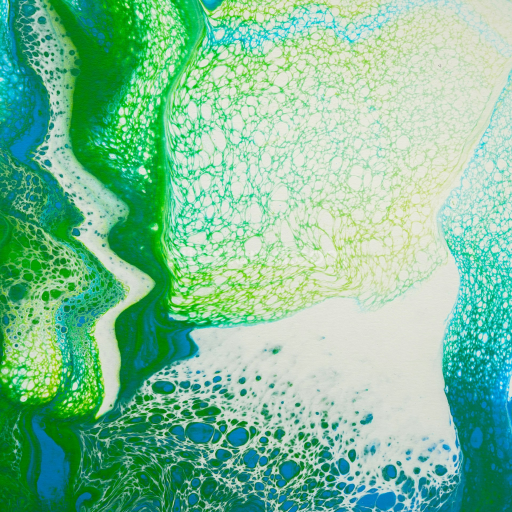



Generate maps from existing images, preview materials, convert channels, and package compatible inputs for Blender, Unity, and Unreal Engine.
Choose a verified workflow for generating maps, previewing tiling, converting channels, or starting from the texture catalog.
Derive Normal, Roughness, AO, Metallic, Height and optional ORM maps from one or more source images, then review the results.
Instant WebGL viewer: inspect materials on a sphere, plane, and cube. Check tiling and lighting in real time.
Re-packages maps per engine: Unreal (BaseColor + ORM), Unity (Mask/MetallicSmoothness), Blender (separate channels).
PNG ↔ JPG ↔ SVG: fast convert, SVG rasterize, embed/trace options, quality & background controls.