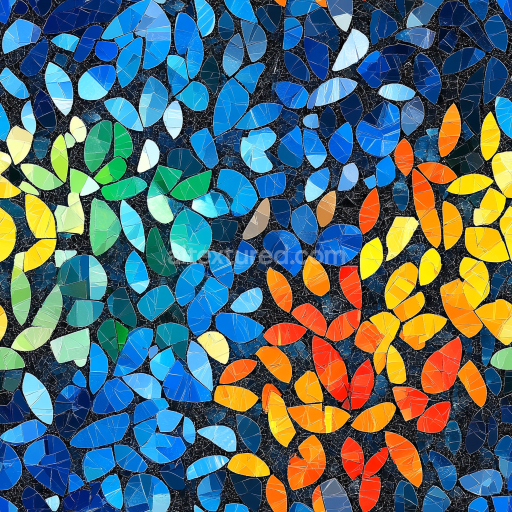
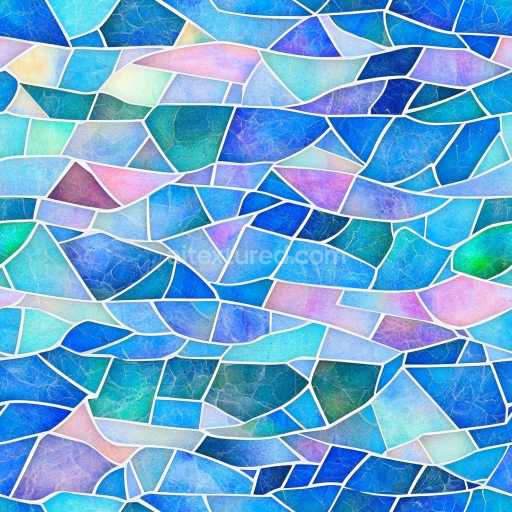
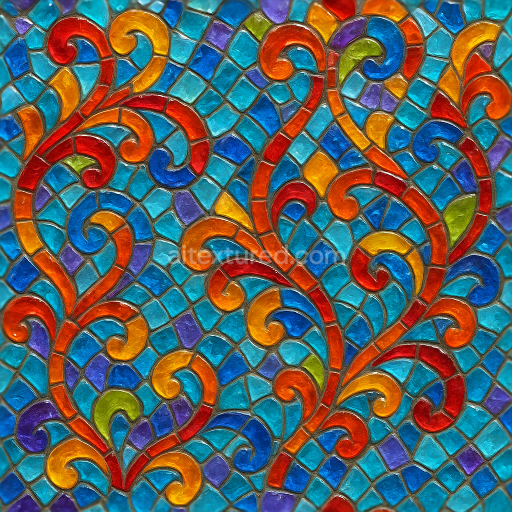
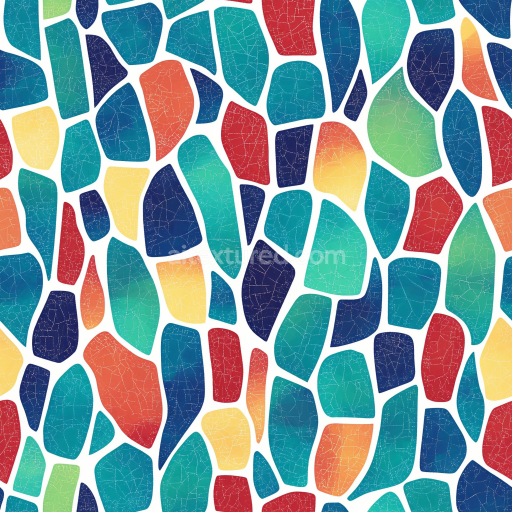
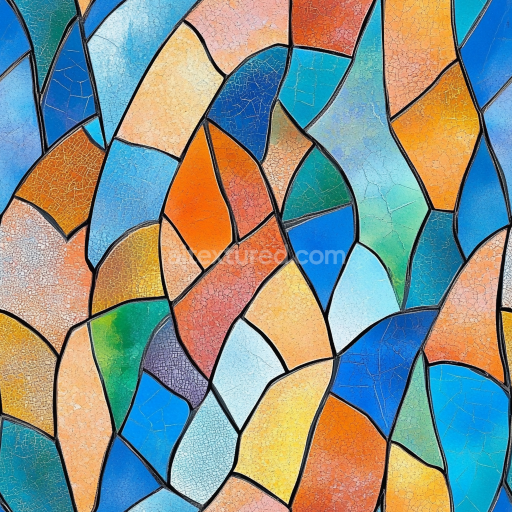
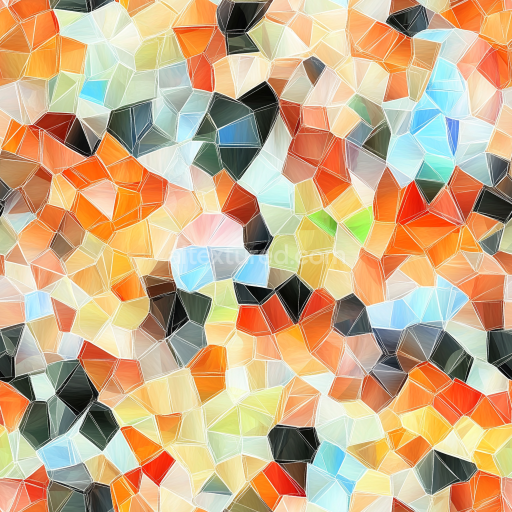
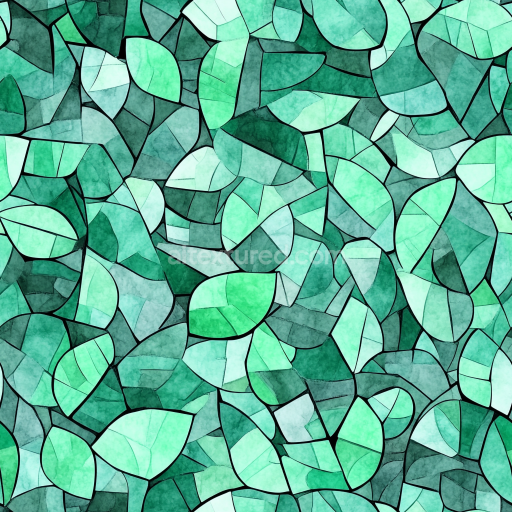
mosaic PBR texture with colorful leaf-shaped glass tiles
Seamless texture (tileable) · PNG, WEBP, PBR ZIP.
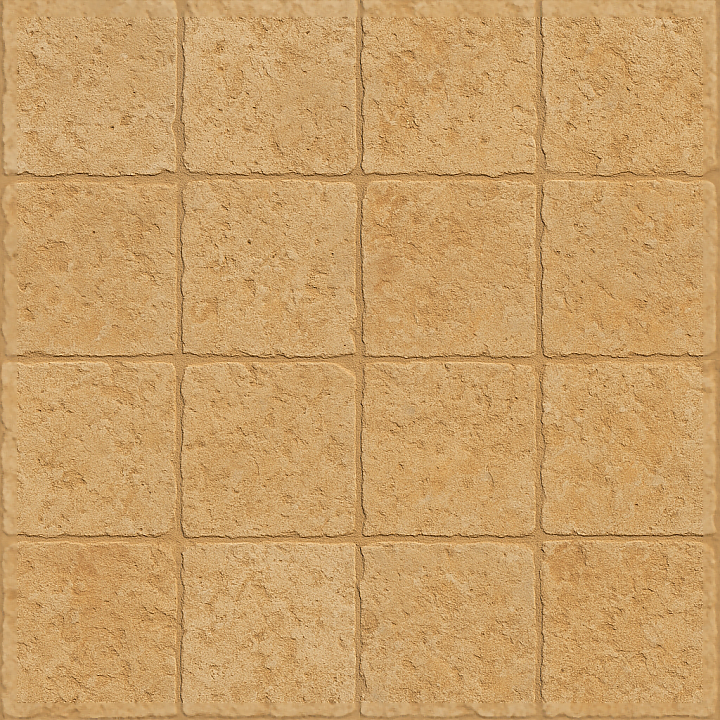
| ID | seamless-3d-texture-pbr-8k-limestone-tiles-mosaic-with-earth-tones-and-matte-finish |
|---|---|
| Category | Mosaic |
| Formats | PNG, WEBP, PBR ZIP |
| Size | 1k (1024x1024px), 2k (2048x2048px), 4k (4096x4096px), 8k (8192x8192px) |
| Tileable | Yes |
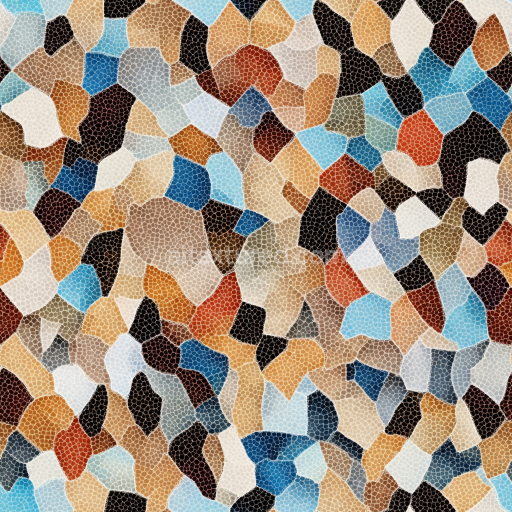
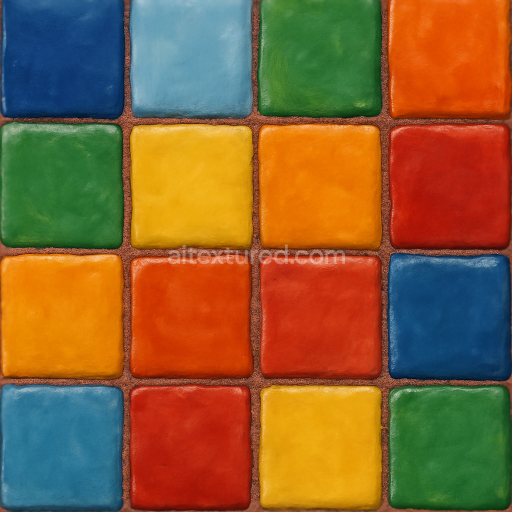
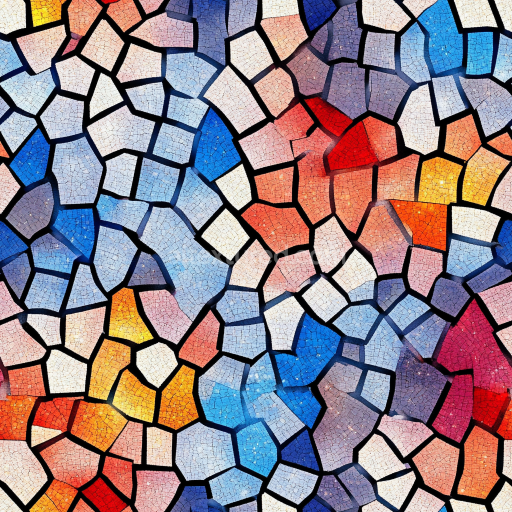
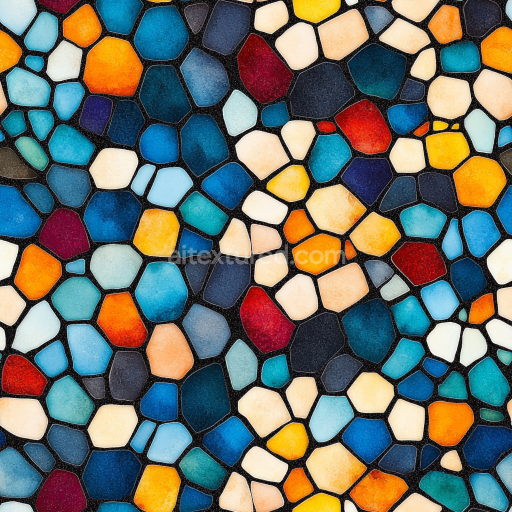
This seamless 3D texture presents a highly detailed mosaic pattern composed of natural limestone tiles, capturing the material’s authentic earth tones and matte finish. The tiles are arranged in irregular geometric shapes, mimicking traditional mosaic craftsmanship with a subtle surface relief that emphasizes the stone’s inherent rough texture. The base material, limestone, is a sedimentary rock primarily consisting of calcite, featuring fine-grained aggregates and natural porosity that contribute to its weathered, tactile appearance. The mosaic is bound by fine grout lines that separate each tile, creating a structured yet organic composition that enhances the overall realism of the pattern.
The texture’s PBR workflow is carefully crafted to reflect the physical properties of limestone and its associated materials. The BaseColor (Albedo) map accurately reproduces the natural, muted earth tones ranging from warm beige to soft gray, preserving subtle color variations caused by mineral deposits and weathering effects. The Normal and Height maps define the uneven surface relief of the rough stone tiles and the recessed grout, providing convincing depth and tactile feedback in 3D applications. The Roughness channel is tuned to a matte finish, representing the stone’s non-reflective, slightly porous surface that scatters light softly without gloss or specular highlights. Metallic is set to zero, as limestone is a non-metallic material, while the Ambient Occlusion map enhances shadowing around the grout and tile edges, adding depth and visual separation.
Rendered at an ultra-high resolution of 8K, this texture is optimized for use in advanced 3D software such as Blender, Unreal Engine, and Unity. The seamless tiling capability ensures consistent detail across both small-scale close-ups and large architectural surfaces without visible repetition or distortion. The natural roughness and detailed normal mapping provide excellent surface relief, making it ideal for environments requiring a raw, organic stone mosaic aesthetic. The grout lines are carefully modeled in the height and normal maps, allowing for enhanced visual contrast and depth perception when viewed under various lighting conditions.
When implementing this texture, it is advisable to adjust the UV scale to match the real-world size of limestone tiles, typically between 10 to 30 cm per tile, to maintain visual authenticity. Additionally, fine-tuning the roughness value can help balance between the matte stone surface and any desired subtle sheen caused by environmental factors. For enhanced realism, blending the height map with parallax occlusion mapping can further accentuate the depth of grout lines and tile relief, especially in close-up views. This attention to material and form details ensures the texture delivers a convincing and versatile natural stone mosaic for architectural visualization, game environments, and simulation projects.
Import the texture maps into Blender with sRGB color space for albedo/base color and Non-Color for normal, roughness, metallic, AO, height, and ORM maps. Connect normal maps through a Normal Map node, then adjust UV scale with a Mapping node so the material repeats naturally on your model.
For the full step-by-step setup, see How to Use Seamless Textures in Blender. Browse related material examples in wood, concrete, and metal.
Yes. This texture is designed as a seamless tileable PBR material, so it can repeat across large surfaces without visible borders.
Use the download controls on this page: they expose the available PNG, WEBP or engine ZIP choices and supported resolutions for this asset.
Use the engine ZIP choices to package compatible source maps for Blender, Unreal Engine or Unity, then verify the imported material in the target application.
Commercial-use permission is not verified for this record. Confirm the original source and license before production use.
Generate maps from existing images, preview materials, convert channels, and package compatible inputs for Blender, Unity, and Unreal Engine.
Choose a verified workflow for generating maps, previewing tiling, converting channels, or starting from the texture catalog.
Derive Normal, Roughness, AO, Metallic, Height and optional ORM maps from one or more source images, then review the results.
Instant WebGL viewer: inspect materials on a sphere, plane, and cube. Check tiling and lighting in real time.
Re-packages maps per engine: Unreal (BaseColor + ORM), Unity (Mask/MetallicSmoothness), Blender (separate channels).
PNG ↔ JPG ↔ SVG: fast convert, SVG rasterize, embed/trace options, quality & background controls.