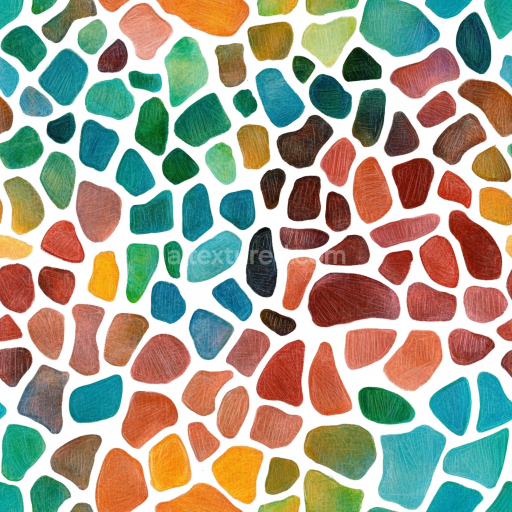
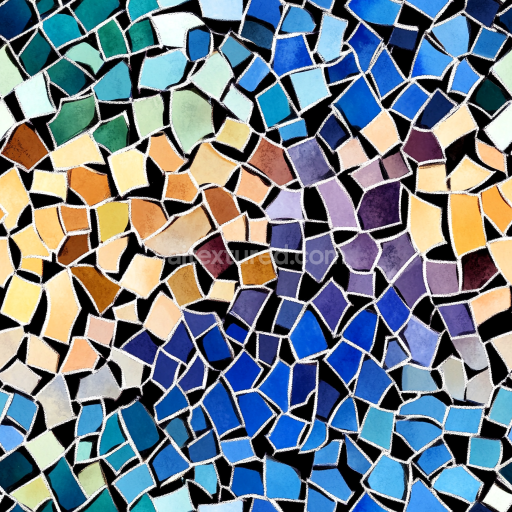
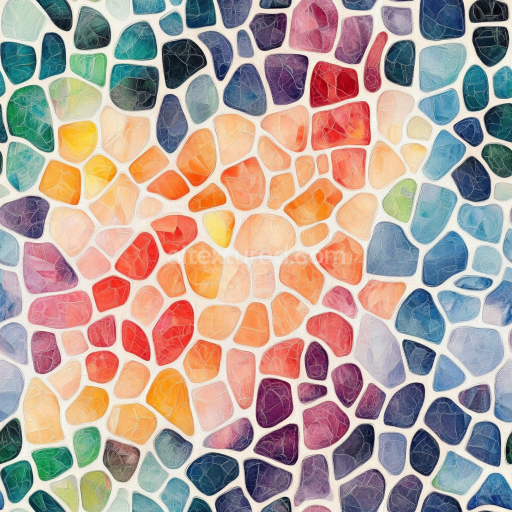
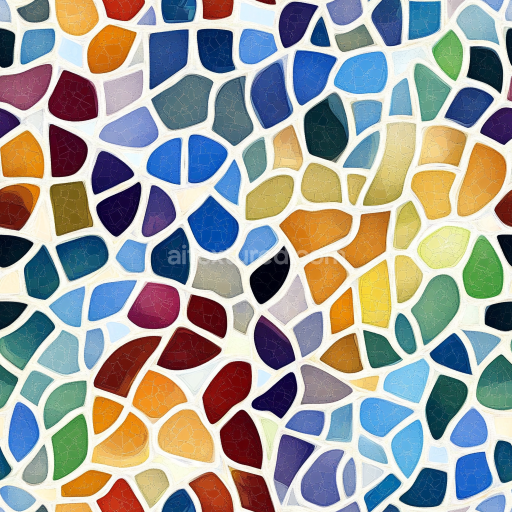
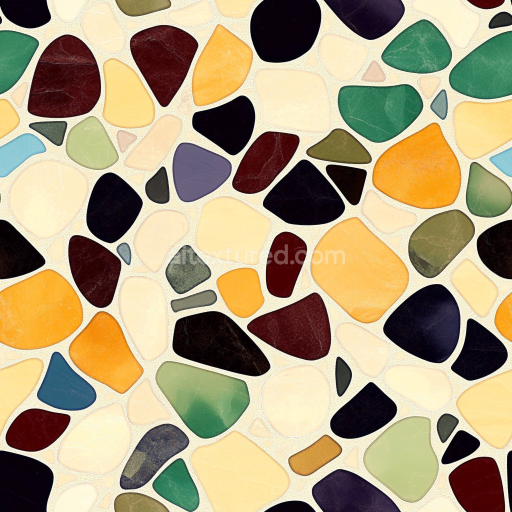
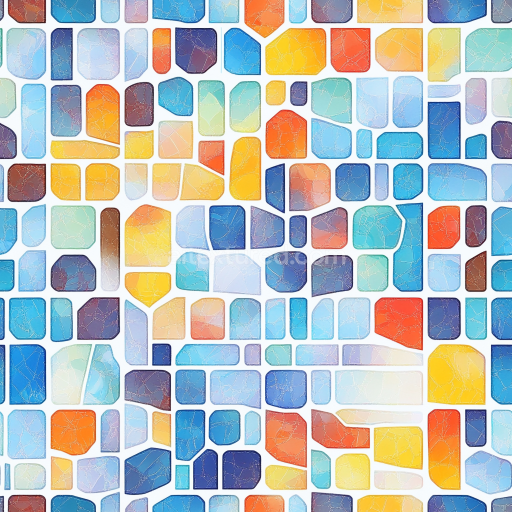
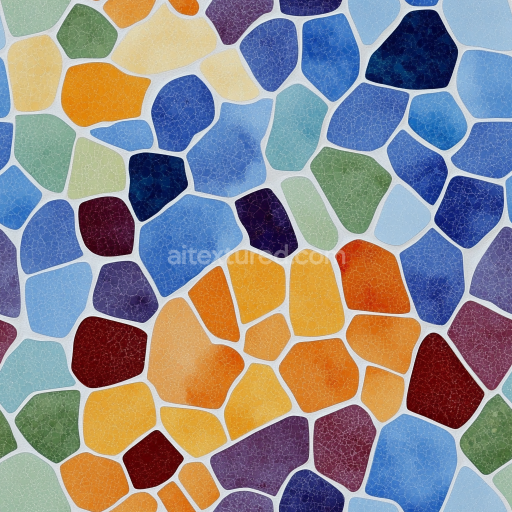
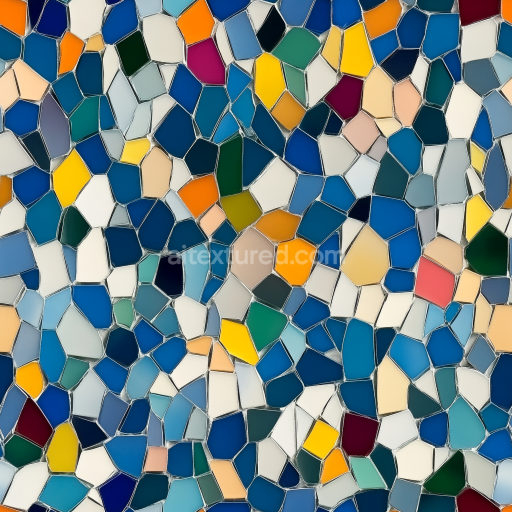
Mosaic PBR Texture of Colorful Irregular Stone Chips with Matte Finish
Seamless texture (tileable) · PNG, WEBP, PBR ZIP.
| ID | seamless-3d-texture-pbr-8k-handmade-tiles-mosaic-with-renaissance-style-and-floral-motifs |
|---|---|
| Category | Mosaic |
| Formats | PNG, WEBP, PBR ZIP |
| Size | 1k (1024x1024px), 2k (2048x2048px), 4k (4096x4096px), 8k (8192x8192px) |
| Tileable | Yes |
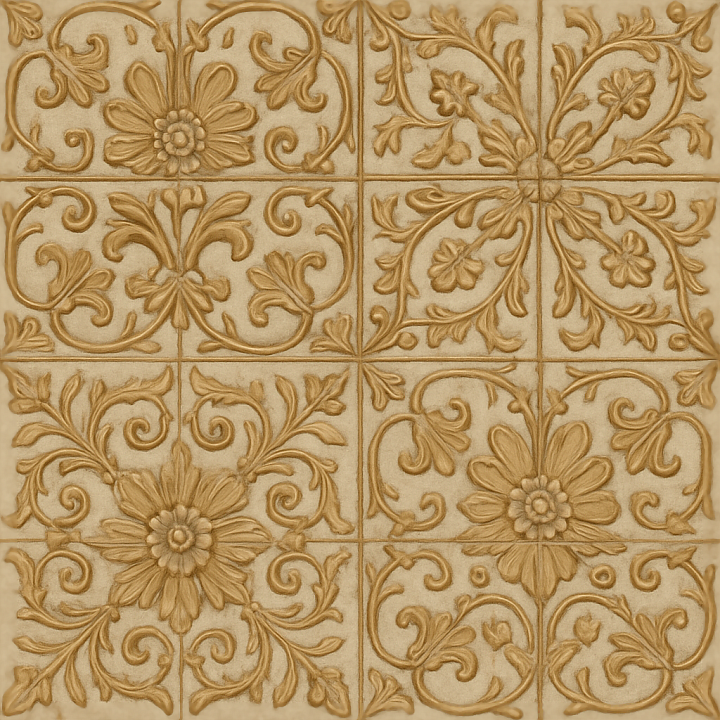
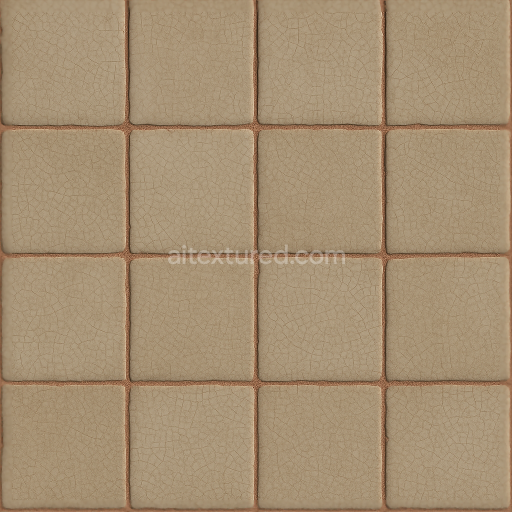
This seamless 3D texture showcases a meticulously crafted mosaic composed of handmade ceramic tiles inspired by Renaissance artistry, featuring ornate floral motifs arranged in a harmonious geometric pattern. The tiles are primarily square with gently beveled edges, assembled in a repetitive grid that emphasizes the decorative inlay work characteristic of period designs. Each tile’s substrate consists of fine-grained clay, fired to a dense yet slightly porous ceramic body that allows for subtle surface variations and slight imperfections intrinsic to handmade craftsmanship. The floral patterns are formed through a combination of raised relief and delicate engraving, creating a pronounced surface relief that enhances visual depth and tactility.
The binders used in the original tile manufacture would be traditional mineral-based glazes, incorporating natural pigments to achieve the muted, earthy color palette typical of Renaissance ceramics. The matte finish reflects a low-gloss firing process, which reduces reflectivity and emphasizes the soft, chalky texture of the glaze. The grout lines between tiles are narrow and slightly recessed, composed of lime-based mortar that has weathered naturally to a light gray tone, adding to the authenticity and aged appearance. This grout separation is clearly defined in the texture’s height and ambient occlusion maps, providing realistic shadowing and depth at tile edges and crevices.
In terms of physically based rendering (PBR), the BaseColor (Albedo) channel captures the nuanced pigment variations and natural wear of the tile surfaces, while the Normal map accurately conveys the intricate floral relief and beveled tile edges, enhancing the three-dimensional impression under dynamic lighting. The Roughness map corresponds to the matte glaze finish, featuring moderate roughness values that diffuse reflections without appearing overly dull. The Metallic channel remains close to zero, as traditional ceramics are non-metallic, ensuring realistic light interaction. Ambient Occlusion accentuates the grout recesses and fine crevices within the motifs, and the Height/Displacement map enables subtle surface undulations, crucial for high-detail close-ups and realistic parallax effects.
Rendered at an ultra-high 8K resolution, this texture is optimized for seamless tiling, allowing it to be applied continuously across large surfaces without visible repetition or seams. It is fully compatible with leading 3D software including Blender, Unreal Engine, and Unity, supporting workflows that require high-fidelity architectural visualizations or period-accurate interior renders. For practical application, adjusting the UV scale to match real-world tile dimensions ensures proportional accuracy, while fine-tuning the roughness channel can simulate varying degrees of surface wear or cleaning. Additionally, blending the height and normal maps can enhance parallax effects for added realism on curved or irregular surfaces.
Import the texture maps into Blender with sRGB color space for albedo/base color and Non-Color for normal, roughness, metallic, AO, height, and ORM maps. Connect normal maps through a Normal Map node, then adjust UV scale with a Mapping node so the material repeats naturally on your model.
For the full step-by-step setup, see How to Use Seamless Textures in Blender. Browse related material examples in wood, concrete, and metal.
Yes. This texture is designed as a seamless tileable PBR material, so it can repeat across large surfaces without visible borders.
Use the download controls on this page: they expose the available PNG, WEBP or engine ZIP choices and supported resolutions for this asset.
Use the engine ZIP choices to package compatible source maps for Blender, Unreal Engine or Unity, then verify the imported material in the target application.
Commercial-use permission is not verified for this record. Confirm the original source and license before production use.
Generate maps from existing images, preview materials, convert channels, and package compatible inputs for Blender, Unity, and Unreal Engine.
Choose a verified workflow for generating maps, previewing tiling, converting channels, or starting from the texture catalog.
Derive Normal, Roughness, AO, Metallic, Height and optional ORM maps from one or more source images, then review the results.
Instant WebGL viewer: inspect materials on a sphere, plane, and cube. Check tiling and lighting in real time.
Re-packages maps per engine: Unreal (BaseColor + ORM), Unity (Mask/MetallicSmoothness), Blender (separate channels).
PNG ↔ JPG ↔ SVG: fast convert, SVG rasterize, embed/trace options, quality & background controls.