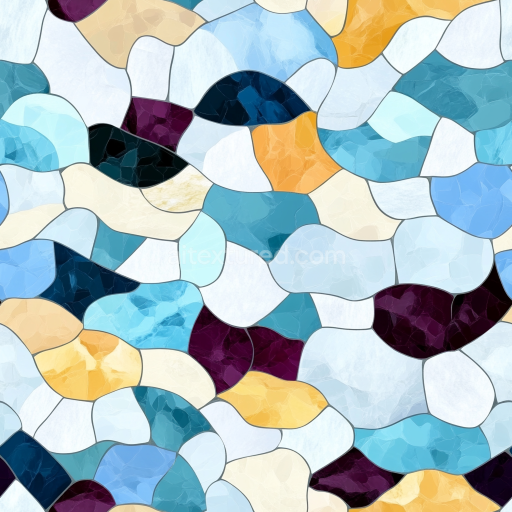
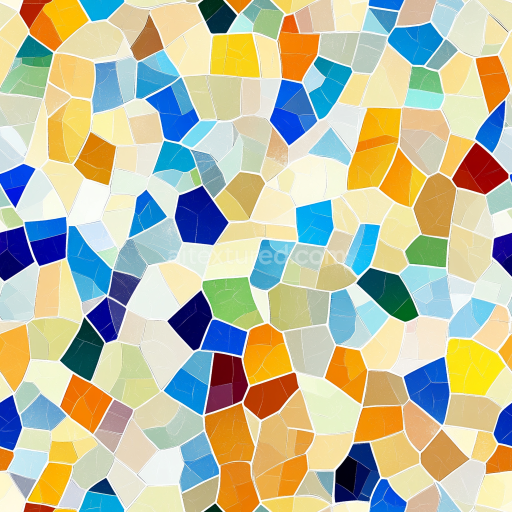
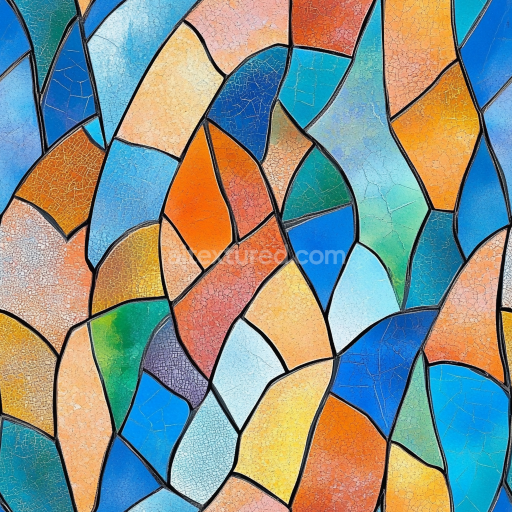
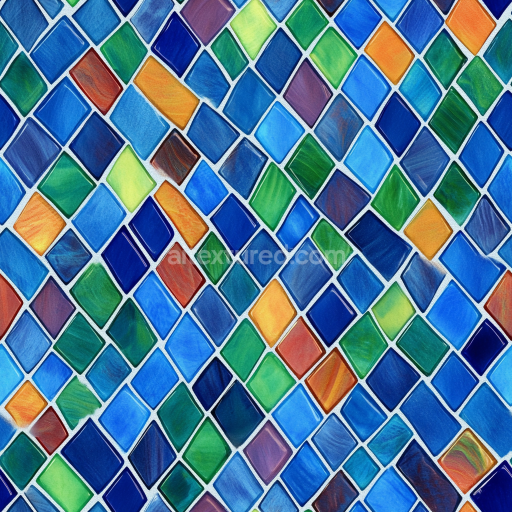
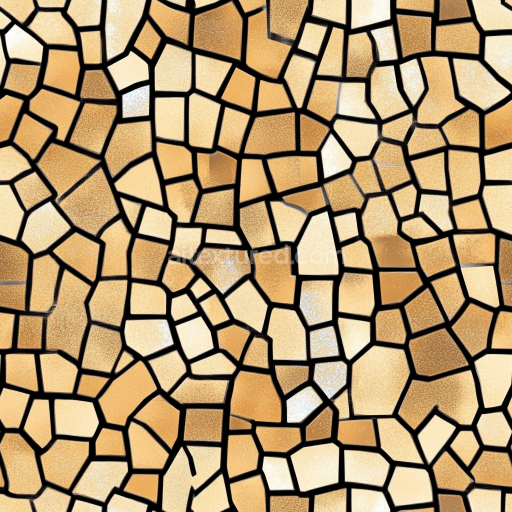
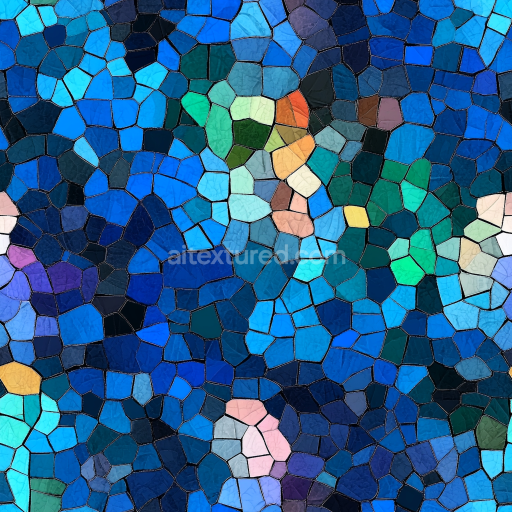
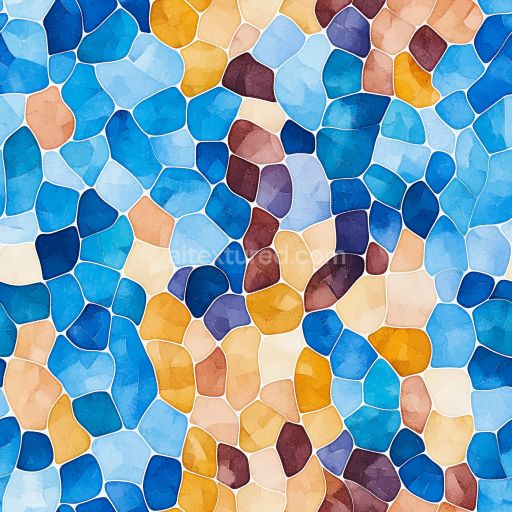
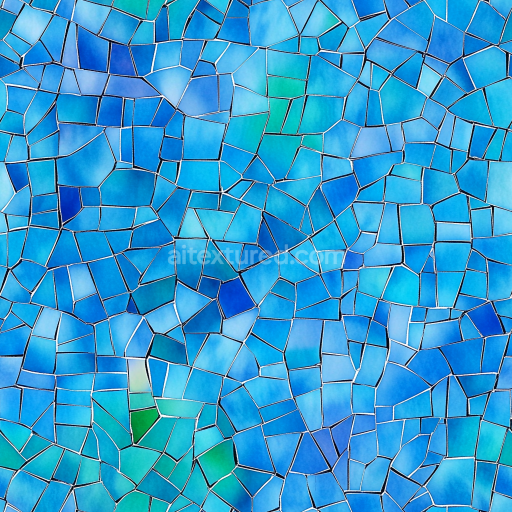
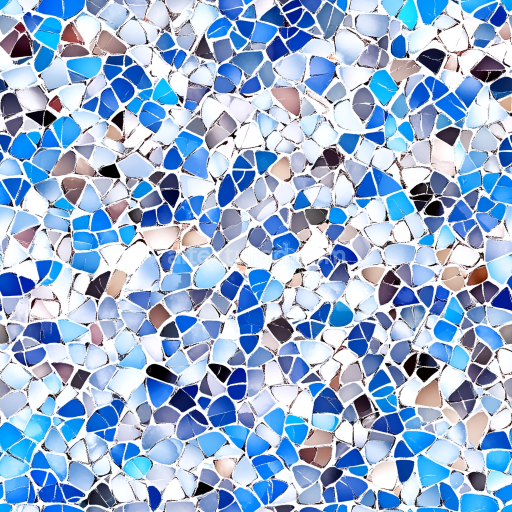
Mosaic PBR Texture Featuring Multi-Colored Irregular Stone Chips with Glossy Finish
Seamless texture (tileable) · PNG, WEBP, PBR ZIP.
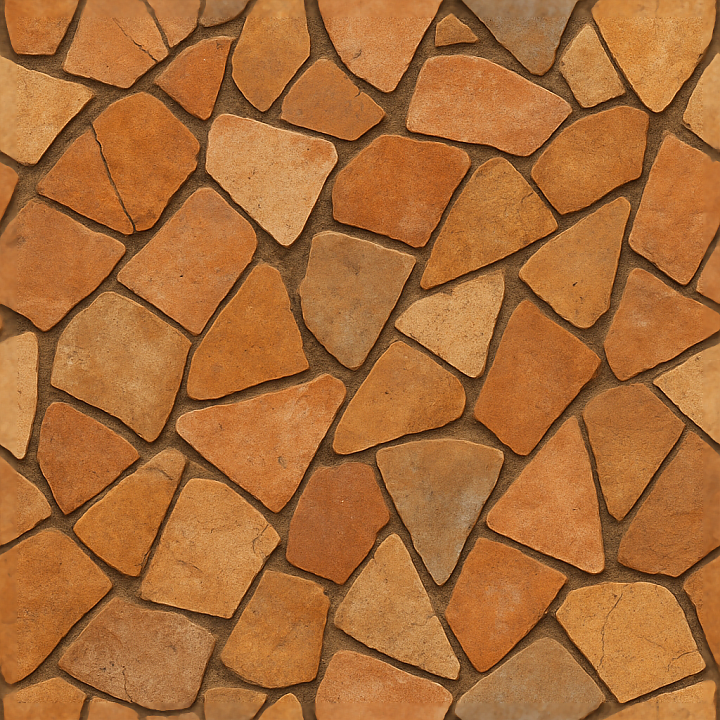
| ID | seamless-3d-texture-pbr-8k-mosaic-broken-ceramics-with-distressed-surface-and-warm-colors |
|---|---|
| Category | Mosaic |
| Formats | PNG, WEBP, PBR ZIP |
| Size | 1k (1024x1024px), 2k (2048x2048px), 4k (4096x4096px), 8k (8192x8192px) |
| Tileable | Yes |
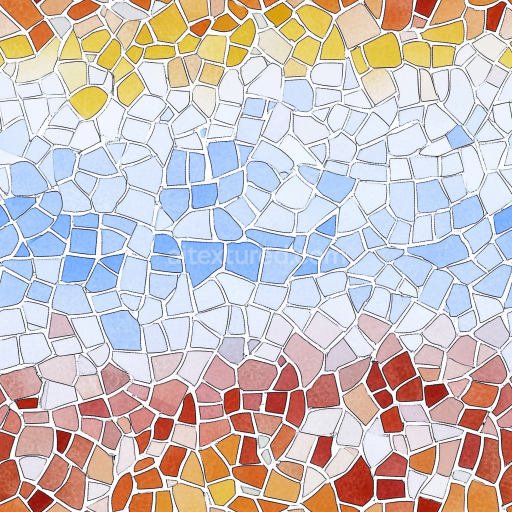
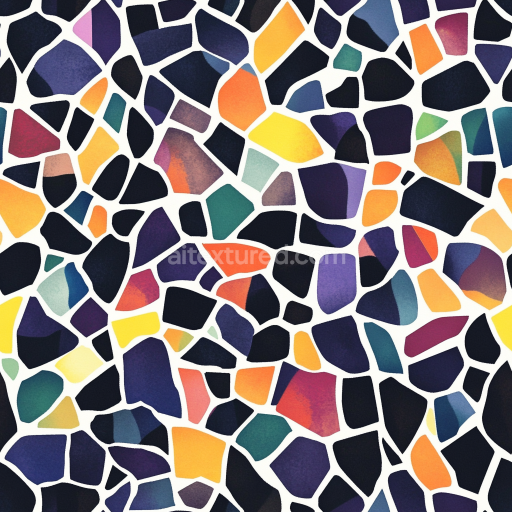
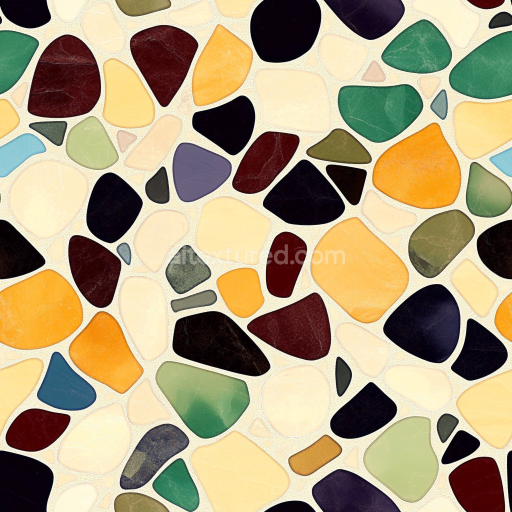
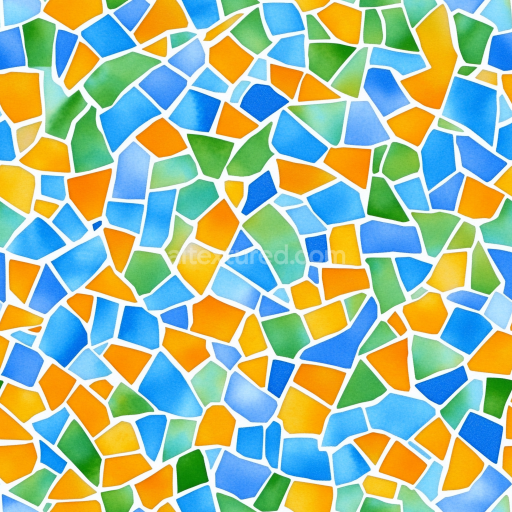
This seamless 3D texture presents a high-resolution 8K PBR depiction of broken ceramic tesserae arranged in a random mosaic layout. The base material consists primarily of fired clay ceramic shards, exhibiting a naturally porous and slightly irregular surface indicative of weathered, hand-formed pottery. These tesserae are bonded to a subtle mortar substrate, which acts as the matrix holding the fragments together, visible in the fine cracks and fissures that define the distressed surface. The ceramic pieces display earth-toned pigments—warm terracotta, muted ochres, and soft siennas—that have been naturally faded and dulled by time, giving the mosaic a rustic, aged character. The overall form is a loose, non-uniform geometric pattern with varying shard sizes and angular edges, enhancing the organic feel of the distressed composition.
From a materials perspective, the texture captures the complex interplay between the ceramic shards' matte finish and the rough mortar binder. The ceramic fragments have a low gloss, matte surface with a mildly rough tactile quality due to chipping and weathering, while the mortar shows increased roughness and subtle porosity. The texture’s PBR maps translate these physical attributes realistically: the BaseColor (Albedo) channel reflects the warm pigment distribution and subtle color variation across shards and grout; the Normal map encodes the intricate surface relief, highlighting chipped edges and surface imperfections; Roughness defines the contrast between the smooth ceramic faces and the gritty mortar; Metallic remains near zero, consistent with non-metallic ceramic materials; Ambient Occlusion enhances shadowing in crevices and joints; and the Height/Displacement map offers precise depth cues for realistic surface undulation and shard protrusions.
Designed for seamless tiling, this texture allows for continuous and natural repetition over large surfaces without visible borders or pattern distortion. Its random layout ensures that identical fragments do not appear repeatedly, preserving the visual complexity essential for authentic mosaic renders. The 8K resolution guarantees exceptional detail fidelity, crucial for close-up renders in Blender, Unreal Engine, and Unity environments where high-detail surface interaction is required. This texture supports physically accurate shading workflows, making it suitable for architectural visualizations, historical reconstructions, or artistic 3D projects demanding realistic ceramic mosaic surfaces.
For optimal use, it is recommended to adjust the UV scale to maintain natural shard proportions and avoid over-stretching the pattern. Fine-tuning the Roughness map can help balance the matte ceramic finish against the slightly coarser mortar, enhancing material differentiation under varied lighting. Additionally, blending the Height/Displacement with the Normal map can improve depth perception without excessive geometric complexity, especially in game engines where performance is a consideration. This approach preserves the intricate broken ceramics’ texture and distressed surface detail while maintaining efficient rendering.
Import the texture maps into Blender with sRGB color space for albedo/base color and Non-Color for normal, roughness, metallic, AO, height, and ORM maps. Connect normal maps through a Normal Map node, then adjust UV scale with a Mapping node so the material repeats naturally on your model.
For the full step-by-step setup, see How to Use Seamless Textures in Blender. Browse related material examples in wood, concrete, and metal.
Yes. This texture is designed as a seamless tileable PBR material, so it can repeat across large surfaces without visible borders.
Use the download controls on this page: they expose the available PNG, WEBP or engine ZIP choices and supported resolutions for this asset.
Use the engine ZIP choices to package compatible source maps for Blender, Unreal Engine or Unity, then verify the imported material in the target application.
Commercial-use permission is not verified for this record. Confirm the original source and license before production use.
Generate maps from existing images, preview materials, convert channels, and package compatible inputs for Blender, Unity, and Unreal Engine.
Choose a verified workflow for generating maps, previewing tiling, converting channels, or starting from the texture catalog.
Derive Normal, Roughness, AO, Metallic, Height and optional ORM maps from one or more source images, then review the results.
Instant WebGL viewer: inspect materials on a sphere, plane, and cube. Check tiling and lighting in real time.
Re-packages maps per engine: Unreal (BaseColor + ORM), Unity (Mask/MetallicSmoothness), Blender (separate channels).
PNG ↔ JPG ↔ SVG: fast convert, SVG rasterize, embed/trace options, quality & background controls.