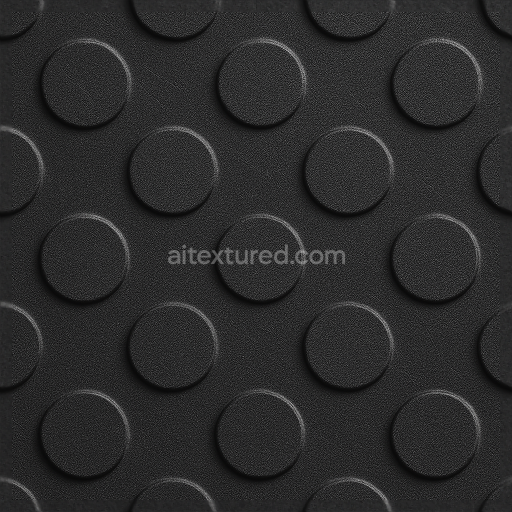
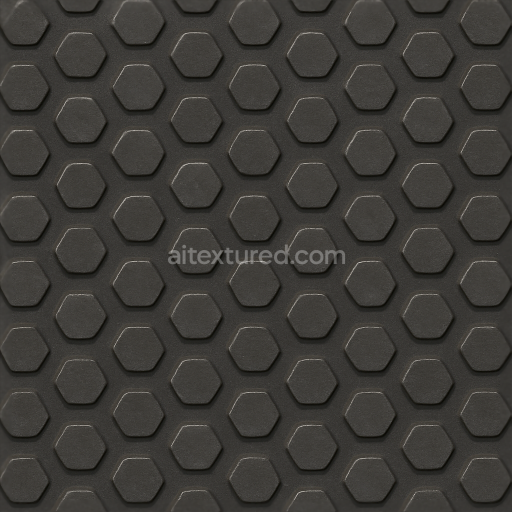
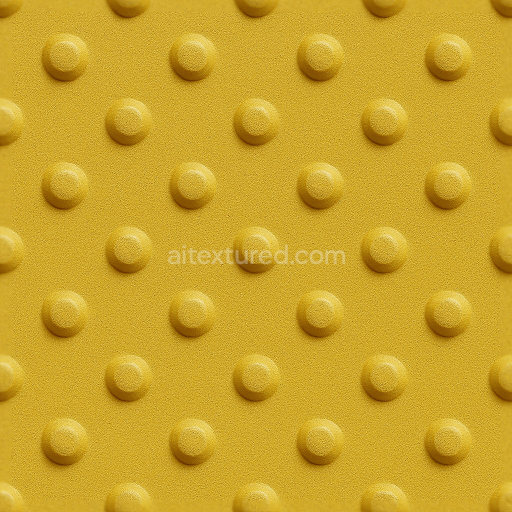
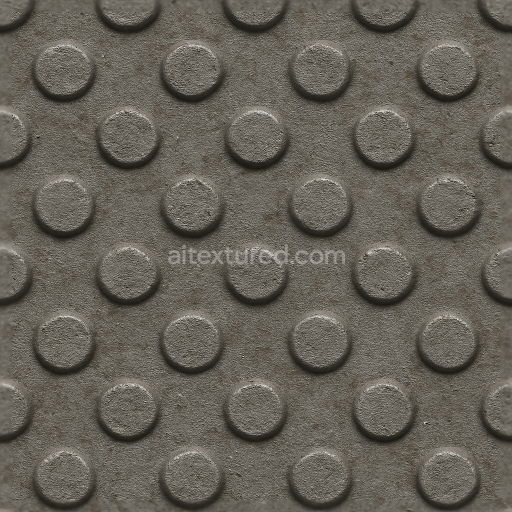
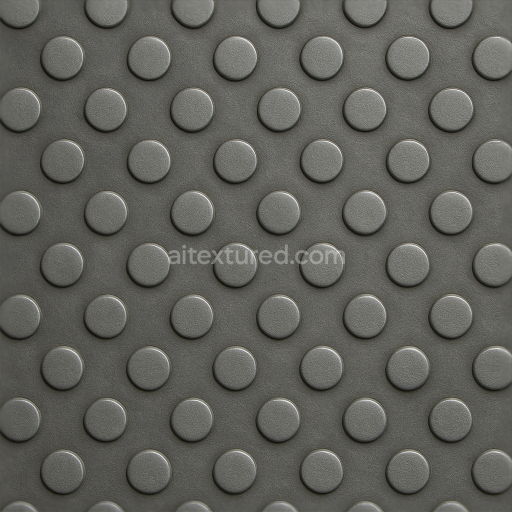
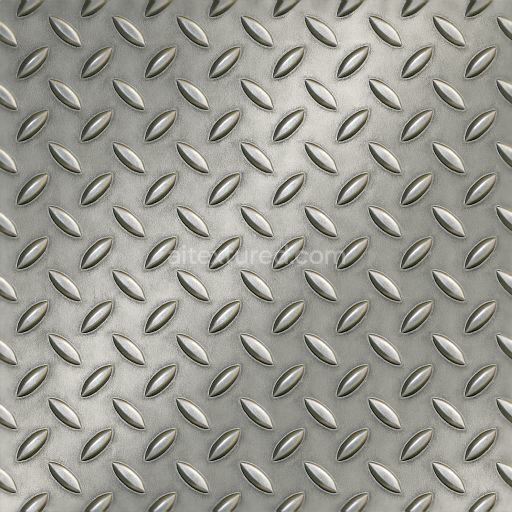
Tactile Plate With Embossed Circles On Matte Black Powder Coated Surface
Seamless texture (tileable) · PNG, WEBP, PBR ZIP.
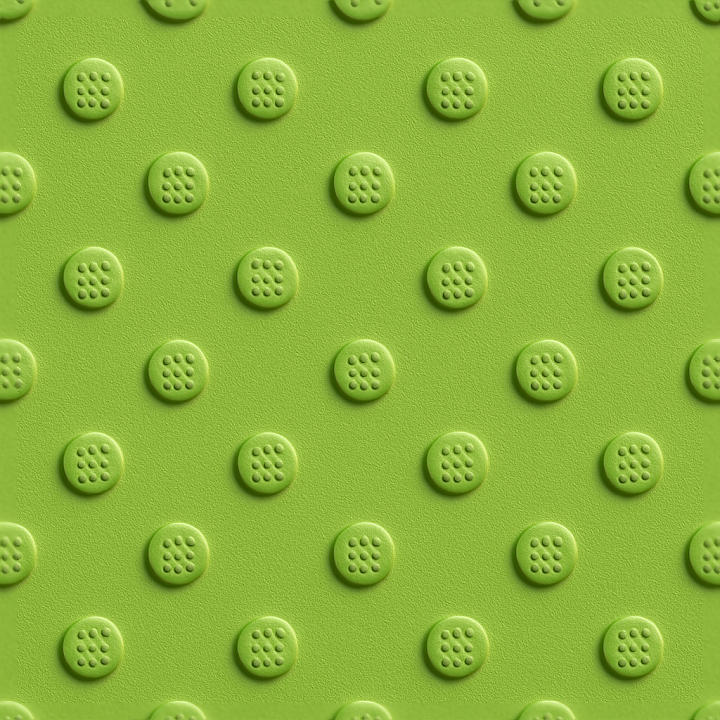
| ID | seamless-3d-texture-pbr-8k-tactile-plate-with-braille-dots-on-matte-surface-and-safety-green-hue |
|---|---|
| Category | Tactile Plate |
| Formats | PNG, WEBP, PBR ZIP |
| Size | 1k (1024x1024px), 2k (2048x2048px), 4k (4096x4096px), 8k (8192x8192px) |
| Tileable | Yes |
This seamless 3D texture tactile plate is crafted from a polymer-based composite substrate designed for durability and long-term performance in demanding urban environments. The base material incorporates finely calibrated mineral fillers and synthetic fibers to enhance structural strength while maintaining slight porosity for weather resistance. The surface is expertly finished with a matte coating infused with safety green pigments providing a vivid hue that ensures high visibility. This matte finish minimizes glare and reflections essential for outdoor applications exposed to varying lighting conditions. The braille dots precisely arranged and molded directly into the plate are integrated using a chemical-resistant adhesive binder that secures their form and enhances tactile feedback for visually impaired users. This combination of materials and finishes ensures the plate’s resilience against abrasion UV degradation and chemical exposure commonly found in public transportation hubs and station platforms.
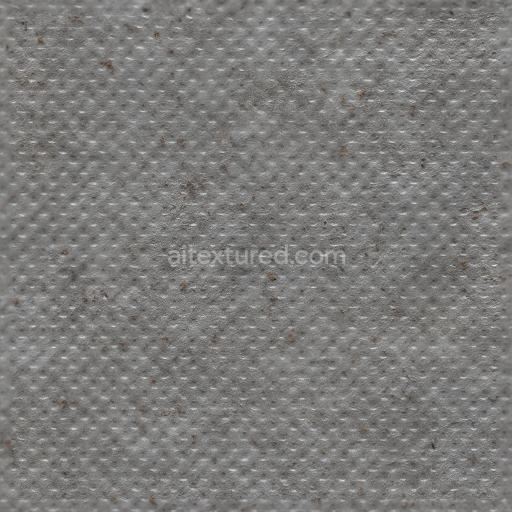
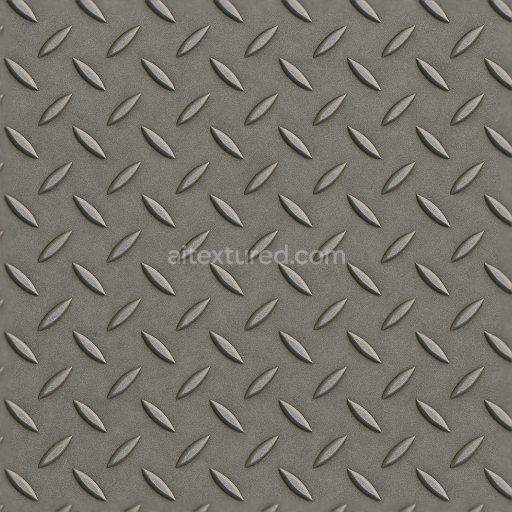
In terms of Physically Based Rendering (PBR) channels this texture excels with its 8K resolution detail making it ideal for high-fidelity visualization in Blender Unreal Engine and Unity. The BaseColor/Albedo channel captures the safety green pigment with subtle variations in tone reflecting the matte surface’s soft diffusion of light. The Normal map reproduces the tactile braille dots and subtle surface undulations with precision enhancing the sense of depth and physicality. Roughness maps emphasize the non-glossy anti-glare finish balancing surface reflectivity to prevent unwanted shine. The Metallic channel remains minimal reflecting the polymeric base’s non-metallic nature while Ambient Occlusion adds realistic shadowing around the braille dots and textural recesses. Finally the Height/Displacement map supports accurate 3D modeling of the raised dots and plate surface for advanced parallax and displacement effects.
Designed specifically as an accessibility aid this tactile plate complies with ADA and ISO standards for floor safety making it a practical solution for public and urban tactile paving needs. Its chemical-resistant durable coating ensures longevity even in high-traffic areas maintaining both safety and aesthetic appeal over time. For optimal rendering results it is recommended to slightly adjust the roughness parameter when applying the texture in 3D environments to fine-tune the matte effect based on lighting conditions. Additionally careful UV scaling will preserve the tactile detail and clarity of the braille dots ensuring both visual and functional accuracy in any project.
Import the texture maps into Blender with sRGB color space for albedo/base color and Non-Color for normal, roughness, metallic, AO, height, and ORM maps. Connect normal maps through a Normal Map node, then adjust UV scale with a Mapping node so the material repeats naturally on your model.
For the full step-by-step setup, see How to Use Seamless Textures in Blender. Browse related material examples in wood, concrete, and metal.
Yes. This texture is designed as a seamless tileable PBR material, so it can repeat across large surfaces without visible borders.
Use the download controls on this page: they expose the available PNG, WEBP or engine ZIP choices and supported resolutions for this asset.
Use the engine ZIP choices to package compatible source maps for Blender, Unreal Engine or Unity, then verify the imported material in the target application.
Commercial-use permission is not verified for this record. Confirm the original source and license before production use.
Generate maps from existing images, preview materials, convert channels, and package compatible inputs for Blender, Unity, and Unreal Engine.
Choose a verified workflow for generating maps, previewing tiling, converting channels, or starting from the texture catalog.
Derive Normal, Roughness, AO, Metallic, Height and optional ORM maps from one or more source images, then review the results.
Instant WebGL viewer: inspect materials on a sphere, plane, and cube. Check tiling and lighting in real time.
Re-packages maps per engine: Unreal (BaseColor + ORM), Unity (Mask/MetallicSmoothness), Blender (separate channels).
PNG ↔ JPG ↔ SVG: fast convert, SVG rasterize, embed/trace options, quality & background controls.