Free Glass Textures: Frosted, Patterned & Window Surfaces
Browse glass surface textures for windows, frosted panels and decorative patterns. Check each asset for transparency, available maps, resolution and license.
Filter textures
Select by:
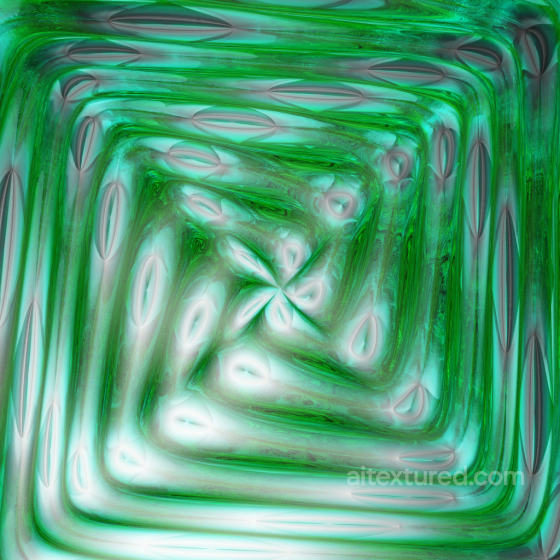
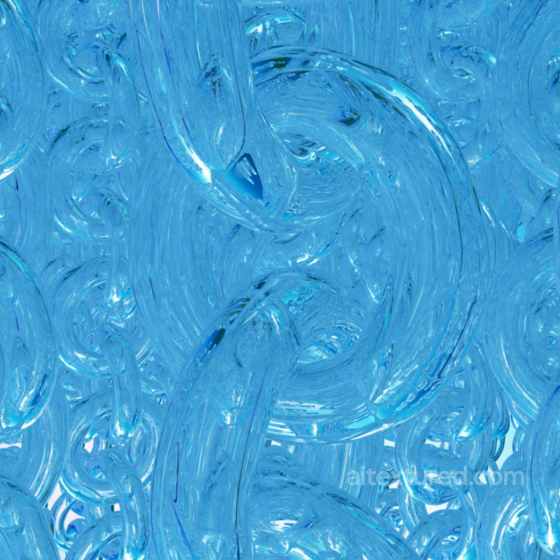
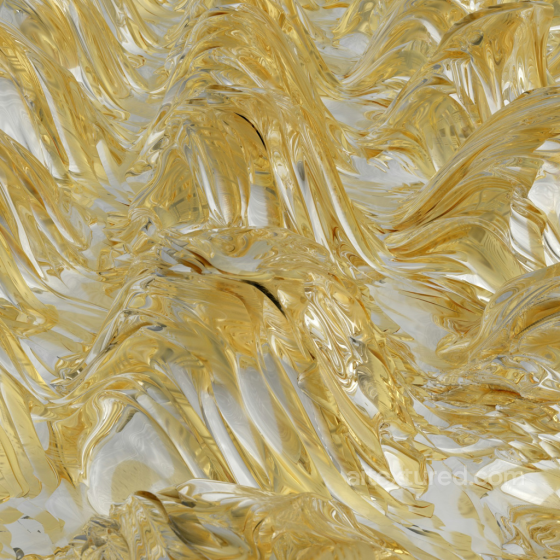
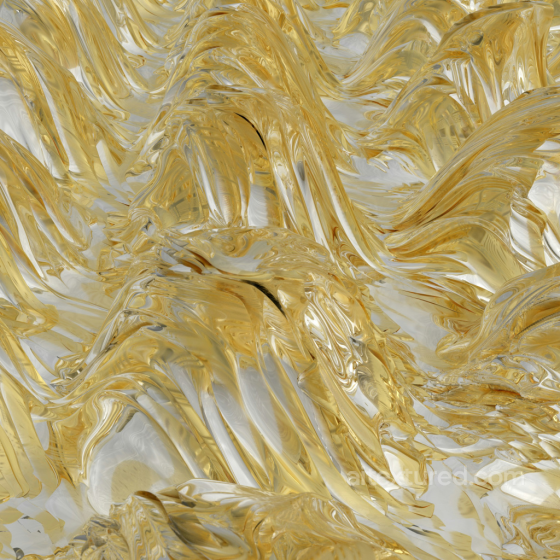
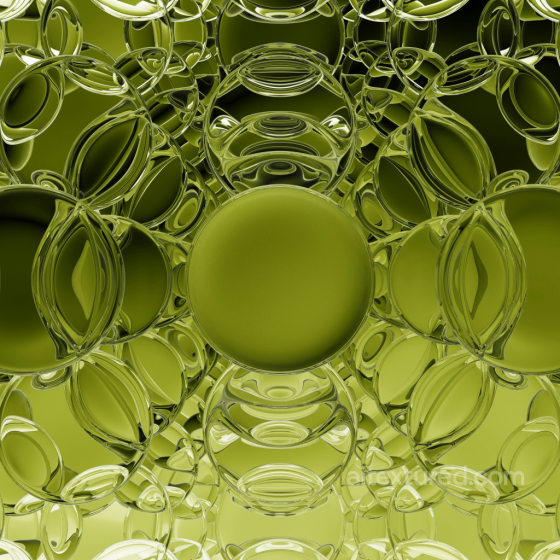
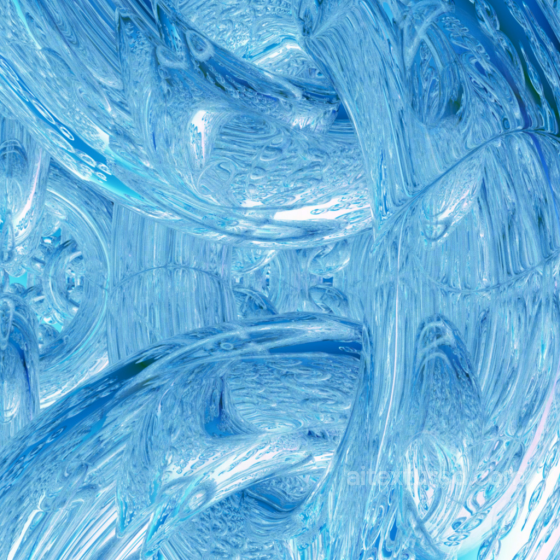
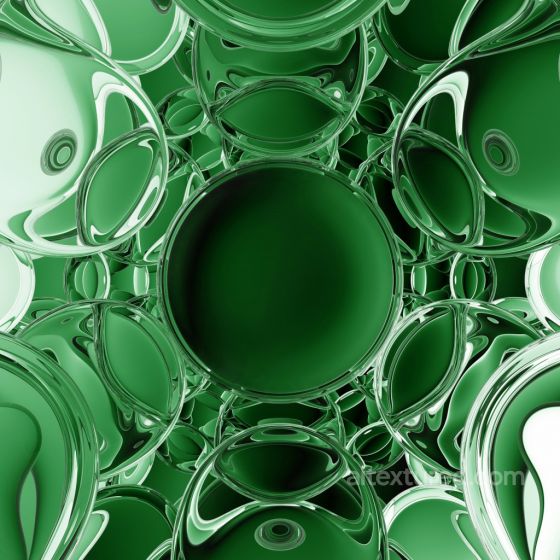
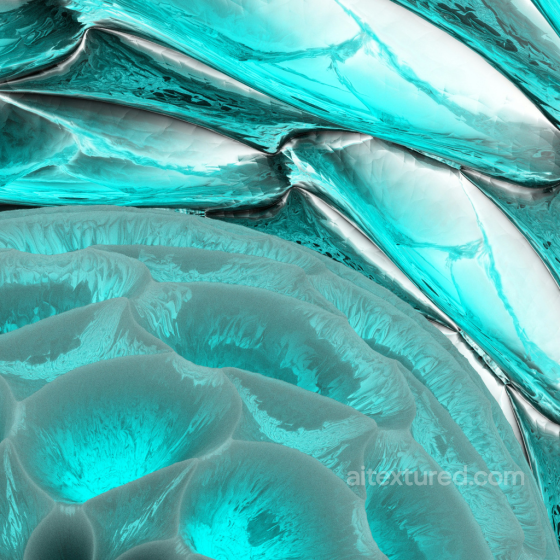
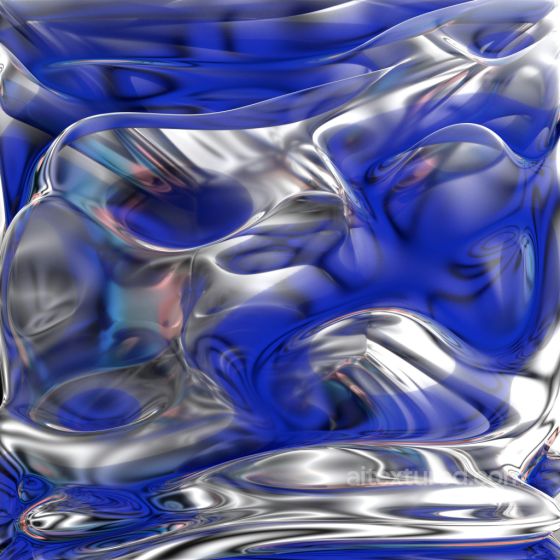
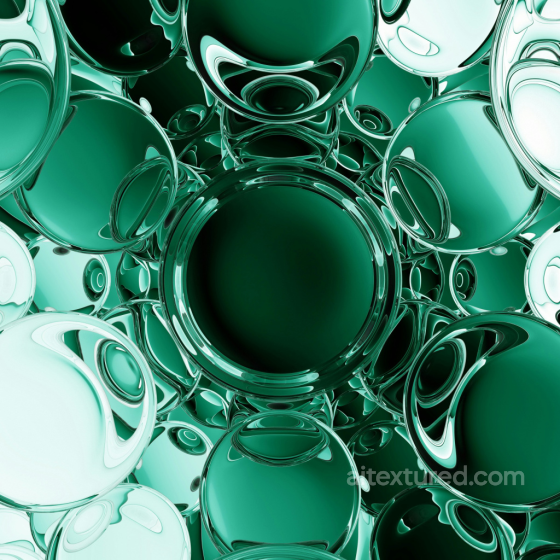
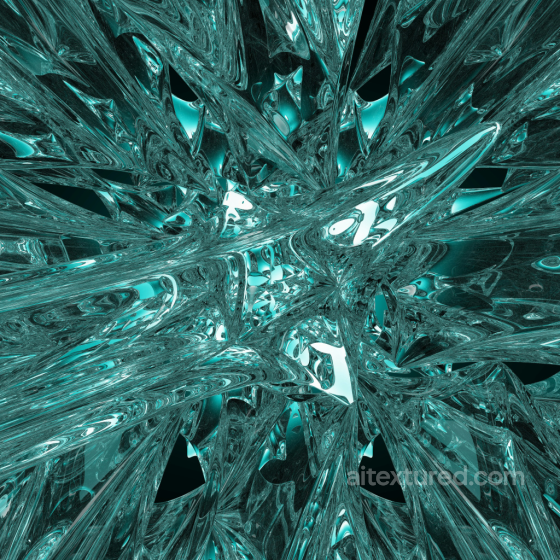
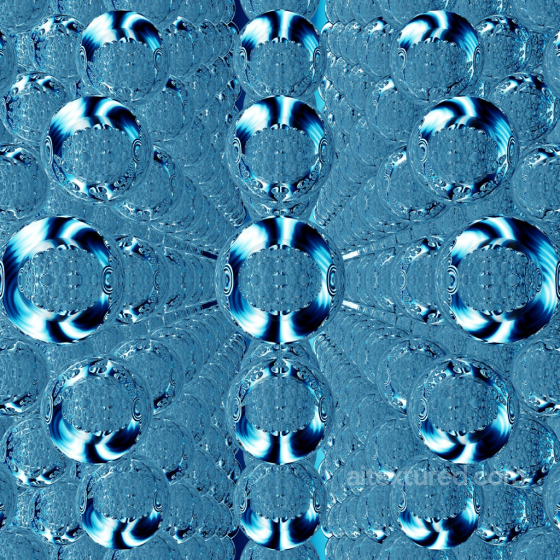
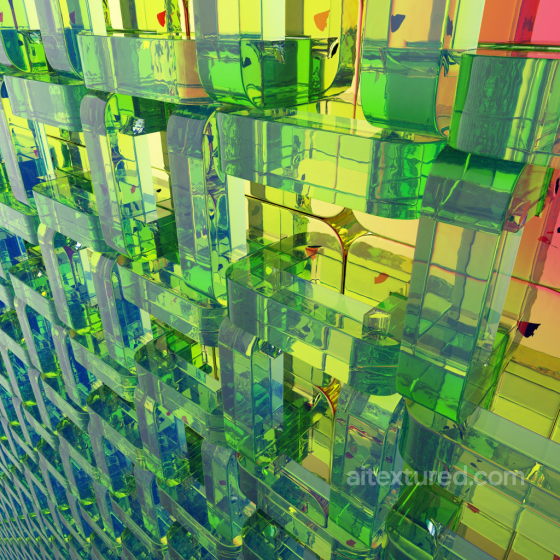
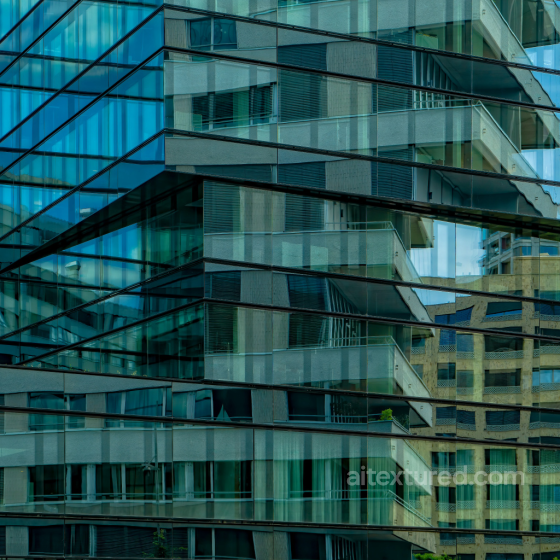
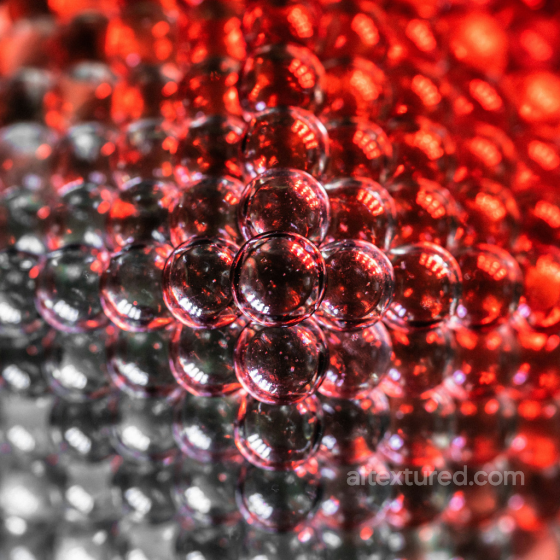
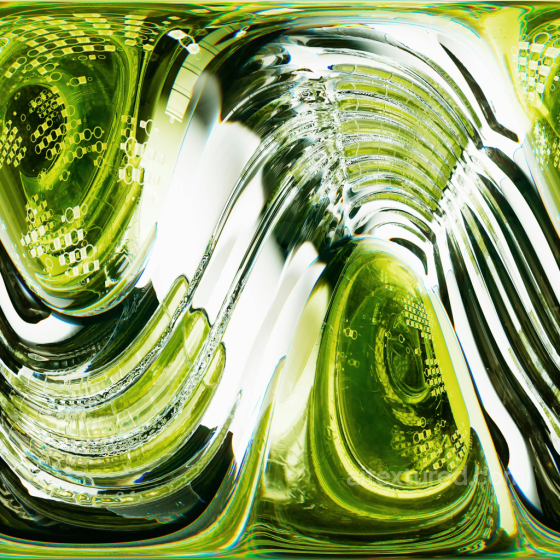
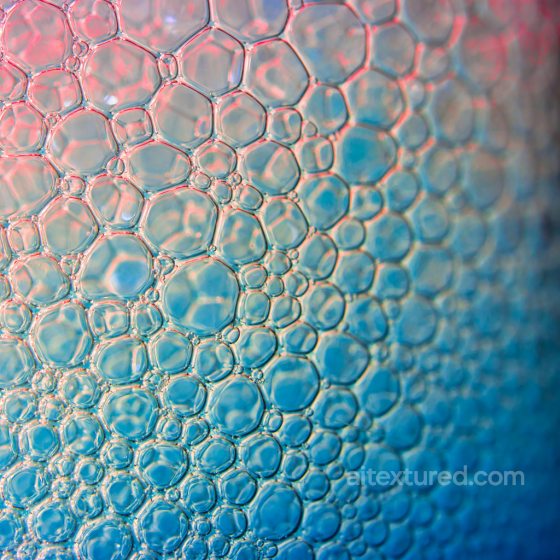
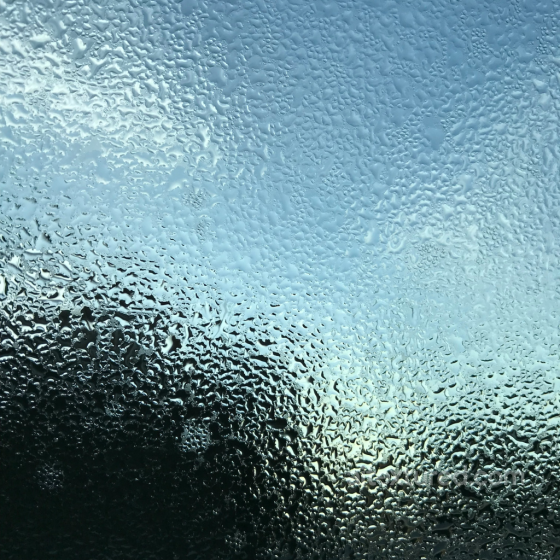
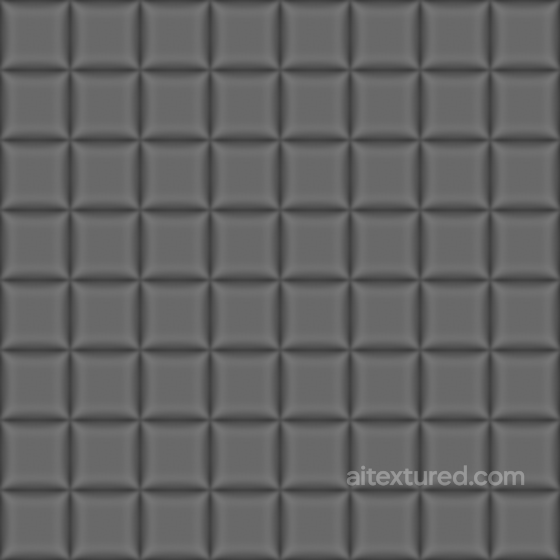
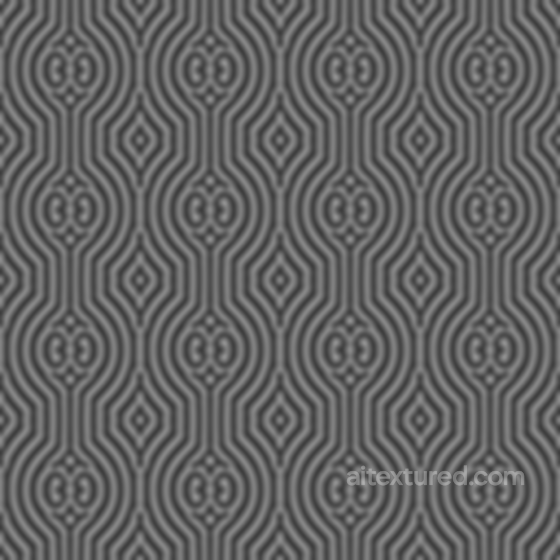
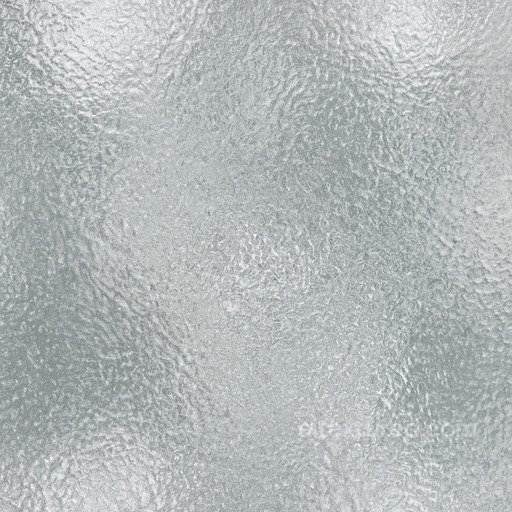
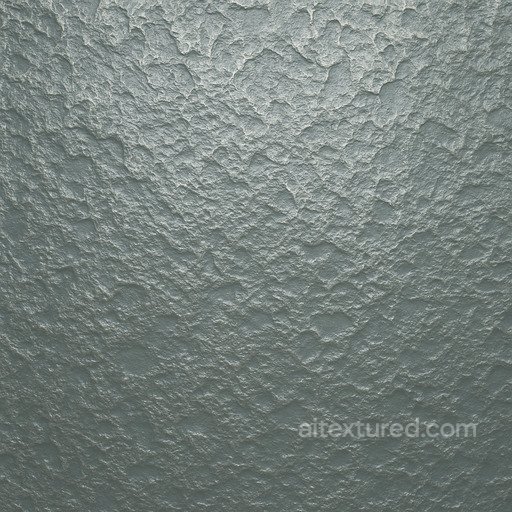
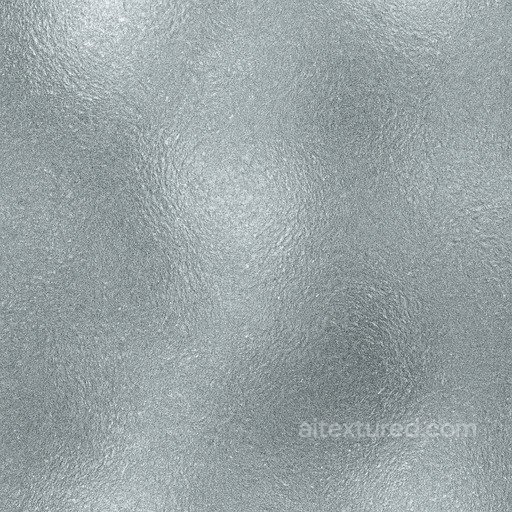
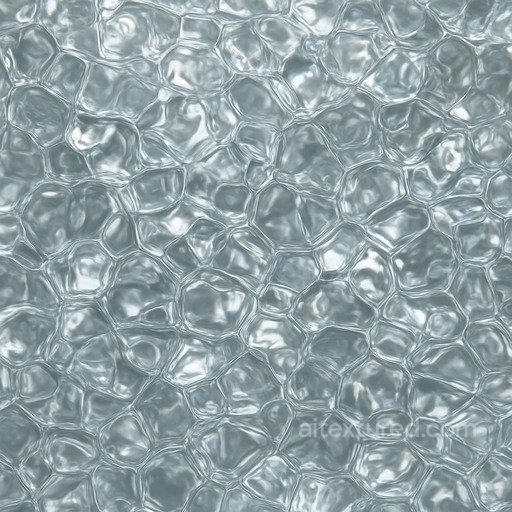
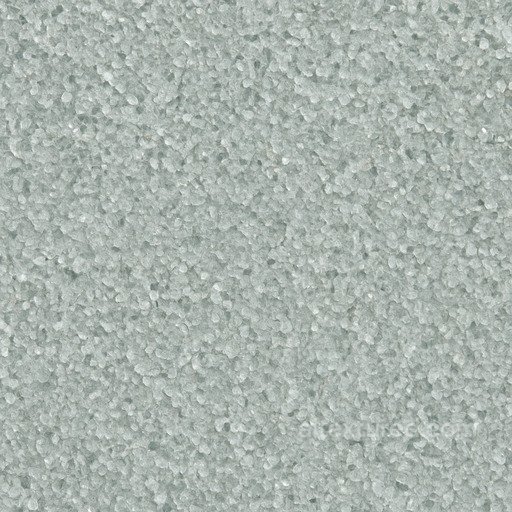
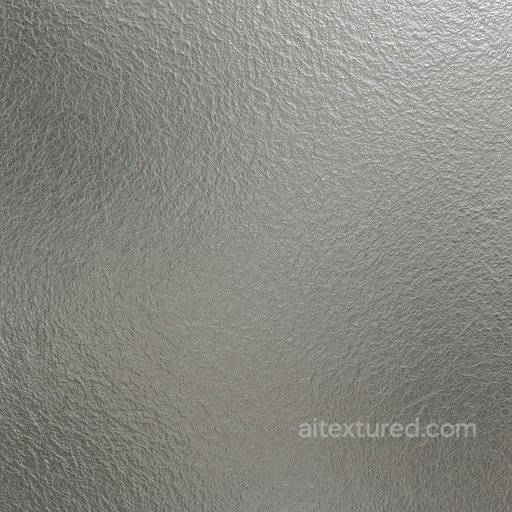
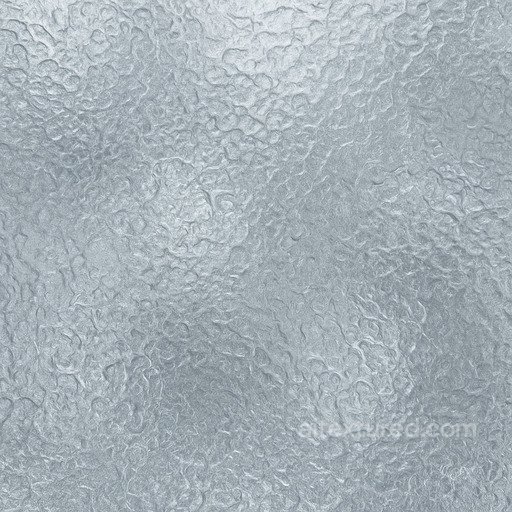
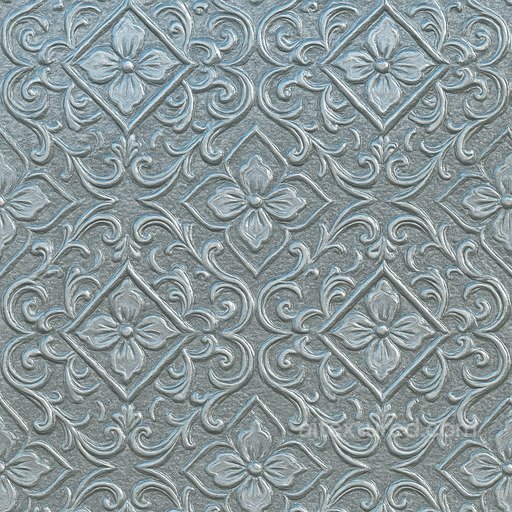
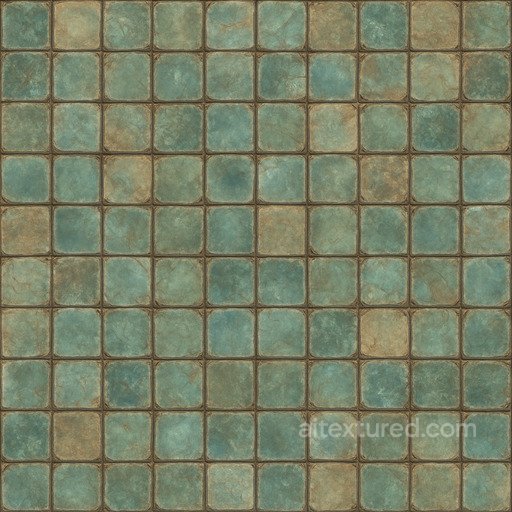
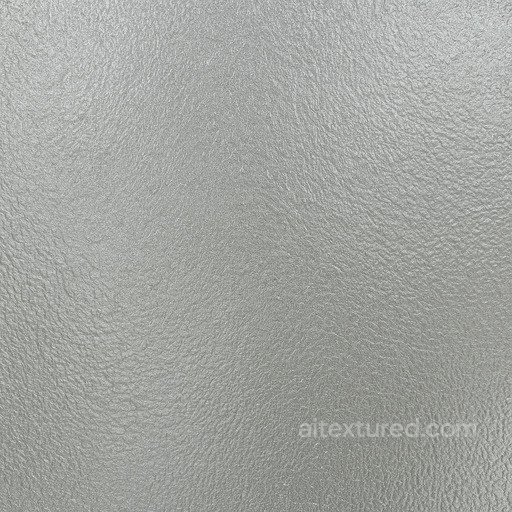
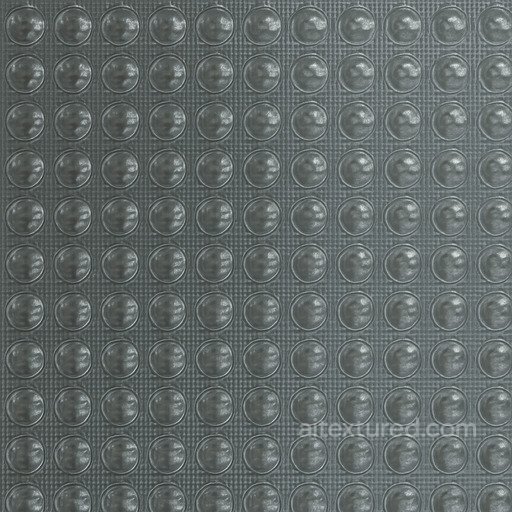
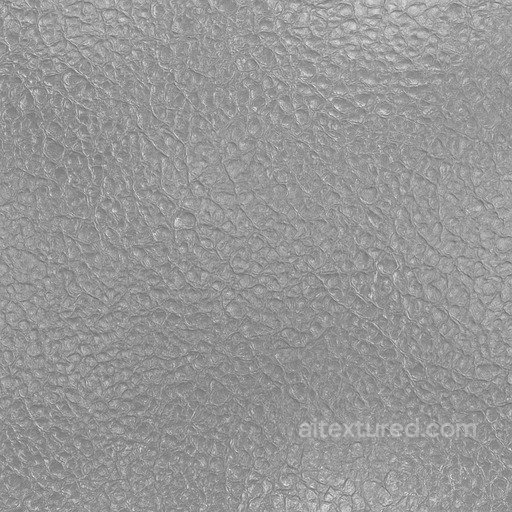
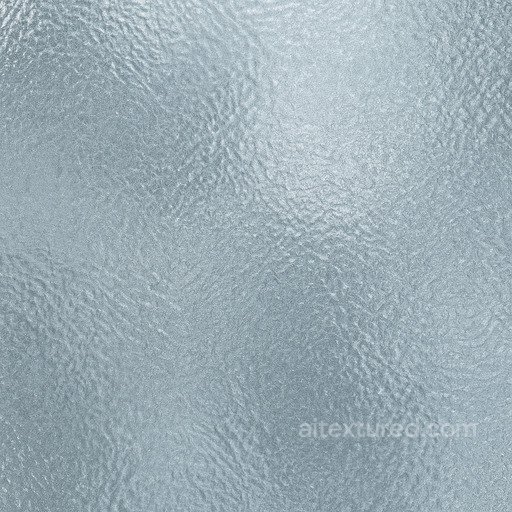
Choose frosted patterns for privacy panels, decorative glass for interior details, or marked and weathered surfaces for windows and props. Match the pattern scale to the object and inspect the surface under the lighting used in your scene.
A single image of glass is not automatically transparent or a complete glass shader. A PNG file may have no alpha channel, and transmission and refraction need material settings in your renderer. Inspect the actual file list, source dimensions and license on the asset page.
Need additional maps from an image? Try the PBR map generator and inspect the result in the material preview. Derived maps need review before production use.
Source and license status varies by asset; review the detail page before use.
Glass Texture Workflow
Glass Texture FAQ
Are these glass textures seamless?
Tiling support varies by asset. Open a texture page and use the tiled preview to verify scale, seams and visible repetition before final production use.
Which PBR maps are most important for glass materials?
Base color, normal and roughness are the core maps. AO, height, metallic or packed engine maps may be included depending on the asset and should be connected as non-color data where appropriate.
Can I use these glass textures in Blender, Unreal Engine and Unity?
Review the maps available on each texture page. Separate maps can be connected in common DCC workflows, and the engine mapper can create supported target-specific packing.
How do I avoid visible tiling on large glass surfaces?
Set the UV scale first, then combine texture variants, decals, masks or subtle color variation. Preview at the final camera distance and choose only a resolution that the asset actually offers.
Explore More Texture Resources
Related texture categories
Texture workflow tools
AITextured Tools
Generate maps from existing images, preview materials, convert channels, and package compatible inputs for Blender, Unity, and Unreal Engine.
PBR Material Tools
Choose a verified workflow for generating maps, previewing tiling, converting channels, or starting from the texture catalog.
Input: image or existing maps → Output: preview, PBR maps, or engine-ready package
Explore tools
PBR Texture Generator
Derive Normal, Roughness, AO, Metallic, Height and optional ORM maps from one or more source images, then review the results.
Input: PNG/JPG/WEBP → Output: Normal, Roughness, AO, Height, Metallic, ORM ZIP
Create PBR maps
Online Texture Preview
Instant WebGL viewer: inspect materials on a sphere, plane, and cube. Check tiling and lighting in real time.
Input: material maps → Output: interactive render and tiling check
Preview material
Unity / Unreal / Blender Mapper
Re-packages maps per engine: Unreal (BaseColor + ORM), Unity (Mask/MetallicSmoothness), Blender (separate channels).
Input: PBR maps → Output: Blender, Unreal, Unity channel packages
Convert maps
Image Converter
PNG ↔ JPG ↔ SVG: fast convert, SVG rasterize, embed/trace options, quality & background controls.
Input: PNG/JPG/SVG → Output: converted image format
Convert images