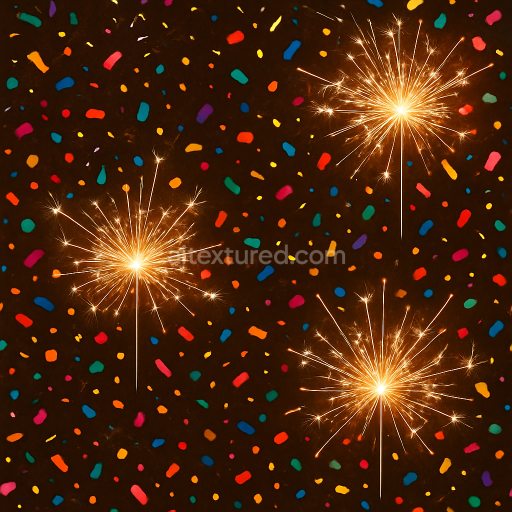
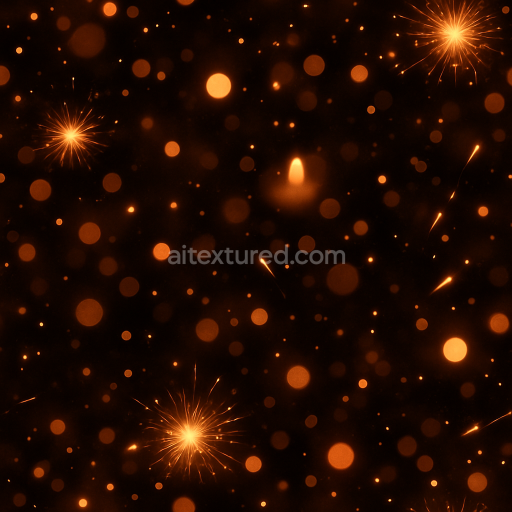
Sparkling Sparklers And Sparkler Light Party Confetti For New Year
Seamless texture (tileable) · PNG, WEBP, PBR ZIP.

| ID | seamless-3d-texture-pbr-8k-sparkling-firecracker-and-party-confetti-with-light-burst-for-new-year |
|---|---|
| Category | New Year |
| Formats | PNG, WEBP, PBR ZIP |
| Size | 1k (1024x1024px), 2k (2048x2048px), 4k (4096x4096px), 8k (8192x8192px) |
| Tileable | Yes |
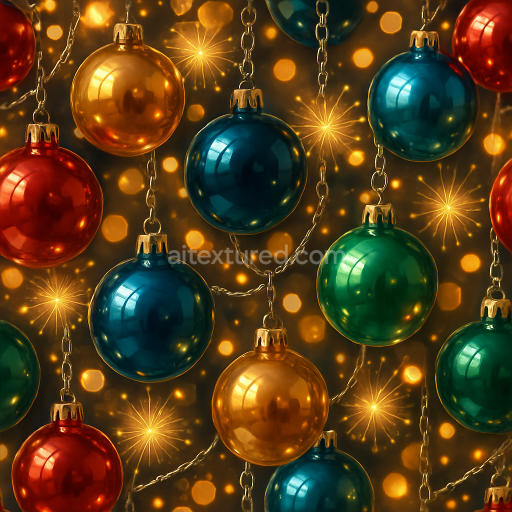
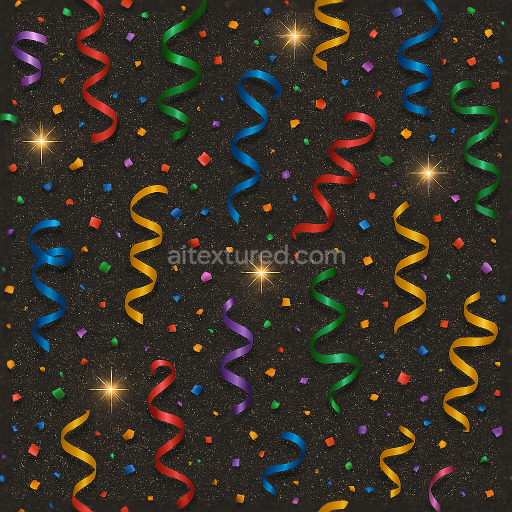
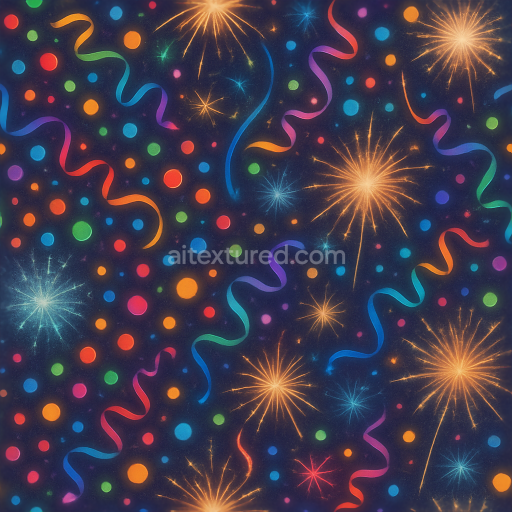
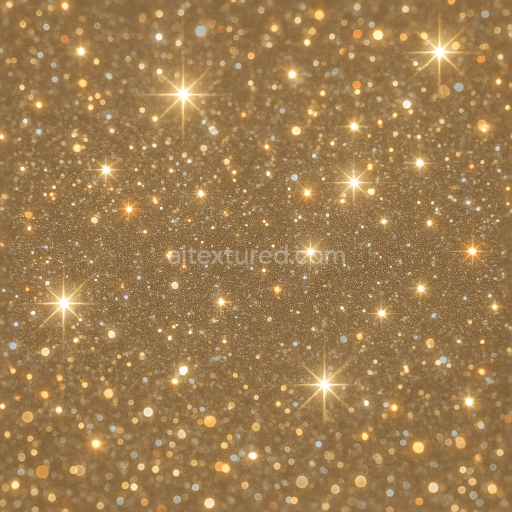
This seamless 3D texture presents a meticulously crafted pattern inspired by sparkling firecrackers intertwined with vibrant party confetti and dynamic light bursts, perfectly suited for New Year celebrations. The base material simulates a lightweight paper substrate typical of firecracker casings, combined with thin plastic or metallic foil confetti elements, creating a composite surface that balances matte and reflective qualities. The firecracker forms are tubular and cylindrical with subtle embossing and creases, while the confetti appears as irregularly shaped flakes and ribbons scattered organically, contributing to a lively geometric composition. The overall pattern repeats seamlessly, allowing for versatile application on large surfaces without visible edges.
From a material science perspective, the texture’s substrate mimics fibrous paper with a slightly rough surface finish, enhanced by binders that provide structural integrity and a modest sheen. Embedded within this base are micro-particles representing metallic pigments and glitter flakes that generate the sparkle flare and celebration sparkles. These aggregates introduce localized specular highlights and a subtle metallic shimmer, captured within the Metallic and Roughness PBR maps. The Roughness map modulates surface glossiness, alternating between the matte paper and reflective confetti areas, while the Normal and Height maps simulate the embossed folds of firecracker tubes and the layered confetti pieces, adding pronounced depth and tactile realism.
The BaseColor (Albedo) channel displays a vivid palette of reds, golds, silvers, and multicolored confetti hues, accurately representing the pigments and dyes used in celebratory materials. Ambient Occlusion enhances the perception of depth in crevices and overlapping elements, reinforcing the three-dimensionality of the pattern. The Height map is finely detailed to replicate the subtle relief of paper crinkles and confetti layering, which can be utilized for parallax or displacement effects in advanced rendering setups. The overall finish is a balanced interplay between diffuse paper surfaces and sparkling metallic flakes, reflecting the festive sparkle dust and sparkle effect characteristic of party glitter.
This 8K resolution texture is optimized for high-fidelity rendering workflows and is fully compatible with Blender, Unreal Engine, and Unity, ensuring photorealistic results across platforms. For practical implementation, adjusting the UV scale to slightly enlarge the pattern can help maintain the visibility of fine confetti details without overwhelming the scene. Additionally, tuning the Roughness map to increase glossiness on the metallic flakes can enhance sparkle flares under dynamic lighting conditions, while carefully blending Normal and Height maps ensures smooth depth transitions that prevent artifacts in real-time engines.
Import the texture maps into Blender with sRGB color space for albedo/base color and Non-Color for normal, roughness, metallic, AO, height, and ORM maps. Connect normal maps through a Normal Map node, then adjust UV scale with a Mapping node so the material repeats naturally on your model.
For the full step-by-step setup, see How to Use Seamless Textures in Blender. Browse related material examples in wood, concrete, and metal.
Yes. This texture is designed as a seamless tileable PBR material, so it can repeat across large surfaces without visible borders.
Use the download controls on this page: they expose the available PNG, WEBP or engine ZIP choices and supported resolutions for this asset.
Use the engine ZIP choices to package compatible source maps for Blender, Unreal Engine or Unity, then verify the imported material in the target application.
Commercial-use permission is not verified for this record. Confirm the original source and license before production use.
Generate maps from existing images, preview materials, convert channels, and package compatible inputs for Blender, Unity, and Unreal Engine.
Choose a verified workflow for generating maps, previewing tiling, converting channels, or starting from the texture catalog.
Derive Normal, Roughness, AO, Metallic, Height and optional ORM maps from one or more source images, then review the results.
Instant WebGL viewer: inspect materials on a sphere, plane, and cube. Check tiling and lighting in real time.
Re-packages maps per engine: Unreal (BaseColor + ORM), Unity (Mask/MetallicSmoothness), Blender (separate channels).
PNG ↔ JPG ↔ SVG: fast convert, SVG rasterize, embed/trace options, quality & background controls.