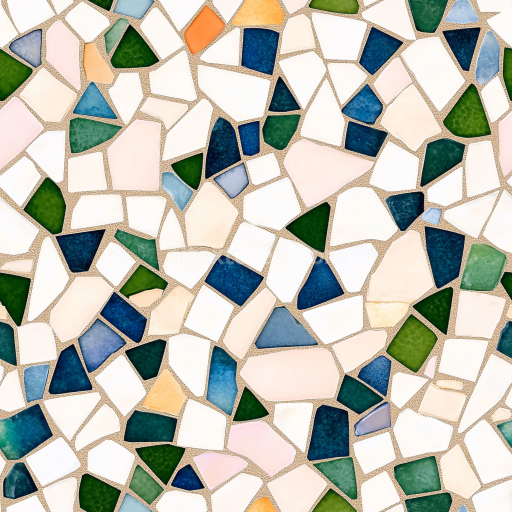
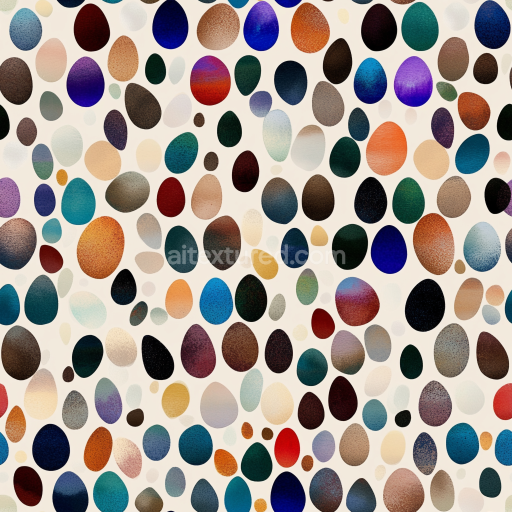
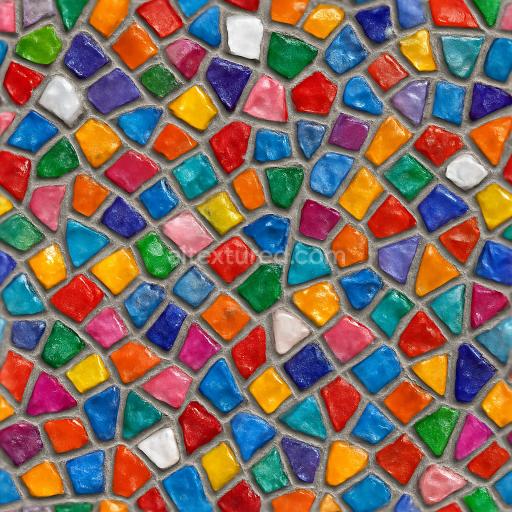
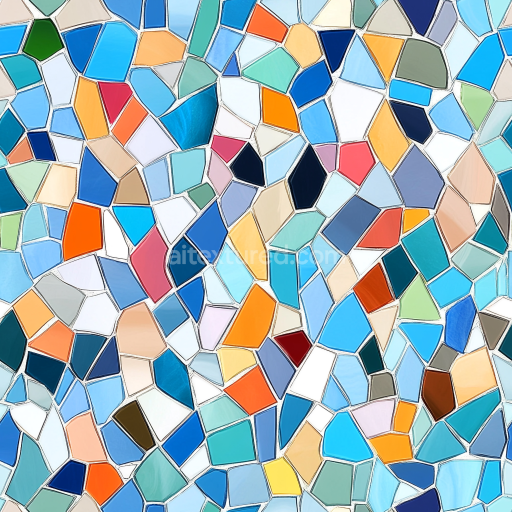
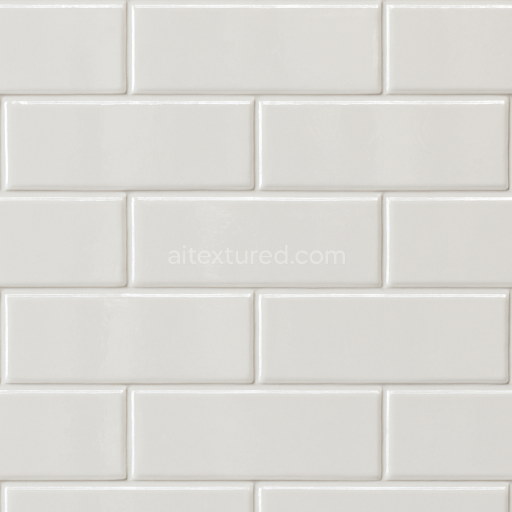
Mosaic PBR Texture with Colorful Irregular Ceramic Tiles and Grouted Finish
Seamless texture (tileable) · PNG, WEBP, PBR ZIP.
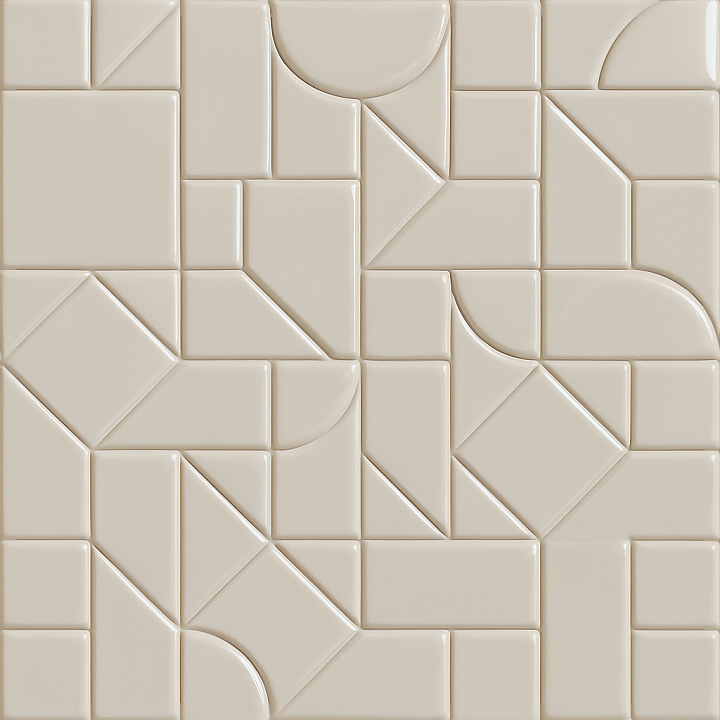
| ID | seamless-3d-texture-pbr-8k-mosaic-ceramic-tiles-with-geometric-shapes-and-glossy-finish |
|---|---|
| Category | Mosaic |
| Formats | PNG, WEBP, PBR ZIP |
| Size | 1k (1024x1024px), 2k (2048x2048px), 4k (4096x4096px), 8k (8192x8192px) |
| Tileable | Yes |
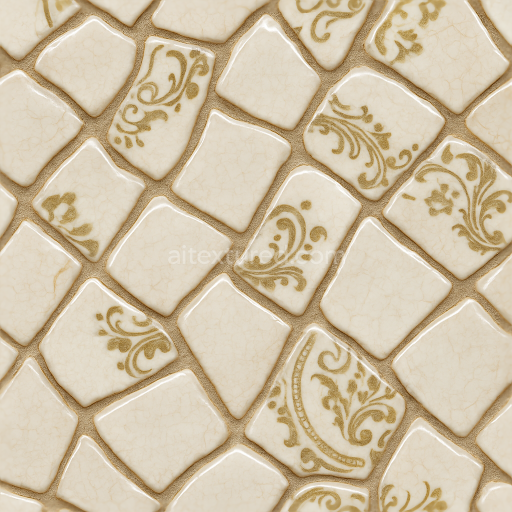
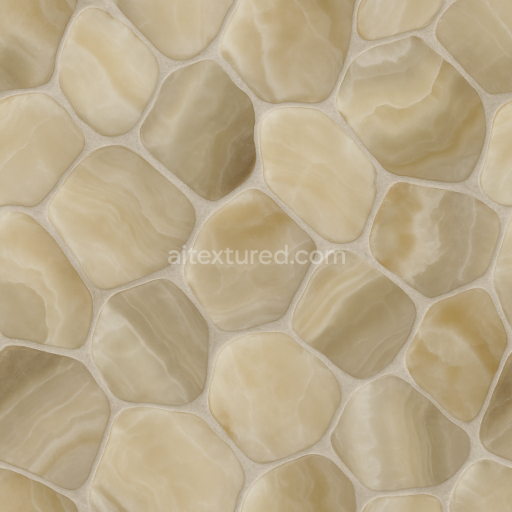
This seamless 3D texture presents a high-resolution 8K mosaic pattern composed of ceramic tiles shaped into precise geometric forms, primarily interlocking hexagons and diamonds. The base material is a fine-grained ceramic substrate, fired to achieve a dense, durable surface. The ceramic body is bonded with a vitreous glaze, giving the tiles their signature glossy finish, which enhances light reflection and contributes to a smooth, almost glass-like surface. Pigments are uniformly distributed within the glaze layer, providing consistent coloration across the mosaic with subtle variations that simulate natural ceramic firing effects. The tiles are mounted on a flat, non-porous backing that ensures minimal water absorption and excellent weather resistance, making this texture suitable for both interior and exterior visualizations.
The texture’s form emphasizes a tessellated layout where the geometric tiles fit seamlessly edge-to-edge without gaps, creating a continuous, repeating pattern ideal for large surfaces. The 3D aspect is captured through carefully crafted normal and height maps that replicate the slight elevation differences between individual tiles and the thin grout lines separating them. These grout lines have a matte, slightly rough texture distinct from the glossy tile surfaces, contributing to realistic ambient occlusion and subtle shadowing effects. The height map supports parallax and displacement workflows, enhancing depth perception without compromising performance in real-time engines.
In terms of PBR channel allocation, the BaseColor (Albedo) map reflects the natural ceramic hues and glaze coloration with no embedded lighting information, ensuring accurate material response under various lighting conditions. The Normal map encodes fine surface details, including tile edges and glaze imperfections, to convey tactile realism. Roughness values are low on the tile surfaces to maintain their reflective glossiness, while the grout areas exhibit higher roughness for contrast. There is no metallic component, as ceramic is non-metallic, so the Metallic map remains black. Ambient Occlusion is finely tuned to enhance the depth of grout lines and subtle crevices, and the Height map provides additional relief information for displacement or parallax effects.
This texture is fully optimized for use in Blender, Unreal Engine, and Unity, supporting physically based rendering workflows with consistent results across platforms. The 8K resolution ensures detailed close-up views without pixelation, ideal for architectural visualizations, interior design projects, and high-fidelity game environments. For practical application, it is recommended to adjust the UV scale to appropriately fit the mosaic pattern to the target surface size and to fine-tune the roughness map intensity if a more matte or highly polished appearance is desired. Blending height and normal maps can also help achieve balanced depth without excessive geometry displacement, maintaining performance while preserving visual fidelity.
Import the texture maps into Blender with sRGB color space for albedo/base color and Non-Color for normal, roughness, metallic, AO, height, and ORM maps. Connect normal maps through a Normal Map node, then adjust UV scale with a Mapping node so the material repeats naturally on your model.
For the full step-by-step setup, see How to Use Seamless Textures in Blender. Browse related material examples in wood, concrete, and metal.
Yes. This texture is designed as a seamless tileable PBR material, so it can repeat across large surfaces without visible borders.
Use the download controls on this page: they expose the available PNG, WEBP or engine ZIP choices and supported resolutions for this asset.
Use the engine ZIP choices to package compatible source maps for Blender, Unreal Engine or Unity, then verify the imported material in the target application.
Commercial-use permission is not verified for this record. Confirm the original source and license before production use.
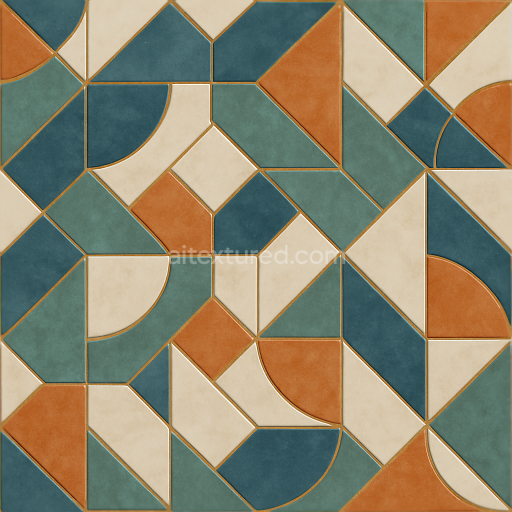
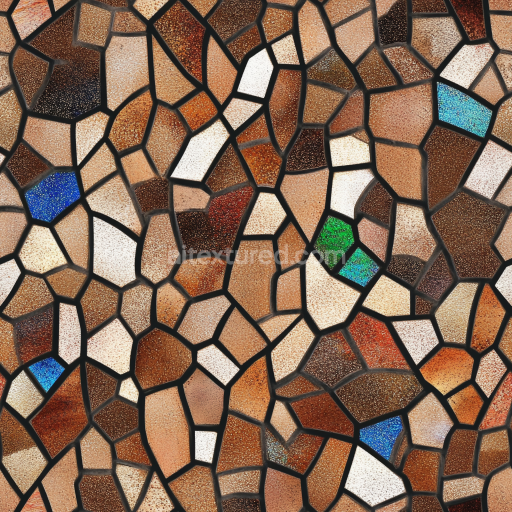
Generate maps from existing images, preview materials, convert channels, and package compatible inputs for Blender, Unity, and Unreal Engine.
Choose a verified workflow for generating maps, previewing tiling, converting channels, or starting from the texture catalog.
Derive Normal, Roughness, AO, Metallic, Height and optional ORM maps from one or more source images, then review the results.
Instant WebGL viewer: inspect materials on a sphere, plane, and cube. Check tiling and lighting in real time.
Re-packages maps per engine: Unreal (BaseColor + ORM), Unity (Mask/MetallicSmoothness), Blender (separate channels).
PNG ↔ JPG ↔ SVG: fast convert, SVG rasterize, embed/trace options, quality & background controls.