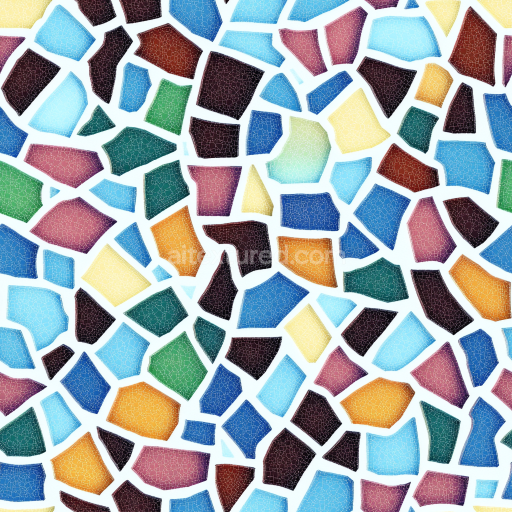
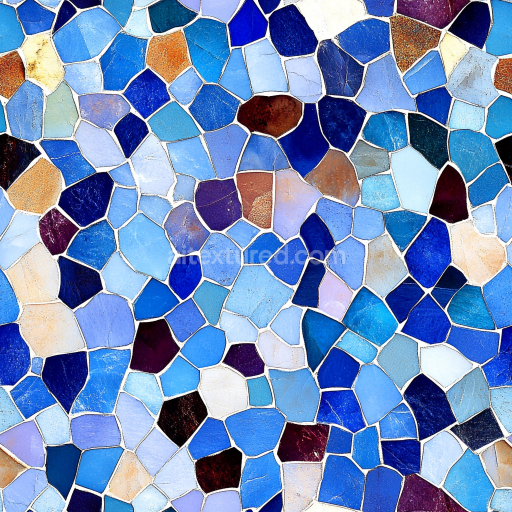
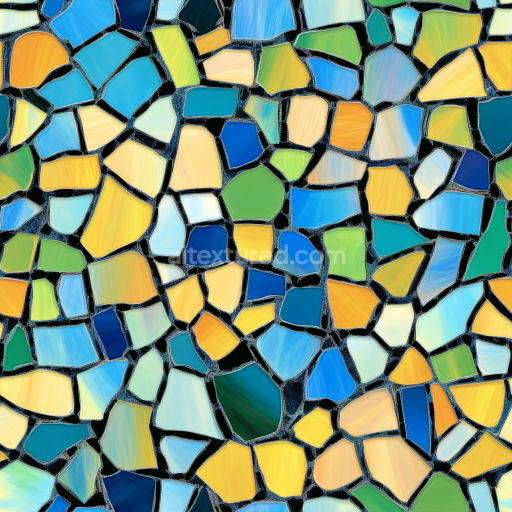
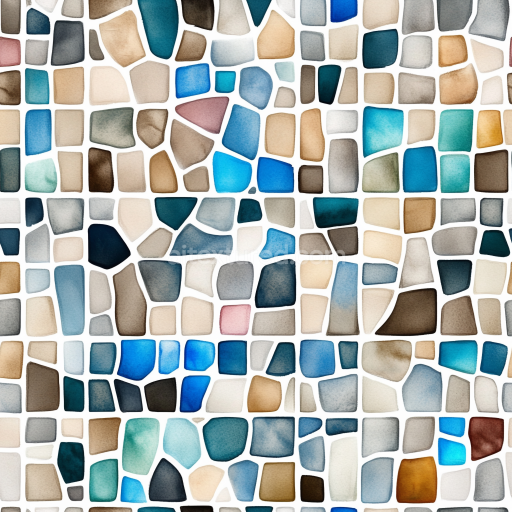
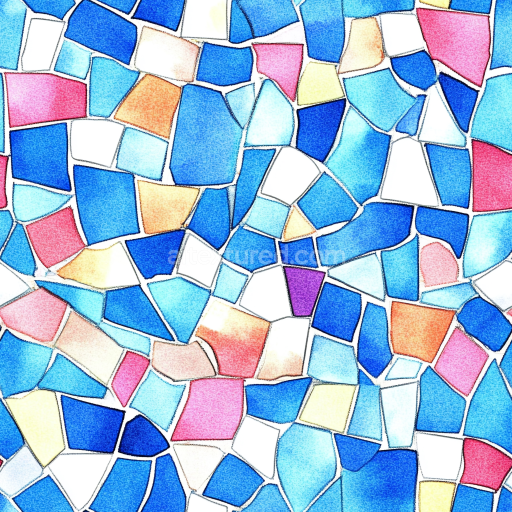
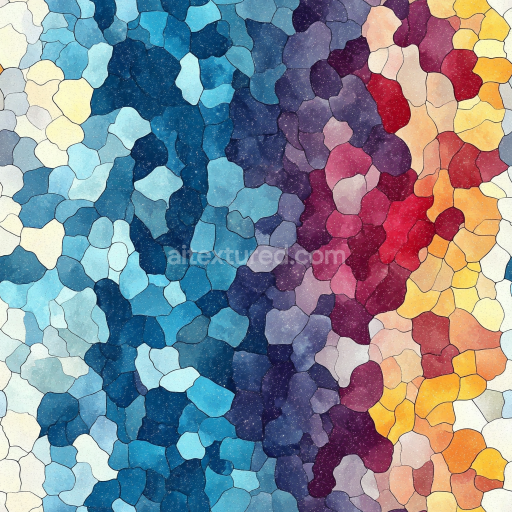
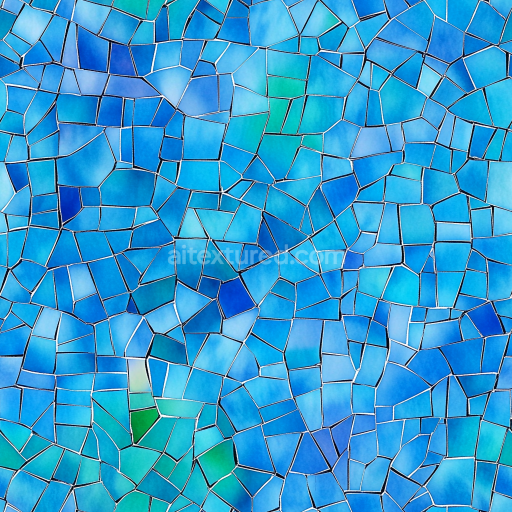
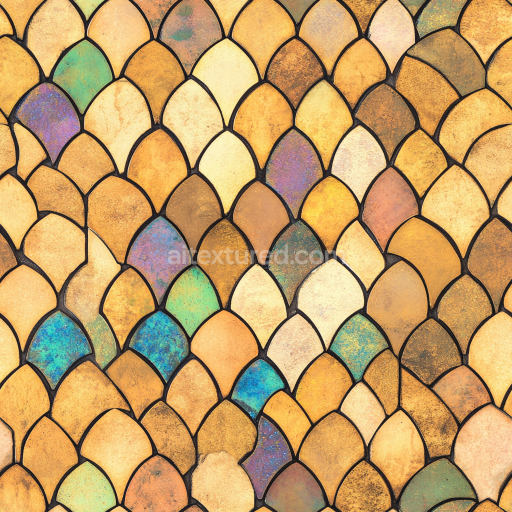
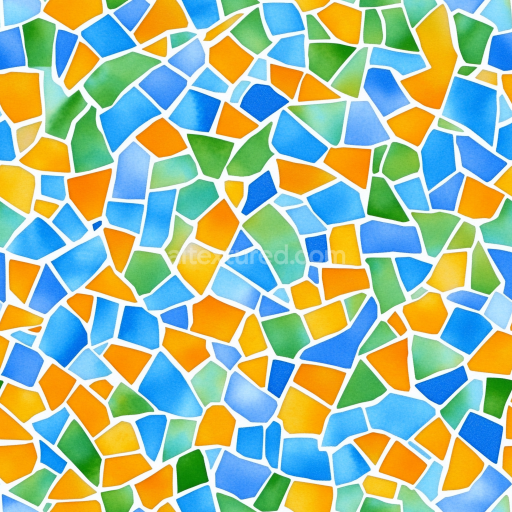
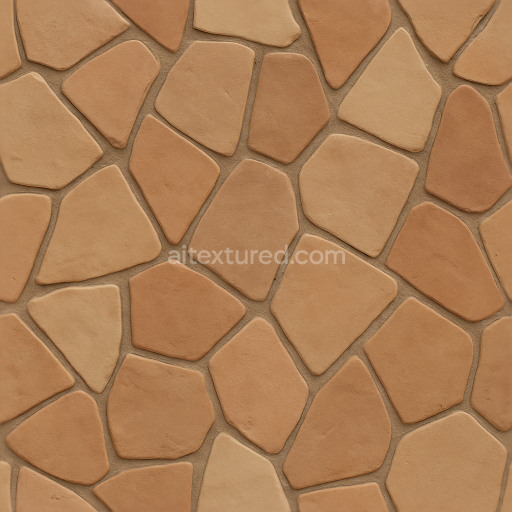
Mosaic PBR Texture Featuring Colorful Cracked Ceramic Tiles with Irregular Shapes
Seamless texture (tileable) · PNG, WEBP, PBR ZIP.
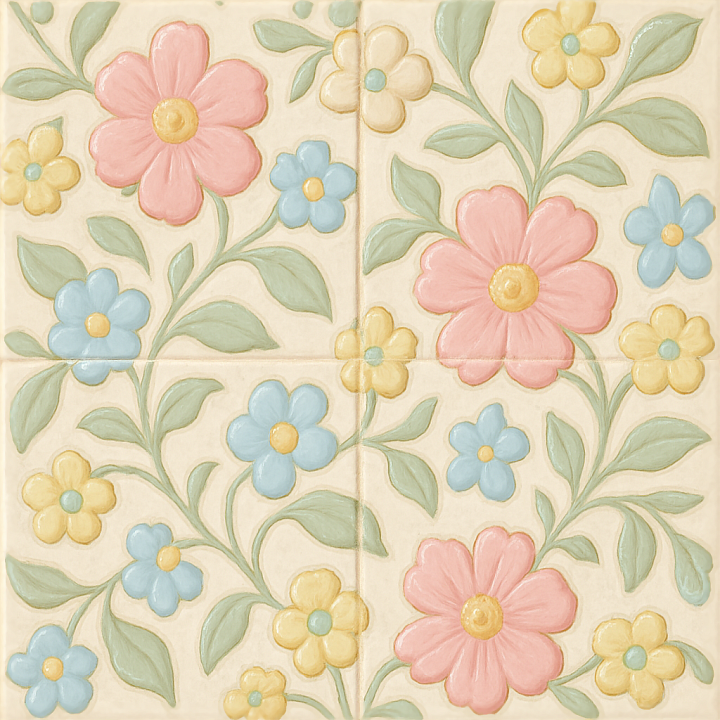
| ID | seamless-3d-texture-pbr-8k-glazed-ceramic-mosaic-with-floral-motifs-and-pastel-palette |
|---|---|
| Category | Mosaic |
| Formats | PNG, WEBP, PBR ZIP |
| Size | 1k (1024x1024px), 2k (2048x2048px), 4k (4096x4096px), 8k (8192x8192px) |
| Tileable | Yes |
This seamless 3D texture represents a meticulously crafted mosaic composed of glazed ceramic tiles, each tile featuring intricate floral motifs rendered in a soft pastel palette. The base material is high-quality ceramic, formed from a fine-grained clay substrate that is shaped into small square tiles arranged in a consistent grid pattern. The tiles are bonded with a thin layer of grout that fills the narrow gaps between tiles, providing structural coherence and enhancing the overall realism of the mosaic. The ceramic tiles exhibit a low porosity due to the high-temperature glazing process, which seals the surface and creates a smooth, glass-like finish. This glossy surface not only accentuates the delicate hand-painted floral designs but also reflects light subtly, contributing to the texture’s photorealistic quality.
The texture is designed using physically based rendering (PBR) principles, offering multiple high-resolution channels to simulate real-world material behavior accurately. The BaseColor (Albedo) channel delivers the pastel color scheme with fine variations and soft gradients that replicate the nuanced pigments used in ceramic glazing. The Normal map captures the slight relief of the hand-painted motifs and the subtle undulations of the tile surfaces, enhancing depth perception. Roughness values are calibrated to reflect the polished ceramic’s glossy finish; areas of glaze irregularity and tile edges have slightly varied roughness to avoid uniform reflections, contributing to the tactile realism. The Metallic channel remains near zero, consistent with the non-metallic ceramic base. Ambient Occlusion enhances the grout lines and tile boundaries, emphasizing the three-dimensional form and spatial separation. Height/Displacement maps provide precise surface elevation data to simulate the raised floral inlays and grout recesses, essential for accurate parallax and displacement effects in modern rendering engines.
Rendered at an 8K resolution, this texture ensures exceptional detail, suitable for high-end visualization projects in Blender, Unreal Engine, and Unity. The seamless design allows for infinite tiling without visible repetition, making it ideal for covering large architectural surfaces such as walls, backsplashes, or decorative panels. The combination of smooth glossy ceramic with intricate floral inlays offers versatility for both classic and contemporary interior environments, lending an artistic yet refined decorative character.
For optimal use, it is advisable to carefully adjust the UV scale in your 3D application to maintain the delicate proportions of the floral motifs, preventing distortion or pixelation. Additionally, fine-tuning the roughness map can help tailor the glossiness to specific lighting conditions, while blending height and normal maps can improve depth perception without introducing harsh edges. This balance preserves the authentic tactile quality of glazed ceramic mosaics and enhances visual immersion in digital scenes.
Import the texture maps into Blender with sRGB color space for albedo/base color and Non-Color for normal, roughness, metallic, AO, height, and ORM maps. Connect normal maps through a Normal Map node, then adjust UV scale with a Mapping node so the material repeats naturally on your model.
For the full step-by-step setup, see How to Use Seamless Textures in Blender. Browse related material examples in wood, concrete, and metal.
Yes. This texture is designed as a seamless tileable PBR material, so it can repeat across large surfaces without visible borders.
Use the download controls on this page: they expose the available PNG, WEBP or engine ZIP choices and supported resolutions for this asset.
Use the engine ZIP choices to package compatible source maps for Blender, Unreal Engine or Unity, then verify the imported material in the target application.
Commercial-use permission is not verified for this record. Confirm the original source and license before production use.
Generate maps from existing images, preview materials, convert channels, and package compatible inputs for Blender, Unity, and Unreal Engine.
Choose a verified workflow for generating maps, previewing tiling, converting channels, or starting from the texture catalog.
Derive Normal, Roughness, AO, Metallic, Height and optional ORM maps from one or more source images, then review the results.
Instant WebGL viewer: inspect materials on a sphere, plane, and cube. Check tiling and lighting in real time.
Re-packages maps per engine: Unreal (BaseColor + ORM), Unity (Mask/MetallicSmoothness), Blender (separate channels).
PNG ↔ JPG ↔ SVG: fast convert, SVG rasterize, embed/trace options, quality & background controls.