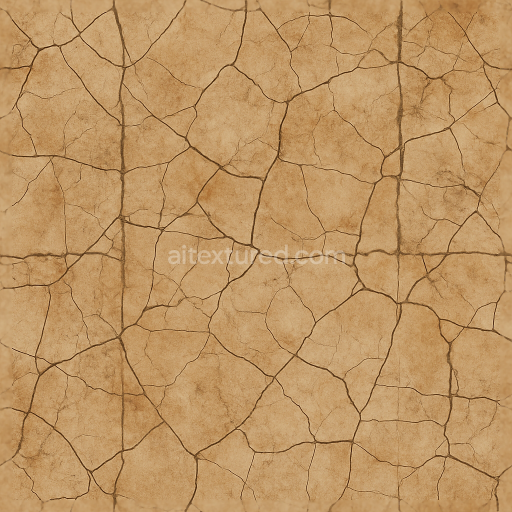
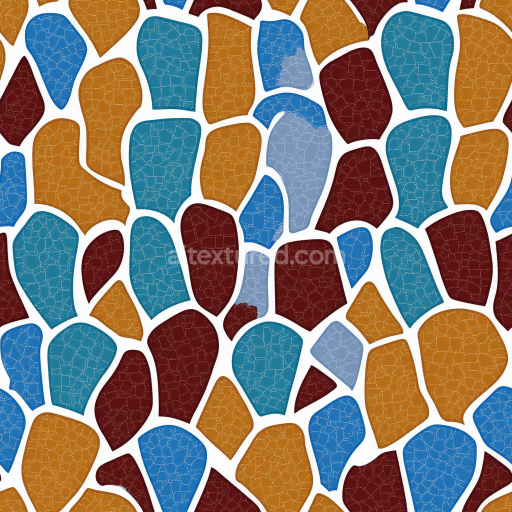
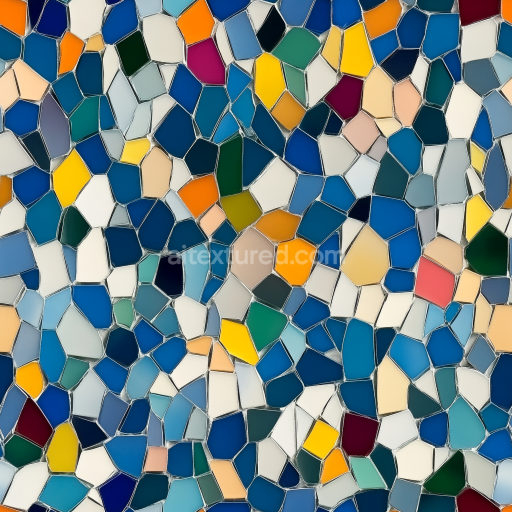
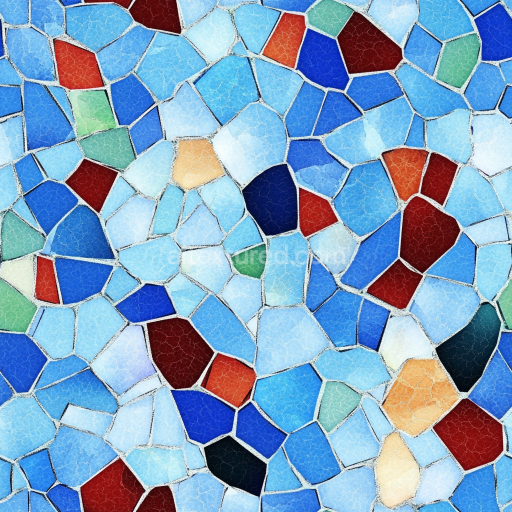
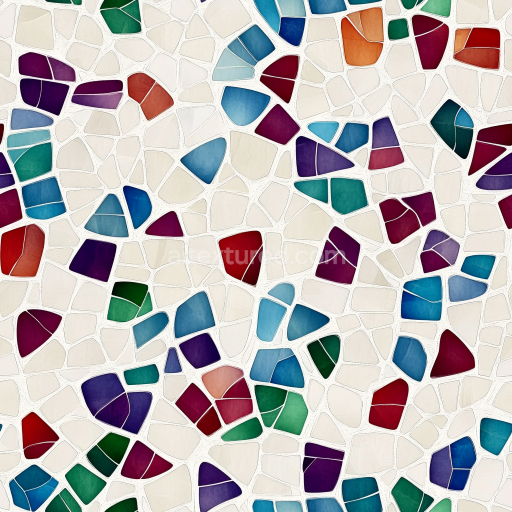
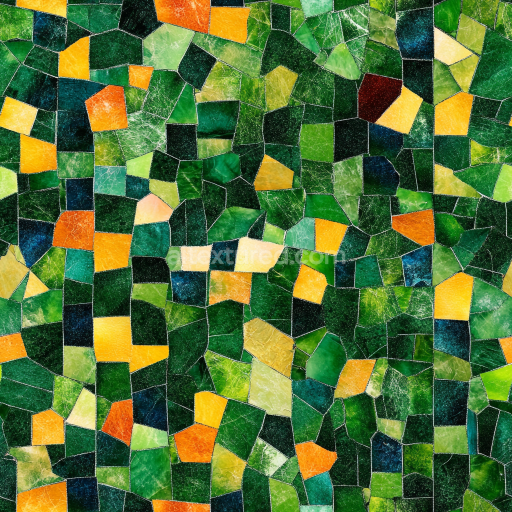
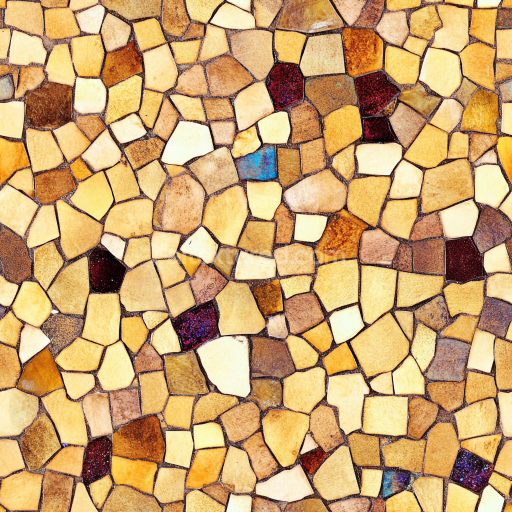
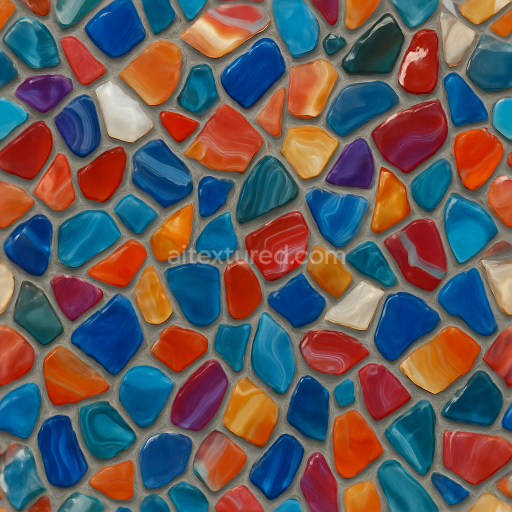
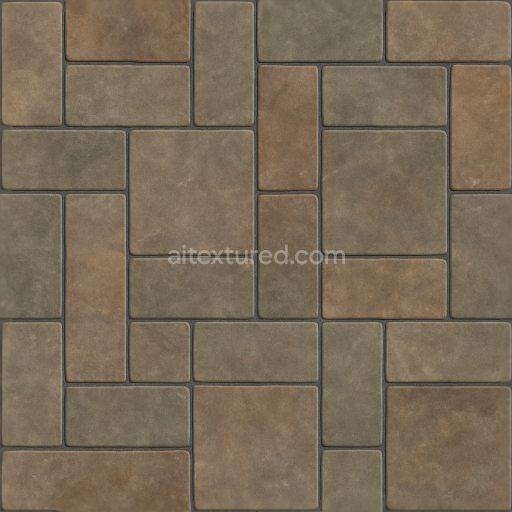
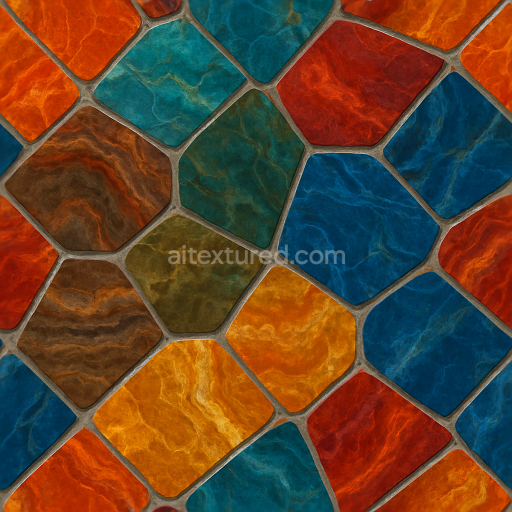
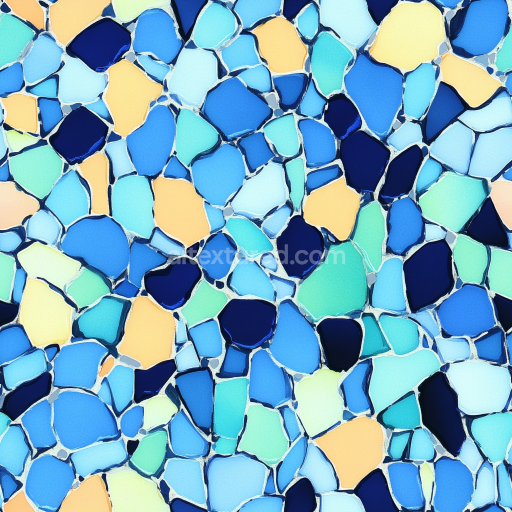
Broken Tile Mosaic Featuring Distressed Ceramic Cracked Tiles With Earth Tones
Seamless texture (tileable) · PNG, WEBP, PBR ZIP.
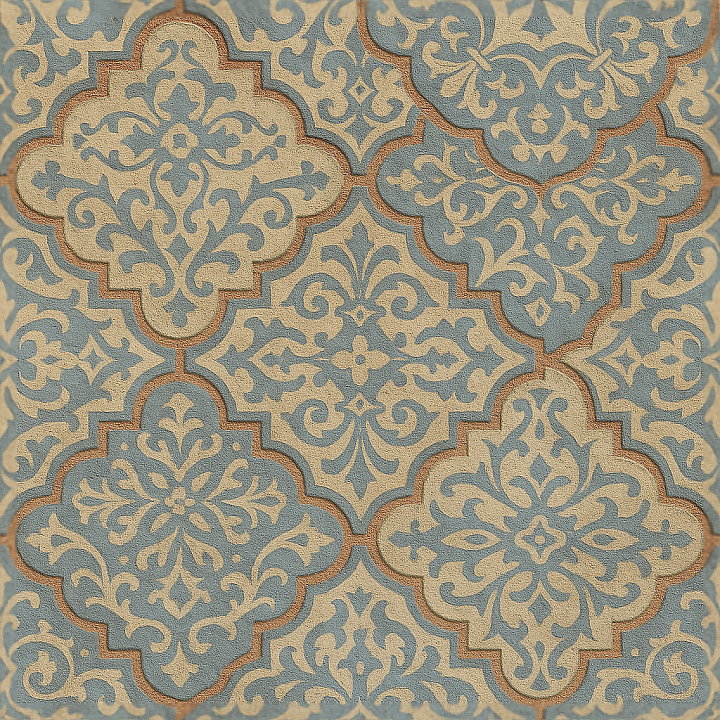
| ID | seamless-3d-texture-pbr-8k-encaustic-tiles-mosaic-with-arabesque-patterns-and-matte-finish |
|---|---|
| Category | Mosaic |
| Formats | PNG, WEBP, PBR ZIP |
| Size | 1k (1024x1024px), 2k (2048x2048px), 4k (4096x4096px), 8k (8192x8192px) |
| Tileable | Yes |
This seamless 3D texture presents a meticulously crafted encaustic tile mosaic, characterized by intricate arabesque patterns that evoke traditional craftsmanship. The tiles are formed from a dense cementitious substrate, combining finely ground hydraulic lime with natural pigments to achieve vibrant yet muted coloration. The surface is coated with a matte finish that diffuses light softly, avoiding glare and emphasizing the handcrafted feel. The geometric form is a repeating square tile layout, each tile showcasing interlaced arabesque motifs that provide a complex yet harmonious visual rhythm. Between the tiles, a textured grout with subtle color variations enhances depth and realism, replicating the porous and slightly weathered joints typical of authentic encaustic installations.
Materially, these tiles consist of a mixture of natural aggregates, including finely milled sand and mineral fillers, bound together by a hydraulic binder system. The porosity is moderate, allowing for slight absorption that contributes to the tactile authenticity of the surface. The matte finish results from a combination of surface micro-texturing and the absence of any high-gloss sealants, which also influences the roughness map in the PBR workflow. The base color (Albedo) map captures the nuanced pigment dispersion and subtle tonal shifts across each tile, while the normal map conveys the slight undulations of the tile surface and the raised arabesque reliefs. The roughness map is calibrated to replicate the soft matte effect, showing higher values on the tile faces and slightly lower on the grout to suggest a denser, less porous filler. The metallic channel remains at zero, consistent with the non-metallic ceramic composition. Ambient occlusion enhances the perception of depth around the grout lines and pattern recesses, while the height/displacement map provides fine surface variation essential for realistic light interaction and accurate parallax effects.
Rendered at 8K resolution, this texture is optimized for high-fidelity applications in Blender, Unreal Engine, and Unity, ensuring exceptional detail even in close-up views. The seamless design guarantees that it tiles without visible borders, making it suitable for large surface coverage such as floors, walls, or decorative panels. The textured grout features subtle color differentiation that adds to the visual complexity and aids in breaking monotony when tiled extensively.
For practical use, it is recommended to adjust the UV scale carefully to maintain the balance between pattern repetition and surface realism, especially in architectural renders. Additionally, fine-tuning the roughness map can help adapt the material’s response to various lighting conditions, while blending height and normal maps can enhance the perceived depth without excessive computational cost. This approach ensures the material remains versatile across different rendering engines and projects requiring authentic period or artistic mosaic surfaces.
Import the texture maps into Blender with sRGB color space for albedo/base color and Non-Color for normal, roughness, metallic, AO, height, and ORM maps. Connect normal maps through a Normal Map node, then adjust UV scale with a Mapping node so the material repeats naturally on your model.
For the full step-by-step setup, see How to Use Seamless Textures in Blender. Browse related material examples in wood, concrete, and metal.
Yes. This texture is designed as a seamless tileable PBR material, so it can repeat across large surfaces without visible borders.
Use the download controls on this page: they expose the available PNG, WEBP or engine ZIP choices and supported resolutions for this asset.
Use the engine ZIP choices to package compatible source maps for Blender, Unreal Engine or Unity, then verify the imported material in the target application.
Commercial-use permission is not verified for this record. Confirm the original source and license before production use.
Generate maps from existing images, preview materials, convert channels, and package compatible inputs for Blender, Unity, and Unreal Engine.
Choose a verified workflow for generating maps, previewing tiling, converting channels, or starting from the texture catalog.
Derive Normal, Roughness, AO, Metallic, Height and optional ORM maps from one or more source images, then review the results.
Instant WebGL viewer: inspect materials on a sphere, plane, and cube. Check tiling and lighting in real time.
Re-packages maps per engine: Unreal (BaseColor + ORM), Unity (Mask/MetallicSmoothness), Blender (separate channels).
PNG ↔ JPG ↔ SVG: fast convert, SVG rasterize, embed/trace options, quality & background controls.