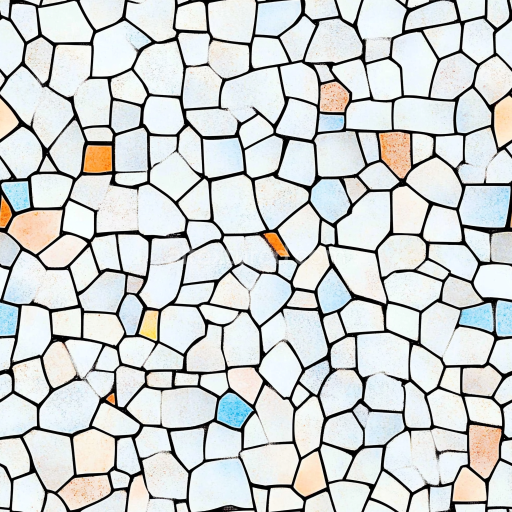
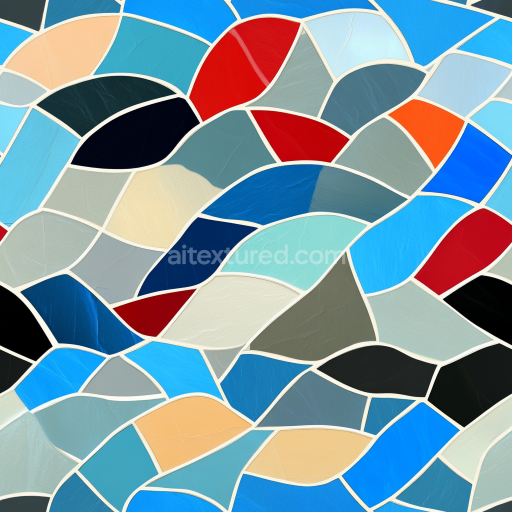
Mosaic PBR Texture Featuring Pastel Ceramic Chip Tiles with Matte Finish
Seamless texture (tileable) · PNG, WEBP, PBR ZIP.
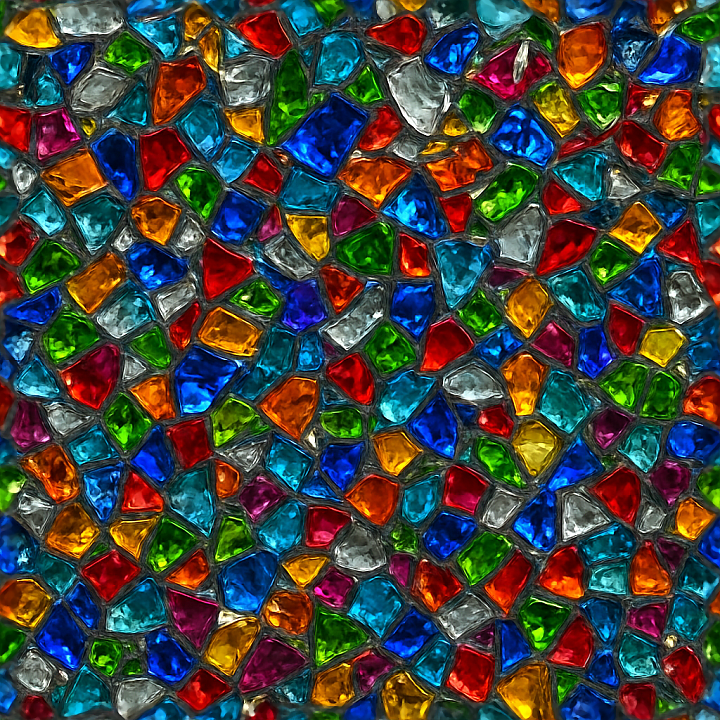
| ID | seamless-3d-texture-pbr-8k-mosaic-crushed-glass-with-reflective-shards-and-colorful-pieces |
|---|---|
| Category | Mosaic |
| Formats | PNG, WEBP, PBR ZIP |
| Size | 1k (1024x1024px), 2k (2048x2048px), 4k (4096x4096px), 8k (8192x8192px) |
| Tileable | Yes |
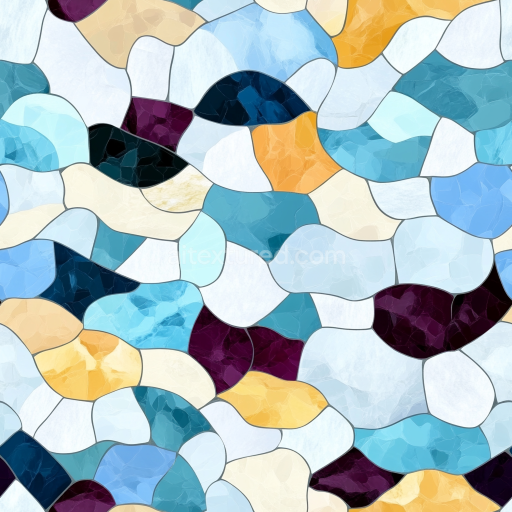
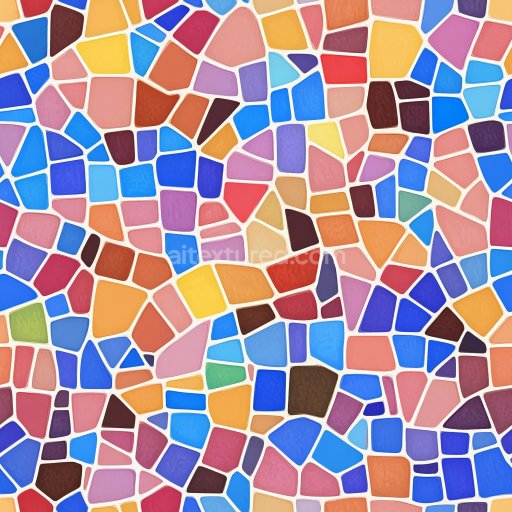
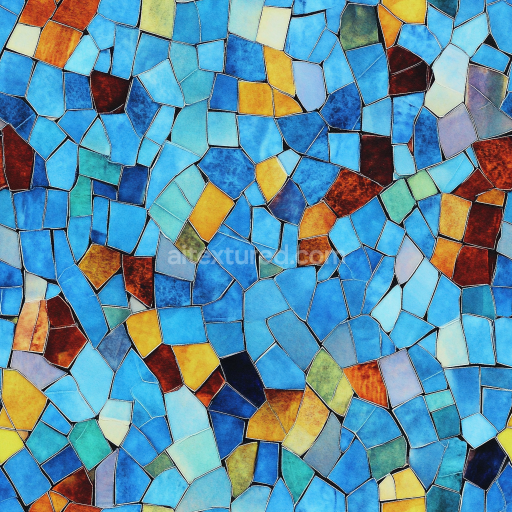
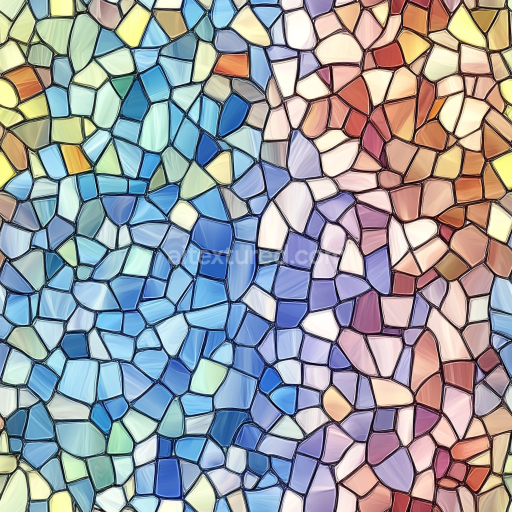
This seamless 8K PBR texture features an intricate mosaic composed of crushed glass shards and colorful tesserae, perfectly crafted to replicate the complex geometry of ornamental glass surfaces. The base material is predominantly translucent glass fragments, fractured into irregular yet tessellated pieces that form a raised, three-dimensional pattern. These shards are bound by a subtle, semi-transparent adhesive matrix that mimics traditional grout, maintaining structural integrity while allowing light to penetrate and reflect within the glass elements. The overall form is a sophisticated grid of unevenly sized and shaped glass shards, arranged to create a continuous ornamental mosaic with natural variation in depth and angle.
The texture’s surface finish is glossy and polished, enhancing the reflective qualities of the glass shards and emphasizing their multifaceted edges. The colorful pieces within the mosaic include a vibrant palette of pigments embedded during the glass melting process, providing a striking contrast against clear and translucent shards. These pigments are mapped in the BaseColor (Albedo) channel, delivering vivid hues that interact realistically with light. The Normal map captures the fine details of the raised surface and the angular shards, while the Height/Displacement channel enhances the perception of depth and unevenness across the mosaic’s surface. Roughness values vary across the shards and adhesive matrix, simulating the difference between smooth glass and matte grout, and the Ambient Occlusion map adds subtle shadowing in crevices for increased realism. The Metallic channel remains near zero, reflecting the non-metallic nature of glass.
Designed for high-fidelity rendering workflows, this texture is fully optimized for use in Blender, Unreal Engine, and Unity, leveraging 8K resolution to capture minute surface details without pixelation. The seamless design ensures it can be tiled indefinitely across large surfaces without visible repetition or seams, ideal for architectural visualizations, decorative wall panels, or artistic 3D environments requiring a photorealistic glass mosaic effect. The raised surface detail created by the displacement and normal maps produces convincing light interaction, vital for scenes with dynamic lighting and reflections.
For practical implementation, it is recommended to carefully adjust the UV scale to balance the mosaic tile size with the intended scene scale, ensuring the glass pieces appear natural and not overly large or small. Additionally, fine-tuning the roughness channel can help tailor the glossiness to specific lighting conditions, while blending normal and parallax maps can enhance the tactile realism of the raised shards without incurring excessive rendering cost. This texture provides a versatile and detailed material foundation for projects demanding vibrant, reflective, and complex glass mosaic surfaces.
Import the texture maps into Blender with sRGB color space for albedo/base color and Non-Color for normal, roughness, metallic, AO, height, and ORM maps. Connect normal maps through a Normal Map node, then adjust UV scale with a Mapping node so the material repeats naturally on your model.
For the full step-by-step setup, see How to Use Seamless Textures in Blender. Browse related material examples in wood, concrete, and metal.
Yes. This texture is designed as a seamless tileable PBR material, so it can repeat across large surfaces without visible borders.
Use the download controls on this page: they expose the available PNG, WEBP or engine ZIP choices and supported resolutions for this asset.
Use the engine ZIP choices to package compatible source maps for Blender, Unreal Engine or Unity, then verify the imported material in the target application.
Commercial-use permission is not verified for this record. Confirm the original source and license before production use.
Generate maps from existing images, preview materials, convert channels, and package compatible inputs for Blender, Unity, and Unreal Engine.
Choose a verified workflow for generating maps, previewing tiling, converting channels, or starting from the texture catalog.
Derive Normal, Roughness, AO, Metallic, Height and optional ORM maps from one or more source images, then review the results.
Instant WebGL viewer: inspect materials on a sphere, plane, and cube. Check tiling and lighting in real time.
Re-packages maps per engine: Unreal (BaseColor + ORM), Unity (Mask/MetallicSmoothness), Blender (separate channels).
PNG ↔ JPG ↔ SVG: fast convert, SVG rasterize, embed/trace options, quality & background controls.