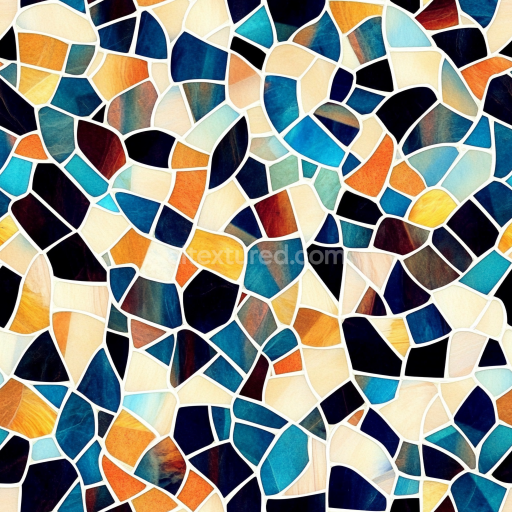
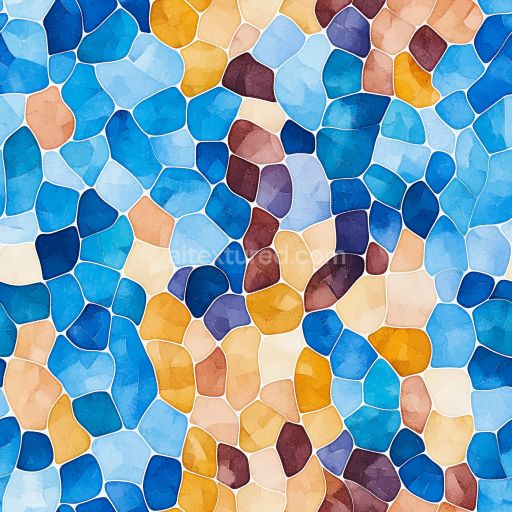
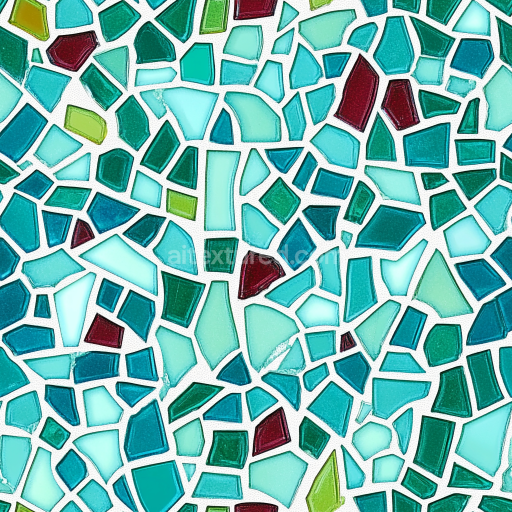
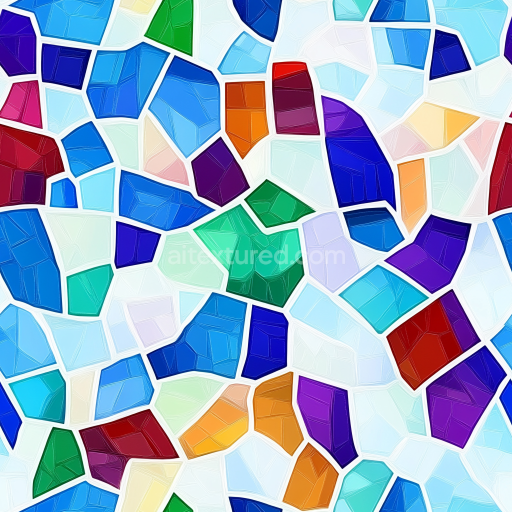
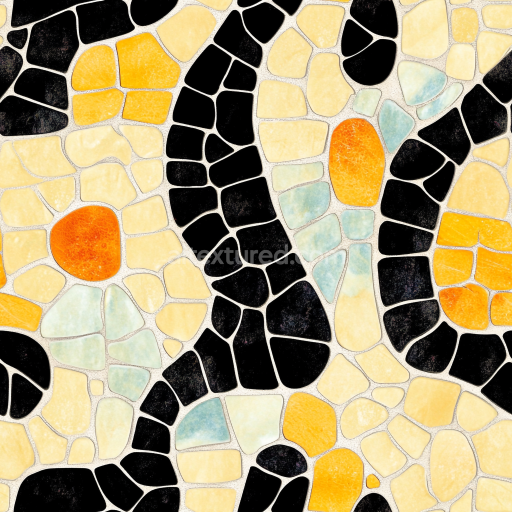
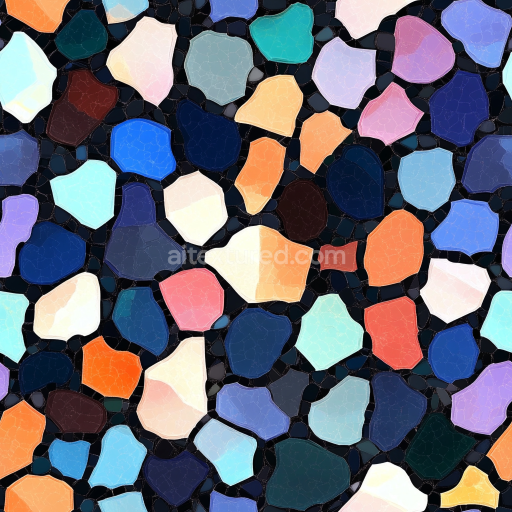
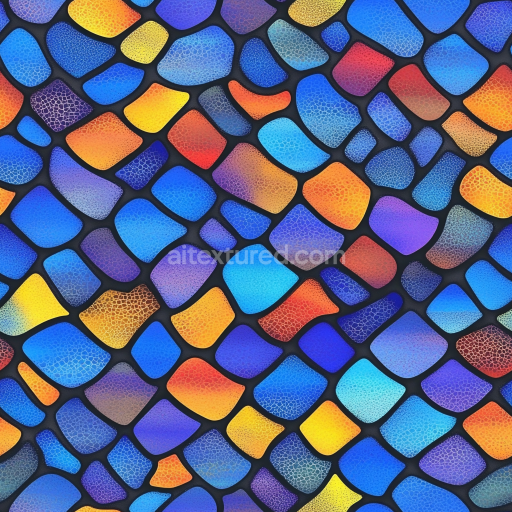
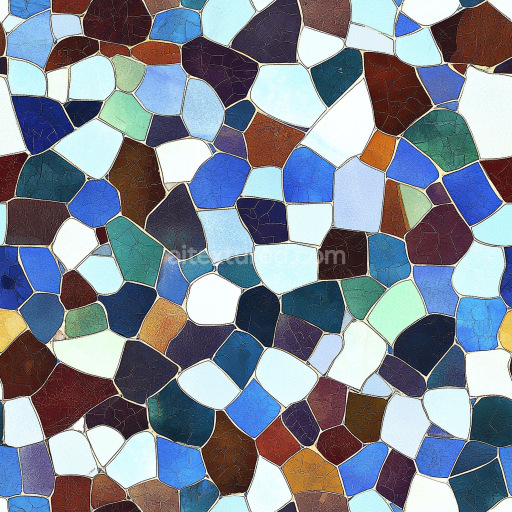
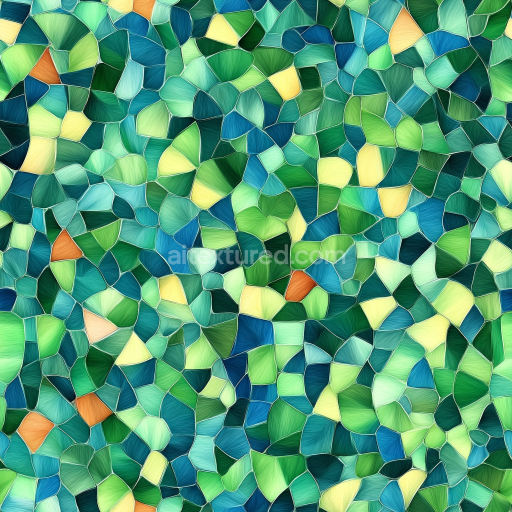
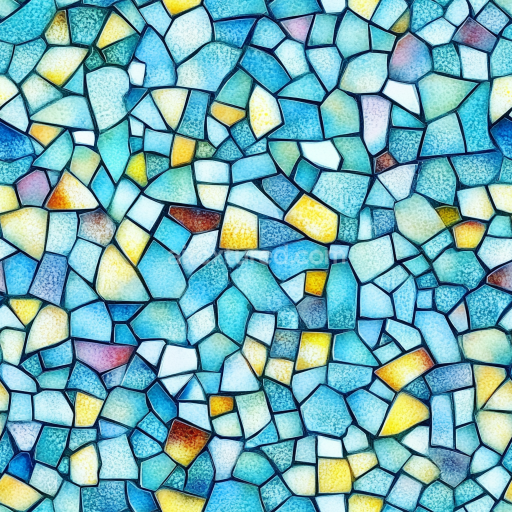
Mosaic PBR Texture of Multicolor Stone Chip Pattern with Mixed Blue and Orange Hues
Seamless texture (tileable) · PNG, WEBP, PBR ZIP.
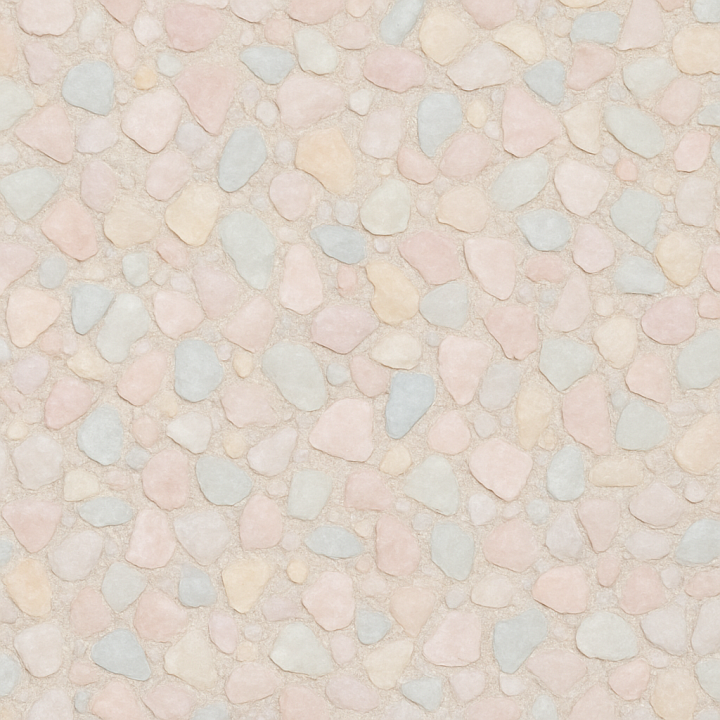
| ID | seamless-3d-texture-pbr-8k-quartz-bits-mosaic-with-pastel-palette-and-matte-finish |
|---|---|
| Category | Mosaic |
| Formats | PNG, WEBP, PBR ZIP |
| Size | 1k (1024x1024px), 2k (2048x2048px), 4k (4096x4096px), 8k (8192x8192px) |
| Tileable | Yes |
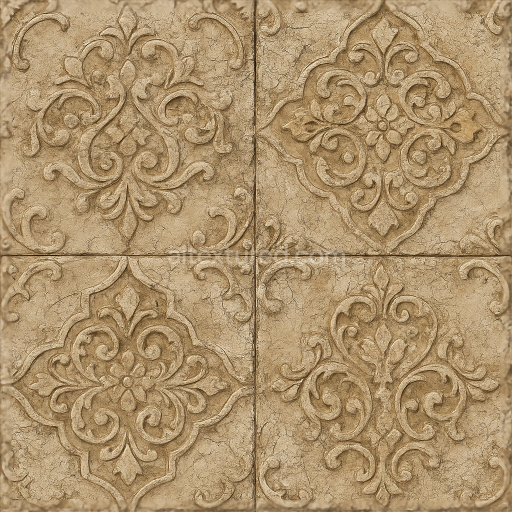
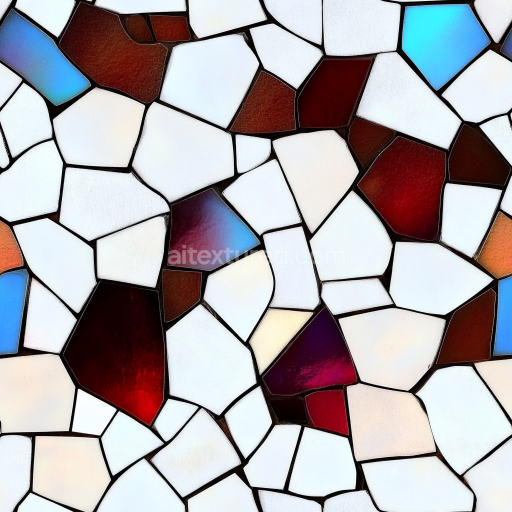
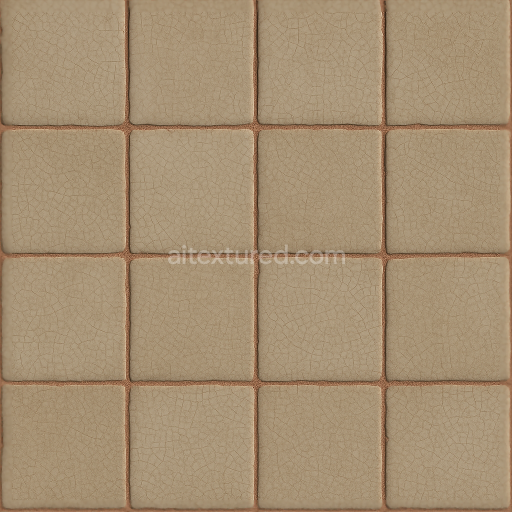
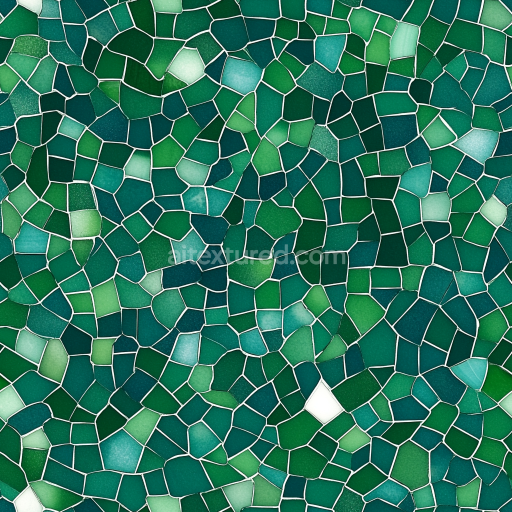
This seamless 3D PBR texture features a meticulously crafted mosaic composed of small quartz bits, arranged in a refined geometric pattern reminiscent of tightly fitted square tiles. The natural stone fragments are embedded within a sturdy cementitious substrate, bound by fine tile grout that enhances the intricate detail between each quartz piece. The quartz aggregates exhibit subtle surface relief, with gentle undulations and varied grain orientations that contribute to the overall tactile complexity. A matte finish softens the natural sheen of quartz while emphasizing the pastel palette, which ranges from soft pinks and blues to muted greens and creams. This color variation is achieved through carefully balanced pigments within the base materials, preserving the authentic appearance of natural stone without oversaturation.
The composition reflects a composite of natural quartz aggregates bonded by a mineral-based adhesive, typical of traditional mosaic tiles. The substrate provides structural integrity and slight porosity, allowing for realistic weathering effects that are subtly captured in the texture maps. The surface finish is uniformly matte, achieved through micro-abrasion or fine sandblasting, which reduces specular highlights and creates a diffuse, soft light response. This finish is accurately represented in the Roughness channel, ensuring realistic light scattering and minimal glossiness. The Normal and Height maps capture the fine relief of individual quartz bits and grout lines, providing a convincing depth effect suitable for close-up renders. Ambient Occlusion enhances shadowing in recessed grout areas, adding dimensionality without heavy contrast. The Metallic channel remains near zero, reflecting the non-metallic nature of the stone and binding materials.
Rendered at an impressive 8K resolution, this texture is optimized for physically based rendering workflows and fully compatible with Blender, Unreal Engine, and Unity. The high-resolution maps allow for detailed close-up visualization, maintaining fidelity across varying scales and camera distances. The seamless tiling ensures that the mosaic pattern can be applied effortlessly to large surfaces without visible repetition or edge artifacts. The pastel color palette combined with the matte finish lends itself well to soft, elegant interior design schemes or architectural visualizations where subtle natural stone mosaics are desired.
For practical application, it is recommended to carefully adjust the UV scale to balance detail visibility and pattern repetition according to project needs. Additionally, tuning the Roughness map can help achieve variations in surface reflectivity if a slightly glossier or more weathered look is preferred. When integrating this texture into environments with significant parallax or displacement requirements, blending the Height map with normal mapping can enhance surface relief realism without excessive geometry complexity.
Import the texture maps into Blender with sRGB color space for albedo/base color and Non-Color for normal, roughness, metallic, AO, height, and ORM maps. Connect normal maps through a Normal Map node, then adjust UV scale with a Mapping node so the material repeats naturally on your model.
For the full step-by-step setup, see How to Use Seamless Textures in Blender. Browse related material examples in wood, concrete, and metal.
Yes. This texture is designed as a seamless tileable PBR material, so it can repeat across large surfaces without visible borders.
Use the download controls on this page: they expose the available PNG, WEBP or engine ZIP choices and supported resolutions for this asset.
Use the engine ZIP choices to package compatible source maps for Blender, Unreal Engine or Unity, then verify the imported material in the target application.
Commercial-use permission is not verified for this record. Confirm the original source and license before production use.
Generate maps from existing images, preview materials, convert channels, and package compatible inputs for Blender, Unity, and Unreal Engine.
Choose a verified workflow for generating maps, previewing tiling, converting channels, or starting from the texture catalog.
Derive Normal, Roughness, AO, Metallic, Height and optional ORM maps from one or more source images, then review the results.
Instant WebGL viewer: inspect materials on a sphere, plane, and cube. Check tiling and lighting in real time.
Re-packages maps per engine: Unreal (BaseColor + ORM), Unity (Mask/MetallicSmoothness), Blender (separate channels).
PNG ↔ JPG ↔ SVG: fast convert, SVG rasterize, embed/trace options, quality & background controls.