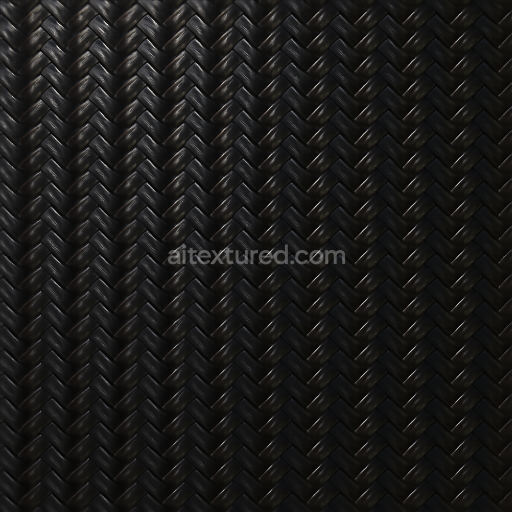
Carbon Filament Strands With Carbon Glossy Finish For PBR 8K Realistic Renders
Seamless texture (tileable) · PNG, WEBP, PBR ZIP.
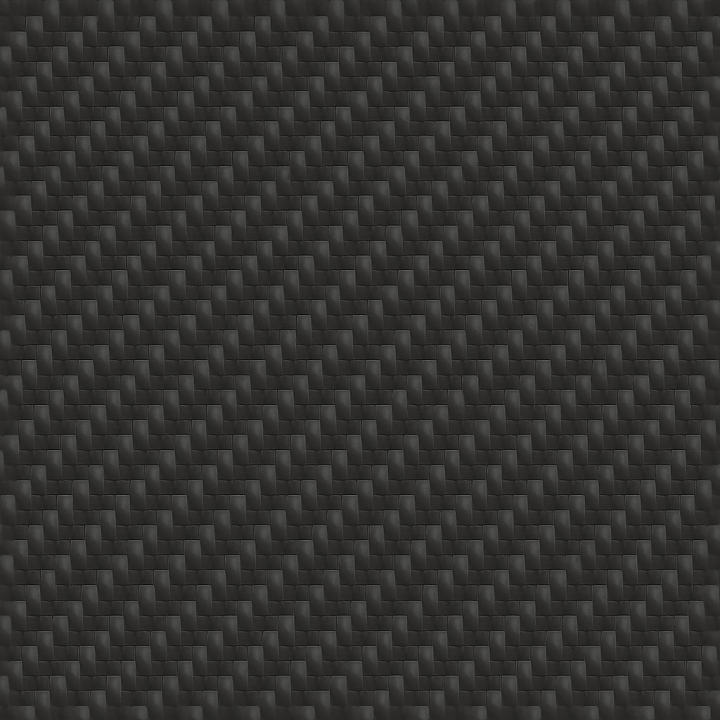
| ID | seamless-3d-pbr-texture-of-carbon-braided-fibers-with-carbon-satin-finish-for-8k-realistic-renders |
|---|---|
| Category | Carbon |
| Formats | PNG, WEBP, PBR ZIP |
| Size | 1k (1024x1024px), 2k (2048x2048px), 4k (4096x4096px), 8k (8192x8192px) |
| Tileable | Yes |
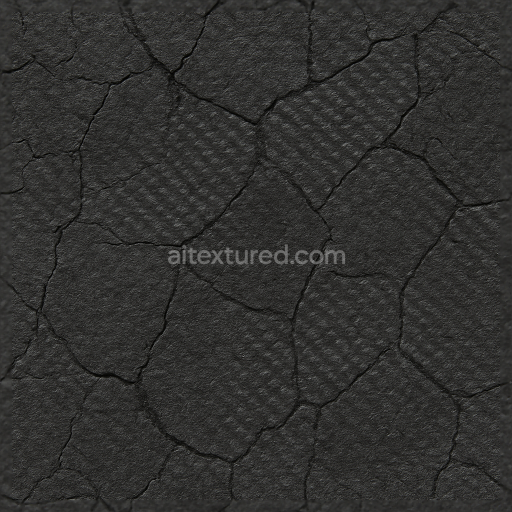
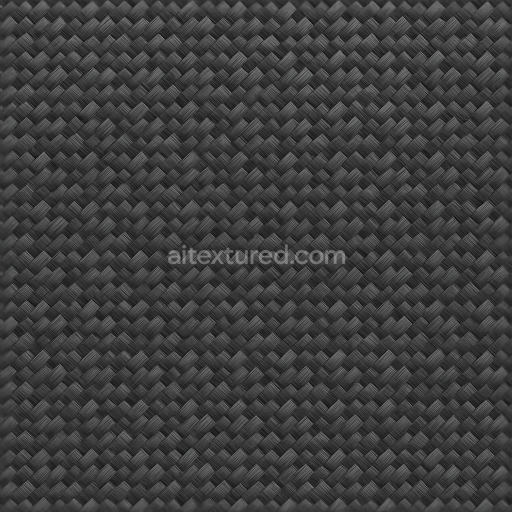
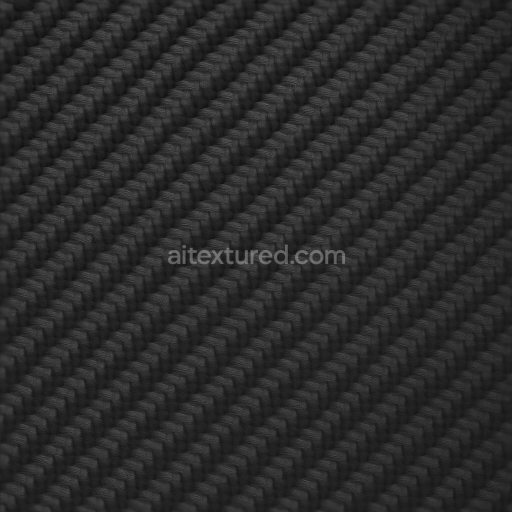
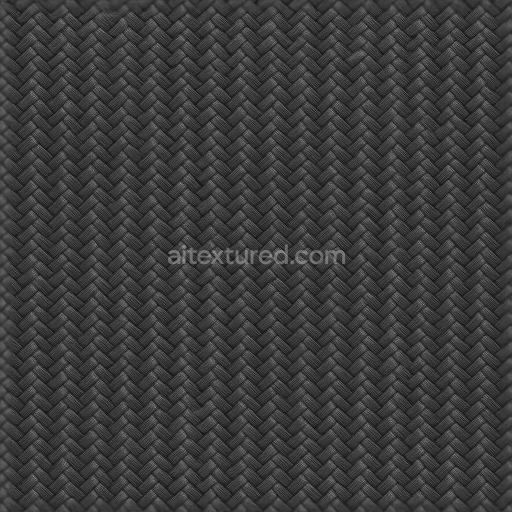
This seamless 3D PBR texture showcases a meticulously detailed pattern of braided carbon fibers, forming a tightly woven composite surface with a distinct carbon satin finish. The base material consists of high-strength carbon fiber filaments arranged in an intricate braid, creating a geometric interlaced form that enhances both strength and visual complexity. These fibers are embedded within an epoxy resin matrix acting as the binder, which secures the composite structure while ensuring durability and flexibility. The satin finish strikes a careful balance between matte and gloss, diffusing light subtly to reveal the fine texture without harsh reflections. The overall color is a deep, near-black carbon tone, enhanced by subtle variations in shading that emphasize the depth and curvature of each fiber strand.
In terms of material composition, the texture replicates the layered nature of carbon composites, where multiple braided fiber sheets are laminated to form a solid substrate. The fibers exhibit a slight anisotropic sheen characteristic of carbon satin surfaces, contributing to realistic light interaction. The texture’s porosity is minimal, reflecting a well-sealed surface typical of automotive-grade finishes designed to resist environmental wear and abrasion. Fine surface details captured in the Normal and Height maps simulate the slight undulations and fiber overlaps inherent in braided composites, while the Roughness channel defines the satin-like surface roughness that softens highlights without appearing overly glossy. The Metallic map is subtly tuned to reflect the semi-metallic nature of carbon fibers, providing nuanced reflectivity that enhances realism in engine renders and product visualizations.
Optimized for up to 8K resolution, this texture ensures exceptional fidelity and sharpness, capturing micro-details essential for close-up renders in Blender, Unreal Engine, and Unity. The Ambient Occlusion map reinforces depth perception by accentuating the crevices between fibers, enhancing the three-dimensional feel of the composite weave. The Height/Displacement map supports subtle surface relief, allowing realistic parallax effects and physical surface variations when applied in advanced rendering workflows. This makes it ideal for modern automotive interiors, consumer electronics, and high-end sporting equipment that demand authentic carbon fiber aesthetics combined with technical precision.
For practical application, it is recommended to carefully adjust the UV scale to maintain the natural scale of the braided pattern, avoiding distortion or repetition artifacts. Additionally, fine-tuning the Roughness channel can help tailor the satin finish to specific lighting conditions or artistic direction, either enhancing the subtle sheen or softening reflections for a more muted look. Blending the Height and Normal maps can further refine surface depth perception, ensuring that the braided fibers’ intricate geometry reads clearly across multiple viewing angles and render passes.
Import the texture maps into Blender with sRGB color space for albedo/base color and Non-Color for normal, roughness, metallic, AO, height, and ORM maps. Connect normal maps through a Normal Map node, then adjust UV scale with a Mapping node so the material repeats naturally on your model.
For the full step-by-step setup, see How to Use Seamless Textures in Blender. Browse related material examples in wood, concrete, and metal.
Yes. This texture is designed as a seamless tileable PBR material, so it can repeat across large surfaces without visible borders.
Use the download controls on this page: they expose the available PNG, WEBP or engine ZIP choices and supported resolutions for this asset.
Use the engine ZIP choices to package compatible source maps for Blender, Unreal Engine or Unity, then verify the imported material in the target application.
Commercial-use permission is not verified for this record. Confirm the original source and license before production use.


Generate maps from existing images, preview materials, convert channels, and package compatible inputs for Blender, Unity, and Unreal Engine.
Choose a verified workflow for generating maps, previewing tiling, converting channels, or starting from the texture catalog.
Derive Normal, Roughness, AO, Metallic, Height and optional ORM maps from one or more source images, then review the results.
Instant WebGL viewer: inspect materials on a sphere, plane, and cube. Check tiling and lighting in real time.
Re-packages maps per engine: Unreal (BaseColor + ORM), Unity (Mask/MetallicSmoothness), Blender (separate channels).
PNG ↔ JPG ↔ SVG: fast convert, SVG rasterize, embed/trace options, quality & background controls.