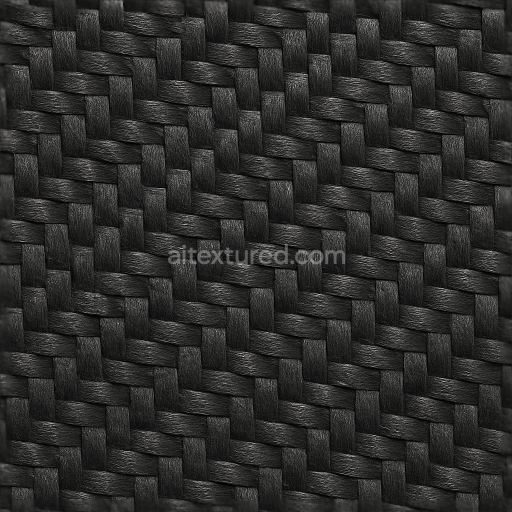
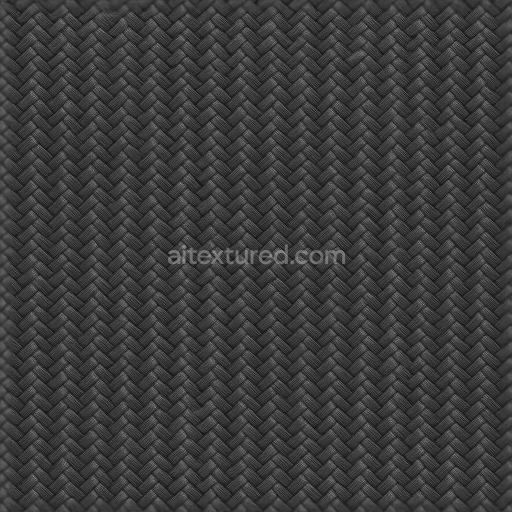
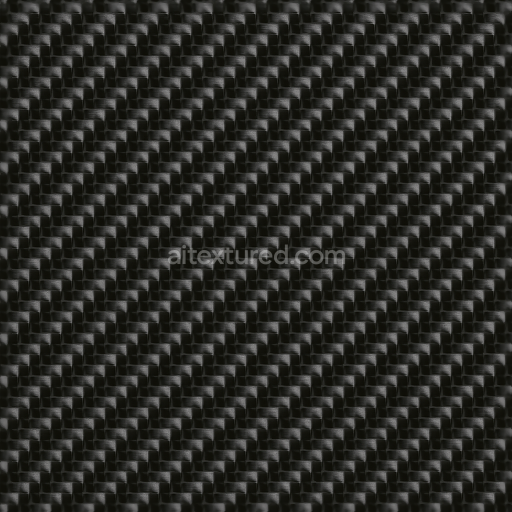
Carbon Rough Weave Pattern With PBR 8K Resolution For Realistic Renders
Seamless texture (tileable) · PNG, WEBP, PBR ZIP.
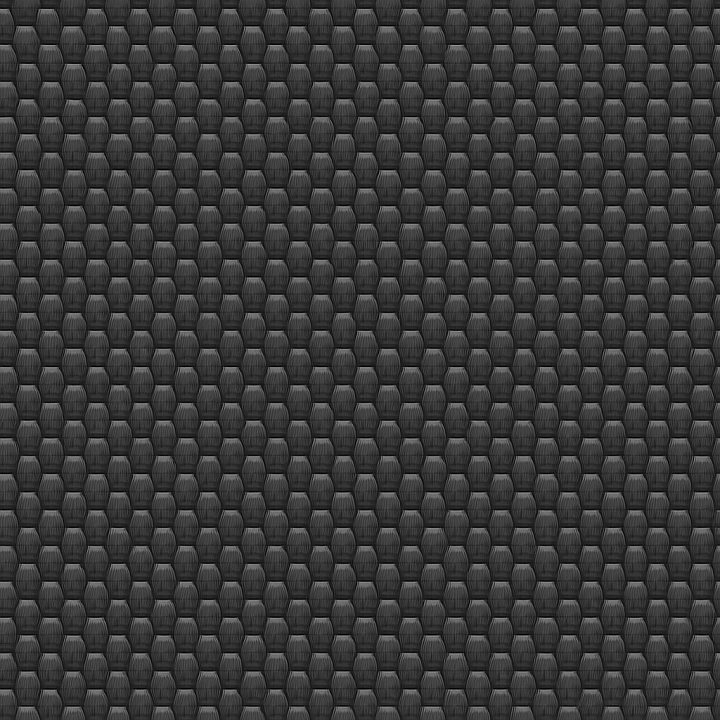
| ID | seamless-3d-pbr-texture-of-carbon-embossed-weave-pattern-in-8k-for-high-detail-material-renders |
|---|---|
| Category | Carbon |
| Formats | PNG, WEBP, PBR ZIP |
| Size | 1k (1024x1024px), 2k (2048x2048px), 4k (4096x4096px), 8k (8192x8192px) |
| Tileable | Yes |
This seamless 3D PBR texture captures the intricately embossed weave pattern characteristic of high-quality carbon fiber materials, rendered at an exceptional 8K resolution to preserve fine details in every pixel. The base material is a carbon composite substrate composed of tightly woven carbon fibers, known for their strength and lightweight properties. These fibers are embedded within a durable epoxy resin binder that provides structural integrity and resilience against wear. The geometric form is a classic woven pattern where individual carbon strands intersect at right angles, creating a distinctive checkerboard effect. The embossing adds a subtle raised relief that simulates the tactile depth of the weave, emphasizing the interplay of light and shadow on the surface.
From a materials standpoint, the texture reflects a near-perfect carbon black coloration, achieved through carbon pigments deeply infused into the resin matrix. The surface finish is semi-gloss, exhibiting a refined sheen that mimics the polished yet slightly textured feel of real automotive-grade carbon fiber panels. The texture’s porosity is minimal, indicative of a high-quality composite with tightly packed fibers and a smooth resin overlay that resists environmental degradation such as UV exposure and moisture ingress. The embossed weave introduces slight variations in surface height, enhancing the realism by giving the Normal and Height maps precise data to simulate physical depth and light interaction.
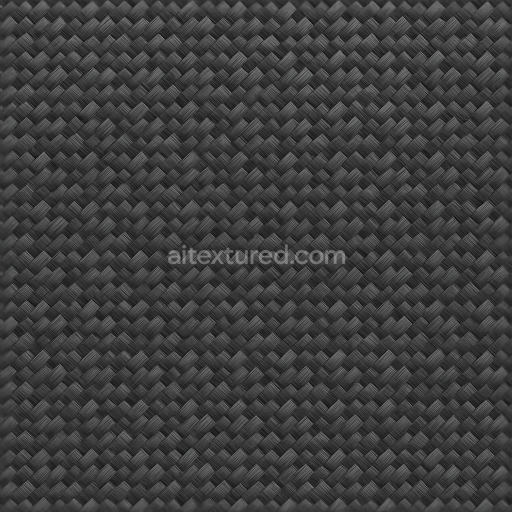
Technically, this texture is designed to utilize PBR workflow channels effectively: the BaseColor (Albedo) map provides the deep, rich black tones with subtle fiber highlights; the Normal map encodes the embossed weave’s fine surface undulations for accurate lighting response; the Roughness map controls the semi-gloss finish, balancing reflectivity with diffuse scattering to replicate the resin-coated fibers; the Metallic map is minimal, reflecting the composite’s non-metallic nature; and the Ambient Occlusion map enhances shadow depth within the weave crevices. The Height (Displacement) map further accentuates the embossing, allowing for advanced parallax or displacement rendering techniques that bring out the three-dimensional structure convincingly.
This texture is fully optimized for integration into popular 3D software such as Blender, Unreal Engine, and Unity, ensuring seamless application on complex models with no visible tiling artifacts thanks to its seamless design. For practical use, it is advisable to adjust the UV scale carefully to match the intended model dimensions, as the fine weave pattern can appear either overly repetitive or too sparse if scaled improperly. Additionally, fine-tuning the roughness value can help achieve the desired balance between glossiness and texture visibility, while blending height and normal maps can enhance the embossed effect without causing excessive geometric distortion.
Import the texture maps into Blender with sRGB color space for albedo/base color and Non-Color for normal, roughness, metallic, AO, height, and ORM maps. Connect normal maps through a Normal Map node, then adjust UV scale with a Mapping node so the material repeats naturally on your model.
For the full step-by-step setup, see How to Use Seamless Textures in Blender. Browse related material examples in wood, concrete, and metal.
Yes. This texture is designed as a seamless tileable PBR material, so it can repeat across large surfaces without visible borders.
Use the download controls on this page: they expose the available PNG, WEBP or engine ZIP choices and supported resolutions for this asset.
Use the engine ZIP choices to package compatible source maps for Blender, Unreal Engine or Unity, then verify the imported material in the target application.
Commercial-use permission is not verified for this record. Confirm the original source and license before production use.


Generate maps from existing images, preview materials, convert channels, and package compatible inputs for Blender, Unity, and Unreal Engine.
Choose a verified workflow for generating maps, previewing tiling, converting channels, or starting from the texture catalog.
Derive Normal, Roughness, AO, Metallic, Height and optional ORM maps from one or more source images, then review the results.
Instant WebGL viewer: inspect materials on a sphere, plane, and cube. Check tiling and lighting in real time.
Re-packages maps per engine: Unreal (BaseColor + ORM), Unity (Mask/MetallicSmoothness), Blender (separate channels).
PNG ↔ JPG ↔ SVG: fast convert, SVG rasterize, embed/trace options, quality & background controls.