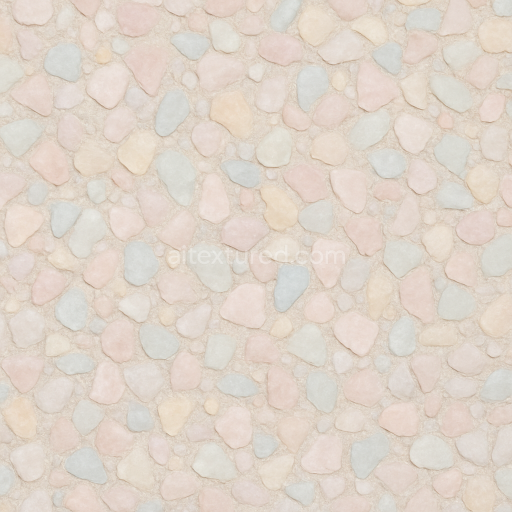
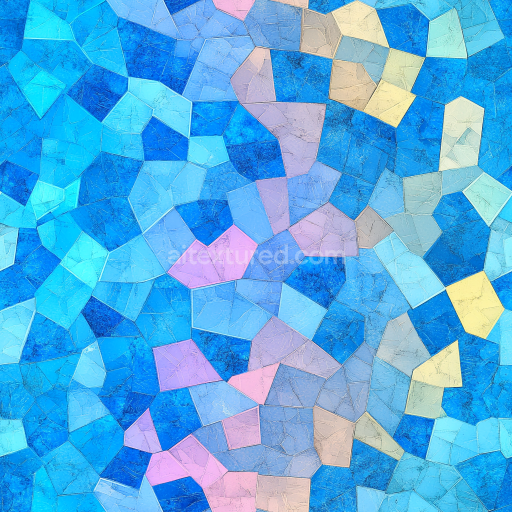
Quartz Bits Mosaic With Pastel Palette And Matte Finish
Seamless texture (tileable) · PNG, WEBP, PBR ZIP.
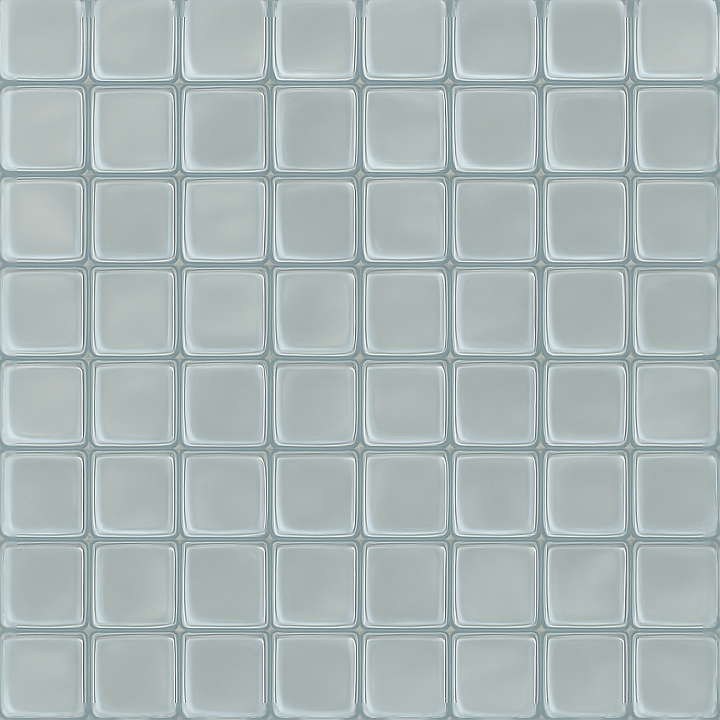
| ID | seamless-3d-texture-pbr-8k-mosaic-glass-tiles-with-translucent-glass-and-smooth-edges |
|---|---|
| Category | Mosaic |
| Formats | PNG, WEBP, PBR ZIP |
| Size | 1k (1024x1024px), 2k (2048x2048px), 4k (4096x4096px), 8k (8192x8192px) |
| Tileable | Yes |
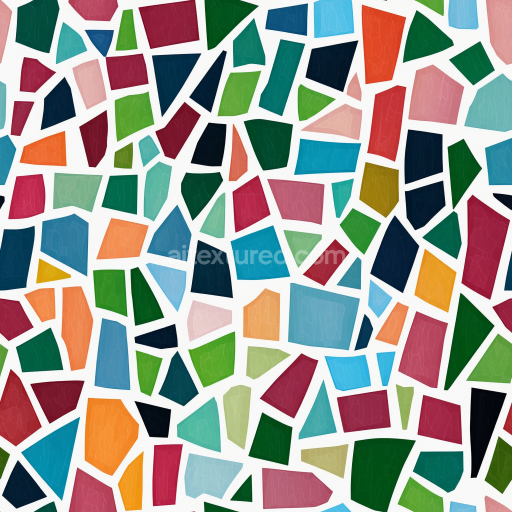
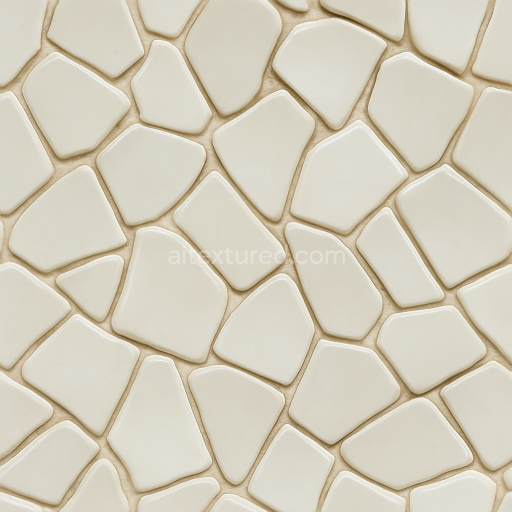
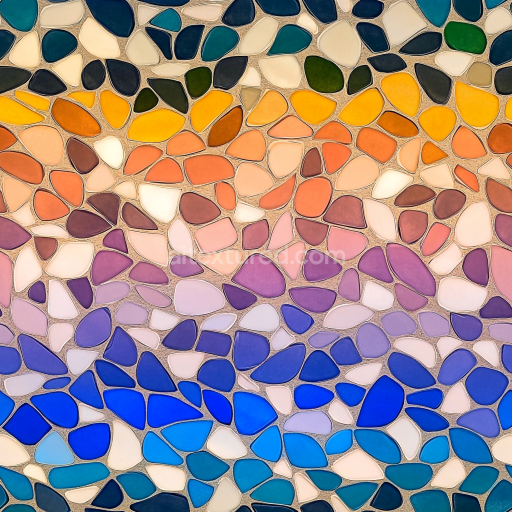
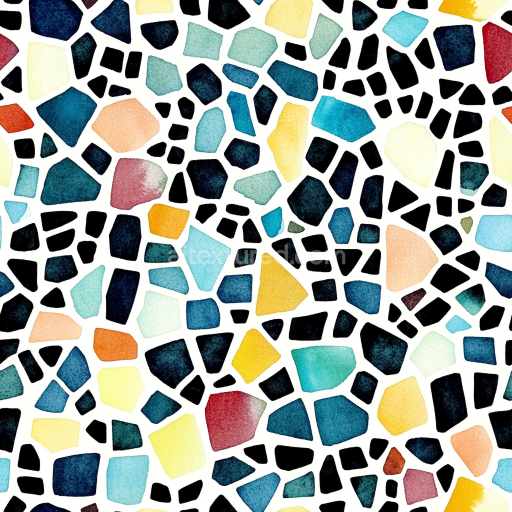
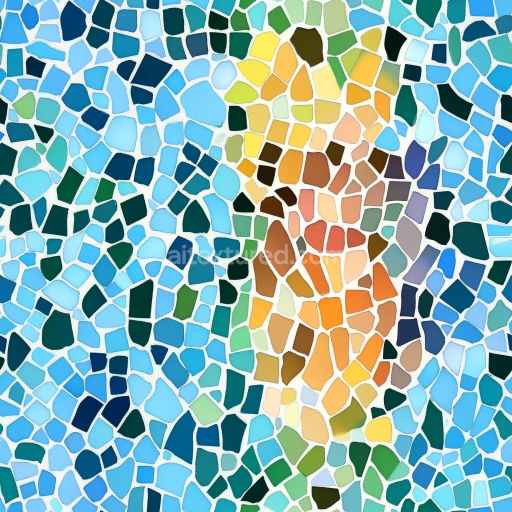
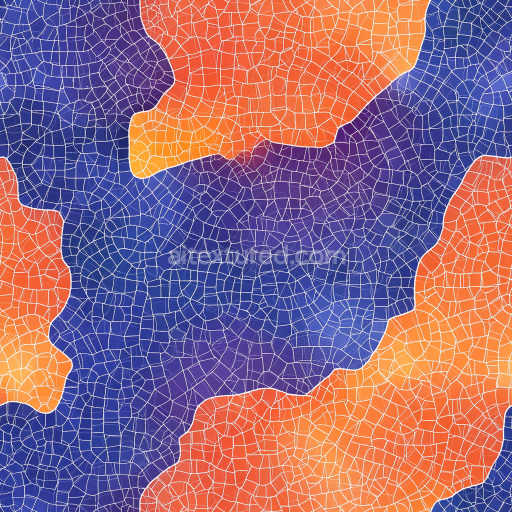
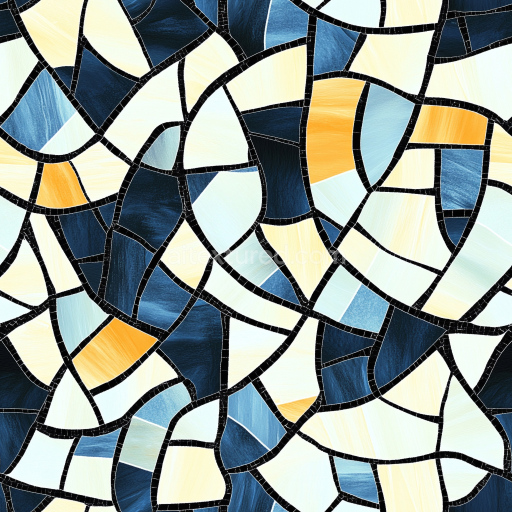
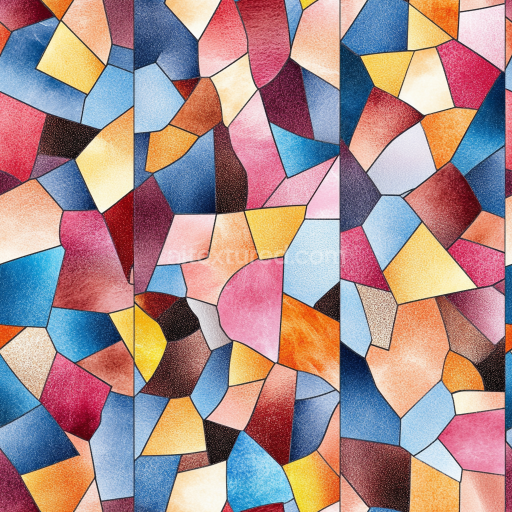
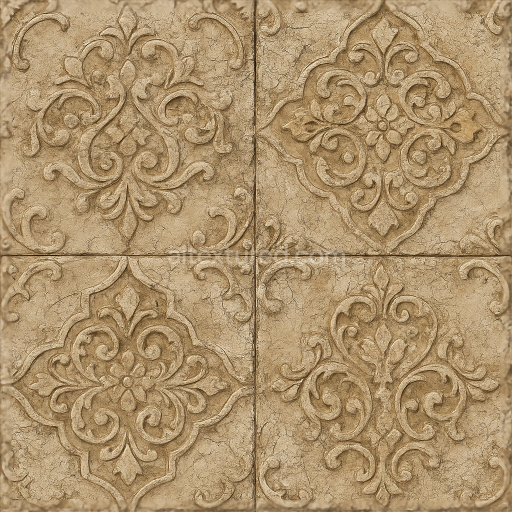
This seamless 3D texture features meticulously crafted glass tiles arranged in a tessellated mosaic pattern, showcasing a flat surface composed of translucent glass with smooth, rounded edges. Each tile mimics a refined geometric form, resembling small rectangular or square tesserae that fit together without visible seams, creating a continuous and uniform layout. The base material is primarily high-purity glass, designed to replicate the subtle variations in translucency and light refraction found in real-world glass installations. The tiles appear to be adhered onto a neutral substrate layer, which is virtually imperceptible due to the translucency and the polished finish of the glass surface. This substrate acts as the foundational support, while a thin, clear adhesive layer binds the tiles, ensuring a cohesive mosaic arrangement without compromising the clarity or the reflective quality of the glass.
The texture’s composition includes carefully simulated binders and adhesives that maintain the mosaic’s structural integrity while allowing light to pass through the translucent tiles. The glass tiles themselves exhibit minimal porosity, emphasizing a smooth and polished finish that enhances reflective highlights and subtle light diffusion. Coloration arises from minute variations in the glass material’s pigmentation, predominantly clear with hints of subtle cool tones, contributing to a modern and sleek aesthetic. The surface finish is glossy and highly reflective, capturing environmental lighting and reflections which are essential for realistic PBR rendering. Fine details such as micro-scratches or minor surface irregularities are minimized to preserve the pristine glass look, while the edges of each tile are beveled softly to avoid harsh shadows and to allow gentle light bending around the contours.
In terms of PBR channel mapping, the BaseColor (Albedo) channel captures the translucent glass hues and subtle gradations of light passing through the material. The Normal map intricately defines the smooth edges, beveled forms, and slight surface undulations of the tesserae, contributing to realistic light interaction and depth perception. Roughness values are low and consistent, reflecting the highly polished surface but allowing slight variation to simulate minor surface imperfections. The Metallic channel remains near zero, as glass is a non-metallic material, while the Ambient Occlusion map subtly enhances the shadowing around tile edges and grout lines, providing depth without overpowering the translucency. Height or Displacement maps emphasize the flat yet slightly raised profile of each tile, supporting parallax effects and adding tactile realism in close-up renders.
Rendered at an impressive 8K resolution, this texture is optimized for seamless tiling, ensuring it can be applied effortlessly on large surfaces without visible repetition or distortion. It is fully compatible and ready for use in leading 3D software and game engines including Blender, Unreal Engine, and Unity, supporting advanced material workflows and real-time rendering. For best results, it is recommended to adjust UV scaling carefully to maintain tile proportions and avoid texture stretching. Additionally, fine-tuning roughness parameters can help tailor the reflectivity to different lighting environments, while blending height and normal maps can enhance depth perception without compromising performance. This texture is particularly suited for architectural visualizations, interior design projects, and decorative glass installations requiring photorealistic detail and modern aesthetics.
Import the texture maps into Blender with sRGB color space for albedo/base color and Non-Color for normal, roughness, metallic, AO, height, and ORM maps. Connect normal maps through a Normal Map node, then adjust UV scale with a Mapping node so the material repeats naturally on your model.
For the full step-by-step setup, see How to Use Seamless Textures in Blender. Browse related material examples in wood, concrete, and metal.
Yes. This texture is designed as a seamless tileable PBR material, so it can repeat across large surfaces without visible borders.
Use the download controls on this page: they expose the available PNG, WEBP or engine ZIP choices and supported resolutions for this asset.
Use the engine ZIP choices to package compatible source maps for Blender, Unreal Engine or Unity, then verify the imported material in the target application.
Commercial-use permission is not verified for this record. Confirm the original source and license before production use.
Generate maps from existing images, preview materials, convert channels, and package compatible inputs for Blender, Unity, and Unreal Engine.
Choose a verified workflow for generating maps, previewing tiling, converting channels, or starting from the texture catalog.
Derive Normal, Roughness, AO, Metallic, Height and optional ORM maps from one or more source images, then review the results.
Instant WebGL viewer: inspect materials on a sphere, plane, and cube. Check tiling and lighting in real time.
Re-packages maps per engine: Unreal (BaseColor + ORM), Unity (Mask/MetallicSmoothness), Blender (separate channels).
PNG ↔ JPG ↔ SVG: fast convert, SVG rasterize, embed/trace options, quality & background controls.