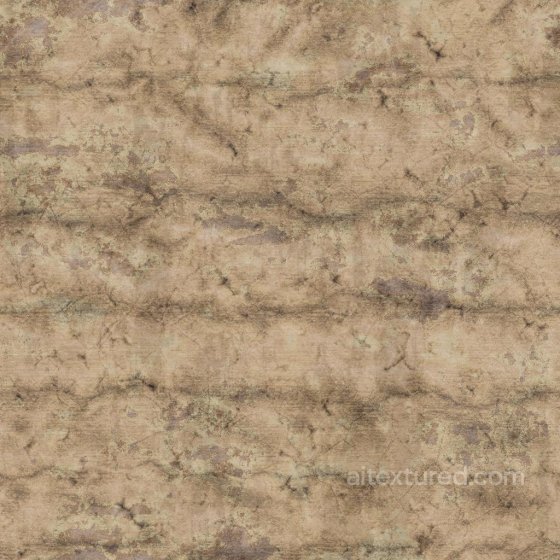
Free Seamless Rock PBR Textures
Download seamless stone PBR textures for rock walls, paving, cliffs, masonry, landscaping and architectural visualization.
Select by:
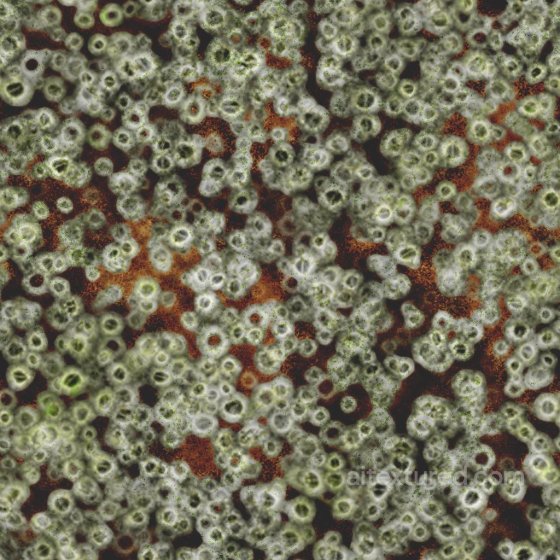
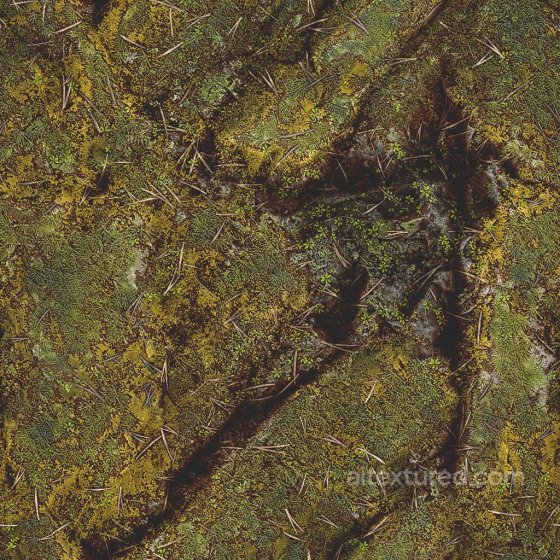
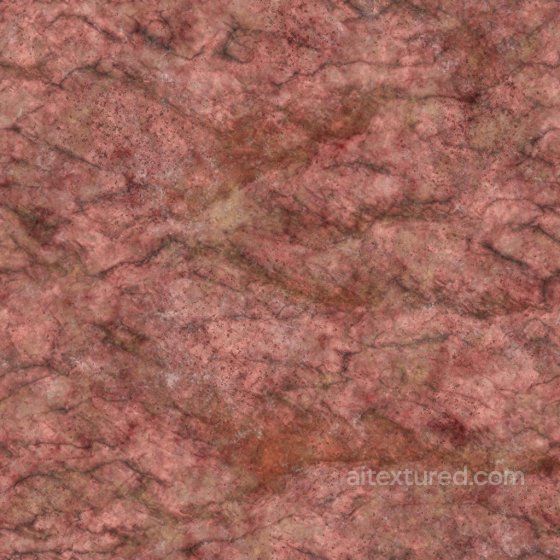
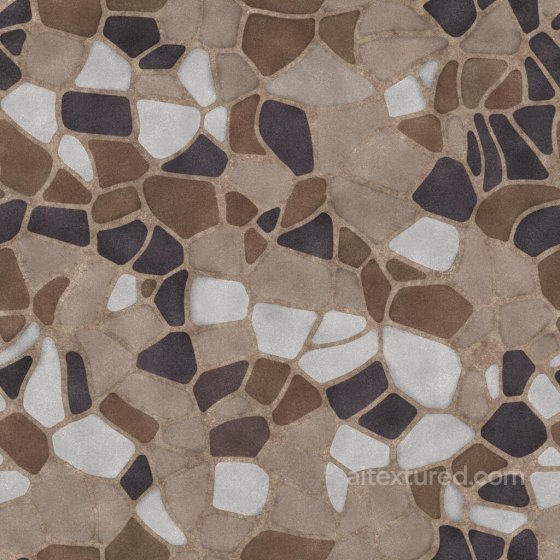
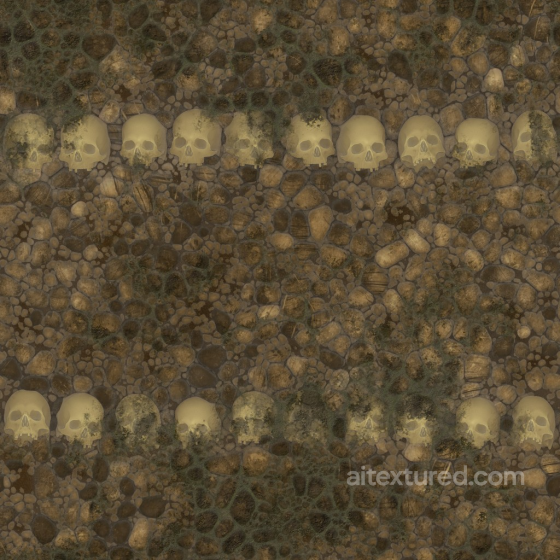
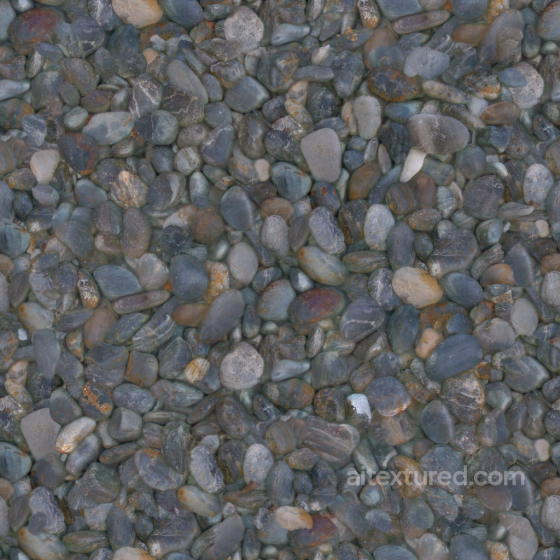
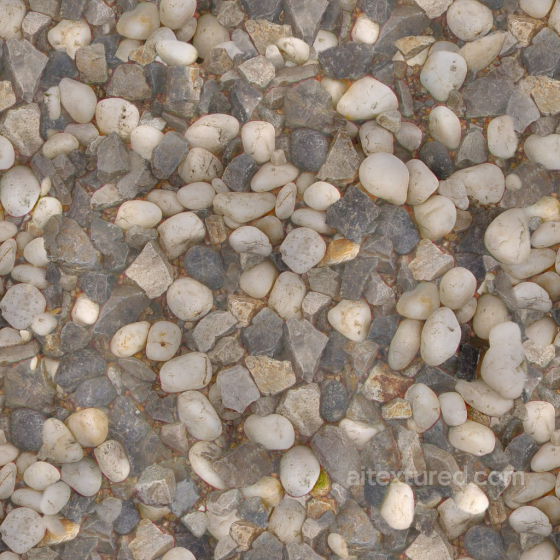
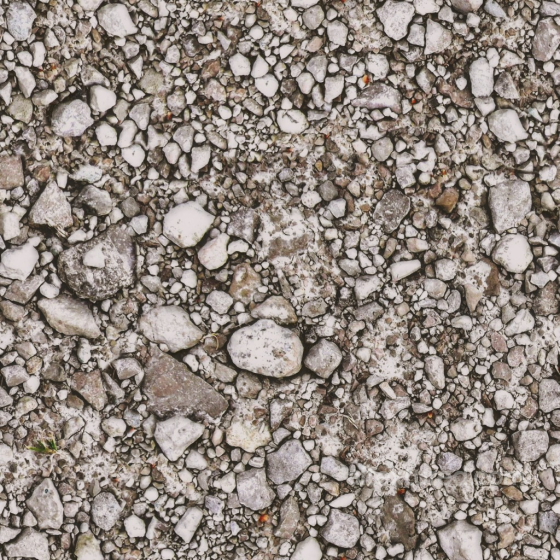
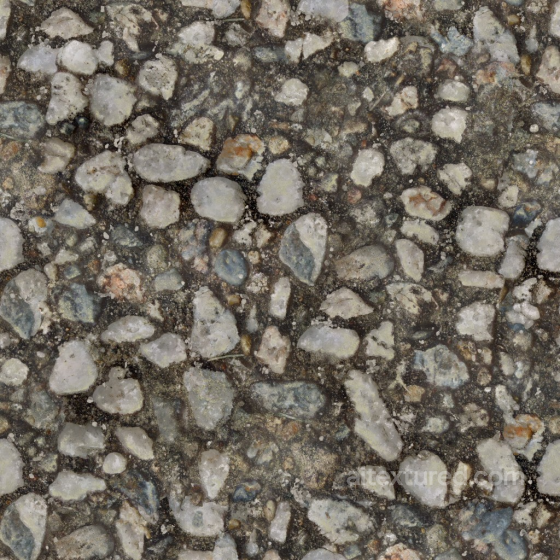
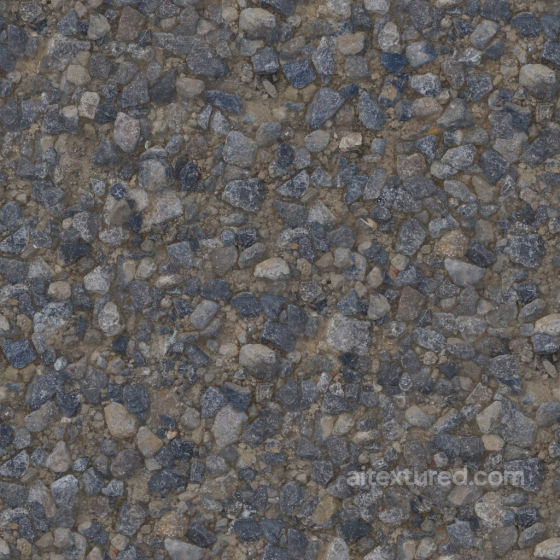
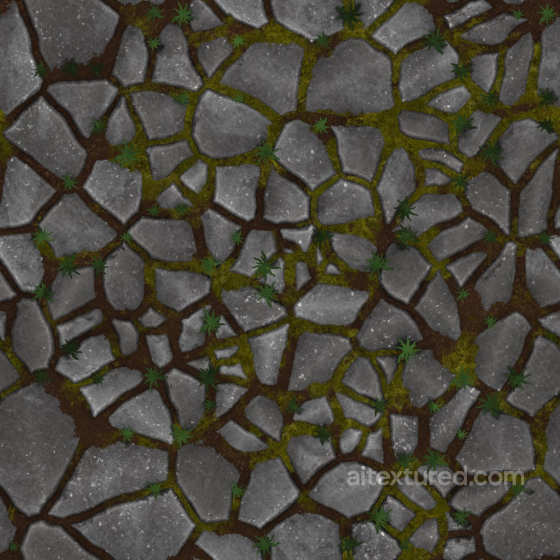
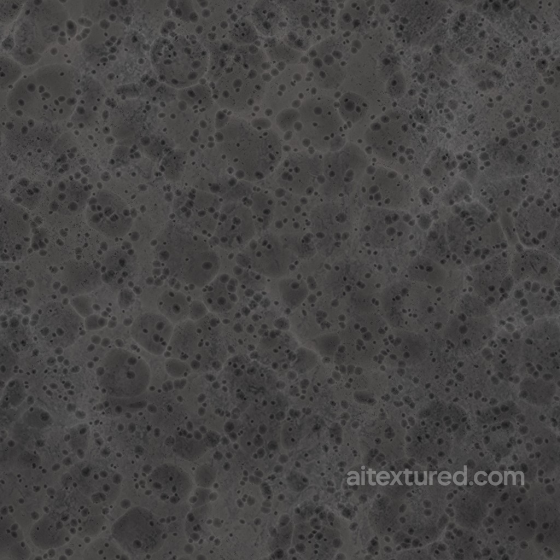
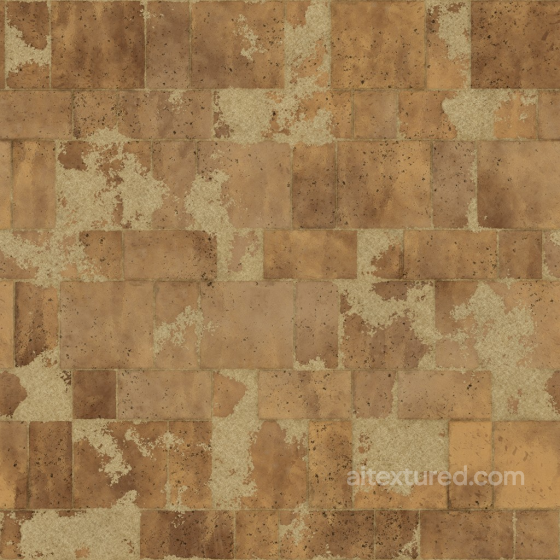
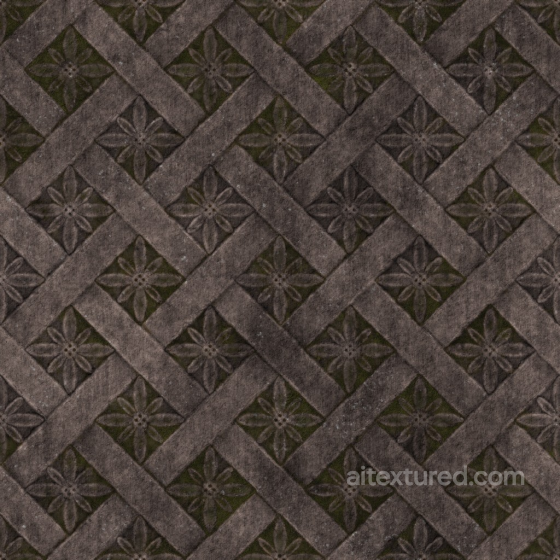
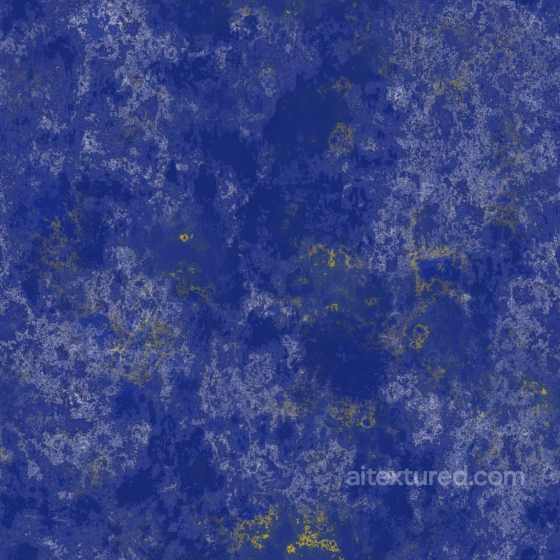
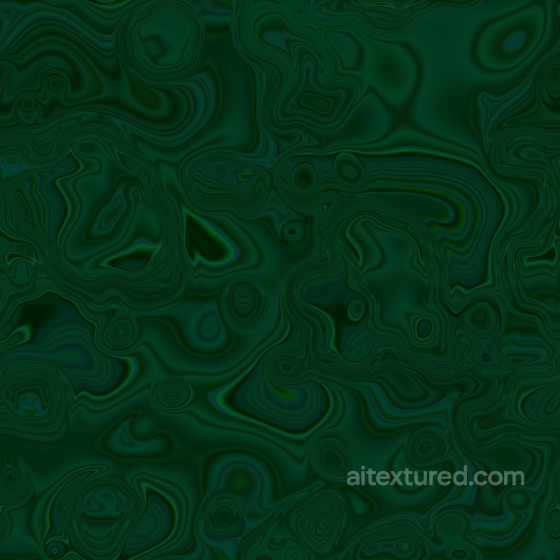
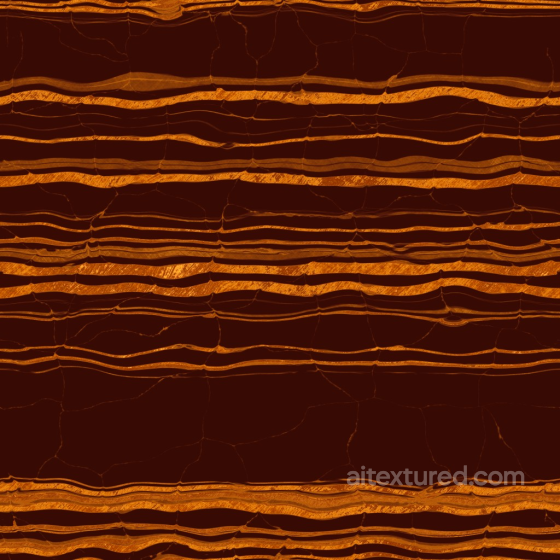
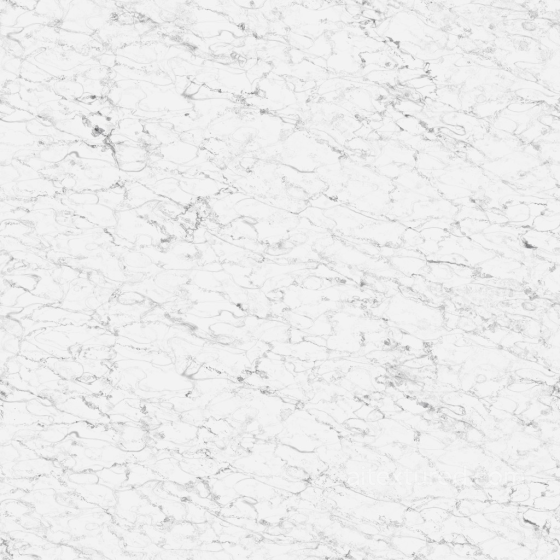
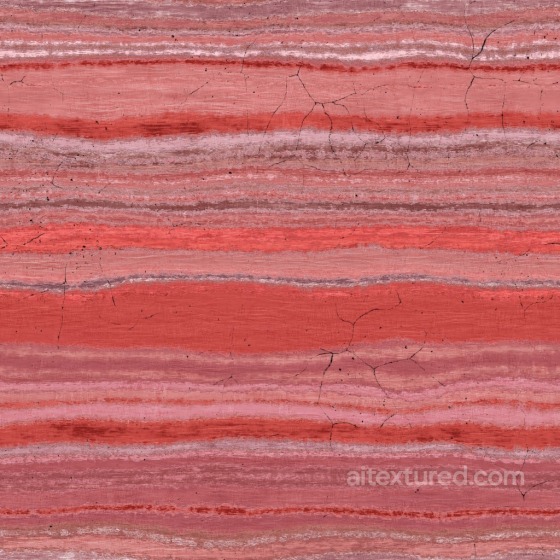
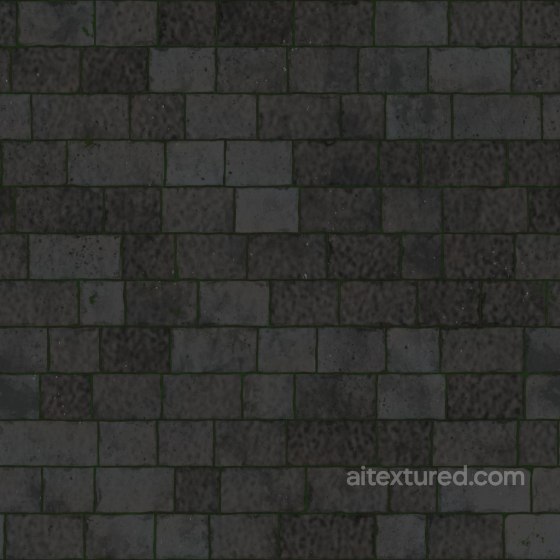
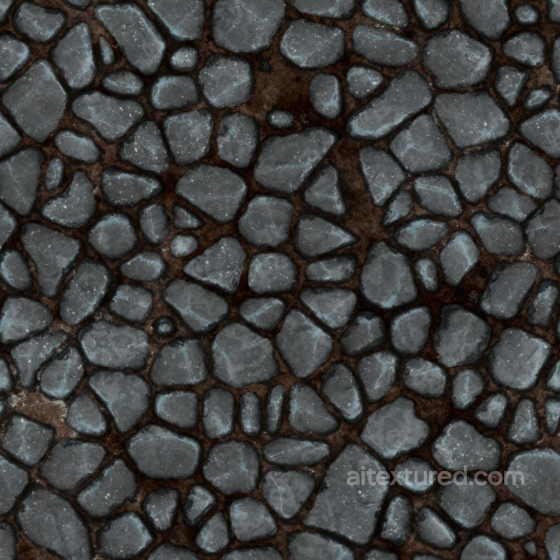
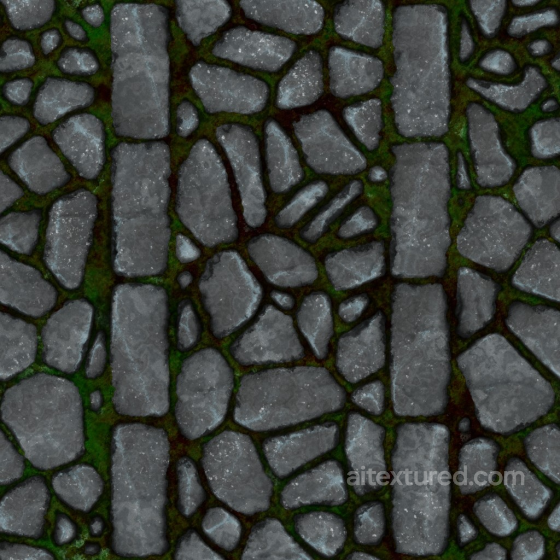
Our rock texture collection offers a diverse range of photorealistic and stylized surfaces, capturing the natural beauty and complexity of stone in various forms. From jagged basalt and smooth pebble to rough sandstone and eroded limestone, these seamless, tileable PBR textures provide an authentic representation of rock materials. Each texture is crafted with up to 8K resolution, delivering exceptional detail suitable for close-up views in your projects. The set includes comprehensive maps such as BaseColor (Albedo), Normal, Roughness, Metallic, Ambient Occlusion, and Height/Displacement, ensuring accurate light interaction and depth for maximum realism.
Designed for versatility, these rock textures fit perfectly into environments featuring cliffs, mountains, boulders, or ancient stone surfaces. Whether you aim for a granular, cracked, or polished look, the collection supports a wide range of styles—from dark, glowing fantasy rocks to futuristic layered stone formations. The detailed maps enable seamless integration into popular platforms like Blender, Unity, and Unreal Engine, allowing you to achieve realistic or stylized results depending on your creative vision. Consider using displacement maps to enhance the three-dimensional feel of rocky surfaces, adding convincing depth and volume to your models without increasing polygon count.
Source and license status varies by asset; review the detail page before use.
Stone Texture Workflow Notes
Stone textures cover everything from limestone blocks to rough cliff faces, so scale is the first decision. Small pebble detail can look noisy on walls, while large fracture patterns can repeat on close-up ground.
Use height and normal maps carefully: stone benefits from relief, but overdriven displacement can make flat masonry look inflated.
Best use cases
- Exterior walls, garden paths and retaining walls
- Natural cliffs, rocks and terrain blends
- Masonry props and fantasy environment kits
PBR map tips
- Match UV scale to stone size before tuning roughness.
- Blend with moss, dirt or decals for outdoor surfaces.
- Use height maps mostly for close camera distances.
Related categories
Related guides
Rock Texture FAQ
Are these stone textures seamless?
Tiling support varies by asset. Open a texture page and use the tiled preview to verify scale, seams and visible repetition before final production use.
Which PBR maps are most important for stone materials?
Base color, normal and roughness are the core maps. AO, height, metallic or packed engine maps may be included depending on the asset and should be connected as non-color data where appropriate.
Can I use these stone textures in Blender, Unreal Engine and Unity?
Review the maps available on each texture page. Separate maps can be connected in common DCC workflows, and the engine mapper can create supported target-specific packing.
How do I avoid visible tiling on large stone surfaces?
Set the UV scale first, then combine texture variants, decals, masks or subtle color variation. Preview at the final camera distance and choose only a resolution that the asset actually offers.
Explore More Texture Resources
Related texture categories
Texture workflow tools
AITextured Tools
Generate maps from existing images, preview materials, convert channels, and package compatible inputs for Blender, Unity, and Unreal Engine.
PBR Material Tools
Choose a verified workflow for generating maps, previewing tiling, converting channels, or starting from the texture catalog.
Input: image or existing maps → Output: preview, PBR maps, or engine-ready package
Explore tools
PBR Texture Generator
Derive Normal, Roughness, AO, Metallic, Height and optional ORM maps from one or more source images, then review the results.
Input: PNG/JPG/WEBP → Output: Normal, Roughness, AO, Height, Metallic, ORM ZIP
Create PBR maps
Online Texture Preview
Instant WebGL viewer: inspect materials on a sphere, plane, and cube. Check tiling and lighting in real time.
Input: material maps → Output: interactive render and tiling check
Preview material
Unity / Unreal / Blender Mapper
Re-packages maps per engine: Unreal (BaseColor + ORM), Unity (Mask/MetallicSmoothness), Blender (separate channels).
Input: PBR maps → Output: Blender, Unreal, Unity channel packages
Convert maps
Image Converter
PNG ↔ JPG ↔ SVG: fast convert, SVG rasterize, embed/trace options, quality & background controls.
Input: PNG/JPG/SVG → Output: converted image format
Convert images