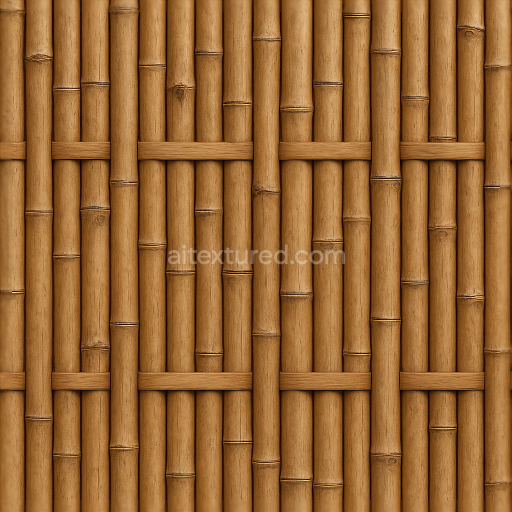
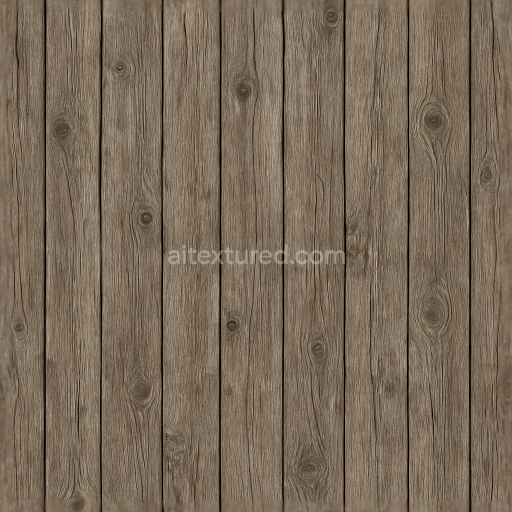
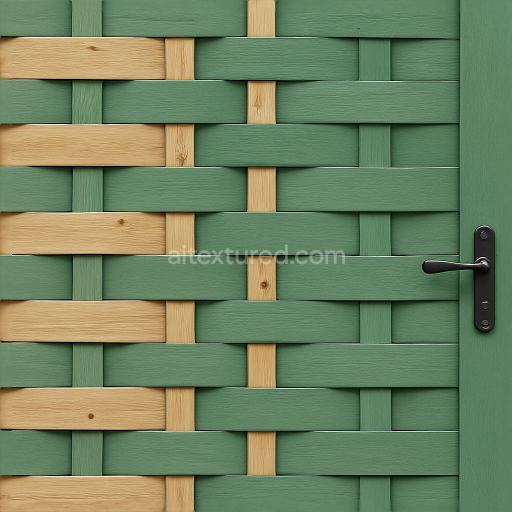
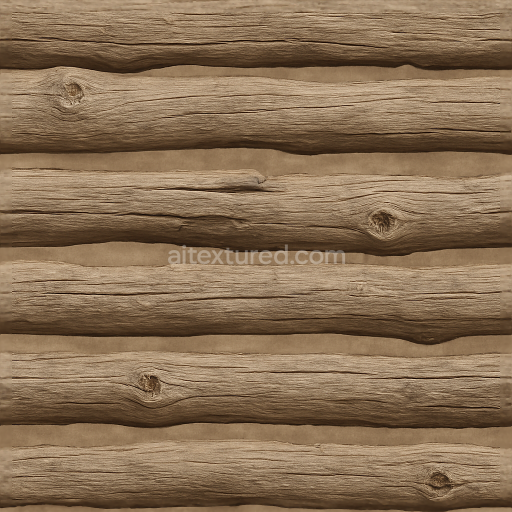
Bamboo Fence With Natural Wood Knots And Smooth Wood Surface
Seamless texture (tileable) · PNG, WEBP, PBR ZIP.
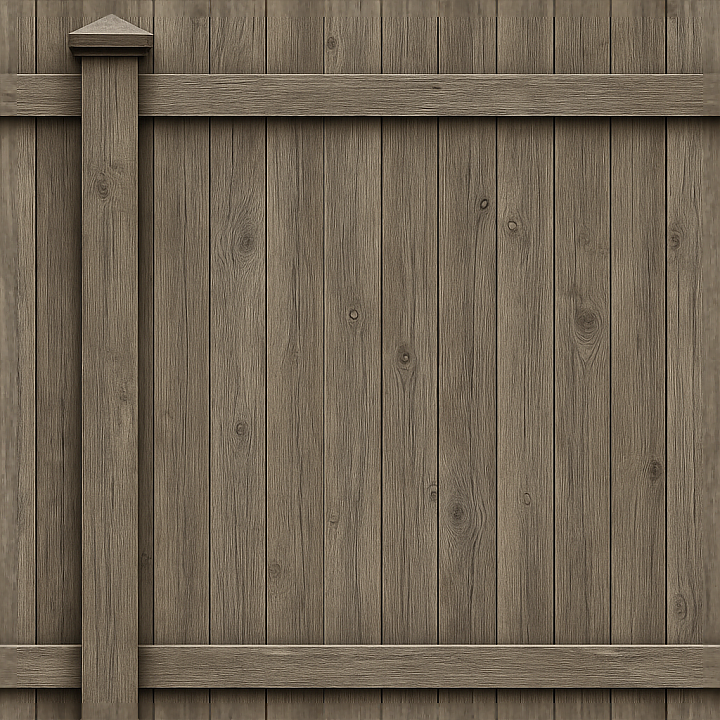
| ID | seamless-8k-3d-texture-pbr-privacy-fence-with-vertical-slats-painted-wood-and-fence-post-cap-accents |
|---|---|
| Category | Fences |
| Formats | PNG, WEBP, PBR ZIP |
| Size | 1k (1024x1024px), 2k (2048x2048px), 4k (4096x4096px), 8k (8192x8192px) |
| Tileable | Yes |
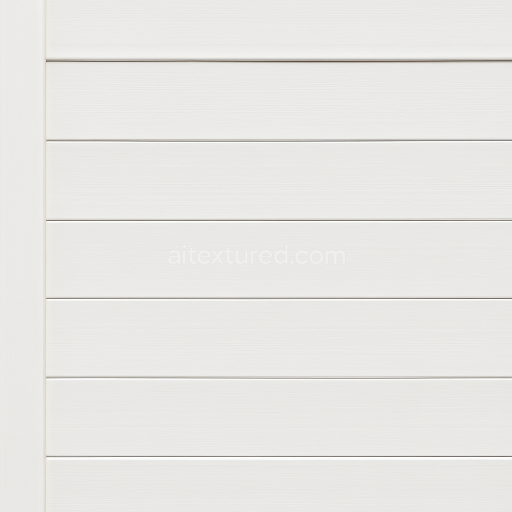
This seamless 8K PBR 3D texture represents a meticulously crafted privacy fence composed of vertical wooden slats, each painted to preserve the natural grain and subtle imperfections of aged wood. The core material is a fibrous hardwood substrate, characterized by visible knots and slight roughness, indicative of weathered outdoor exposure. The paint layer acts as a durable binder and pigment carrier, providing a muted, slightly faded color that enhances the fence's realistic appearance. The vertical arrangement of the slats creates a linear, repetitive geometric form, emphasizing height and privacy, while the fence posts are topped with distinct post caps that introduce architectural detail and break the uniformity with their subtle beveled edges and smooth finish.
The texture’s surface finish combines a semi-matte painted wood look with areas of gentle wear and weathering, visible through minor paint chipping and grain exposure. This finish contributes to a balanced roughness channel that simulates the diffuse reflection of painted wood, while the normal map richly encodes the fibrous grain, knots, and the subtle bevels of the post caps, enhancing depth and tactile realism. The height and displacement maps capture the slight undulations and relief of the wood grain and cap edges, allowing for convincing parallax and displacement effects in real-time engines. Ambient occlusion is finely tuned to emphasize the shadowing between the vertical slats and around the post caps, reinforcing the fence’s three-dimensional structure. Metallic values remain at a minimum, consistent with organic wood and painted surfaces, ensuring physically accurate light interaction without unwanted specular highlights.
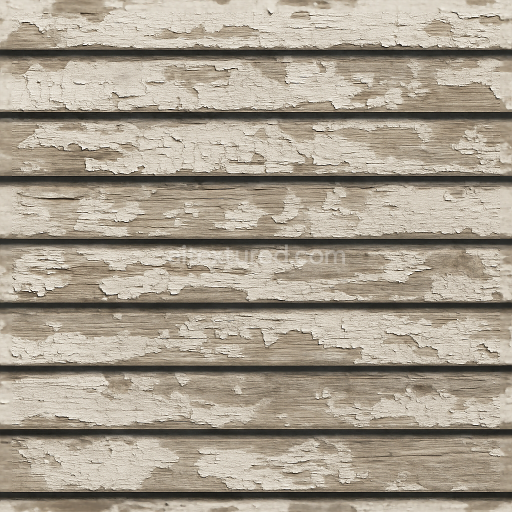
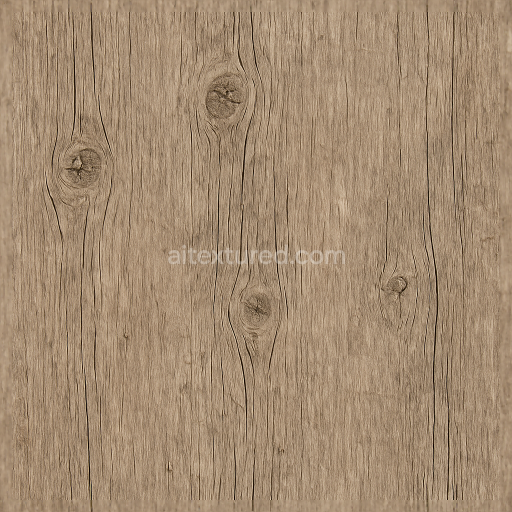
Colorants within the BaseColor texture reflect a palette of softly weathered whites or muted pastels typical of painted outdoor wood, interspersed with natural brown and gray tones from exposed wood fibers and knots. This balance provides visual interest and authenticity without overpowering the overall form. The seamless tiling capability preserves continuity across large surfaces, making the texture ideal for extensive fencing in architectural visualizations, game environments, or product renders. Its high 8K resolution ensures that close-up views reveal intricate wood grain details and subtle imperfections, while maintaining performance compatibility across Blender, Unreal Engine, and Unity platforms.
For practical application, it is advisable to carefully adjust the UV scale to maintain the natural proportion of the vertical slats and post caps, avoiding any distortion that could diminish realism. Additionally, fine-tuning the roughness values can simulate different stages of weathering or repainting, while blending height and normal maps can enhance surface depth without overloading shader complexity. This approach ensures the texture remains versatile and visually convincing across a variety of lighting conditions and rendering engines.
Import the texture maps into Blender with sRGB color space for albedo/base color and Non-Color for normal, roughness, metallic, AO, height, and ORM maps. Connect normal maps through a Normal Map node, then adjust UV scale with a Mapping node so the material repeats naturally on your model.
For the full step-by-step setup, see How to Use Seamless Textures in Blender. Browse related material examples in wood, concrete, and metal.
Yes. This texture is designed as a seamless tileable PBR material, so it can repeat across large surfaces without visible borders.
Use the download controls on this page: they expose the available PNG, WEBP or engine ZIP choices and supported resolutions for this asset.
Use the engine ZIP choices to package compatible source maps for Blender, Unreal Engine or Unity, then verify the imported material in the target application.
Commercial-use permission is not verified for this record. Confirm the original source and license before production use.
Generate maps from existing images, preview materials, convert channels, and package compatible inputs for Blender, Unity, and Unreal Engine.
Choose a verified workflow for generating maps, previewing tiling, converting channels, or starting from the texture catalog.
Derive Normal, Roughness, AO, Metallic, Height and optional ORM maps from one or more source images, then review the results.
Instant WebGL viewer: inspect materials on a sphere, plane, and cube. Check tiling and lighting in real time.
Re-packages maps per engine: Unreal (BaseColor + ORM), Unity (Mask/MetallicSmoothness), Blender (separate channels).
PNG ↔ JPG ↔ SVG: fast convert, SVG rasterize, embed/trace options, quality & background controls.