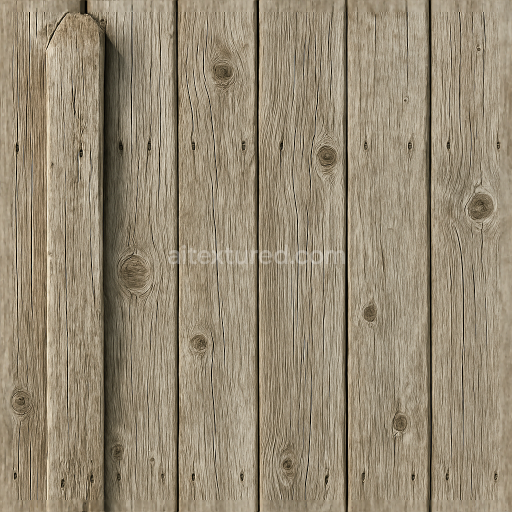
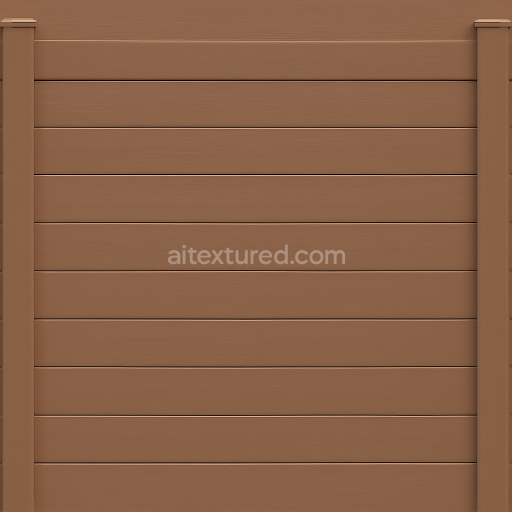
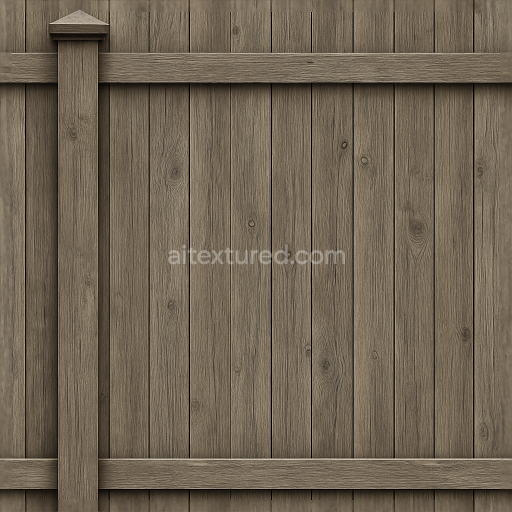
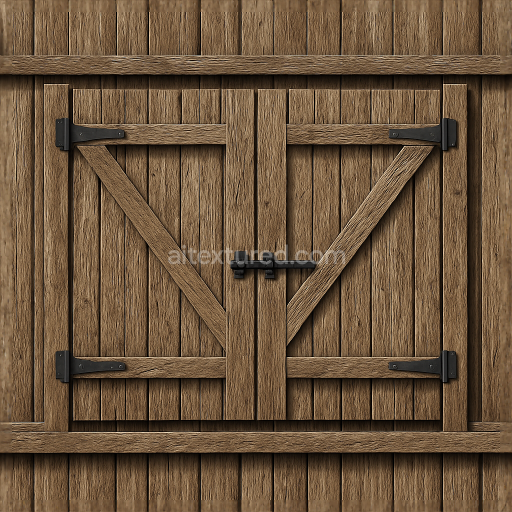
Seamless 8K 3D Texture PBR Wooden Fence With Weathered Wood And Fence Post Details
Seamless texture (tileable) · PNG, WEBP, PBR ZIP.
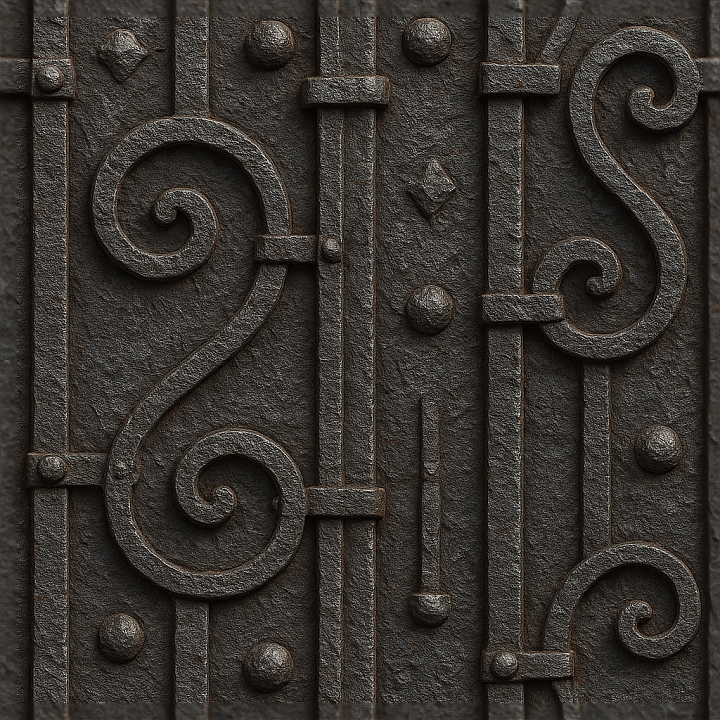
| ID | seamless-8k-3d-texture-pbr-wrought-iron-fence-with-decorative-iron-and-oxidized-metal-surfaces |
|---|---|
| Category | Fences |
| Formats | PNG, WEBP, PBR ZIP |
| Size | 1k (1024x1024px), 2k (2048x2048px), 4k (4096x4096px), 8k (8192x8192px) |
| Tileable | Yes |
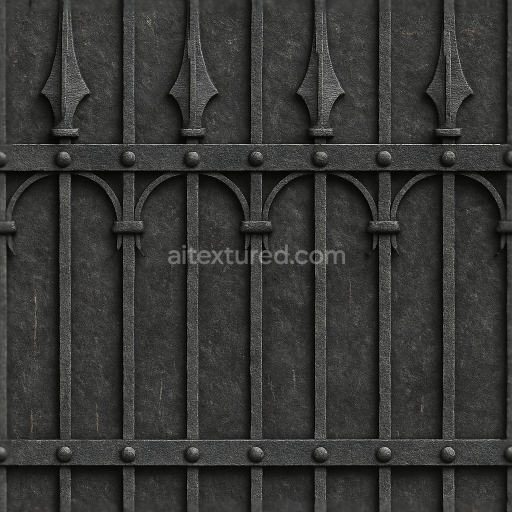
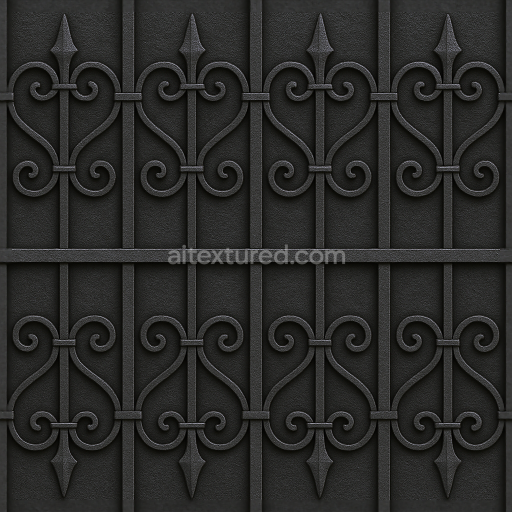
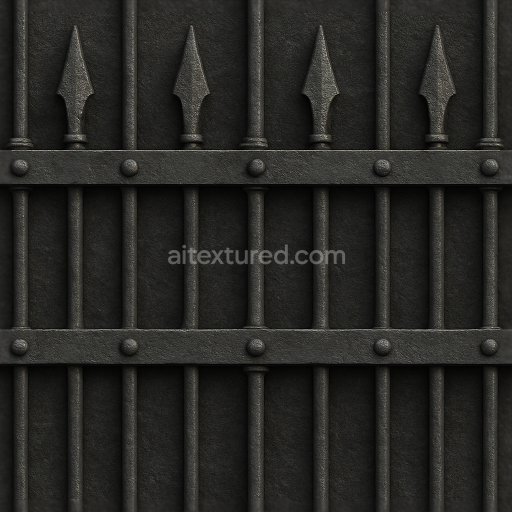
This seamless 8K PBR 3D texture represents a wrought iron fence composed primarily of black iron bars intertwined with intricate decorative ironwork. The base material is heavy-gauge wrought iron, known for its durability and malleability, allowing for the finely crafted ornamental patterns seen throughout the design. The iron’s surface exhibits a naturally rough and weathered appearance, featuring areas of oxidation and corrosion that provide authentic signs of age and exposure to the elements. The geometric form consists of repeating vertical bars connected by horizontal rails, adorned with symmetrical scrollwork and floral motifs, creating a balanced grid-like pattern that seamlessly tiles without visible edges.
The composition of the texture reveals a substrate of solid iron alloy, whose microstructure is captured in the fine grain and subtle imperfections across the surface. Oxidation manifests as iron oxide layers and patina, adding depth and tonal variation to the otherwise deep black iron base color. Metal bolts and rivets secure the bars, introduced as separate metallic elements with a slightly different corrosion profile, highlighting their functional role. The surface finish is predominantly oxidized with patches of roughened metal, simulating years of weathering and corrosion while retaining some matte black iron sheen. These details are accurately reflected across the PBR channels: the BaseColor map presents the complex black and rust hues; the Normal map defines the embossed decorative forms and bolt heads; Roughness captures the contrast between smooth wrought iron and corroded patches; Metallic conveys the pure metallic nature of iron and bolts; Ambient Occlusion enhances shadowing within the ornate recesses; and Height/Displacement provides subtle relief for the 3D ironwork complexity.
Crafted at an ultra-high resolution of 8K, this texture ensures exceptional clarity and fine detail, ideal for close-up renders and high-fidelity architectural visualization. It is fully optimized for real-time engines such as Unreal Engine and Unity, as well as offline rendering workflows in Blender, supporting seamless tiling for large fence surfaces without noticeable repetition. The texture’s robust material definition allows for realistic interaction with dynamic lighting, accurately simulating specular highlights on oxidized metal and subtle shadowing within iron crevices.
For practical implementation, it is recommended to adjust the UV scale carefully to maintain the proportional size of the iron bars and ornamental details relative to the scene’s scale. Additionally, fine-tuning the Roughness map can help balance the appearance of corrosion versus polished iron areas, while blending the Height/Displacement with Normal maps enhances the tactile depth of the decorative elements without excessive geometry. This approach ensures the wrought iron fence texture integrates convincingly into both historic and contemporary 3D environments, providing a versatile and detailed material solution.
Import the texture maps into Blender with sRGB color space for albedo/base color and Non-Color for normal, roughness, metallic, AO, height, and ORM maps. Connect normal maps through a Normal Map node, then adjust UV scale with a Mapping node so the material repeats naturally on your model.
For the full step-by-step setup, see How to Use Seamless Textures in Blender. Browse related material examples in wood, concrete, and metal.
Yes. This texture is designed as a seamless tileable PBR material, so it can repeat across large surfaces without visible borders.
Use the download controls on this page: they expose the available PNG, WEBP or engine ZIP choices and supported resolutions for this asset.
Use the engine ZIP choices to package compatible source maps for Blender, Unreal Engine or Unity, then verify the imported material in the target application.
Commercial-use permission is not verified for this record. Confirm the original source and license before production use.
Generate maps from existing images, preview materials, convert channels, and package compatible inputs for Blender, Unity, and Unreal Engine.
Choose a verified workflow for generating maps, previewing tiling, converting channels, or starting from the texture catalog.
Derive Normal, Roughness, AO, Metallic, Height and optional ORM maps from one or more source images, then review the results.
Instant WebGL viewer: inspect materials on a sphere, plane, and cube. Check tiling and lighting in real time.
Re-packages maps per engine: Unreal (BaseColor + ORM), Unity (Mask/MetallicSmoothness), Blender (separate channels).
PNG ↔ JPG ↔ SVG: fast convert, SVG rasterize, embed/trace options, quality & background controls.