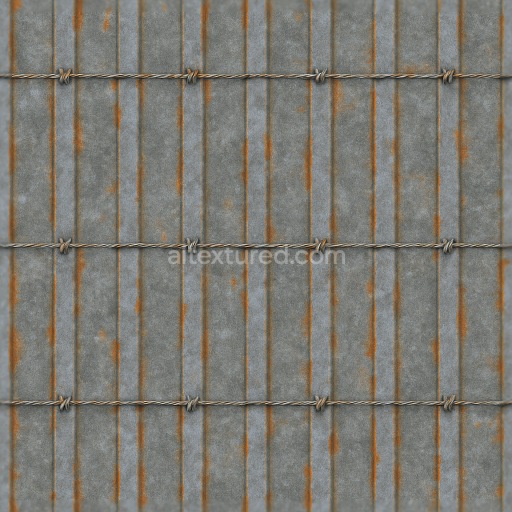
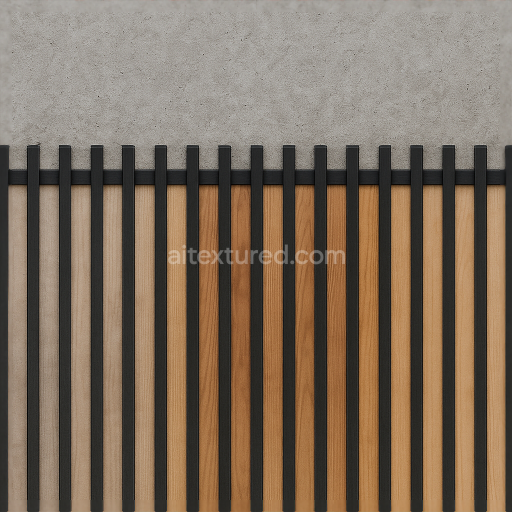
Security Fence With Steel Bars And Galvanized Metal Rust Details
Seamless texture (tileable) · PNG, WEBP, PBR ZIP.
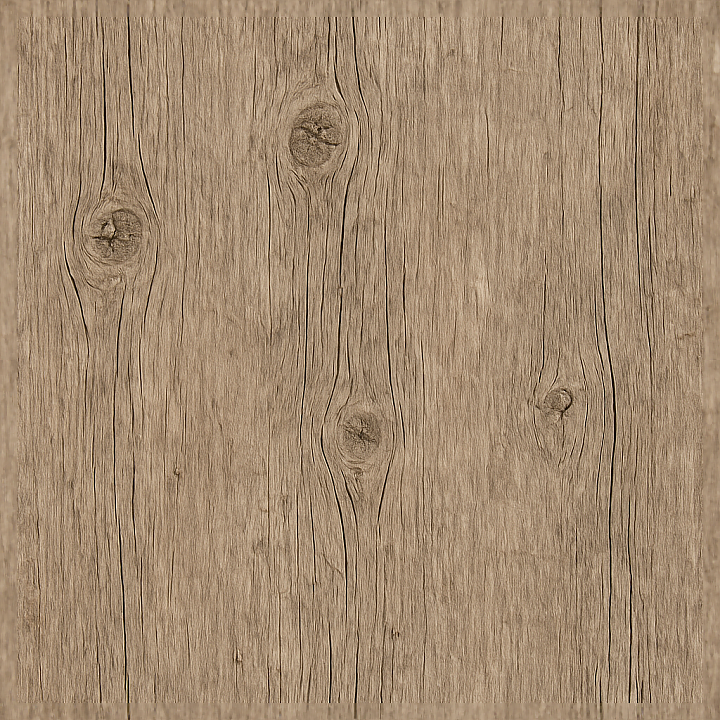
| ID | seamless-8k-3d-texture-pbr-rough-wood-fence-post-with-knots-and-splinters-in-aged-wood-finish |
|---|---|
| Category | Fences |
| Formats | PNG, WEBP, PBR ZIP |
| Size | 1k (1024x1024px), 2k (2048x2048px), 4k (4096x4096px), 8k (8192x8192px) |
| Tileable | Yes |
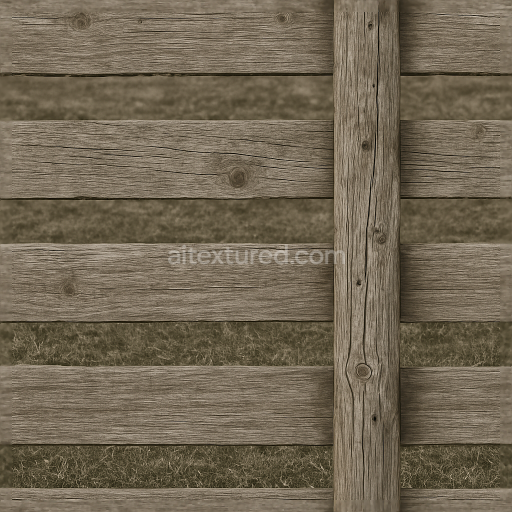
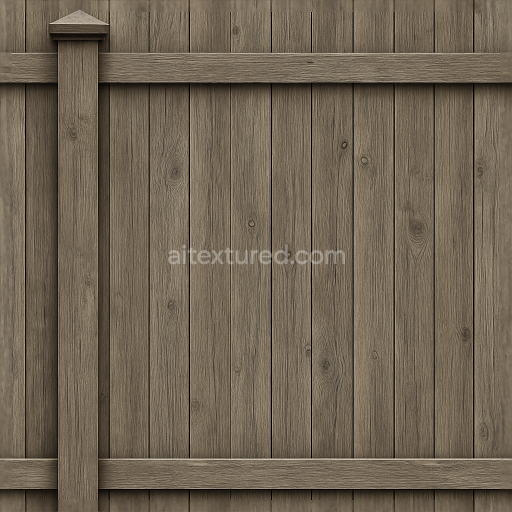
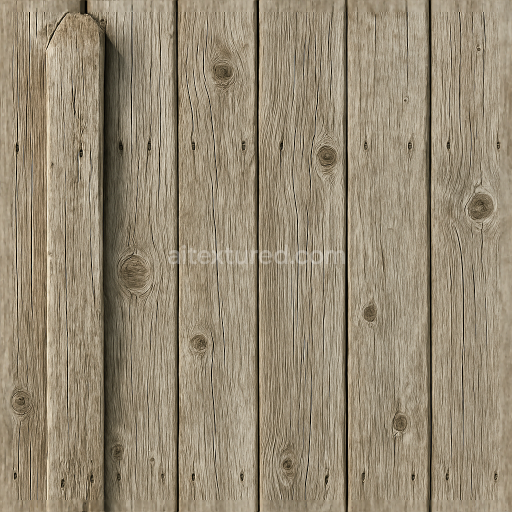
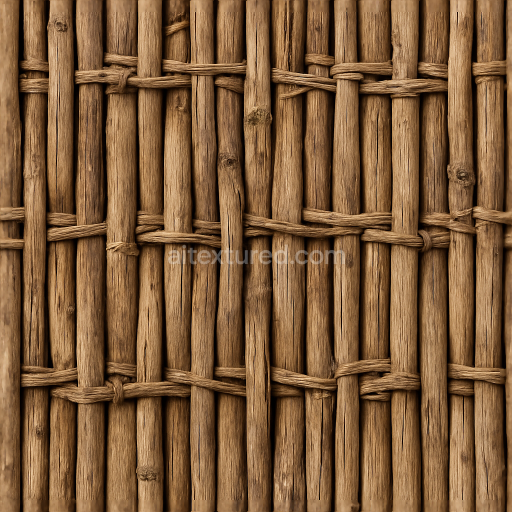
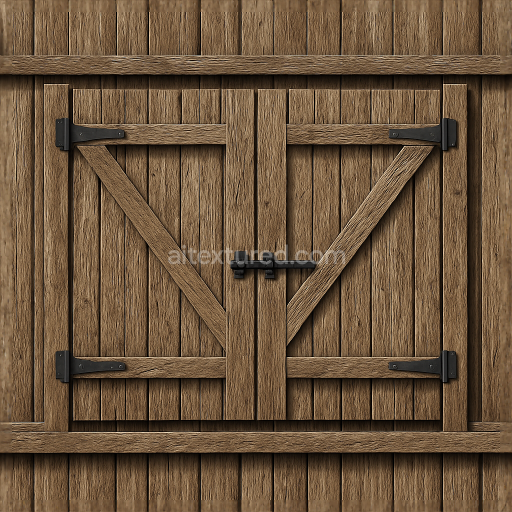
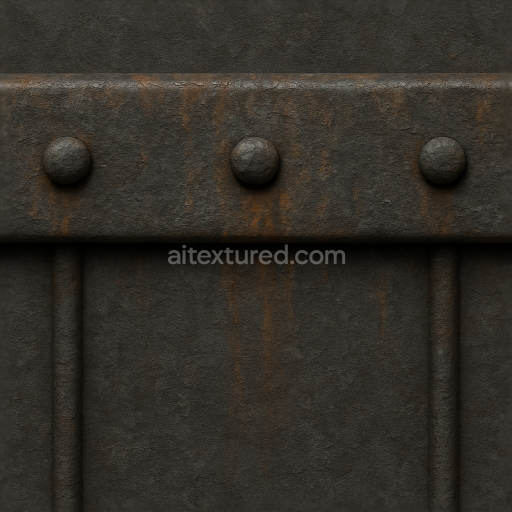
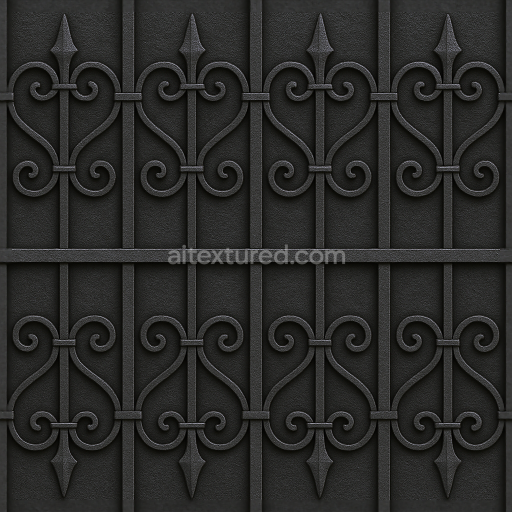
This seamless 8K PBR 3D texture depicts a rough wood fence post characterized by its natural knots, splinters, and an aged wood finish. The base material is weathered hardwood, likely oak or cedar, known for its durability in outdoor environments. The geometric form follows the cylindrical, slightly irregular shape of a traditional fence post, with visible longitudinal grain patterns and occasional radial cracks that emphasize the wood’s fibrous structure. The surface is uneven and coarse, featuring numerous small splinters and worn edges that result from prolonged exposure to sun, rain, and wind. This texture captures the intrinsic porosity and natural decay processes of dry wood, including subtle fissures and discoloration from oxidation and UV damage.
The composition of the wood includes a dense cellulose fiber substrate bonded by lignin, which acts as a natural adhesive holding the fibrous grains together. The texture’s color palette ranges from warm ochres and muted browns to desaturated grays, reflecting the sunlit, weathered appearance of aged wood. Pigmentation is mostly natural, derived from tannins and extractives within the wood, with no artificial coatings, giving a matte, non-reflective finish consistent with outdoor fence posts. The surface finish is rough and unpolished, emphasizing tactile irregularities such as raised grain and splintered edges, which enhance light scattering and shadowing effects in rendering.
In terms of PBR channels, the BaseColor (Albedo) map accurately replicates the nuanced color variations of dry, aged wood, including darker areas around knots and cracks. The Normal map provides detailed relief of the wood grain, splinters, and subtle surface imperfections, adding depth and realism without geometry. The Roughness map is tuned to reflect the coarse, weathered surface, with higher roughness values in areas of exposed, sun-dried wood and slightly lower values near knots where the grain is denser. The Metallic channel remains at zero, as wood is non-metallic. Ambient Occlusion enhances the shading around knots and crevices, emphasizing depth. The Height/Displacement map contributes fine surface detail for parallax and tessellation effects, reinforcing the texture’s tactile quality.
This texture is optimized at an 8K resolution to provide exceptional detail suitable for large-scale 3D projects requiring authentic fence post visuals. It is fully compatible and ready to use in Blender, Unreal Engine, and Unity, ensuring seamless integration into diverse workflows. For practical use, it is recommended to carefully adjust the UV scale to maintain natural proportions and avoid repetition artifacts. Additionally, fine-tuning the roughness channel can help achieve the desired balance between matte and slightly worn areas, while blending height and normal maps enhances perceived surface complexity without heavy geometry.
Import the texture maps into Blender with sRGB color space for albedo/base color and Non-Color for normal, roughness, metallic, AO, height, and ORM maps. Connect normal maps through a Normal Map node, then adjust UV scale with a Mapping node so the material repeats naturally on your model.
For the full step-by-step setup, see How to Use Seamless Textures in Blender. Browse related material examples in wood, concrete, and metal.
Yes. This texture is designed as a seamless tileable PBR material, so it can repeat across large surfaces without visible borders.
Use the download controls on this page: they expose the available PNG, WEBP or engine ZIP choices and supported resolutions for this asset.
Use the engine ZIP choices to package compatible source maps for Blender, Unreal Engine or Unity, then verify the imported material in the target application.
Commercial-use permission is not verified for this record. Confirm the original source and license before production use.
Generate maps from existing images, preview materials, convert channels, and package compatible inputs for Blender, Unity, and Unreal Engine.
Choose a verified workflow for generating maps, previewing tiling, converting channels, or starting from the texture catalog.
Derive Normal, Roughness, AO, Metallic, Height and optional ORM maps from one or more source images, then review the results.
Instant WebGL viewer: inspect materials on a sphere, plane, and cube. Check tiling and lighting in real time.
Re-packages maps per engine: Unreal (BaseColor + ORM), Unity (Mask/MetallicSmoothness), Blender (separate channels).
PNG ↔ JPG ↔ SVG: fast convert, SVG rasterize, embed/trace options, quality & background controls.