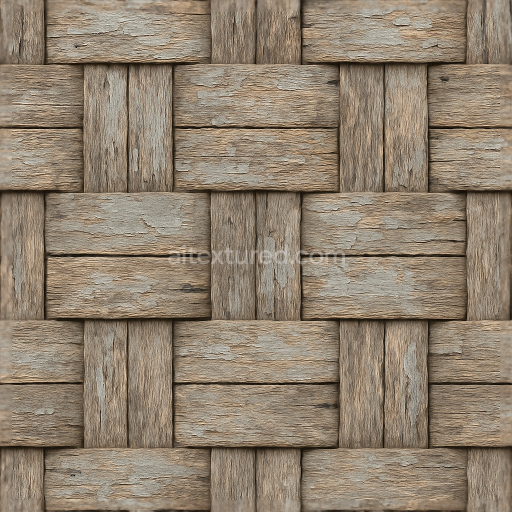
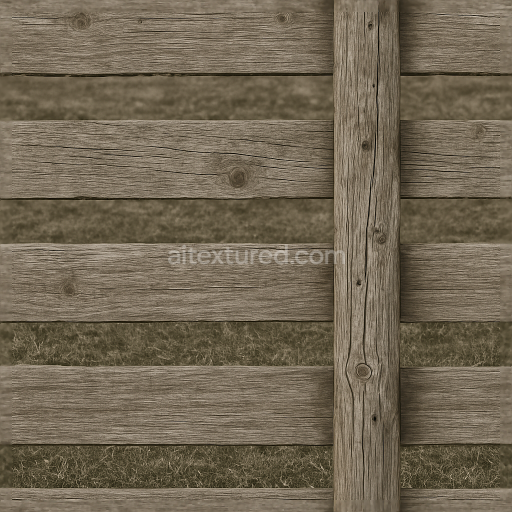
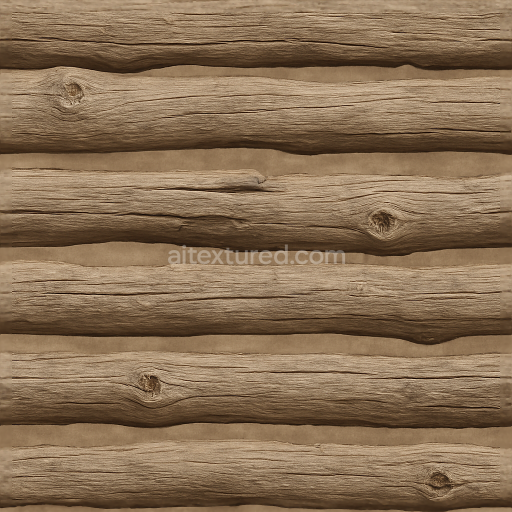
Woven Fence With Rough Wood And Weathered Paint Surfaces
Seamless texture (tileable) · PNG, WEBP, PBR ZIP.
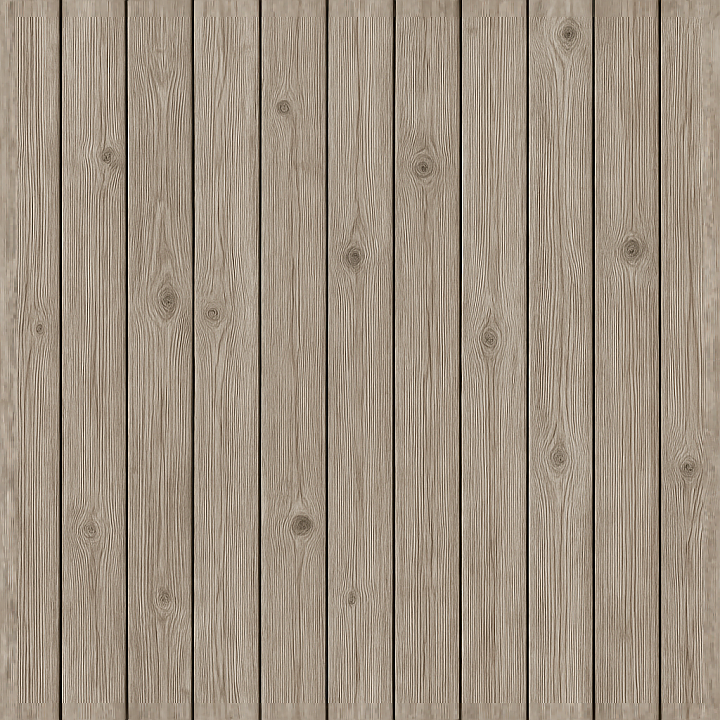
| ID | seamless-3d-texture-pbr-8k-vertical-slats-wooden-fence-with-sun-bleached-wood-and-fence-knots |
|---|---|
| Category | Fences |
| Formats | PNG, WEBP, PBR ZIP |
| Size | 1k (1024x1024px), 2k (2048x2048px), 4k (4096x4096px), 8k (8192x8192px) |
| Tileable | Yes |
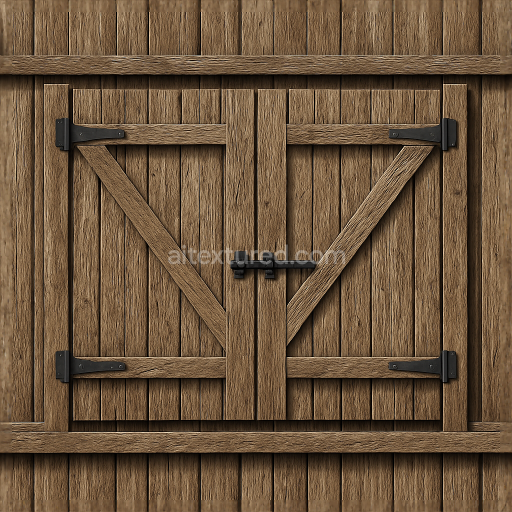
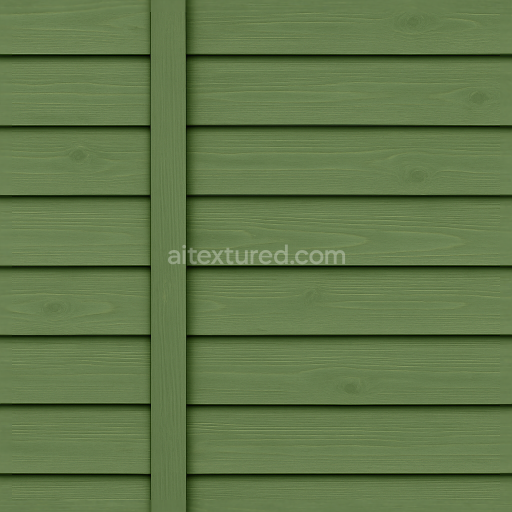
This seamless 3D texture depicts a wooden fence composed of vertical slats, crafted from sun-bleached timber that exhibits natural weathering effects. The base material consists of solid wood planks, characterized by a fibrous grain structure and visible fence knots that add organic detail. The surface reveals subtle cracks and fine fissures caused by prolonged UV exposure and natural drying, contributing to the aged appearance. The wood’s porosity is moderately pronounced, allowing for realistic absorption and diffusion of light, while the finish retains a matte, slightly roughened feel typical of outdoor untreated or minimally treated wood. The coloration is a soft, faded beige with hints of pale grey and off-white, reflecting the sun-bleached effect without artificial pigmentation.
In terms of physical composition, the texture captures the natural wood substrate with no additional binders or coatings visible, as the surface shows signs of weathering rather than protective varnishes or paints. The knots represent denser, resin-rich areas within the grain, producing localized variations in roughness and height. The pattern follows a regular vertical plank alignment, each slat uniform in width but organically irregular in grain and knot placement, creating a repetitive yet naturalistic rhythm. These geometric and material characteristics translate directly into the PBR maps: the BaseColor (Albedo) channel conveys the nuanced sun-bleached tones and subtle color shifts; the Normal map encodes the fine wood grain, knots, and surface cracks; Roughness captures the matte, weathered texture with slight variability; Metallic remains negligible, reflecting the non-metallic nature of wood; Ambient Occlusion enhances the depth around knots and plank edges; and Height/Displacement maps provide accurate surface relief for parallax or tessellation effects.
The texture is rendered at an impressive 8K resolution, ensuring exceptional detail for close-up inspection in 3D environments. Its seamless design enables flawless tiling across large surfaces without visible repetition, making it ideal for architectural visualization, game environments, or outdoor scene creation. Compatibility with Blender, Unreal Engine, and Unity is fully supported, allowing straightforward integration into various rendering workflows and real-time engines. The high resolution and comprehensive PBR channel set facilitate realistic lighting interactions, essential for photorealistic wood material simulation.
For optimal application, it is advisable to adjust the UV scale to maintain natural plank proportions relative to the scene context, preventing distortion of the vertical slat pattern. Additionally, fine-tuning the roughness map can simulate varying degrees of surface wear, from freshly bleached to more weathered states. When using height or parallax mapping, blending with the normal map enhances the perception of depth around knots and cracks without excessive geometry displacement, preserving performance while maximizing visual fidelity.
Import the texture maps into Blender with sRGB color space for albedo/base color and Non-Color for normal, roughness, metallic, AO, height, and ORM maps. Connect normal maps through a Normal Map node, then adjust UV scale with a Mapping node so the material repeats naturally on your model.
For the full step-by-step setup, see How to Use Seamless Textures in Blender. Browse related material examples in wood, concrete, and metal.
Yes. This texture is designed as a seamless tileable PBR material, so it can repeat across large surfaces without visible borders.
Use the download controls on this page: they expose the available PNG, WEBP or engine ZIP choices and supported resolutions for this asset.
Use the engine ZIP choices to package compatible source maps for Blender, Unreal Engine or Unity, then verify the imported material in the target application.
Commercial-use permission is not verified for this record. Confirm the original source and license before production use.
Generate maps from existing images, preview materials, convert channels, and package compatible inputs for Blender, Unity, and Unreal Engine.
Choose a verified workflow for generating maps, previewing tiling, converting channels, or starting from the texture catalog.
Derive Normal, Roughness, AO, Metallic, Height and optional ORM maps from one or more source images, then review the results.
Instant WebGL viewer: inspect materials on a sphere, plane, and cube. Check tiling and lighting in real time.
Re-packages maps per engine: Unreal (BaseColor + ORM), Unity (Mask/MetallicSmoothness), Blender (separate channels).
PNG ↔ JPG ↔ SVG: fast convert, SVG rasterize, embed/trace options, quality & background controls.