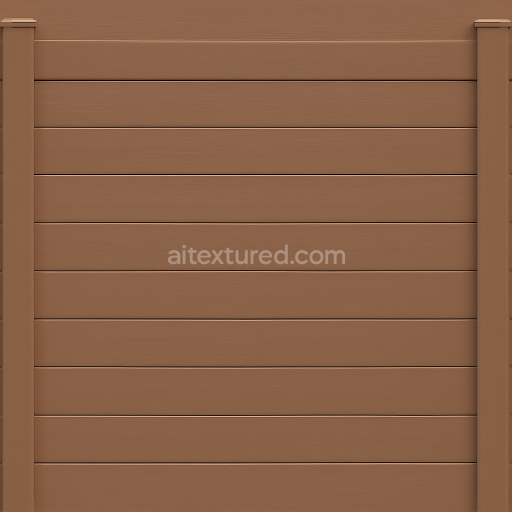
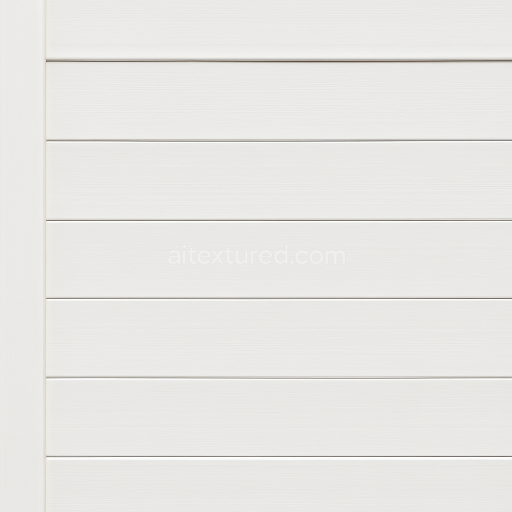
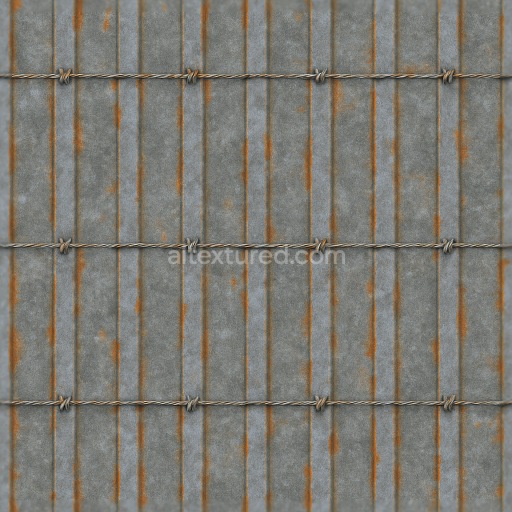
Seamless 8K 3D Texture PBR Vinyl Fence With Brown Fence Paint And Smooth Wood Grain Horiz…
Seamless texture (tileable) · PNG, WEBP, PBR ZIP.
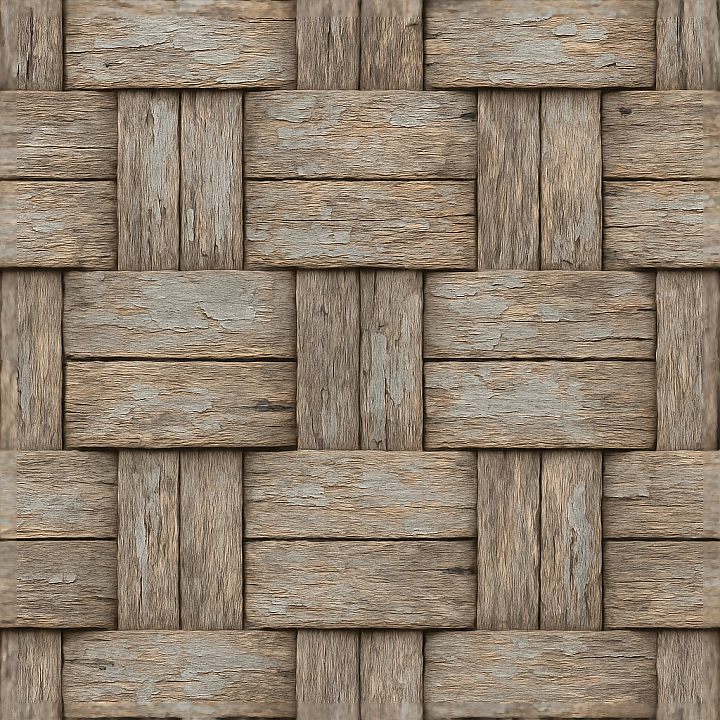
| ID | seamless-3d-texture-pbr-8k-woven-fence-with-rough-wood-and-weathered-paint-surfaces |
|---|---|
| Category | Fences |
| Formats | PNG, WEBP, PBR ZIP |
| Size | 1k (1024x1024px), 2k (2048x2048px), 4k (4096x4096px), 8k (8192x8192px) |
| Tileable | Yes |
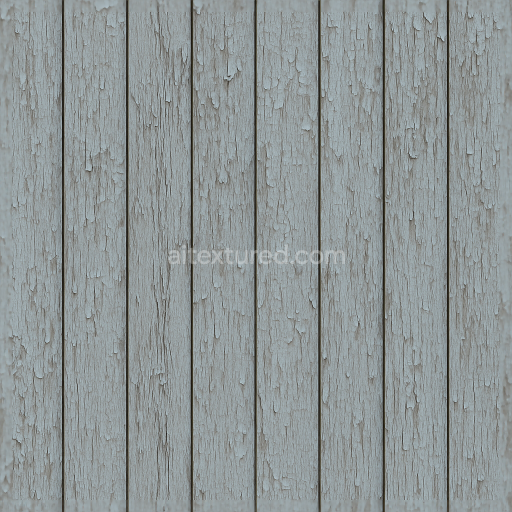
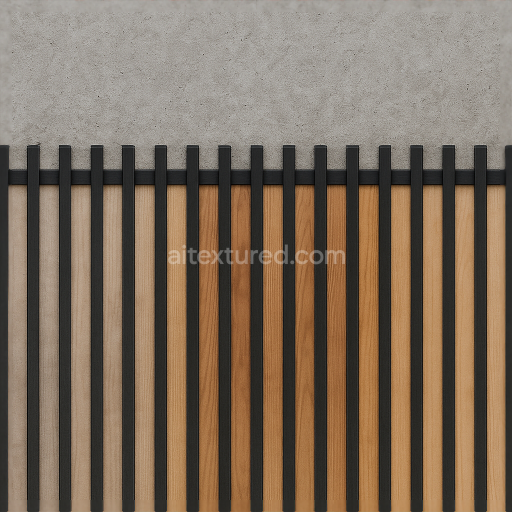
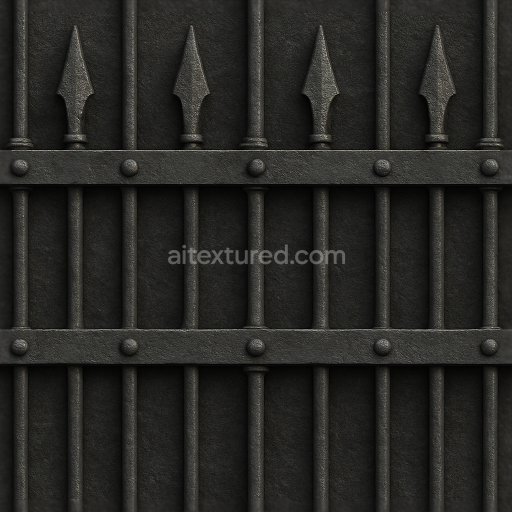
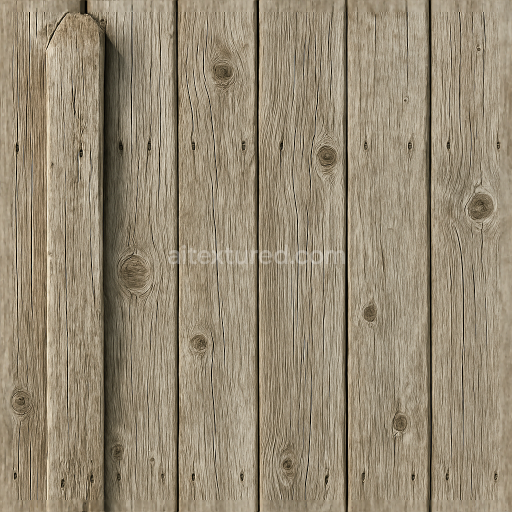
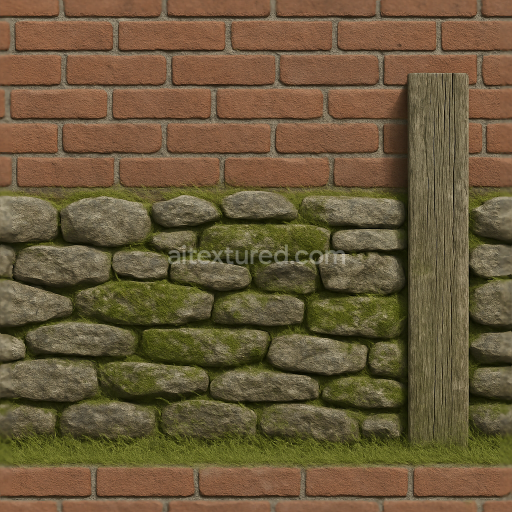
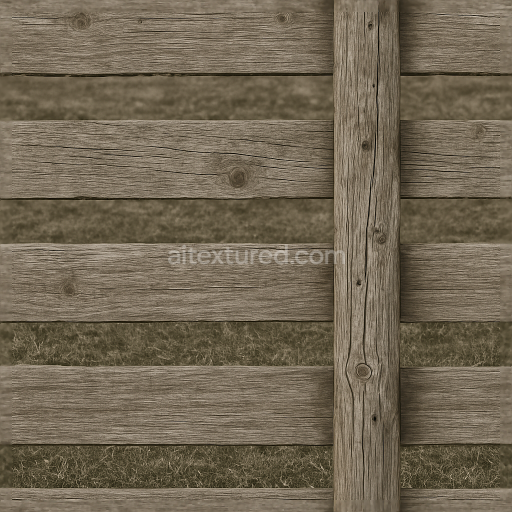
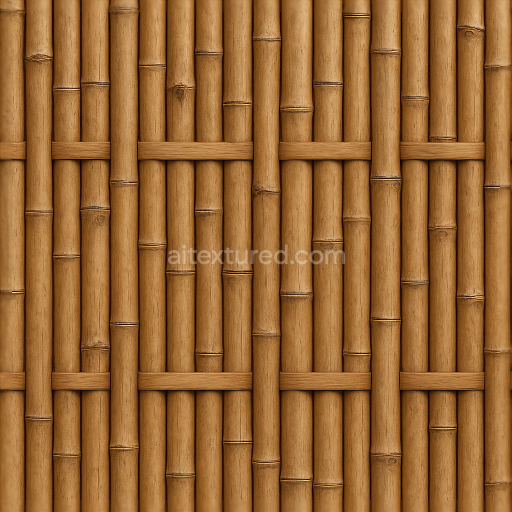
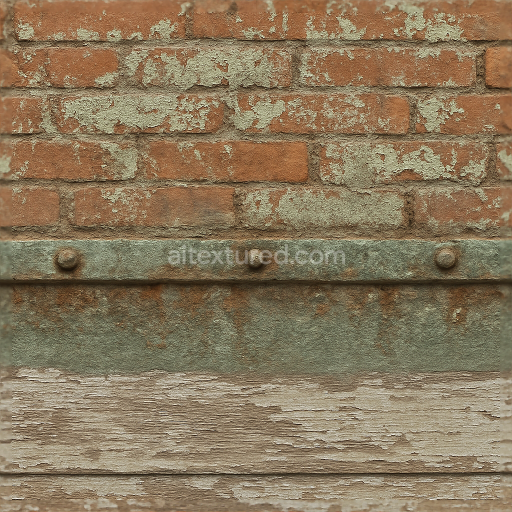
This seamless 3D texture presents a highly detailed woven fence constructed from rough wooden strips, characterized by weathered paint finishes and natural surface wear. The base material consists of aged wood planks, arranged in a tight interlaced pattern that simulates the traditional craftsmanship of woven fences. The wood grain is coarse and uneven, revealing the natural porosity and fibrous structure of the timber substrate. Over time, the painted surfaces have degraded, exhibiting peeling layers and faded pigments that add authenticity to the weathered appearance. The paint acts as a thin binder layer over the wood, with visible cracks and chips that expose the raw wood underneath, creating a complex interplay of color and texture.
The texture’s composition is carefully mapped to PBR channels to maximize realism and versatility in 3D applications. The BaseColor (Albedo) channel captures the nuanced interplay between the natural brown tones of rough wood and the muted, aged paint pigments, blending subtle discolorations and dirt accumulation. The Normal map emphasizes the intricate woven pattern and the roughness of the wood grain, including the raised edges of peeling paint and small surface imperfections such as splinters and cracks. Roughness values vary across the surface, with weathered paint areas showing higher roughness due to flaking and erosion, while some wood regions retain slightly smoother, less reflective qualities. The Metallic channel remains near zero, reflecting the organic, non-metallic nature of wood and paint. Ambient Occlusion enhances shadowed crevices within the weave, deepening the visual depth and enhancing contact shadows. Height or Displacement maps detail the relief of overlapping wooden strips and surface irregularities, crucial for adding tactile realism in close-up renders.
Rendered at an impressive 8K resolution, this texture ensures exceptional clarity and fine detail, suitable for high-fidelity environments in Blender, Unreal Engine, and Unity. Its seamless tiling capability allows for large-scale application without visible repetition, ideal for creating expansive garden fences, rustic boundaries, or aged architectural elements. The neutral lighting setup embedded in the texture maintains accurate color representation and surface detail, ensuring that artists can integrate the material into various lighting conditions without color shifts or loss of detail.
For practical use, it is advisable to carefully adjust the UV scale to maintain the natural proportion of the woven pattern, avoiding distortion that would break the realism. Additionally, fine-tuning the roughness map can help achieve the desired balance between aged matte paint and slightly polished wood, depending on the scene’s lighting environment. When working in engines that support parallax or displacement mapping, blending the height data with normal maps can significantly enhance the perception of depth and material complexity, especially in close-up shots or interactive applications.
Import the texture maps into Blender with sRGB color space for albedo/base color and Non-Color for normal, roughness, metallic, AO, height, and ORM maps. Connect normal maps through a Normal Map node, then adjust UV scale with a Mapping node so the material repeats naturally on your model.
For the full step-by-step setup, see How to Use Seamless Textures in Blender. Browse related material examples in wood, concrete, and metal.
Yes. This texture is designed as a seamless tileable PBR material, so it can repeat across large surfaces without visible borders.
Use the download controls on this page: they expose the available PNG, WEBP or engine ZIP choices and supported resolutions for this asset.
Use the engine ZIP choices to package compatible source maps for Blender, Unreal Engine or Unity, then verify the imported material in the target application.
Commercial-use permission is not verified for this record. Confirm the original source and license before production use.
Generate maps from existing images, preview materials, convert channels, and package compatible inputs for Blender, Unity, and Unreal Engine.
Choose a verified workflow for generating maps, previewing tiling, converting channels, or starting from the texture catalog.
Derive Normal, Roughness, AO, Metallic, Height and optional ORM maps from one or more source images, then review the results.
Instant WebGL viewer: inspect materials on a sphere, plane, and cube. Check tiling and lighting in real time.
Re-packages maps per engine: Unreal (BaseColor + ORM), Unity (Mask/MetallicSmoothness), Blender (separate channels).
PNG ↔ JPG ↔ SVG: fast convert, SVG rasterize, embed/trace options, quality & background controls.