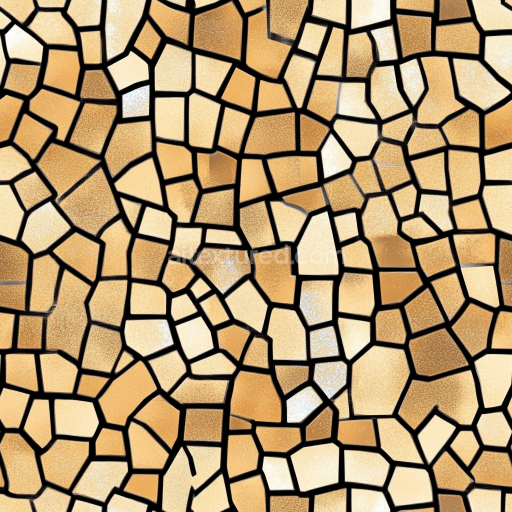
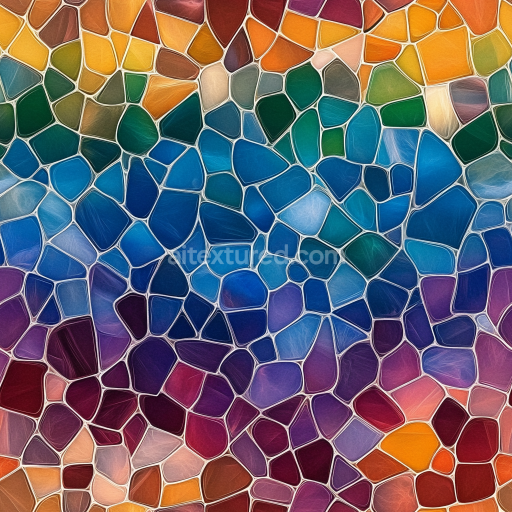
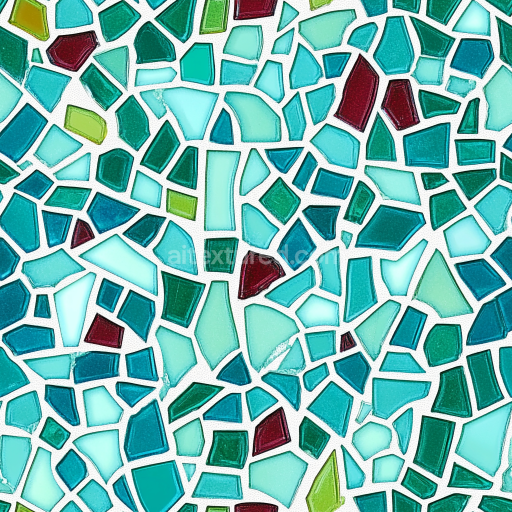
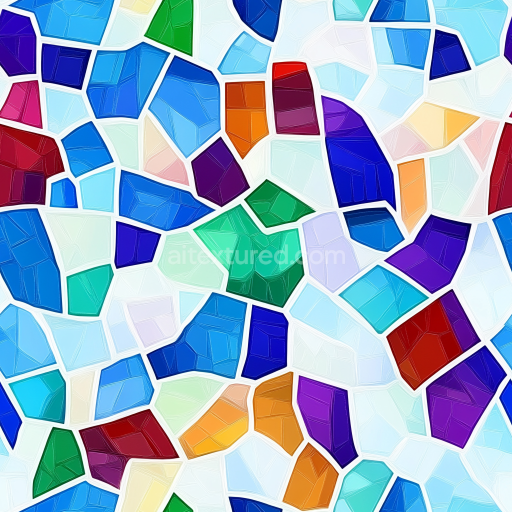
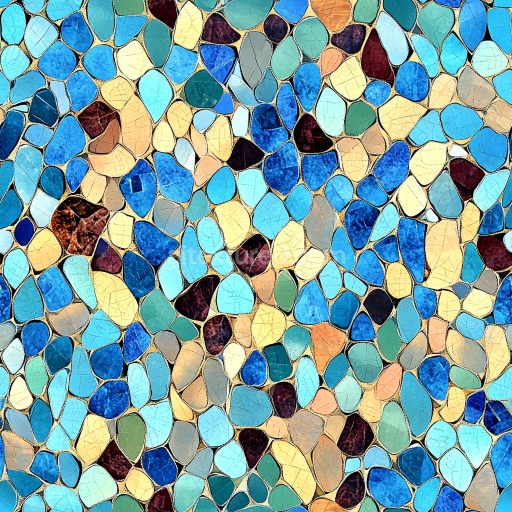
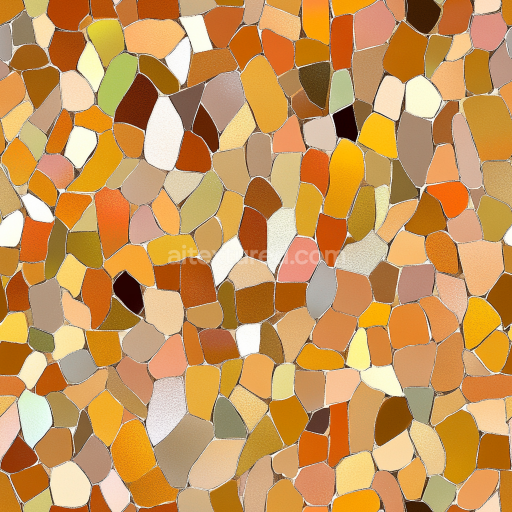
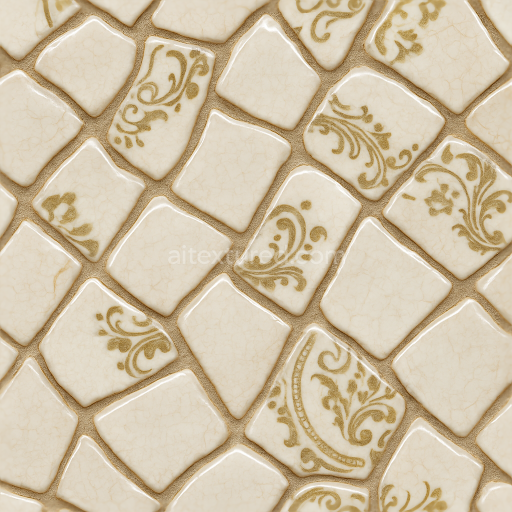
Mosaic Texture with Warm Beige Irregular Stone Chips
Seamless texture (tileable) · PNG, WEBP, PBR ZIP.
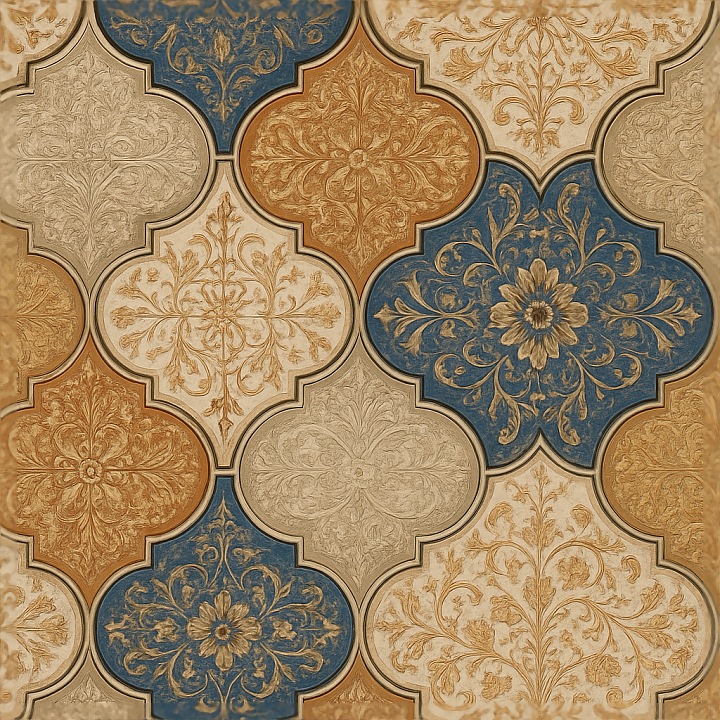
| ID | seamless-3d-texture-pbr-8k-arabesque-tiles-mosaic-with-ornamental-tiles-and-moroccan-style-influence |
|---|---|
| Category | Mosaic |
| Formats | PNG, WEBP, PBR ZIP |
| Size | 1k (1024x1024px), 2k (2048x2048px), 4k (4096x4096px), 8k (8192x8192px) |
| Tileable | Yes |
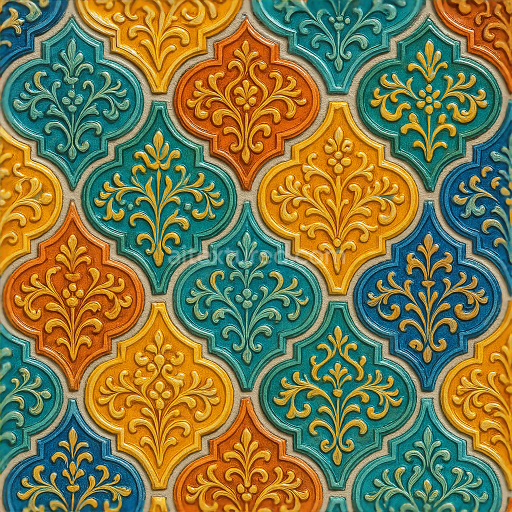
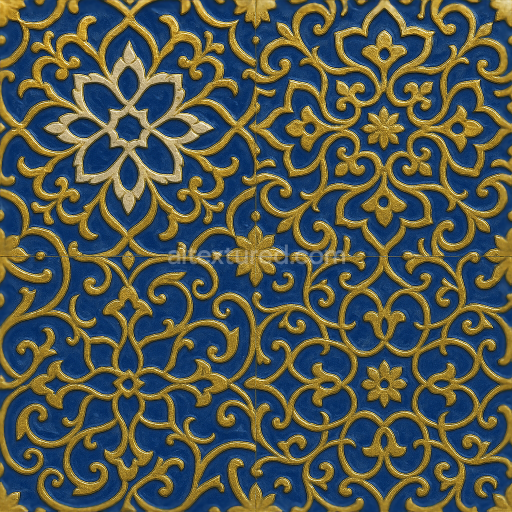
This seamless 3D texture presents a meticulously crafted arabesque tile mosaic, inspired by traditional Moroccan ornamental design. The pattern consists of interlocking geometric and floral motifs formed on square and star-shaped ceramic tiles arranged in a repetitive tessellation. The base material simulates glazed terracotta with a slightly porous ceramic substrate, reinforced by subtle clay inclusions that provide natural surface variance. The tiles exhibit a smooth, polished finish with faint irregularities that capture the artisanal craftsmanship typical of Mediterranean tilework. Between the tiles, narrow grout lines with a slightly weathered matte texture add realism and depth, reflecting subtle age and wear without compromising the overall integrity of the panel.
In terms of material composition, the texture emulates a traditional ceramic assembly where the tile bodies consist of high-fired clay mixed with fine mineral aggregates to ensure durability and dimensional stability. The surface glaze includes mineral-based pigments to deliver rich, saturated colors ranging from deep cobalt blues and earthy ochres to crisp whites, all harmonized within the arabesque pattern. The glaze also introduces slight surface reflectivity variations, captured in the roughness and metallic PBR maps. The grout areas use a cementitious binder blend with fine sand aggregates, exhibiting a matte, non-metallic finish that contrasts with the glossy tile surfaces.
Mapped to PBR channels, the BaseColor (Albedo) texture conveys the vibrant tile pigments and subtle grout discolorations, while the Normal map defines the raised arabesque relief and tile edges, enhancing the tactile dimension of the mosaic. The Roughness map differentiates the glazed, semi-glossy tile surfaces from the matte grout, allowing for nuanced light interaction. Metallic values remain near zero, appropriate for ceramic and mineral materials. The Ambient Occlusion map accentuates crevices within the tile borders and grout lines, adding shadow depth. Height/Displacement maps provide fine elevation data for realistic parallax effects and accurate surface contouring in 3D environments.
Rendered at a remarkable 8K resolution, this texture is optimized for high-fidelity visualization in Blender, Unreal Engine, and Unity, supporting seamless tiling without visible repetition. The intricate details remain crisp even at close inspection, making it suitable for architectural visualizations, cultural interiors, or game environments requiring authentic Moroccan style ornamentation. A practical tip for usage is to carefully adjust the UV scale to match real-world tile dimensions, ensuring the pattern’s proportions remain true. Additionally, fine-tuning roughness levels can help balance the glossiness between glazed tiles and grout, while blending height and normal maps can enhance the perceived depth without overwhelming the shader performance.
Import the texture maps into Blender with sRGB color space for albedo/base color and Non-Color for normal, roughness, metallic, AO, height, and ORM maps. Connect normal maps through a Normal Map node, then adjust UV scale with a Mapping node so the material repeats naturally on your model.
For the full step-by-step setup, see How to Use Seamless Textures in Blender. Browse related material examples in wood, concrete, and metal.
Yes. This texture is designed as a seamless tileable PBR material, so it can repeat across large surfaces without visible borders.
Use the download controls on this page: they expose the available PNG, WEBP or engine ZIP choices and supported resolutions for this asset.
Use the engine ZIP choices to package compatible source maps for Blender, Unreal Engine or Unity, then verify the imported material in the target application.
Commercial-use permission is not verified for this record. Confirm the original source and license before production use.
Generate maps from existing images, preview materials, convert channels, and package compatible inputs for Blender, Unity, and Unreal Engine.
Choose a verified workflow for generating maps, previewing tiling, converting channels, or starting from the texture catalog.
Derive Normal, Roughness, AO, Metallic, Height and optional ORM maps from one or more source images, then review the results.
Instant WebGL viewer: inspect materials on a sphere, plane, and cube. Check tiling and lighting in real time.
Re-packages maps per engine: Unreal (BaseColor + ORM), Unity (Mask/MetallicSmoothness), Blender (separate channels).
PNG ↔ JPG ↔ SVG: fast convert, SVG rasterize, embed/trace options, quality & background controls.