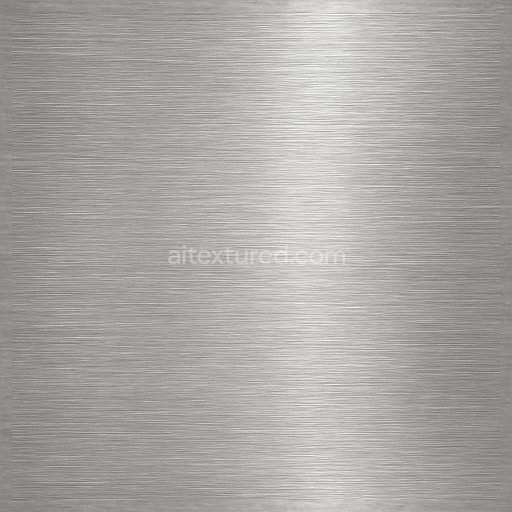
Seamless Shiny Metal 3D Texture PBR 8K Brushed Metal Surface With Metal Grooves And Metal…
Seamless texture (tileable) · PNG, WEBP, PBR ZIP.
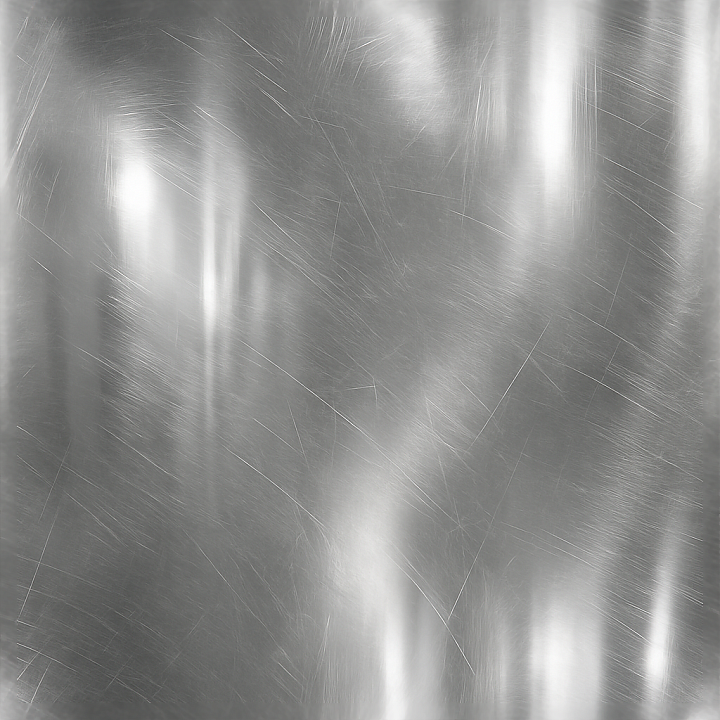
| ID | seamless-shiny-metal-3d-texture-pbr-8k-polished-chrome-surface-with-metal-reflections-and-metal-scratches |
|---|---|
| Category | Shiny metal |
| Formats | PNG, WEBP, PBR ZIP |
| Size | 1k (1024x1024px), 2k (2048x2048px), 4k (4096x4096px), 8k (8192x8192px) |
| Tileable | Yes |
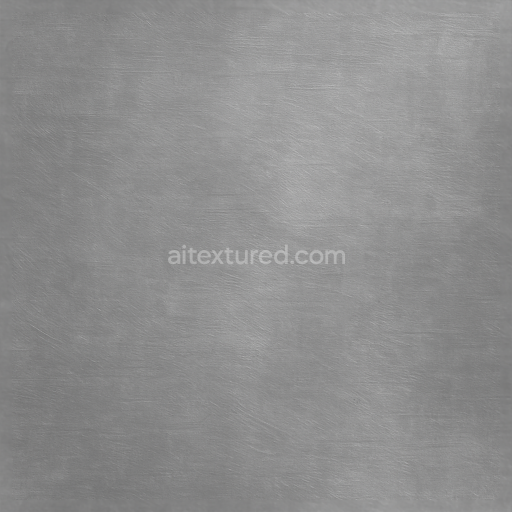
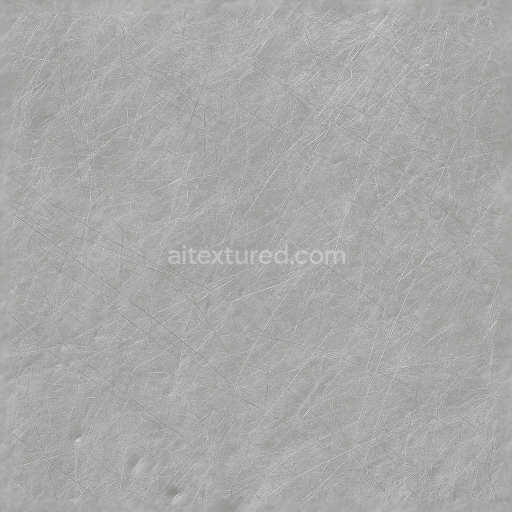
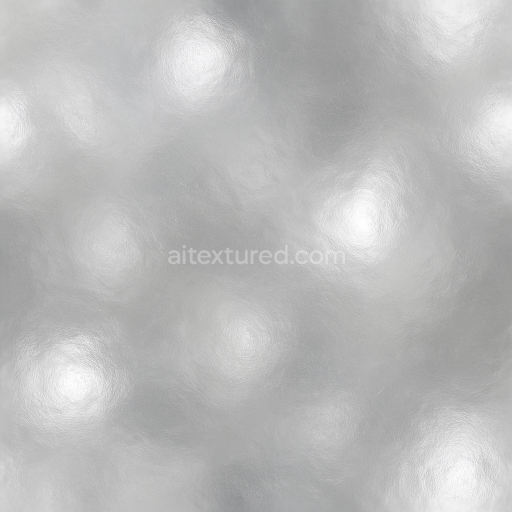
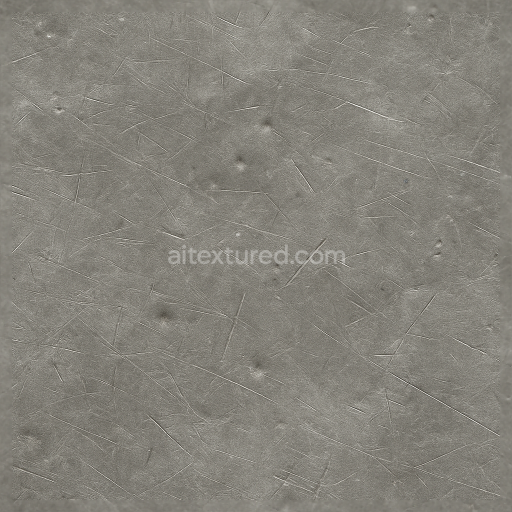
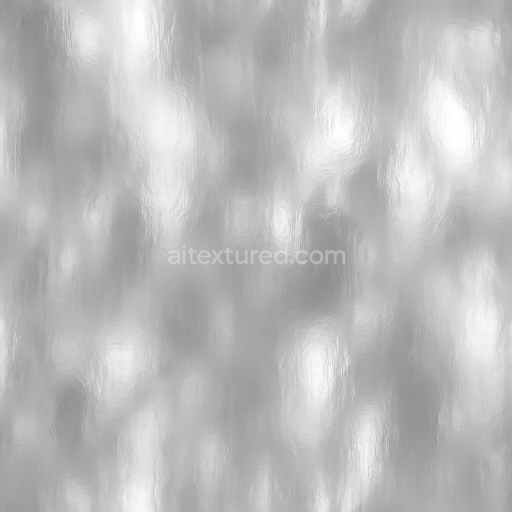
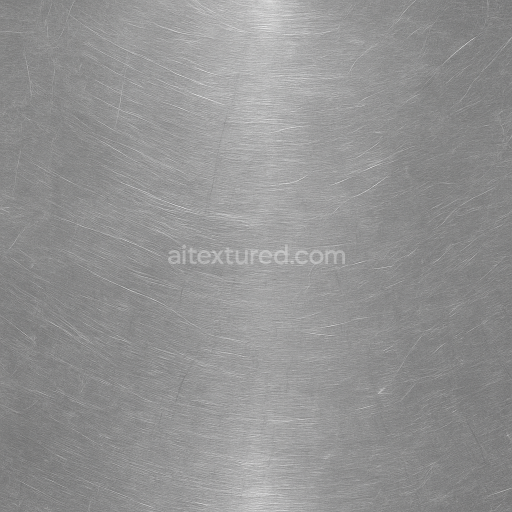
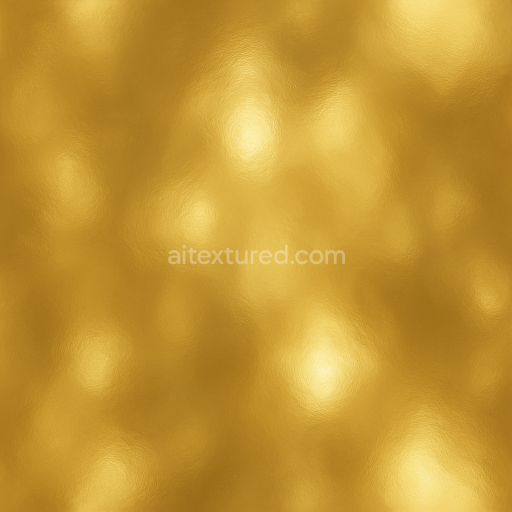
This seamless shiny metal texture showcases a highly polished chrome surface characterized by its smooth, reflective qualities and subtle wear patterns. The base material is a dense, high-purity chromium alloy, known for its exceptional hardness and corrosion resistance. The texture captures the metal’s inherent luster and mirror-like finish, achieved through a finely polished surface treatment that highlights natural metal shine and crisp metal highlights. Geometrically, the surface is predominantly flat and continuous, with faint linear scratches and micro-abrasions distributed irregularly to simulate realistic usage and handling, adding authenticity without disrupting the overall smoothness.
Compositionally, the texture represents a chrome-plated steel substrate, where the underlying steel provides structural rigidity while the chromium plating forms the visible, reflective outer layer. The substrate’s metallic nature is conveyed through the PBR Metallic map, set to emphasize the metal’s conductive properties, while the Roughness channel is finely tuned to near-zero values in polished areas, with slight increases corresponding to the delicate scratches and micro-texture that diffuse reflections subtly. The Normal map incorporates low-amplitude surface imperfections to simulate the shallow scratches and minute surface irregularities that contribute to the tactile feel. Ambient Occlusion enhances shadowing in micro-crevices, lending depth to the tiny abrasions without compromising the overall shine. The Height map is minimal but effective, providing subtle displacement for the scratches and minor surface undulations, reinforcing the 3D realism in close-up views.
Color-wise, the BaseColor (Albedo) map remains neutral and metallic, dominated by silvery gray tones characteristic of polished chrome, with no significant pigmentation or oxidation, maintaining the material’s clean and reflective identity. This absence of colorants or pigments aligns with the metal’s natural appearance, making it suitable for both industrial and futuristic applications. The texture’s surface finish is distinctly polished rather than brushed or oxidized, emphasizing gloss and clarity of reflections, which is crucial for projects requiring a sleek, high-tech metal aesthetic.
Rendered at an 8K resolution, this texture provides exceptional detail and sharpness, ensuring crisp surface nuances are preserved even under close inspection. It is fully optimized and ready for use in industry-standard 3D software such as Blender, Unreal Engine, and Unity, facilitating seamless integration into diverse workflows. For practical implementation, it is advisable to adjust the UV scale carefully to avoid visible repetition in larger surfaces, and to fine-tune the Roughness map to control the balance between reflective clarity and subtle surface wear. Additionally, blending the Height map with Normal details can enhance parallax effects, adding convincing depth to the metal scratches without increasing geometry complexity.
Import the texture maps into Blender with sRGB color space for albedo/base color and Non-Color for normal, roughness, metallic, AO, height, and ORM maps. Connect normal maps through a Normal Map node, then adjust UV scale with a Mapping node so the material repeats naturally on your model.
For the full step-by-step setup, see How to Use Seamless Textures in Blender. Browse related material examples in wood, concrete, and metal.
Yes. This texture is designed as a seamless tileable PBR material, so it can repeat across large surfaces without visible borders.
Use the download controls on this page: they expose the available PNG, WEBP or engine ZIP choices and supported resolutions for this asset.
Use the engine ZIP choices to package compatible source maps for Blender, Unreal Engine or Unity, then verify the imported material in the target application.
Commercial-use permission is not verified for this record. Confirm the original source and license before production use.
Generate maps from existing images, preview materials, convert channels, and package compatible inputs for Blender, Unity, and Unreal Engine.
Choose a verified workflow for generating maps, previewing tiling, converting channels, or starting from the texture catalog.
Derive Normal, Roughness, AO, Metallic, Height and optional ORM maps from one or more source images, then review the results.
Instant WebGL viewer: inspect materials on a sphere, plane, and cube. Check tiling and lighting in real time.
Re-packages maps per engine: Unreal (BaseColor + ORM), Unity (Mask/MetallicSmoothness), Blender (separate channels).
PNG ↔ JPG ↔ SVG: fast convert, SVG rasterize, embed/trace options, quality & background controls.