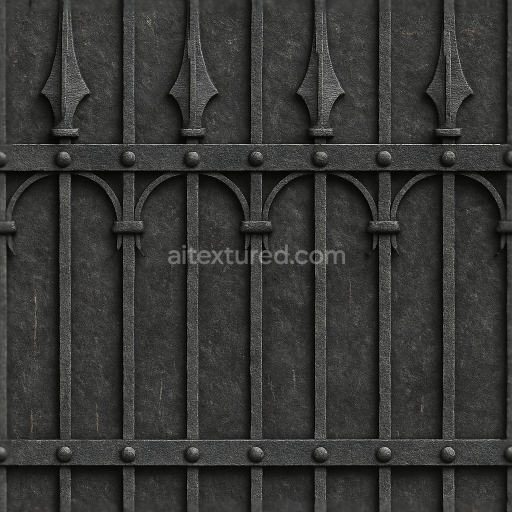
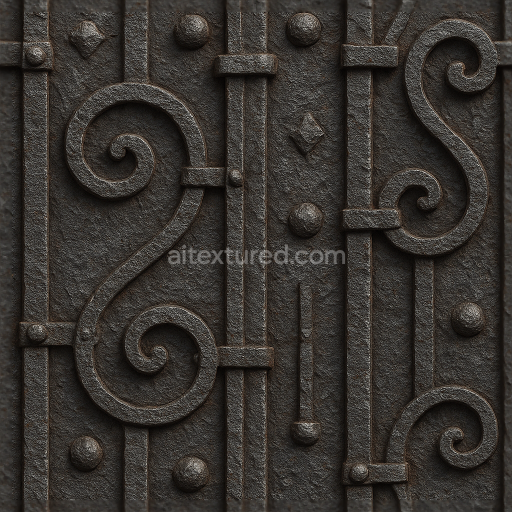
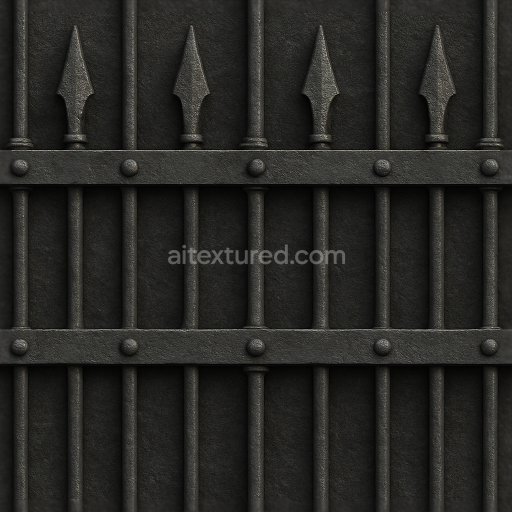
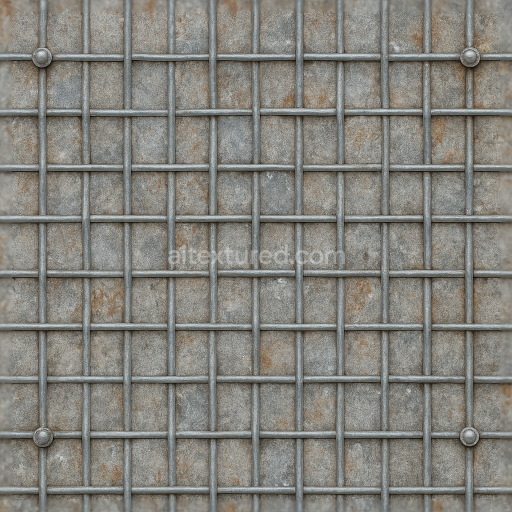
Seamless 8K 3D Texture PBR Wrought Iron Fence With Black Iron Spiked Fence And Decorative…
Seamless texture (tileable) · PNG, WEBP, PBR ZIP.
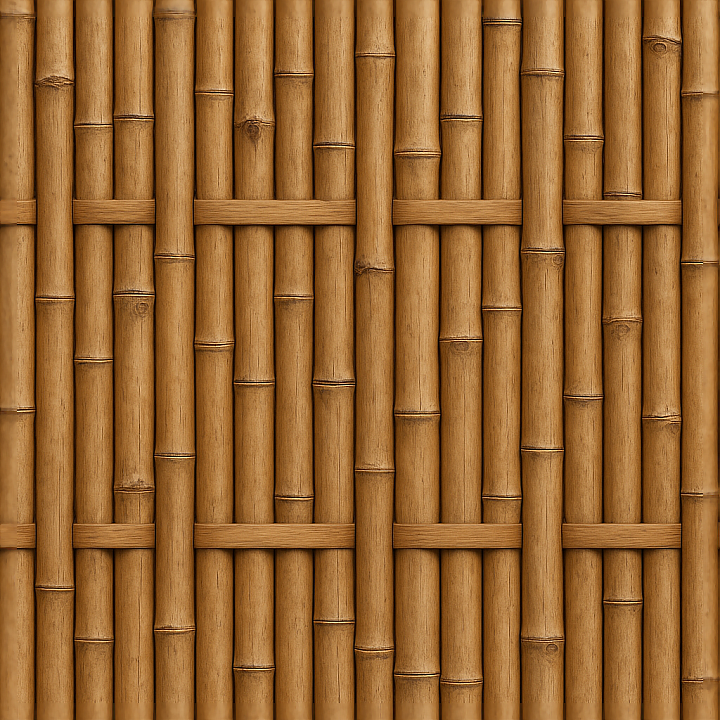
| ID | seamless-3d-texture-pbr-8k-bamboo-fence-with-natural-wood-knots-and-smooth-wood-surface |
|---|---|
| Category | Fences |
| Formats | PNG, WEBP, PBR ZIP |
| Size | 1k (1024x1024px), 2k (2048x2048px), 4k (4096x4096px), 8k (8192x8192px) |
| Tileable | Yes |
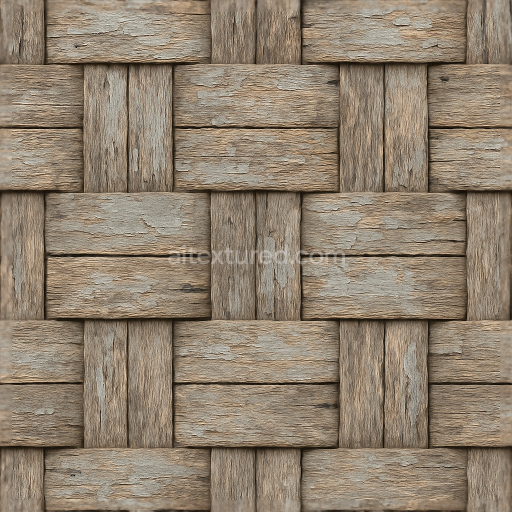
This seamless 3D texture represents a high-resolution 8K photorealistic depiction of a bamboo fence constructed from slender bamboo poles arranged vertically and bound together in a traditional woven pattern. The material composition primarily consists of natural bamboo wood, known for its characteristic cylindrical form and segmented nodes that create subtle ridges along each pole. These nodes, or natural knots, are integral to the bamboo’s growth structure and are captured here with fine detail, revealing both the smooth, polished surface of the mature bamboo and the slightly rougher, fibrous texture around the knots. The cylindrical elements are tightly aligned, forming a continuous wooden fence that balances organic irregularities with a uniform, repetitive geometric pattern ideal for seamless tiling.
The texture’s substrate is the solid bamboo wood itself, exhibiting a dense fiber structure with minimal porosity, which contributes to the smooth tactile quality of the surface. The finish simulates a lightly polished appearance, reflecting gentle highlights that suggest a weathered, natural patina without glossiness or artificial coating. Color variations range from warm honey tones to muted beige and subtle greenish undertones near the nodes, achieved through natural pigmentation in the bamboo fiber. The intricate grain patterns and small fissures are emphasized in the Normal and Height maps to enhance the perception of depth and curvature, while the Roughness channel maintains a balanced matte surface with nuanced variations around the knots for realistic light scattering. This texture contains no metallic elements, thus the Metallic map stays at zero, reinforcing its organic wooden nature. Ambient Occlusion is carefully baked to accentuate the shadowing between the poles and within the knots, enhancing dimensionality in 3D environments.
Designed for advanced photorealistic workflows, this PBR texture is fully compatible with Blender, Unreal Engine, and Unity, supporting physically accurate rendering pipelines. The 8K resolution ensures exceptional detail, allowing close-up views without pixelation or loss of texture fidelity. The seamless nature of the texture allows for easy tiling across large surfaces without visible borders, making it ideal for architectural visualizations, game environments, or natural scene compositions requiring authentic bamboo fencing materials.
For optimal integration, it is recommended to carefully adjust the UV scale to maintain realistic proportions relative to the scene’s scale, preventing distortion of the bamboo poles. Additionally, fine-tuning the Roughness map can help simulate different weathering conditions—from freshly installed smooth bamboo to more aged, matte finishes. Employing a subtle blend of Height and Normal maps can further enhance the perceived depth of the nodes and surface irregularities, adding to the tactile realism of the fence texture in your 3D projects.
Import the texture maps into Blender with sRGB color space for albedo/base color and Non-Color for normal, roughness, metallic, AO, height, and ORM maps. Connect normal maps through a Normal Map node, then adjust UV scale with a Mapping node so the material repeats naturally on your model.
For the full step-by-step setup, see How to Use Seamless Textures in Blender. Browse related material examples in wood, concrete, and metal.
Yes. This texture is designed as a seamless tileable PBR material, so it can repeat across large surfaces without visible borders.
Use the download controls on this page: they expose the available PNG, WEBP or engine ZIP choices and supported resolutions for this asset.
Use the engine ZIP choices to package compatible source maps for Blender, Unreal Engine or Unity, then verify the imported material in the target application.
Commercial-use permission is not verified for this record. Confirm the original source and license before production use.
Generate maps from existing images, preview materials, convert channels, and package compatible inputs for Blender, Unity, and Unreal Engine.
Choose a verified workflow for generating maps, previewing tiling, converting channels, or starting from the texture catalog.
Derive Normal, Roughness, AO, Metallic, Height and optional ORM maps from one or more source images, then review the results.
Instant WebGL viewer: inspect materials on a sphere, plane, and cube. Check tiling and lighting in real time.
Re-packages maps per engine: Unreal (BaseColor + ORM), Unity (Mask/MetallicSmoothness), Blender (separate channels).
PNG ↔ JPG ↔ SVG: fast convert, SVG rasterize, embed/trace options, quality & background controls.