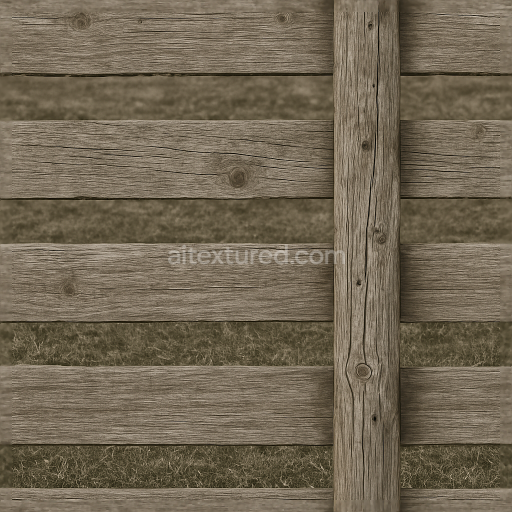
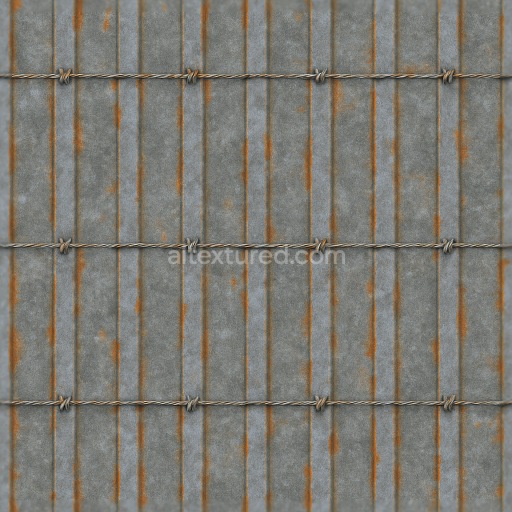
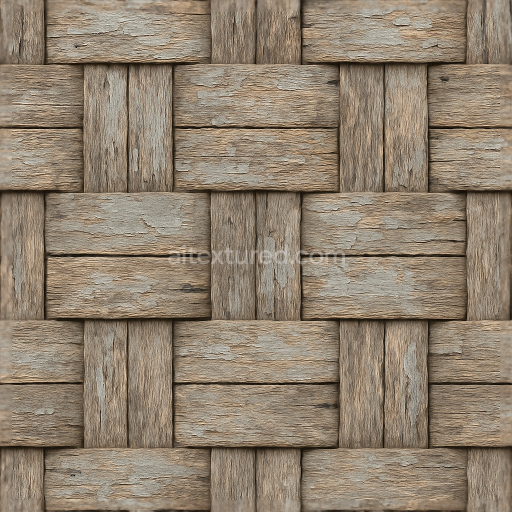
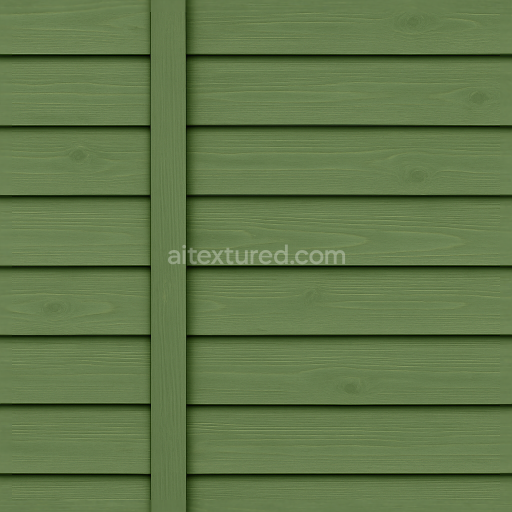
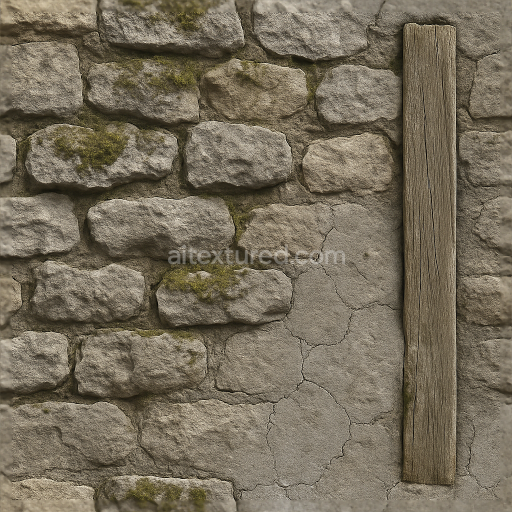
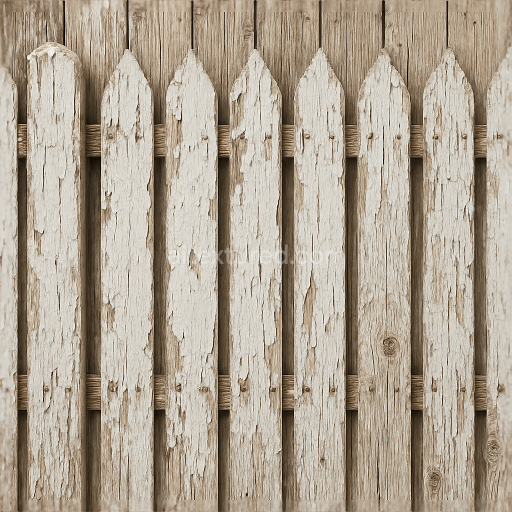
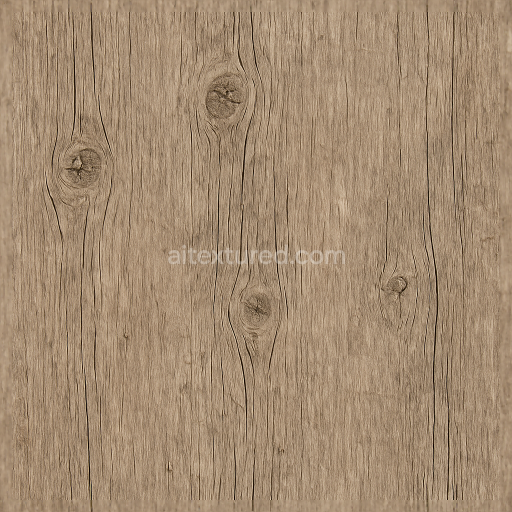
Farm Fence With Rough Wood And Fence Posts Showing Nail Holes
Seamless texture (tileable) · PNG, WEBP, PBR ZIP.
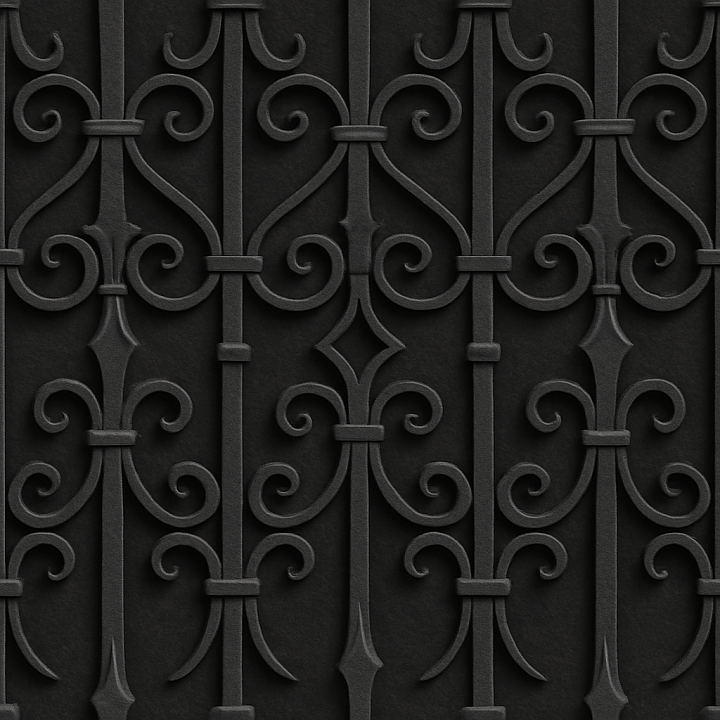
| ID | seamless-3d-texture-pbr-8k-decorative-iron-fence-with-ornate-iron-details-and-black-iron-finish |
|---|---|
| Category | Fences |
| Formats | PNG, WEBP, PBR ZIP |
| Size | 1k (1024x1024px), 2k (2048x2048px), 4k (4096x4096px), 8k (8192x8192px) |
| Tileable | Yes |
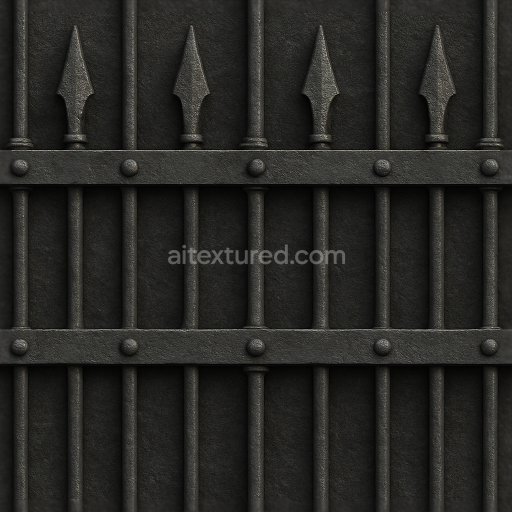
This seamless 3D texture features a finely detailed decorative iron fence rendered in photorealistic 8K resolution with PBR (Physically Based Rendering) accuracy. The material simulates wrought iron, characterized by its dense metallic substrate composed primarily of iron alloy with subtle traces of carbon and other elements that provide strength and durability. The fence’s geometric form consists of repeating ornate patterns—scrolls, curls, and floral motifs—meticulously sculpted to replicate traditional ironwork craftsmanship. These elements create a complex, interwoven lattice that lends both elegance and structural integrity to the fence, with consistent tiling that ensures a flawless continuation across large surfaces.
The surface finish emulates a classic black iron coating, achieved through a combination of oxidation-resistant paint and a slightly textured matte finish. This black iron layer incorporates pigment particles that provide a deep, uniform coloration while allowing minute variations in tone and surface roughness to emerge, capturing realistic wear and subtle imperfections such as chipped paint and minor corrosion spots. The texture maps include a high-resolution BaseColor channel with nuanced dark greys and blacks, a Normal map detailing the intricate raised iron filigree and subtle dents, and a Roughness map that balances polished smooth areas with rougher, weathered patches. The Metallic channel is set to reflect the true metal nature of iron, contributing to accurate light reflections and highlights, while the Ambient Occlusion and Height maps enhance depth perception and shadowing, reinforcing the 3D effect essential for close-up and wide-angle views.
Attention to material composition is evident in the simulation of micro-surface variations: the iron substrate shows faint grain and micro-abrasions typical of forged metal, while the paint finish includes slight porosity and unevenness to replicate environmental exposure over time. These details are carefully encoded into the texture’s PBR channels, enabling realistic interaction with light sources in rendering engines. The Height/Displacement map effectively accentuates the ornate relief patterns, allowing for convincing parallax effects or tessellation when used in supported engines.
Designed for seamless tiling, this texture is optimized for use in Blender, Unreal Engine, and Unity, supporting high-fidelity architectural visualizations, heritage site reconstructions, or detailed environment props. For practical application, it is recommended to adjust the UV scale to maintain the balance between pattern repetition and detail clarity, especially on close-range camera shots. Additionally, fine-tuning the Roughness map can help modulate the perceived weathering level, while blending the Height and Normal maps can enhance surface depth without compromising rendering performance.
Import the texture maps into Blender with sRGB color space for albedo/base color and Non-Color for normal, roughness, metallic, AO, height, and ORM maps. Connect normal maps through a Normal Map node, then adjust UV scale with a Mapping node so the material repeats naturally on your model.
For the full step-by-step setup, see How to Use Seamless Textures in Blender. Browse related material examples in wood, concrete, and metal.
Yes. This texture is designed as a seamless tileable PBR material, so it can repeat across large surfaces without visible borders.
Use the download controls on this page: they expose the available PNG, WEBP or engine ZIP choices and supported resolutions for this asset.
Use the engine ZIP choices to package compatible source maps for Blender, Unreal Engine or Unity, then verify the imported material in the target application.
Commercial-use permission is not verified for this record. Confirm the original source and license before production use.
Generate maps from existing images, preview materials, convert channels, and package compatible inputs for Blender, Unity, and Unreal Engine.
Choose a verified workflow for generating maps, previewing tiling, converting channels, or starting from the texture catalog.
Derive Normal, Roughness, AO, Metallic, Height and optional ORM maps from one or more source images, then review the results.
Instant WebGL viewer: inspect materials on a sphere, plane, and cube. Check tiling and lighting in real time.
Re-packages maps per engine: Unreal (BaseColor + ORM), Unity (Mask/MetallicSmoothness), Blender (separate channels).
PNG ↔ JPG ↔ SVG: fast convert, SVG rasterize, embed/trace options, quality & background controls.