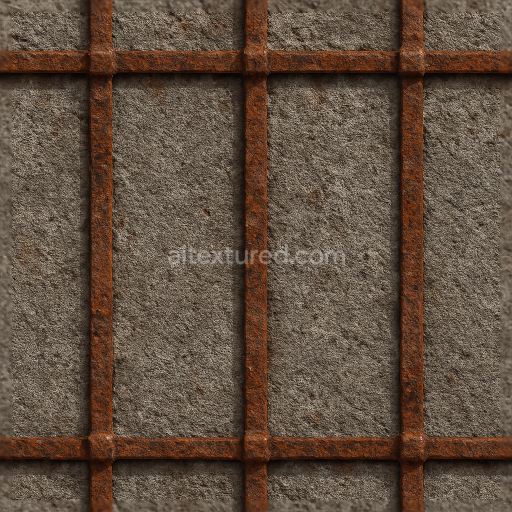
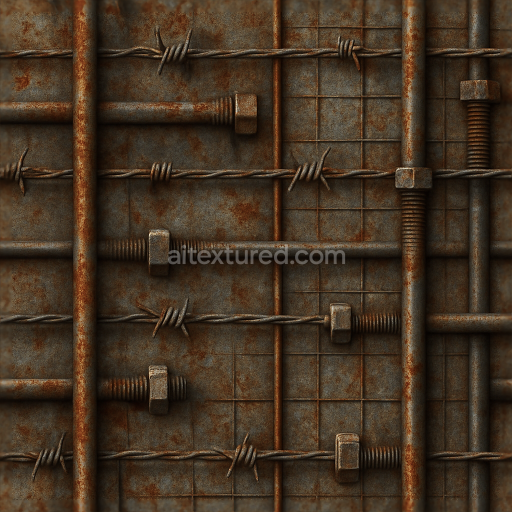
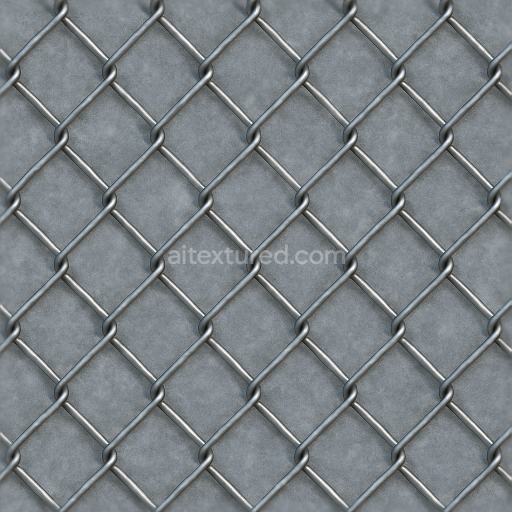
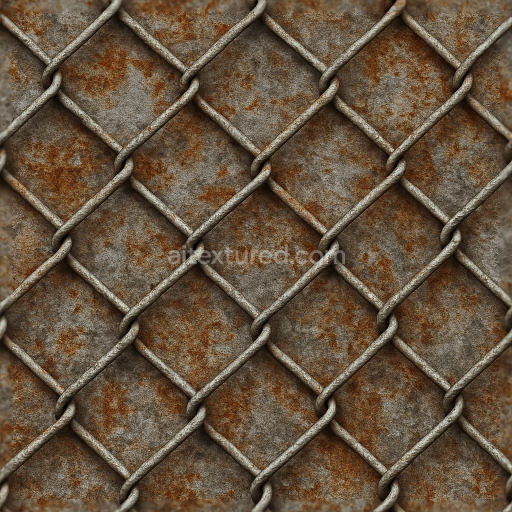
Rusty Metal Fence With Metal Rust And Rough Concrete Base
Seamless texture (tileable) · PNG, WEBP, PBR ZIP.
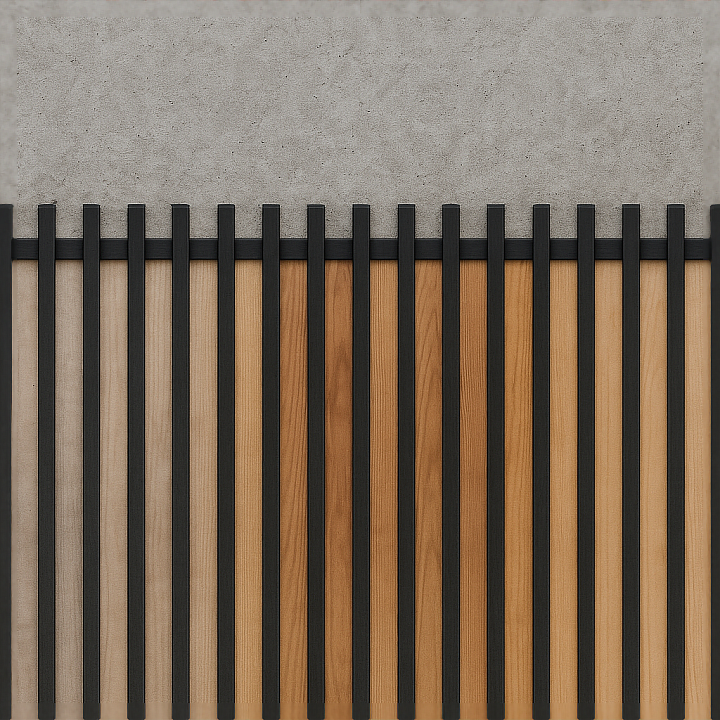
| ID | seamless-8k-3d-texture-pbr-concrete-wall-fence-with-black-fence-shadow-and-smooth-painted-surfaces |
|---|---|
| Category | Fences |
| Formats | PNG, WEBP, PBR ZIP |
| Size | 1k (1024x1024px), 2k (2048x2048px), 4k (4096x4096px), 8k (8192x8192px) |
| Tileable | Yes |
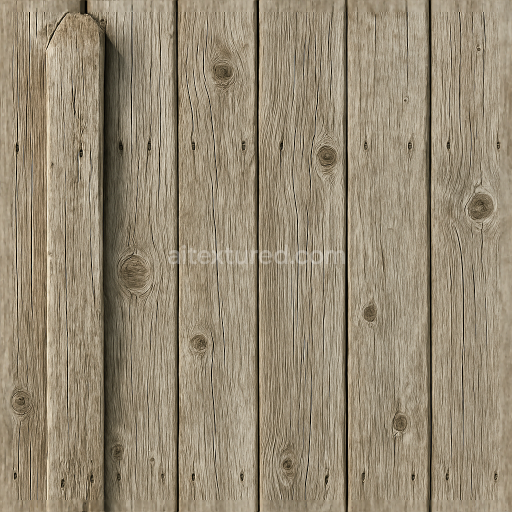
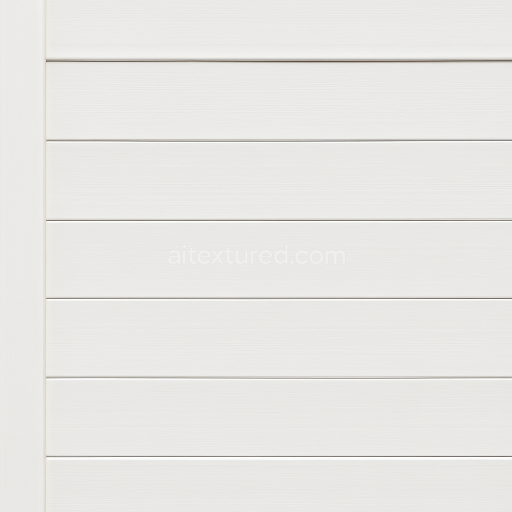
This seamless 8K PBR 3D texture represents a concrete wall fence combined with a black metal fence shadow gracefully cast over smooth painted wood planks. The concrete substrate is composed primarily of cement binder mixed with fine aggregates such as sand and small gravel, creating a dense yet subtly porous surface. Minor weathering is visible through faint micro-cracks and slight discoloration, indicative of natural exposure to elements. The concrete surface is finished with a smooth, brushed texture that diffuses light softly, enhanced in the PBR setup by a moderate roughness map and detailed normal mapping to highlight subtle imperfections and fine grain. The BaseColor channel captures the neutral gray tones of the concrete, while the Ambient Occlusion map accentuates crevices and shadowed areas, adding depth and realism to the wall’s form.
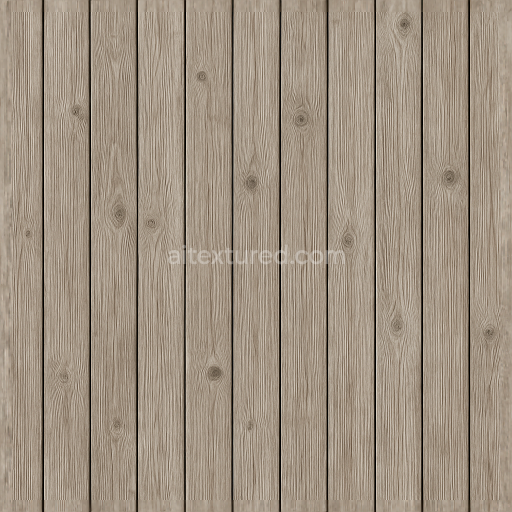
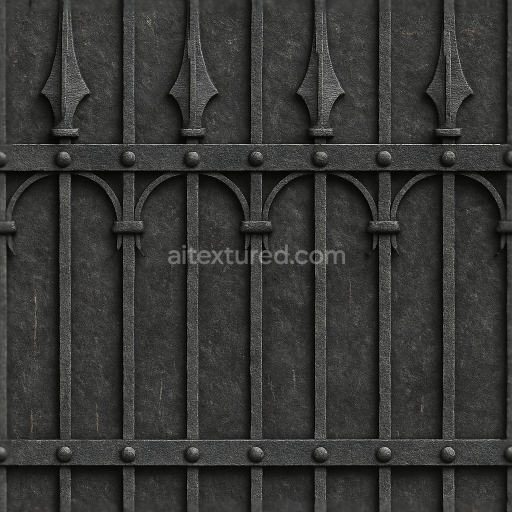
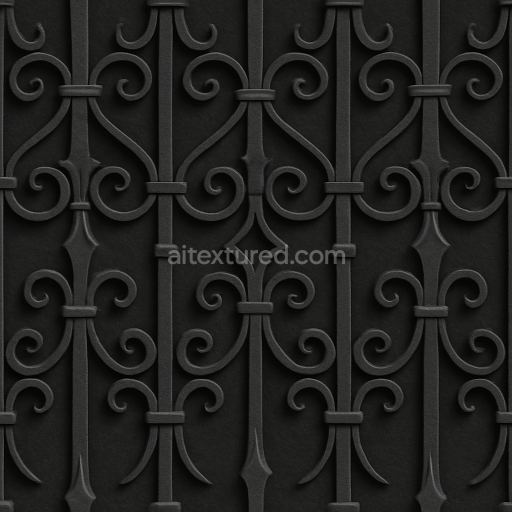
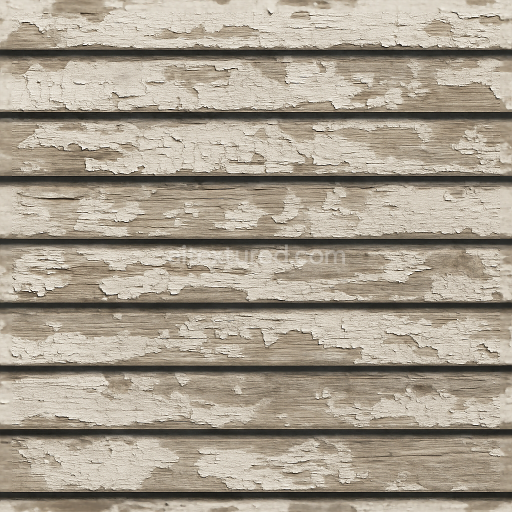
The black fence shadow overlays the scene as a sharp contrast element, simulating a matte black painted metal fence. This metal surface is non-reflective, with a low metallic channel value and a medium roughness to replicate a powder-coated finish. The shadow itself is baked into the albedo and ambient occlusion maps to enhance dimensionality without introducing actual geometry, which optimizes rendering efficiency. Adjacent to the concrete, the smooth painted wood consists of horizontal planks exhibiting a clean, uniform coating with subtle grain details visible beneath the paint. The wood material is a composite of cellulose fibers bound by natural resins and treated with synthetic paint pigments, providing UV resistance and weatherproofing. The smooth wood planks show minimal porosity, reflected in low height map variation and a consistent roughness profile to mimic a fresh, dry finish.
Additional visual complexity arises from the interplay of wet and dry wood textures subtly blended together, suggesting areas of recent moisture absorption that slightly darken the wood tone and shift the roughness to a glossier finish. This variation is carefully represented in the roughness and height maps, allowing dynamic responses to lighting in 3D engines. The texture’s seamless tiling capability supports large surface coverage without visible repetition, making it ideal for architectural visualization in platforms such as Blender, Unreal Engine, and Unity. The 8K resolution ensures high fidelity and fine detail retention at close camera distances, essential for photorealistic fence renderings in modern urban or residential environments.
For practical use, it is advisable to adjust UV scale appropriately to maintain the realistic proportions of the wood planks and concrete panels. When fine-tuning roughness, consider blending the normal and height maps carefully to balance surface detail with smoothness, especially around the painted wood edges where the fence shadow intersects. This approach preserves visual coherence and enhances the tactile quality of the materials under varying lighting conditions.
Import the texture maps into Blender with sRGB color space for albedo/base color and Non-Color for normal, roughness, metallic, AO, height, and ORM maps. Connect normal maps through a Normal Map node, then adjust UV scale with a Mapping node so the material repeats naturally on your model.
For the full step-by-step setup, see How to Use Seamless Textures in Blender. Browse related material examples in wood, concrete, and metal.
Yes. This texture is designed as a seamless tileable PBR material, so it can repeat across large surfaces without visible borders.
Use the download controls on this page: they expose the available PNG, WEBP or engine ZIP choices and supported resolutions for this asset.
Use the engine ZIP choices to package compatible source maps for Blender, Unreal Engine or Unity, then verify the imported material in the target application.
Commercial-use permission is not verified for this record. Confirm the original source and license before production use.
Generate maps from existing images, preview materials, convert channels, and package compatible inputs for Blender, Unity, and Unreal Engine.
Choose a verified workflow for generating maps, previewing tiling, converting channels, or starting from the texture catalog.
Derive Normal, Roughness, AO, Metallic, Height and optional ORM maps from one or more source images, then review the results.
Instant WebGL viewer: inspect materials on a sphere, plane, and cube. Check tiling and lighting in real time.
Re-packages maps per engine: Unreal (BaseColor + ORM), Unity (Mask/MetallicSmoothness), Blender (separate channels).
PNG ↔ JPG ↔ SVG: fast convert, SVG rasterize, embed/trace options, quality & background controls.