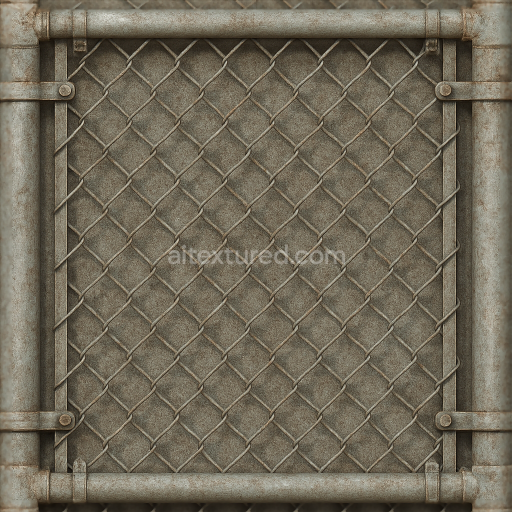
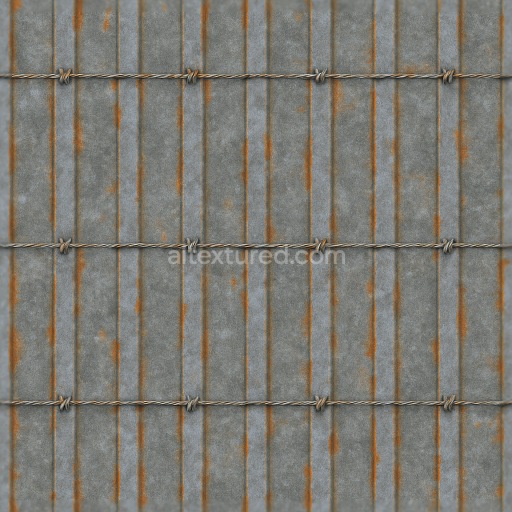
Seamless 8K 3D Texture PBR Chain Link Gate With Galvanized Metal And Wire Mesh Corroded M…
Seamless texture (tileable) · PNG, WEBP, PBR ZIP.
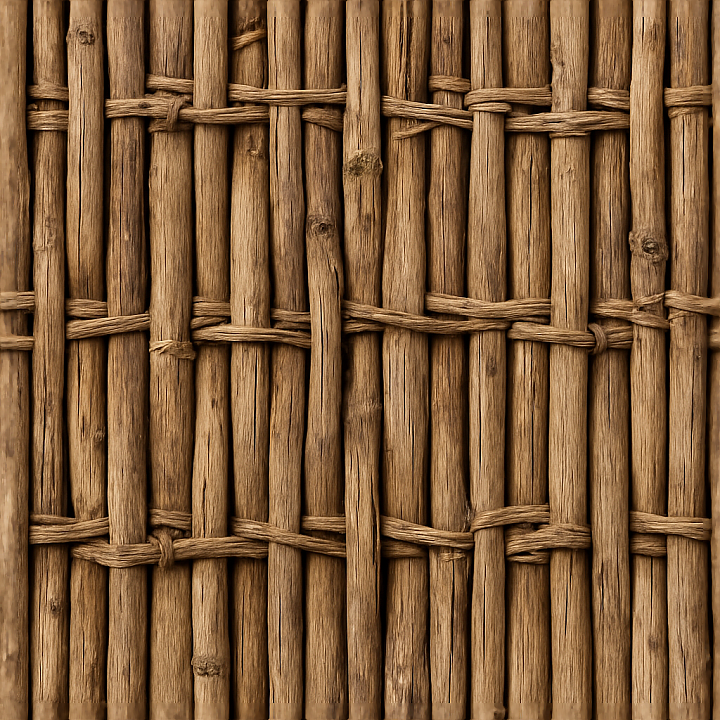
| ID | seamless-8k-3d-texture-pbr-bamboo-fence-with-woven-wood-pattern-and-natural-knots-in-dry-wood-finish |
|---|---|
| Category | Fences |
| Formats | PNG, WEBP, PBR ZIP |
| Size | 1k (1024x1024px), 2k (2048x2048px), 4k (4096x4096px), 8k (8192x8192px) |
| Tileable | Yes |
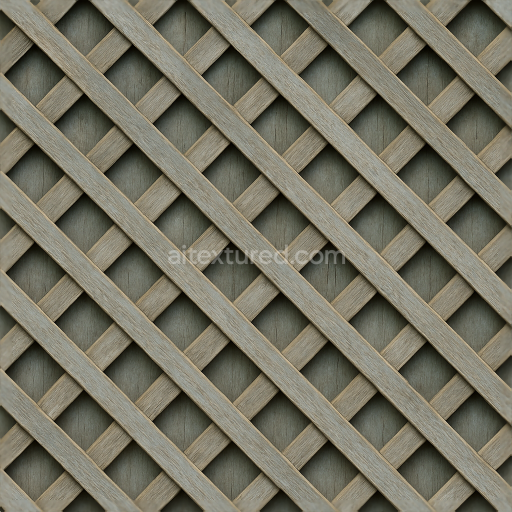
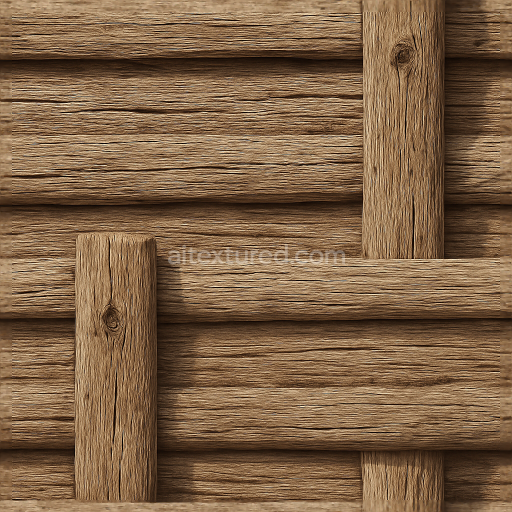
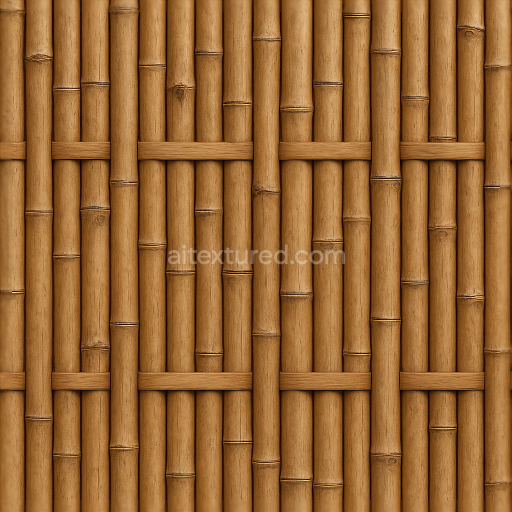
This seamless 8K PBR 3D texture represents a bamboo fence composed of intricately woven wooden strips, showcasing a natural and organic geometric pattern characteristic of traditional bamboo fencing. The base material is primarily dry bamboo wood, exhibiting a rough and fibrous surface punctuated by natural knots and occasional splinters. These knots and imperfections create subtle relief and depth, accentuated by the aged, sunlit finish that highlights the weathered qualities of the material. The woven form interlaces slender bamboo slats horizontally and vertically, forming a tight lattice that enhances the texture’s dimensional complexity and visual interest.
The composition of this texture reflects the inherent properties of bamboo as a natural composite material. The primary substrate consists of densely packed bamboo fibers bound together by lignin and natural resins, which act as organic adhesives within the wood’s cellular structure. The surface displays moderate porosity due to drying and exposure to environmental elements, allowing for fine cracks and rough grain details to emerge. The finish is unpolished and matte, emphasizing the dry, sun-bleached coloration ranging from pale beige to muted golden tones. These pigments arise from natural tannins and weathering effects rather than artificial dyes, contributing to the authentic appearance of aged bamboo fencing.
Within the PBR workflow, the BaseColor (Albedo) channel captures the subtle color gradients of dry, rough wood with light and shadow variations around knots and woven intersections. The Normal map encodes the intricate surface relief of the bamboo fibers, knots, and woven pattern, delivering realistic light interactions and enhancing the tactile feel. Roughness values are elevated to reflect the matte, unfinished surface with slight variations to simulate areas of wear and splintering. The Metallic channel remains near zero, consistent with organic wood materials, while the Ambient Occlusion map deepens shadows in the weave intersections and knot recesses to boost depth perception. Height or Displacement maps define the physical elevation differences of the woven bamboo strips and knots, enabling realistic parallax or tessellation effects.
This texture is optimized at 8K resolution for use in Blender, Unreal Engine, and Unity, ensuring high fidelity and seamless tiling for large-scale environments such as tropical gardens, outdoor patios, or rustic architectural scenes. For practical application, it is recommended to carefully adjust the UV scaling to maintain the realistic size of bamboo strips relative to the scene, and to fine-tune roughness values to balance between dry, rough wood and slightly smoother areas affected by weathering. When using displacement or parallax mapping, blending with the normal map will help preserve fine fiber details without excessive geometric distortion, resulting in a convincing and highly detailed bamboo fence surface suitable for photorealistic rendering.
Import the texture maps into Blender with sRGB color space for albedo/base color and Non-Color for normal, roughness, metallic, AO, height, and ORM maps. Connect normal maps through a Normal Map node, then adjust UV scale with a Mapping node so the material repeats naturally on your model.
For the full step-by-step setup, see How to Use Seamless Textures in Blender. Browse related material examples in wood, concrete, and metal.
Yes. This texture is designed as a seamless tileable PBR material, so it can repeat across large surfaces without visible borders.
Use the download controls on this page: they expose the available PNG, WEBP or engine ZIP choices and supported resolutions for this asset.
Use the engine ZIP choices to package compatible source maps for Blender, Unreal Engine or Unity, then verify the imported material in the target application.
Commercial-use permission is not verified for this record. Confirm the original source and license before production use.
Generate maps from existing images, preview materials, convert channels, and package compatible inputs for Blender, Unity, and Unreal Engine.
Choose a verified workflow for generating maps, previewing tiling, converting channels, or starting from the texture catalog.
Derive Normal, Roughness, AO, Metallic, Height and optional ORM maps from one or more source images, then review the results.
Instant WebGL viewer: inspect materials on a sphere, plane, and cube. Check tiling and lighting in real time.
Re-packages maps per engine: Unreal (BaseColor + ORM), Unity (Mask/MetallicSmoothness), Blender (separate channels).
PNG ↔ JPG ↔ SVG: fast convert, SVG rasterize, embed/trace options, quality & background controls.