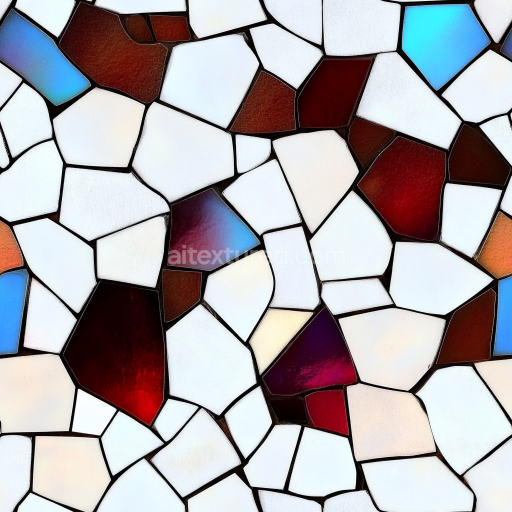
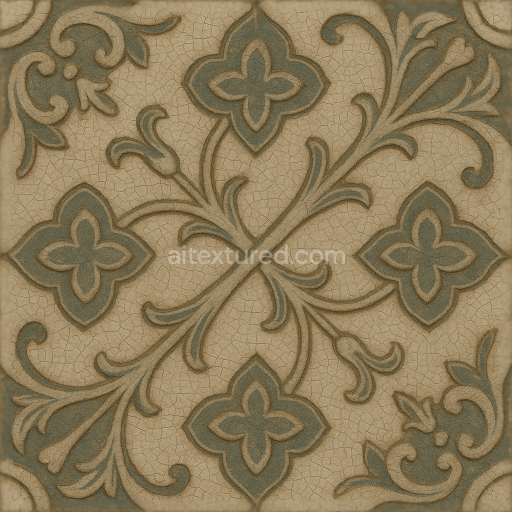
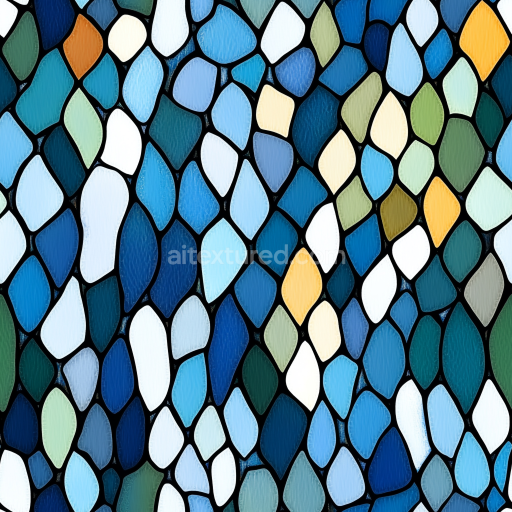
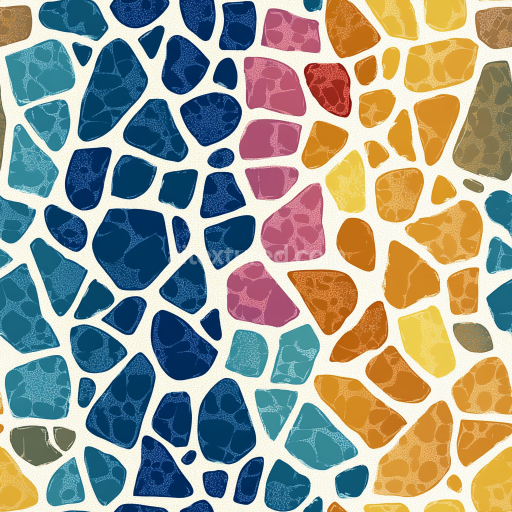
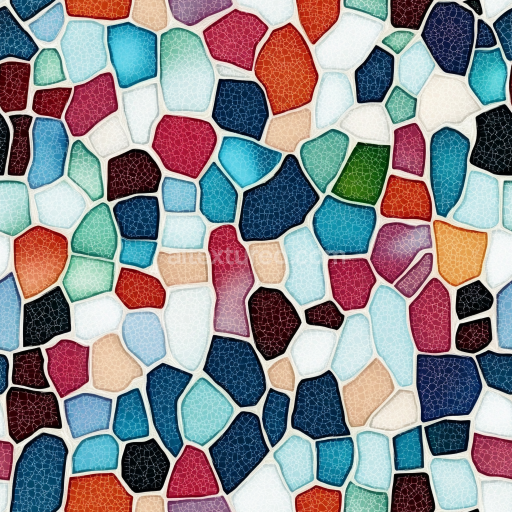
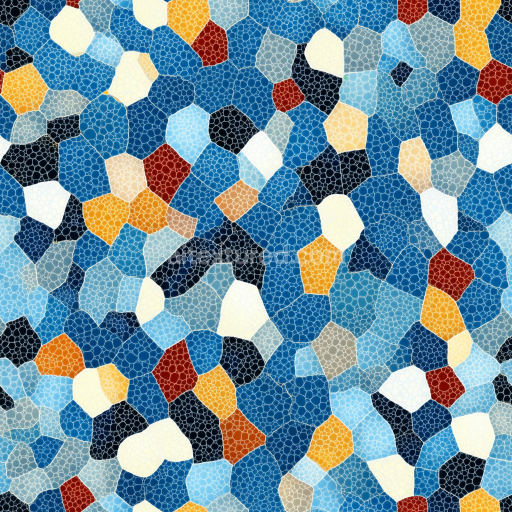
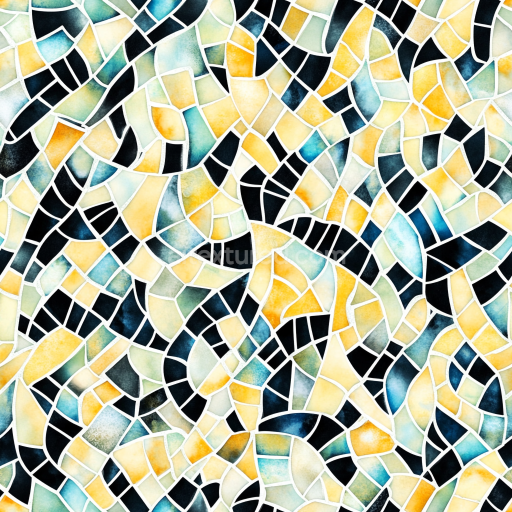
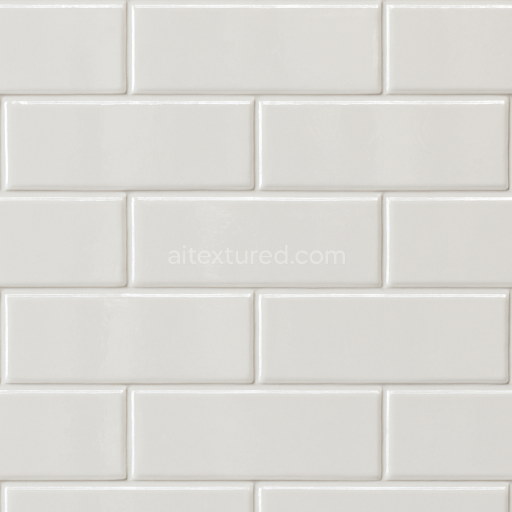
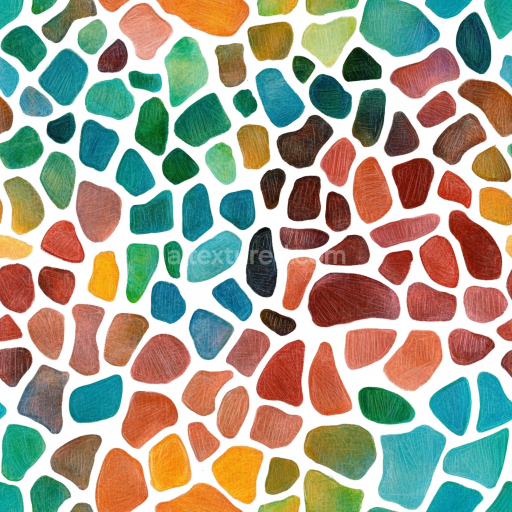
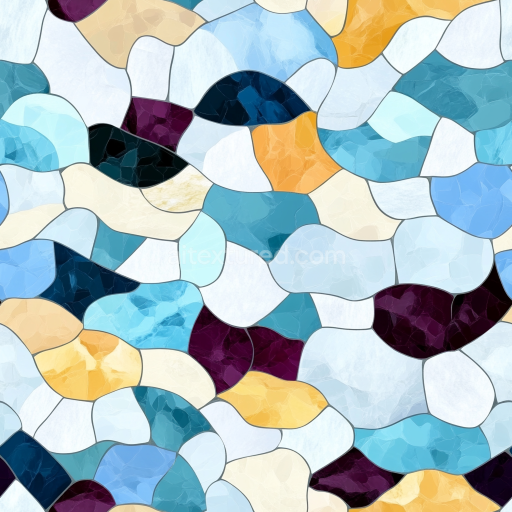
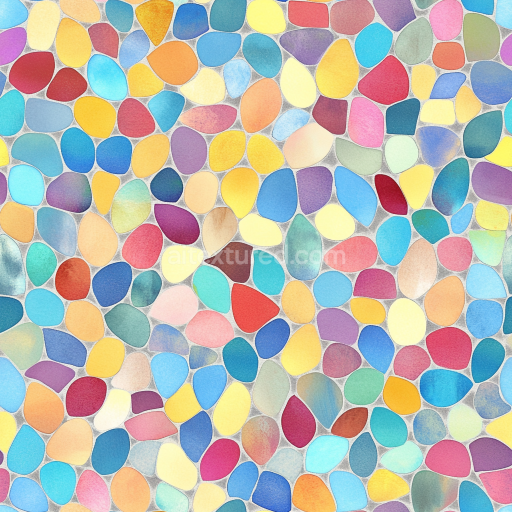
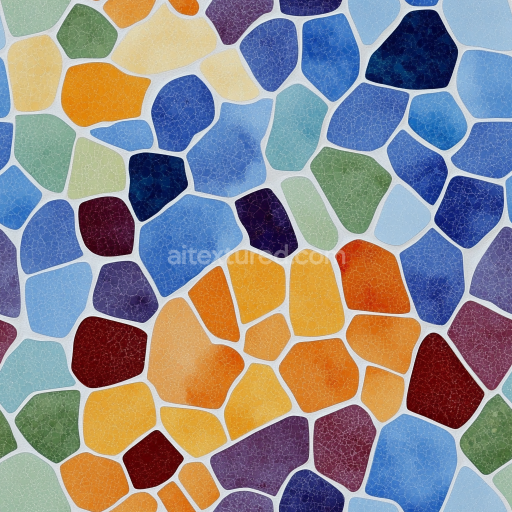
Mosaic PBR Texture Featuring Glossy Stained Glass and White Ceramic Shards
Seamless texture (tileable) · PNG, WEBP, PBR ZIP.
| ID | seamless-3d-texture-pbr-8k-terracotta-tiles-mosaic-with-rustic-tiles-and-earth-tones |
|---|---|
| Category | Mosaic |
| Formats | PNG, WEBP, PBR ZIP |
| Size | 1k (1024x1024px), 2k (2048x2048px), 4k (4096x4096px), 8k (8192x8192px) |
| Tileable | Yes |
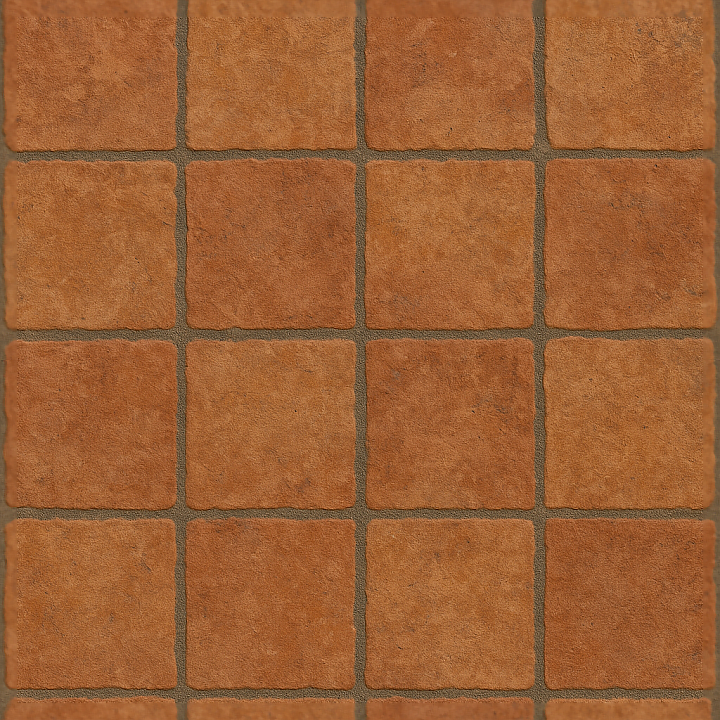
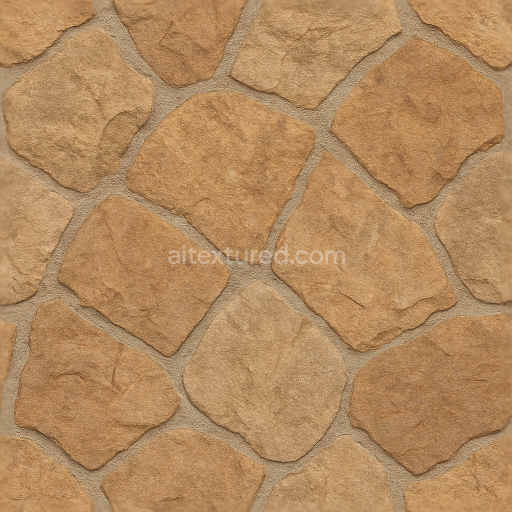
This seamless 3D texture showcases a meticulously crafted mosaic pattern composed of terracotta tiles arranged in a classic square grid. Each tile exhibits a rustic, handcrafted quality typical of Mediterranean ceramics, with subtle variations in thickness and edge wear that enhance the natural authenticity of the material. The base substrate is a dense, fired clay body, imbued with iron oxide pigments that produce the warm earth tones ranging from deep burnt sienna to soft ochre. The tiles’ surface finish is matte with slight textural irregularities, reflecting a lightly brushed treatment that preserves the porous nature of terracotta while preventing excessive gloss. These surface details are essential for the PBR workflow, where the BaseColor channel captures the rich, variegated hues and subtle mottling, while the Normal and Height maps define the fine relief of surface imperfections, chipped edges, and the gentle undulations that simulate handcrafted artistry.
The grout between tiles is rendered as a textured, weathered mortar with a slightly rough finish, exhibiting small cracks and micro-porosity that suggest natural aging and exposure to outdoor elements. This grout layer acts as a visual and physical binder between the terracotta elements, composed primarily of lime and sand aggregates, which create a muted gray-beige tone that complements the warm tiles. The Ambient Occlusion map intensifies the shadowing around grout lines and tile edges, enhancing depth perception and emphasizing the mosaic’s three-dimensional form. The Roughness channel is carefully calibrated to reflect the contrasting tactile qualities: the terracotta tiles maintain a medium roughness, indicative of their semi-porous clay surface, while the grout appears slightly rougher to convey its cementitious texture. Metallic values are near zero, consistent with the non-metallic ceramic and mortar materials.
Rendered in pristine 8K resolution, this texture is optimized for physically based rendering workflows and is fully compatible with Blender, Unreal Engine, and Unity. The high resolution ensures that every nuance—from the fine grain of the clay body to the subtle weathering on the grout—is preserved, allowing for close-up inspection without loss of detail. The texture’s seamless design enables effortless tiling across large surfaces, making it ideal for Mediterranean style interiors, rustic exterior walls, or even stylized game environments requiring authentic natural stone and ceramic materials. The Height map supports displacement or parallax effects to enhance the perception of depth and surface complexity, while the Normal map provides additional micro-detail that responds accurately to dynamic lighting conditions.
For practical application, adjusting the UV scale to match real-world tile dimensions will maintain the texture’s natural proportions and prevent distortion. When fine-tuning roughness values, slightly lowering the grout roughness can simulate occasional polishing or wear, adding subtle variation that enhances realism. Combining the height map with normal map blending can yield a more convincing tactile surface, especially on close camera angles where the interplay of light and shadow reveals the mosaic’s detailed form. This texture offers a comprehensive, photorealistic solution for projects demanding authentic terracotta mosaic materials with rich earth tones and tactile surface qualities.
Import the texture maps into Blender with sRGB color space for albedo/base color and Non-Color for normal, roughness, metallic, AO, height, and ORM maps. Connect normal maps through a Normal Map node, then adjust UV scale with a Mapping node so the material repeats naturally on your model.
For the full step-by-step setup, see How to Use Seamless Textures in Blender. Browse related material examples in wood, concrete, and metal.
Yes. This texture is designed as a seamless tileable PBR material, so it can repeat across large surfaces without visible borders.
Use the download controls on this page: they expose the available PNG, WEBP or engine ZIP choices and supported resolutions for this asset.
Use the engine ZIP choices to package compatible source maps for Blender, Unreal Engine or Unity, then verify the imported material in the target application.
Commercial-use permission is not verified for this record. Confirm the original source and license before production use.
Generate maps from existing images, preview materials, convert channels, and package compatible inputs for Blender, Unity, and Unreal Engine.
Choose a verified workflow for generating maps, previewing tiling, converting channels, or starting from the texture catalog.
Derive Normal, Roughness, AO, Metallic, Height and optional ORM maps from one or more source images, then review the results.
Instant WebGL viewer: inspect materials on a sphere, plane, and cube. Check tiling and lighting in real time.
Re-packages maps per engine: Unreal (BaseColor + ORM), Unity (Mask/MetallicSmoothness), Blender (separate channels).
PNG ↔ JPG ↔ SVG: fast convert, SVG rasterize, embed/trace options, quality & background controls.