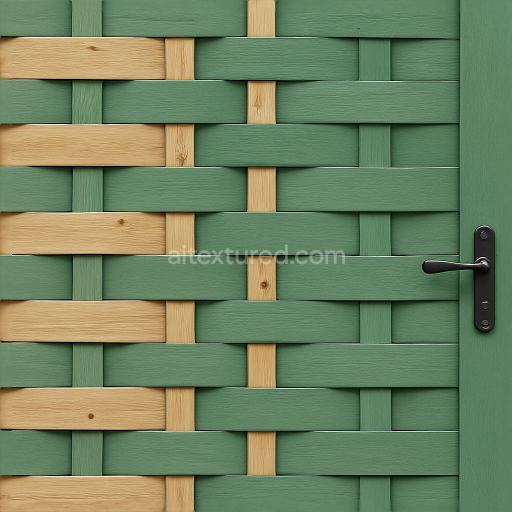
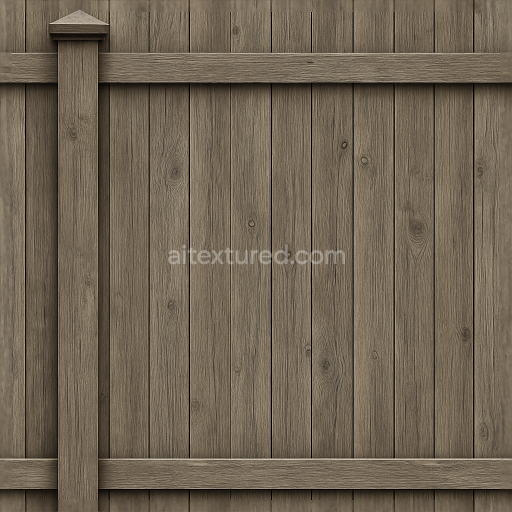
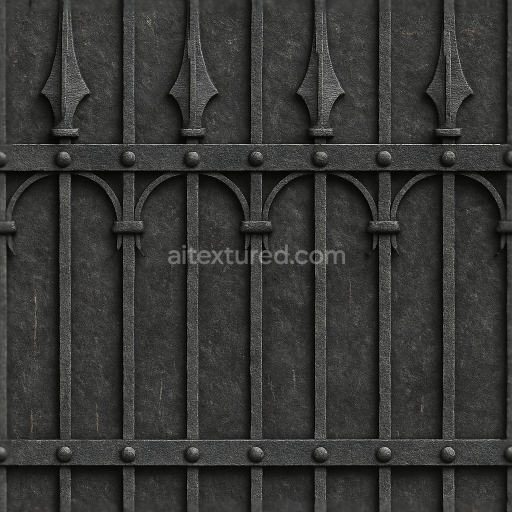
Seamless 8K 3D Texture PBR Woven Wood Garden Fence With Green Fence Paint And Fence Latch…
Seamless texture (tileable) · PNG, WEBP, PBR ZIP.
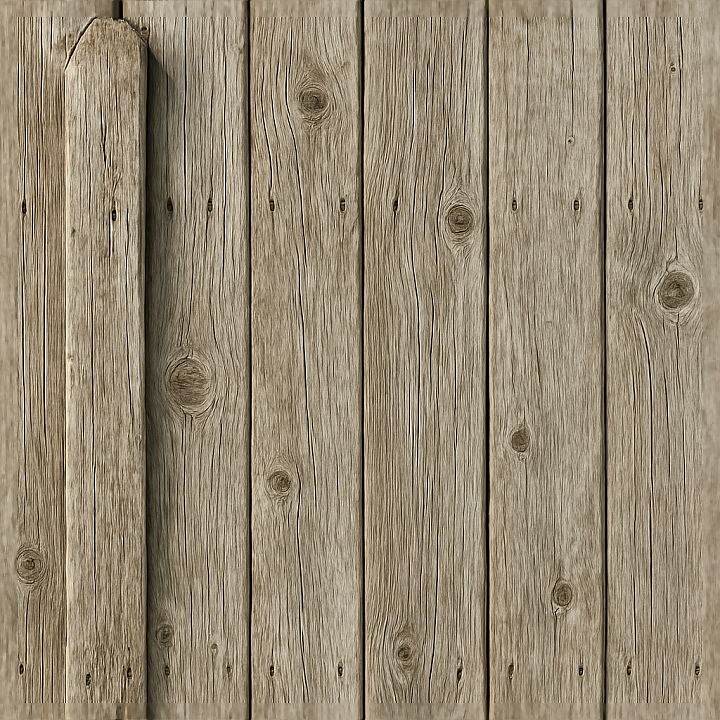
| ID | seamless-8k-3d-texture-pbr-wooden-fence-with-weathered-wood-and-fence-post-details |
|---|---|
| Category | Fences |
| Formats | PNG, WEBP, PBR ZIP |
| Size | 1k (1024x1024px), 2k (2048x2048px), 4k (4096x4096px), 8k (8192x8192px) |
| Tileable | Yes |
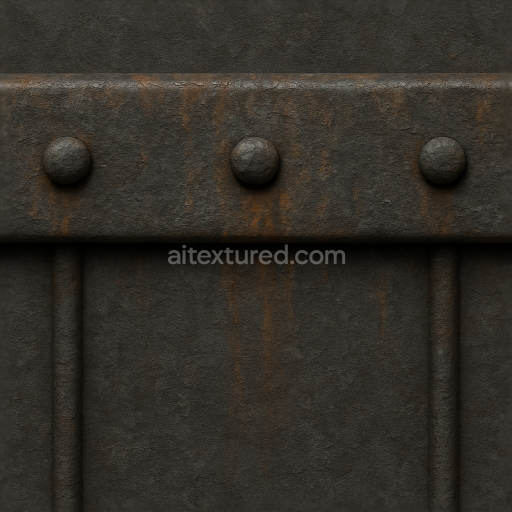
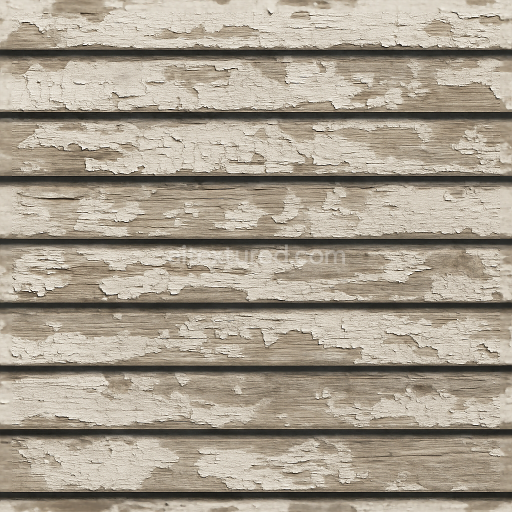
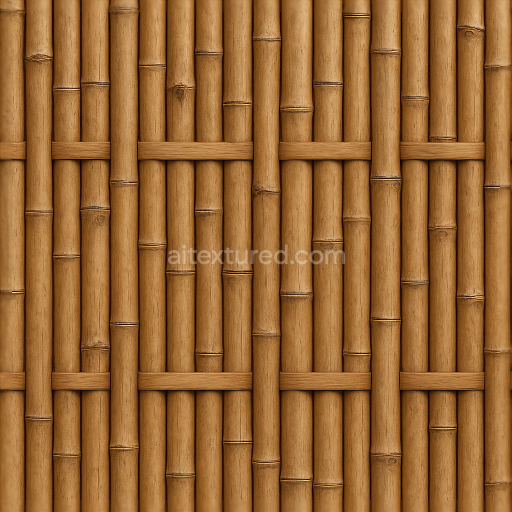
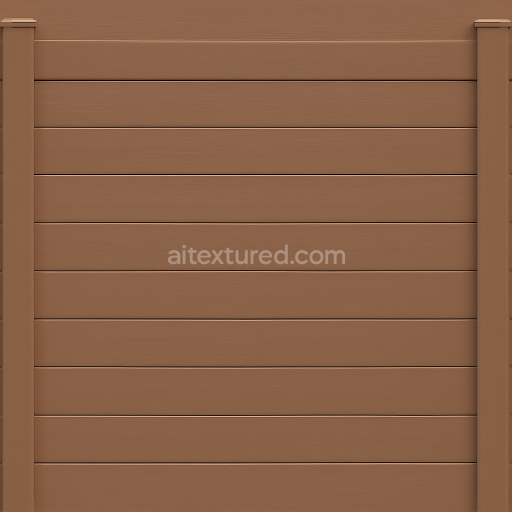
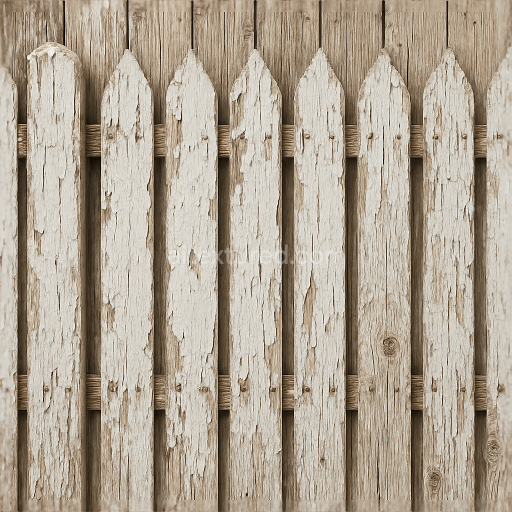
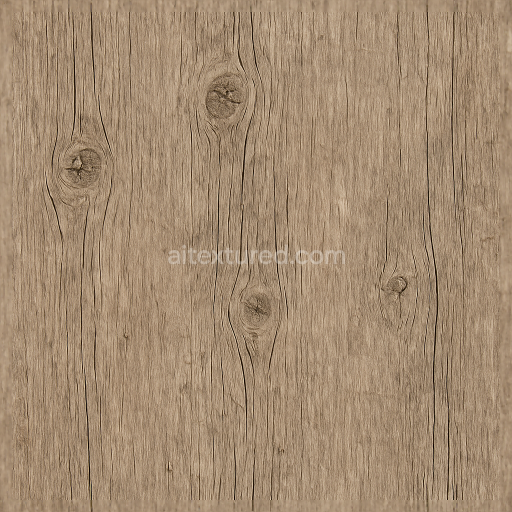
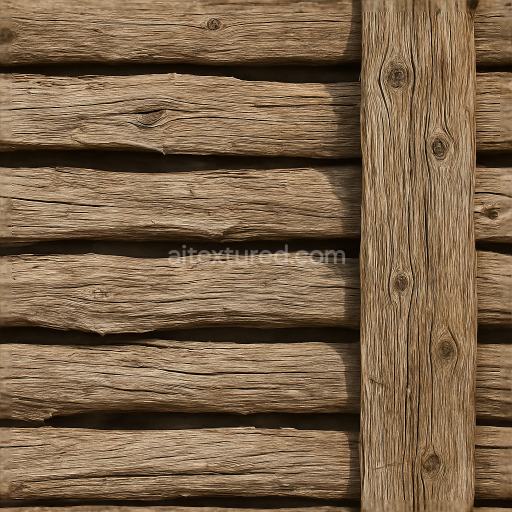
This seamless 8K PBR 3D texture represents an aged wooden fence composed of vertically arranged planks and sturdy fence posts. The material base is natural wood, characterized by a fibrous grain structure with visible knots and cracks formed over years of outdoor exposure. The wood substrate exhibits moderate porosity due to weathering, which has caused surface drying and slight splintering. The color palette ranges from sun-bleached ochres to deeper, dry browns, reflecting natural pigment loss and localized discoloration from UV rays and moisture cycles. The fence posts, integral to the form, display rough edges with subtle nail indentations and splinter details, enhancing the geometric authenticity of the plank arrangement and post intersections.
From a material science perspective, the texture simulates untreated, weathered wood without surface coatings, resulting in a matte, rough finish rather than polished or sealed. The organic grain patterns, knots, and fissures serve as natural aggregates within the wood matrix. Adhesive binders are inherent to the wood’s cellular lignin and cellulose composition, while the visible porosity and micro-cracks contribute to the texture’s height and displacement attributes. This complexity is accurately captured across multiple PBR channels: the BaseColor (Albedo) map delivers the nuanced wood hues and color variation; the Normal and Height maps emphasize the rough wood grain, knots, and post details; the Roughness map reflects the uneven matte finish with higher roughness values in splintered and dry areas; the Ambient Occlusion map enhances shadowing in crevices and nail indentations; the Metallic map remains near zero, consistent with non-metallic organic material.
The geometric form is characterized by vertical wooden planks with irregular width and subtle warping, interspersed with robust fence posts anchoring the structure. This plank pattern allows for seamless tiling, making it suitable for large surfaces without visible repetition. The texture’s high resolution at 8K ensures crisp detail even in close-up views, making it optimal for photorealistic renders. It is fully compatible and optimized for popular 3D software such as Blender, Unreal Engine, and Unity, supporting physically based rendering workflows and real-time applications.
For practical application, it is advisable to adjust the UV scale to maintain the natural plank width proportion and prevent texture stretching. Fine-tuning the Roughness channel can enhance the tactile realism by balancing the dry, rough areas with slightly smoother surfaces around nail heads and less weathered sections. Additionally, blending the Height or Parallax maps with Normal maps can improve depth perception on close inspection, enhancing the visual impact of the wood grain and splintered edges without adding excessive geometry.
Import the texture maps into Blender with sRGB color space for albedo/base color and Non-Color for normal, roughness, metallic, AO, height, and ORM maps. Connect normal maps through a Normal Map node, then adjust UV scale with a Mapping node so the material repeats naturally on your model.
For the full step-by-step setup, see How to Use Seamless Textures in Blender. Browse related material examples in wood, concrete, and metal.
Yes. This texture is designed as a seamless tileable PBR material, so it can repeat across large surfaces without visible borders.
Use the download controls on this page: they expose the available PNG, WEBP or engine ZIP choices and supported resolutions for this asset.
Use the engine ZIP choices to package compatible source maps for Blender, Unreal Engine or Unity, then verify the imported material in the target application.
Commercial-use permission is not verified for this record. Confirm the original source and license before production use.
Generate maps from existing images, preview materials, convert channels, and package compatible inputs for Blender, Unity, and Unreal Engine.
Choose a verified workflow for generating maps, previewing tiling, converting channels, or starting from the texture catalog.
Derive Normal, Roughness, AO, Metallic, Height and optional ORM maps from one or more source images, then review the results.
Instant WebGL viewer: inspect materials on a sphere, plane, and cube. Check tiling and lighting in real time.
Re-packages maps per engine: Unreal (BaseColor + ORM), Unity (Mask/MetallicSmoothness), Blender (separate channels).
PNG ↔ JPG ↔ SVG: fast convert, SVG rasterize, embed/trace options, quality & background controls.