
Free Seamless Asphalt PBR Textures
Browse free tileable asphalt PBR materials for 3D rendering, games, archviz and product visualization. Download PNG/WEBP maps in available resolutions for Blender, Unreal Engine and Unity.
Select by:
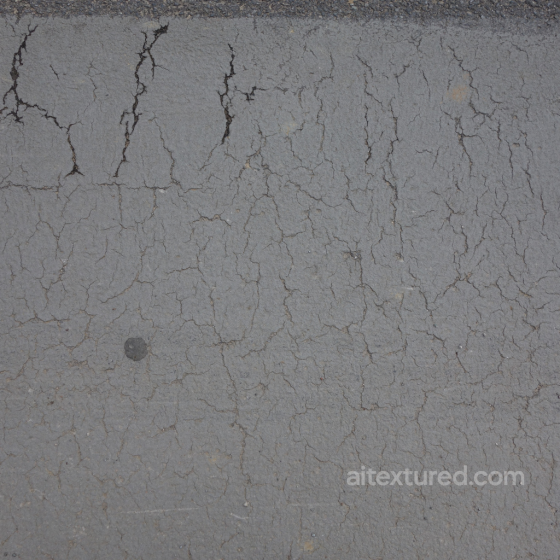
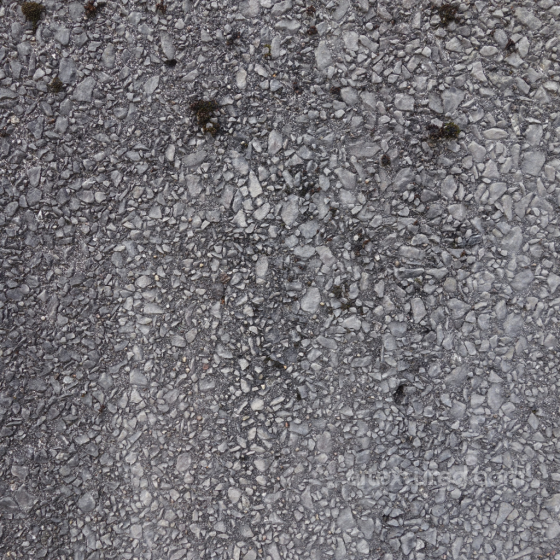
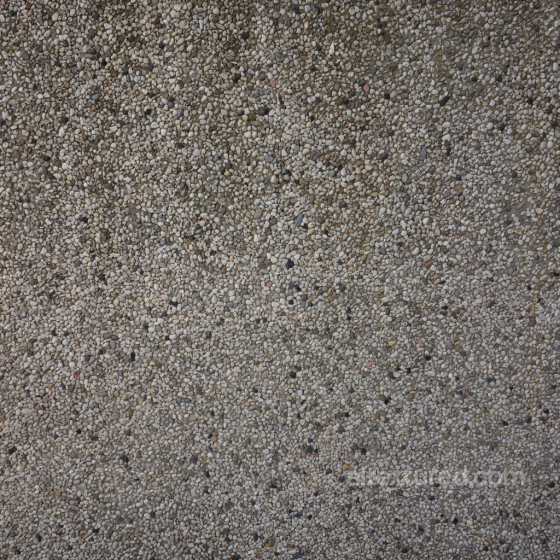
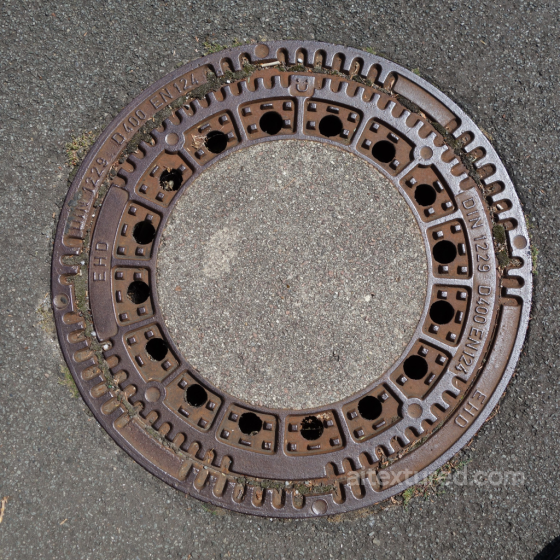
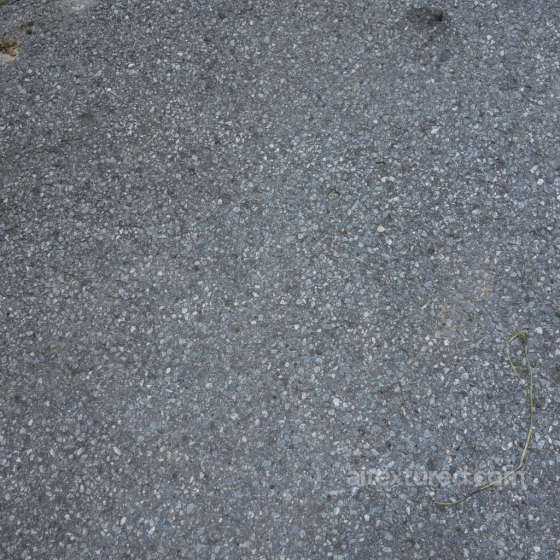
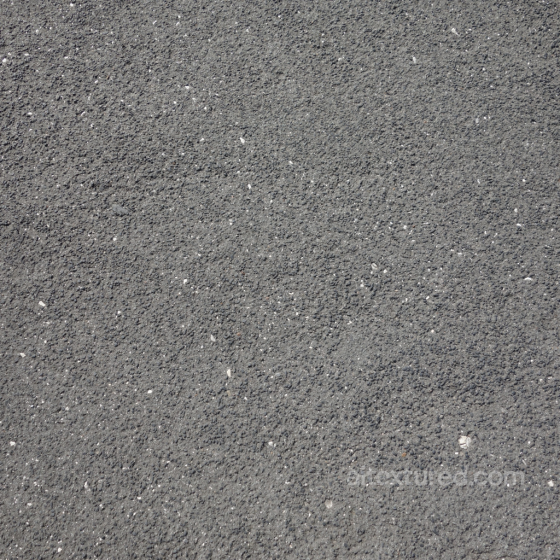
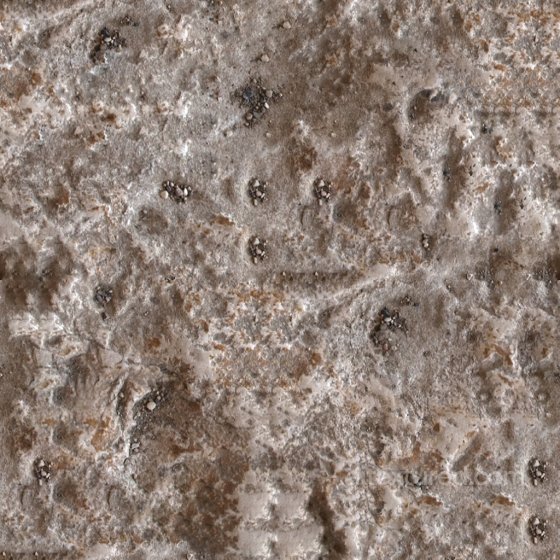
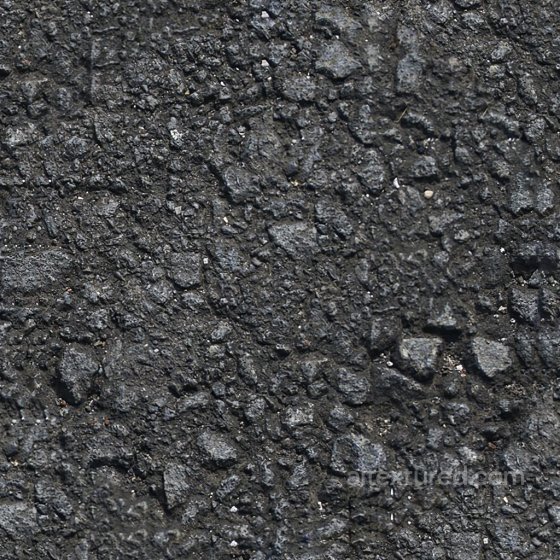
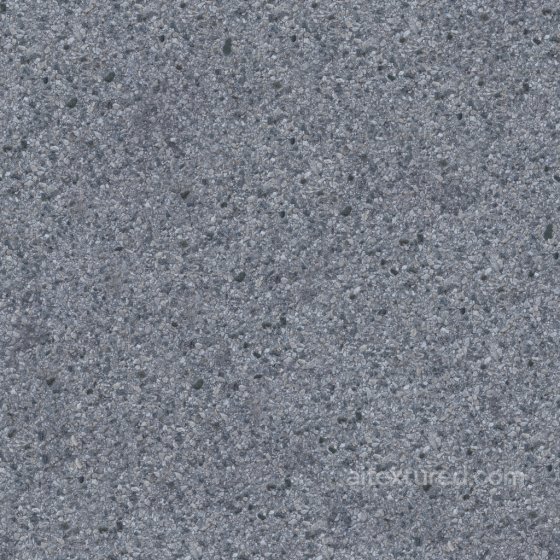
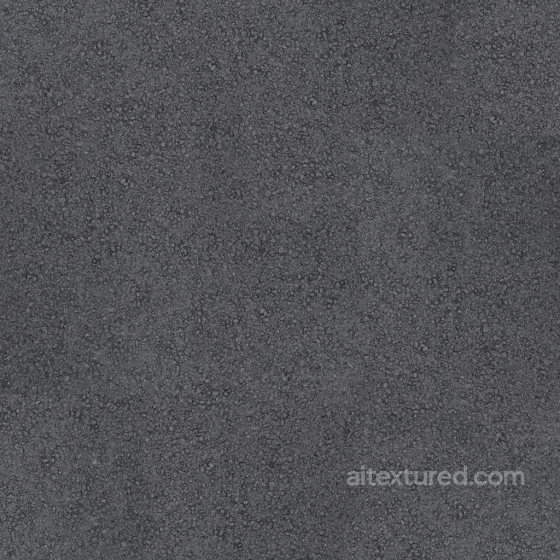
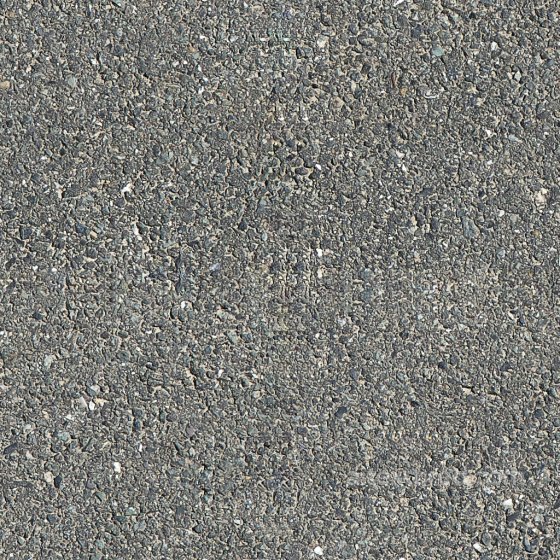
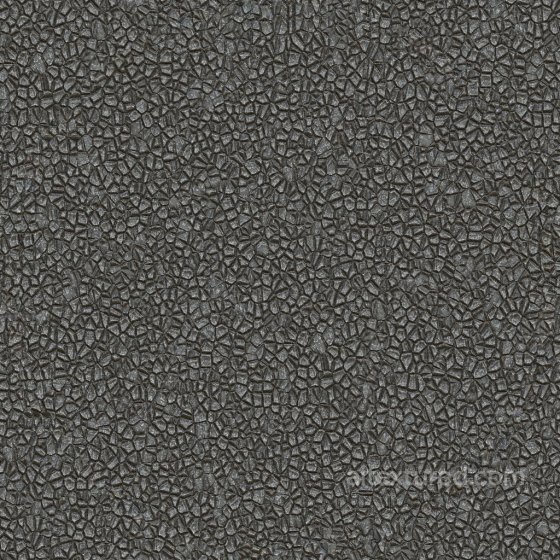
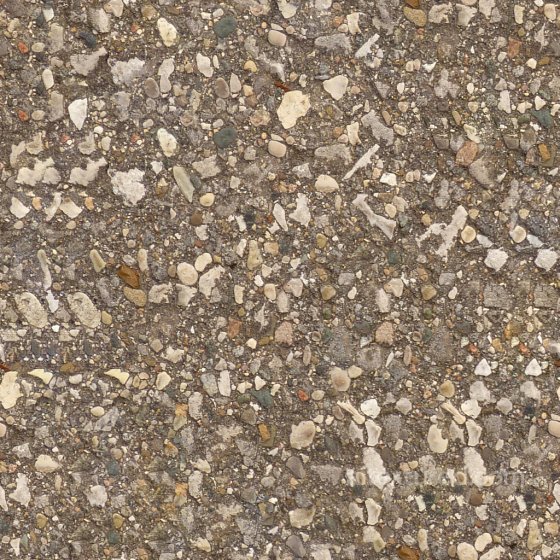
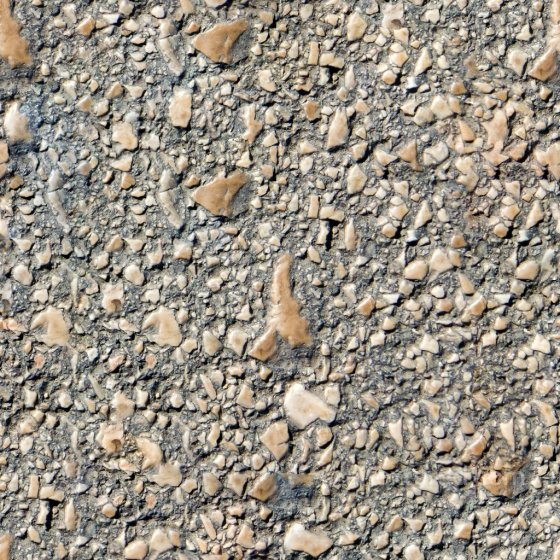
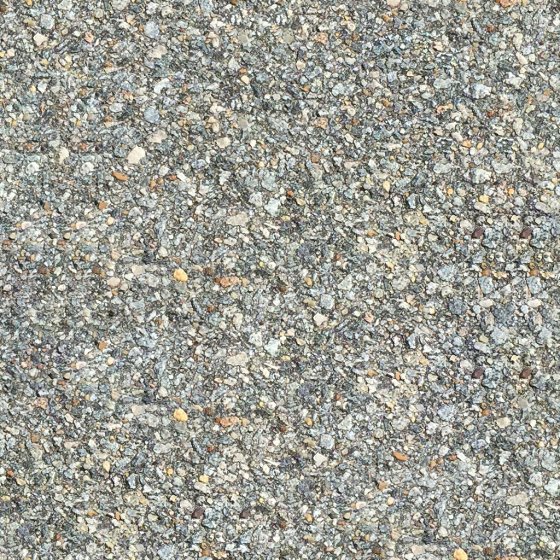
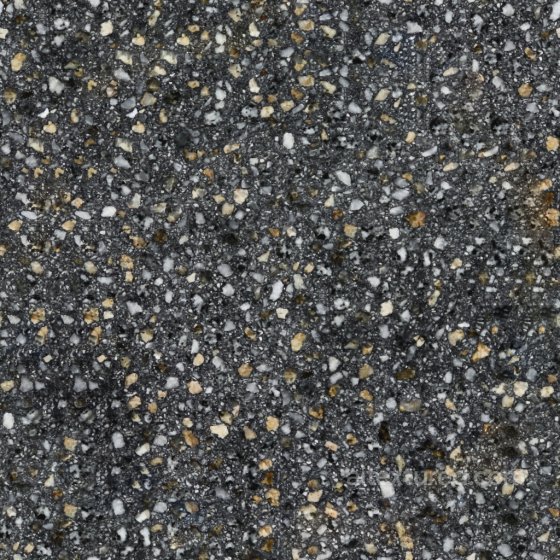
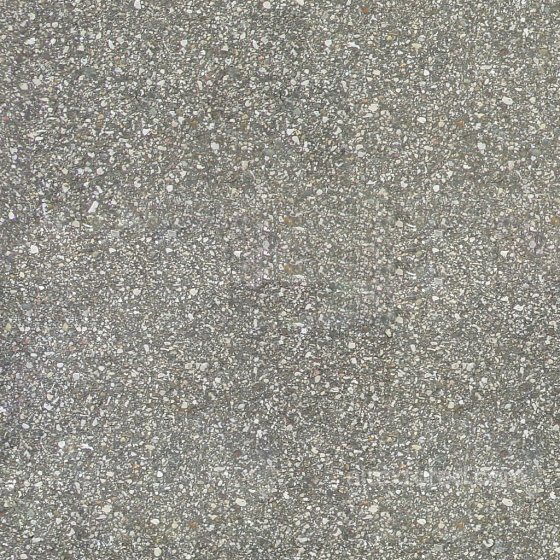
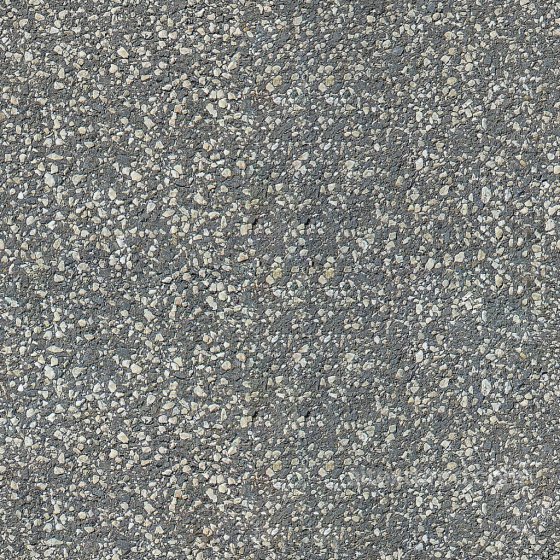
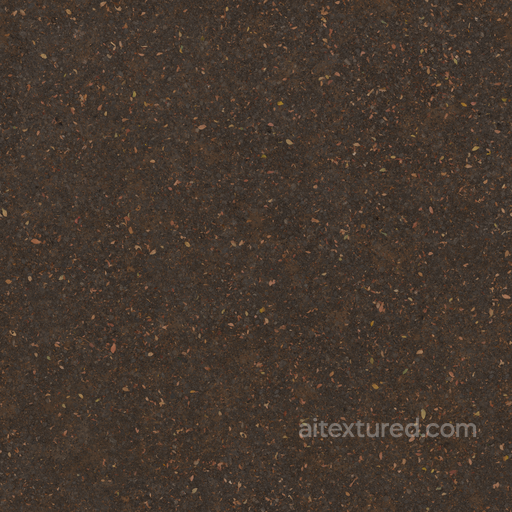
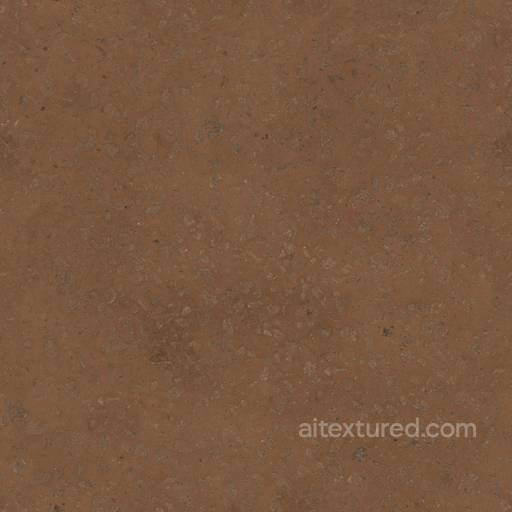
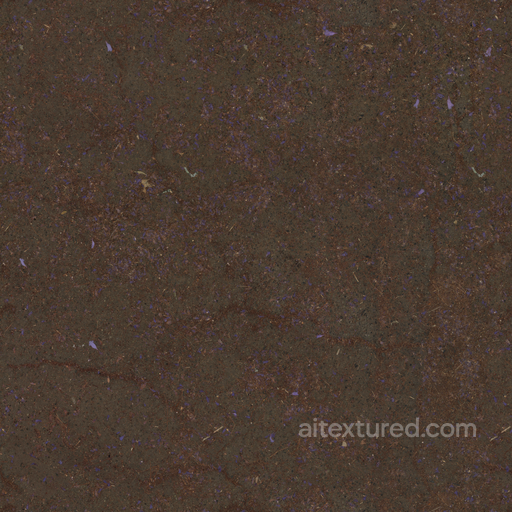
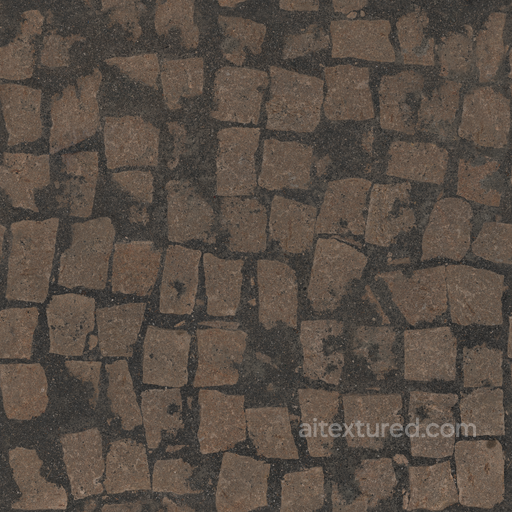
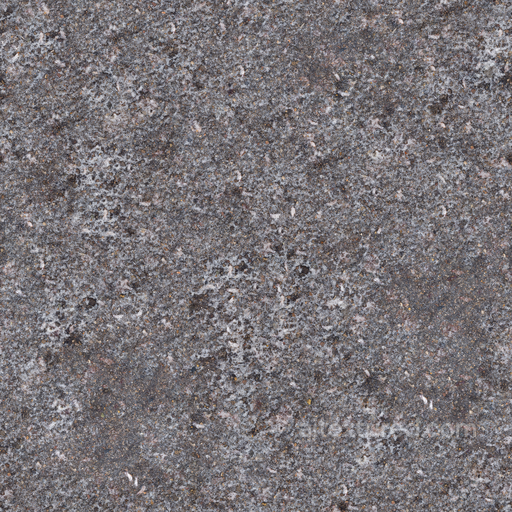
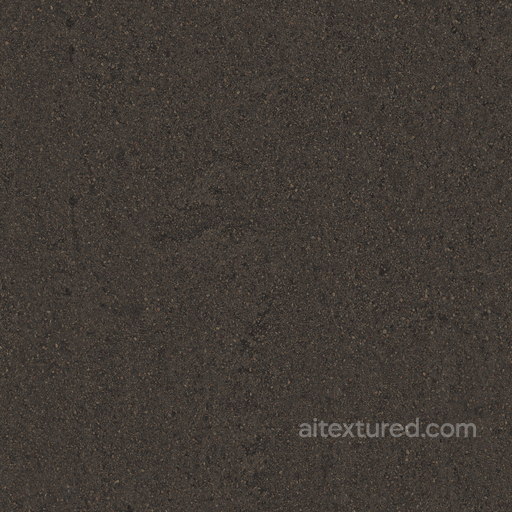
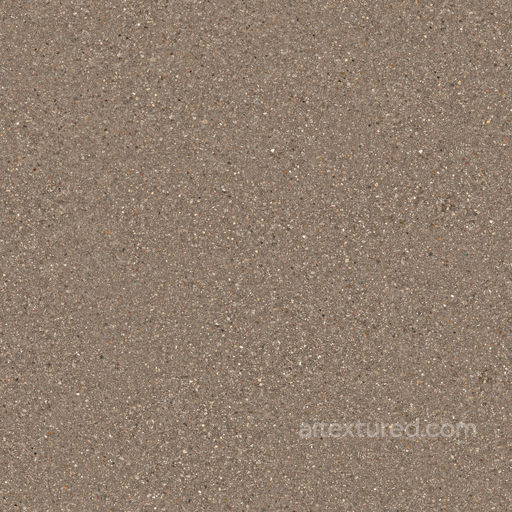
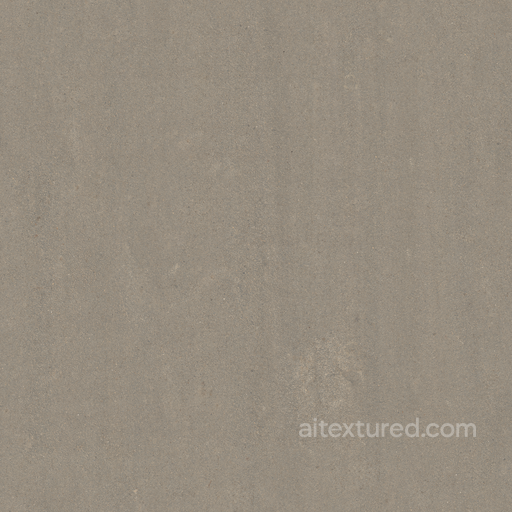
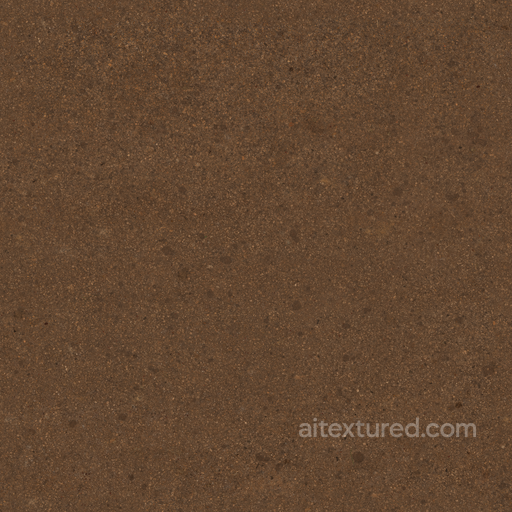
Asphalt textures are essential for creating realistic and detailed surfaces in various 3D projects, ranging from urban environments to roadways and parking lots. This section offers seamless, tileable PBR textures of asphalt in up to 8K resolution, ensuring exceptional clarity and detail for both close-ups and large-scale scenes. The collection includes a diverse range of asphalt types, from fresh and smooth surfaces to weathered, worn, and eroded patches. Each texture set typically contains BaseColor (Albedo), Normal, Roughness, Metallic, Ambient Occlusion, and Height/Displacement maps, providing comprehensive material data that enhances realism and depth in rendering engines. Designed for compatibility with Blender, Unity, and Unreal Engine, these asphalt textures cover a wide spectrum of appearances including matte, shiny, polished, dull, and rough finishes. You can find variations that portray coarse, aggregate-rich road surfaces, fine and natural patterns, as well as ornate or synthetic styles suitable for decorative or modern architectural elements. Some textures feature realistic details such as oil stains, rubberized marks, recycled millings, and patch repairs, adding authenticity to both clean and dirty environments. This versatility allows you to simulate everything from high-speed highways to aged parking lots with solid, patterned asphalt. For practical usage, consider combining the height and normal maps to create subtle bump effects that emphasize the coarse and granular nature of the asphalt, enhancing realism without sacrificing performance. This approach is especially effective when simulating speed bumps, eroded edges, or rubberized tire tracks. By leveraging the full set of PBR maps, you can achieve a balanced look that captures the interplay of light on shiny and matte surfaces, making your asphalt textures appear convincingly detailed and tactile in any modern 3D workflow.
Source and license status varies by asset; review the detail page before use.
Asphalt Texture FAQ
Are these asphalt textures seamless?
Tiling support varies by asset. Open a texture page and use the tiled preview to check seams and repetition before production use.
Can I use these textures in Blender, Unreal Engine and Unity?
Map availability varies by asset. Review the map list, then use the engine mapper when target-specific packing is required.
Which maps are included?
Depending on the asset, downloads may include base color, normal, roughness, ambient occlusion, height and packed engine maps.
Are the textures free for commercial projects?
Check the license block on each texture page before using an asset in commercial production.
Explore More Texture Resources
Related texture categories
Texture workflow tools
AITextured Tools
Generate maps from existing images, preview materials, convert channels, and package compatible inputs for Blender, Unity, and Unreal Engine.
PBR Material Tools
Choose a verified workflow for generating maps, previewing tiling, converting channels, or starting from the texture catalog.
Input: image or existing maps → Output: preview, PBR maps, or engine-ready package
Explore tools
PBR Texture Generator
Derive Normal, Roughness, AO, Metallic, Height and optional ORM maps from one or more source images, then review the results.
Input: PNG/JPG/WEBP → Output: Normal, Roughness, AO, Height, Metallic, ORM ZIP
Create PBR maps
Online Texture Preview
Instant WebGL viewer: inspect materials on a sphere, plane, and cube. Check tiling and lighting in real time.
Input: material maps → Output: interactive render and tiling check
Preview material
Unity / Unreal / Blender Mapper
Re-packages maps per engine: Unreal (BaseColor + ORM), Unity (Mask/MetallicSmoothness), Blender (separate channels).
Input: PBR maps → Output: Blender, Unreal, Unity channel packages
Convert maps
Image Converter
PNG ↔ JPG ↔ SVG: fast convert, SVG rasterize, embed/trace options, quality & background controls.
Input: PNG/JPG/SVG → Output: converted image format
Convert images